Studio render
Tesla wrap render: studio photos and 360° videos
Turn any design from the editor into a studio photo or a 6-second 360° turntable video, sized for Instagram, TikTok, YouTube and X. It is the same studio we use for our own posts, and it costs no credits.
- No credits needed
- Photo or 360° video
- 4 social formats
- Every current Tesla model
Last updated
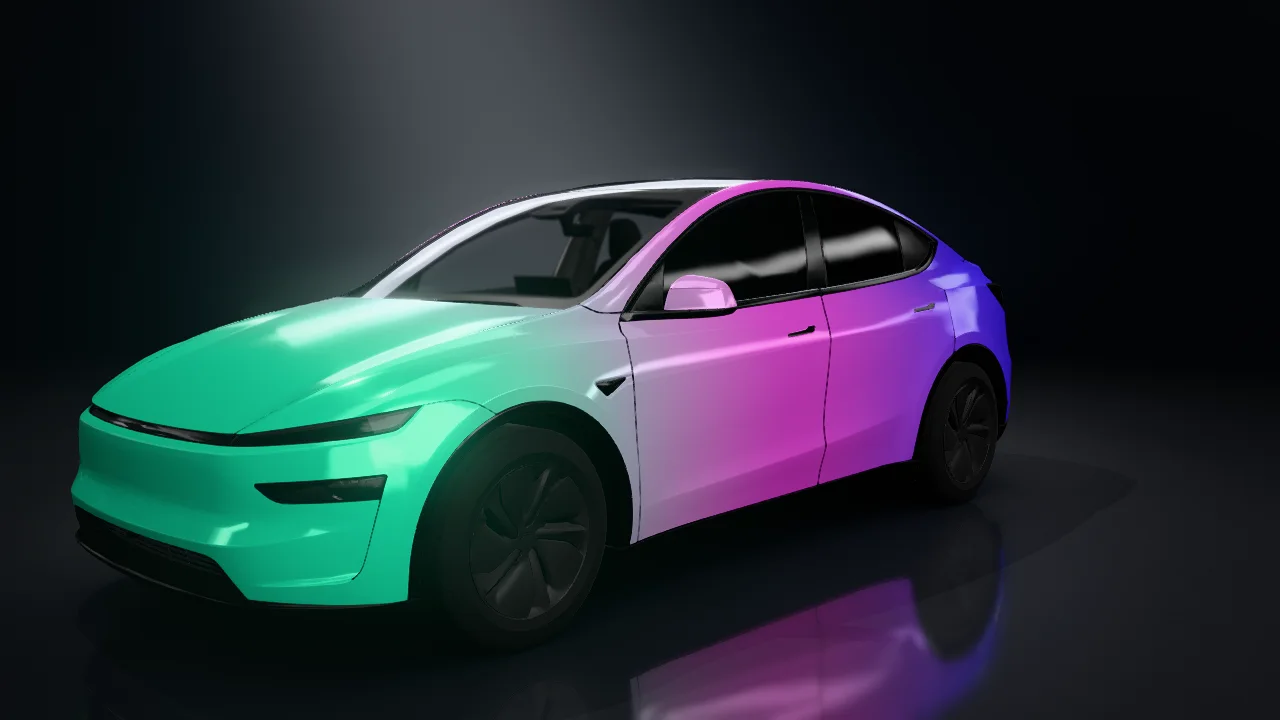
Four formats, ready to post
Pick the format when you start a render. Every format is available as a PNG photo or an MP4 video.
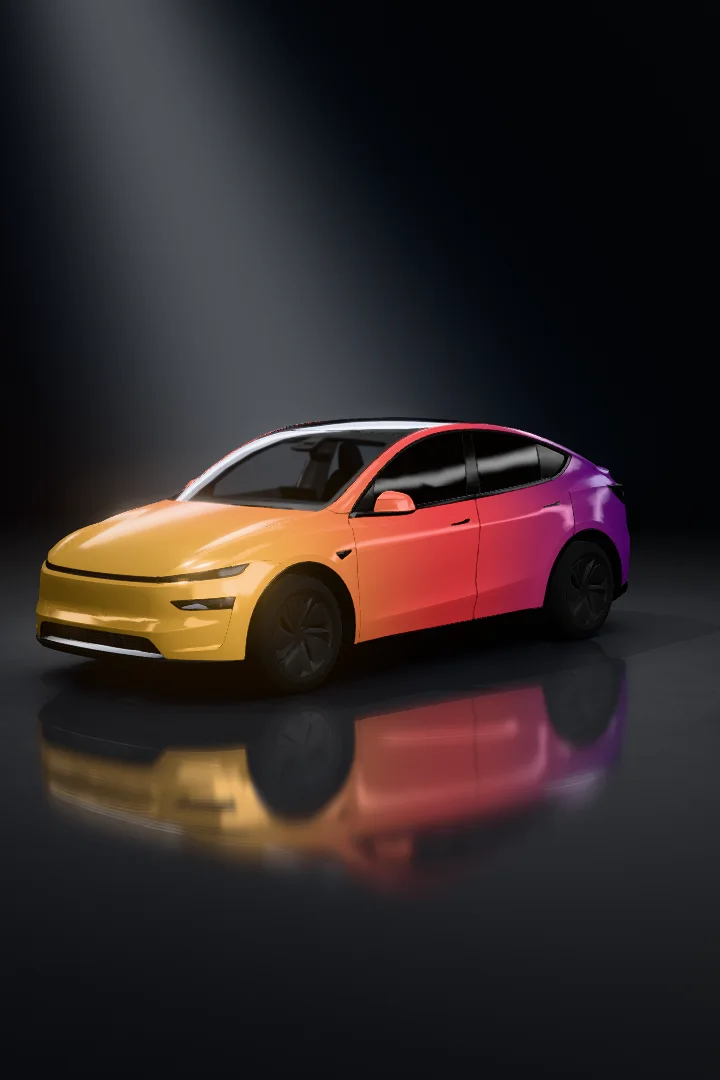
Portrait 2:3
1080 × 1620 · Instagram, Pinterest
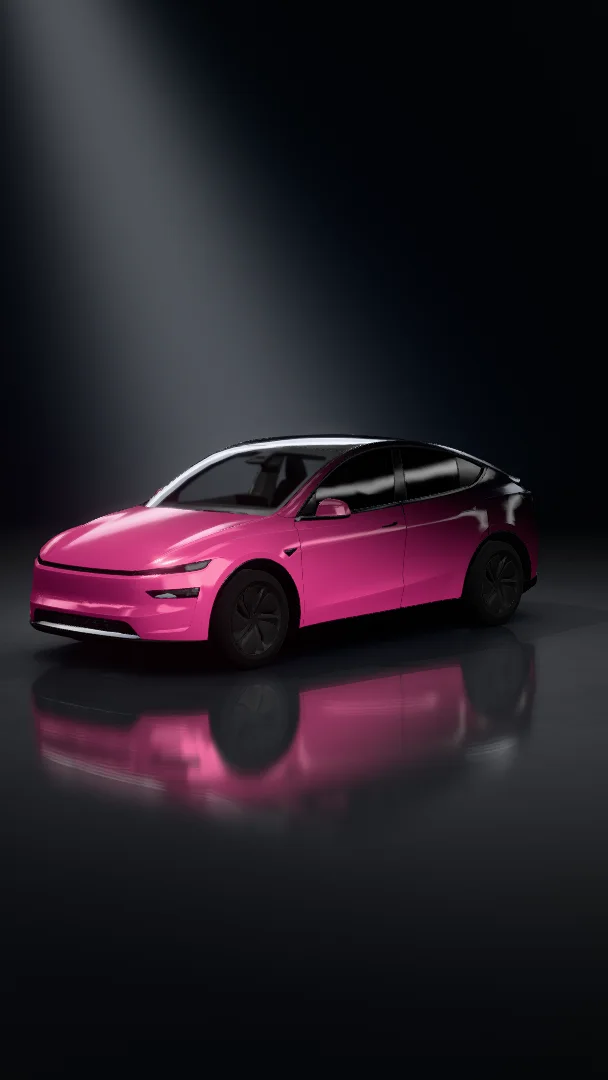
Vertical 9:16
1080 × 1920 · Reels, TikTok, Shorts
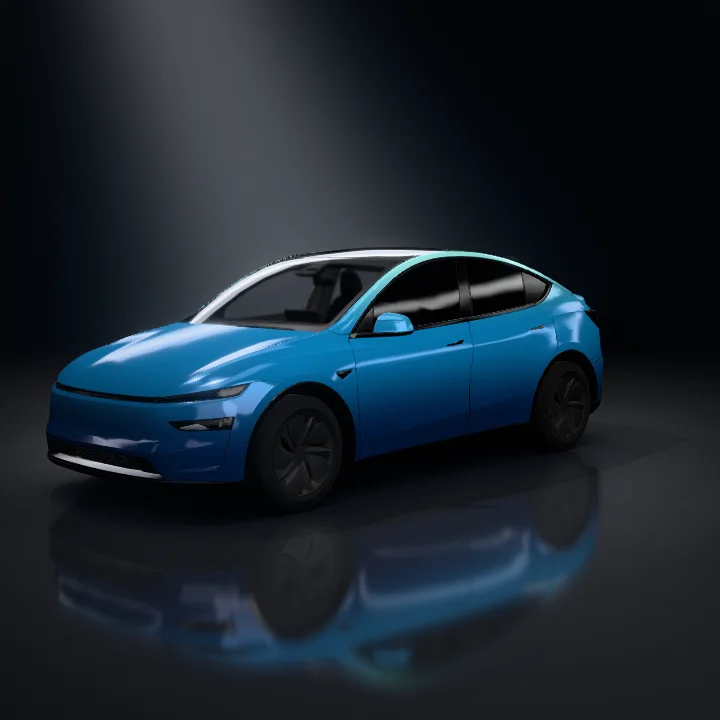
Square 1:1
1080 × 1080 · Feed posts
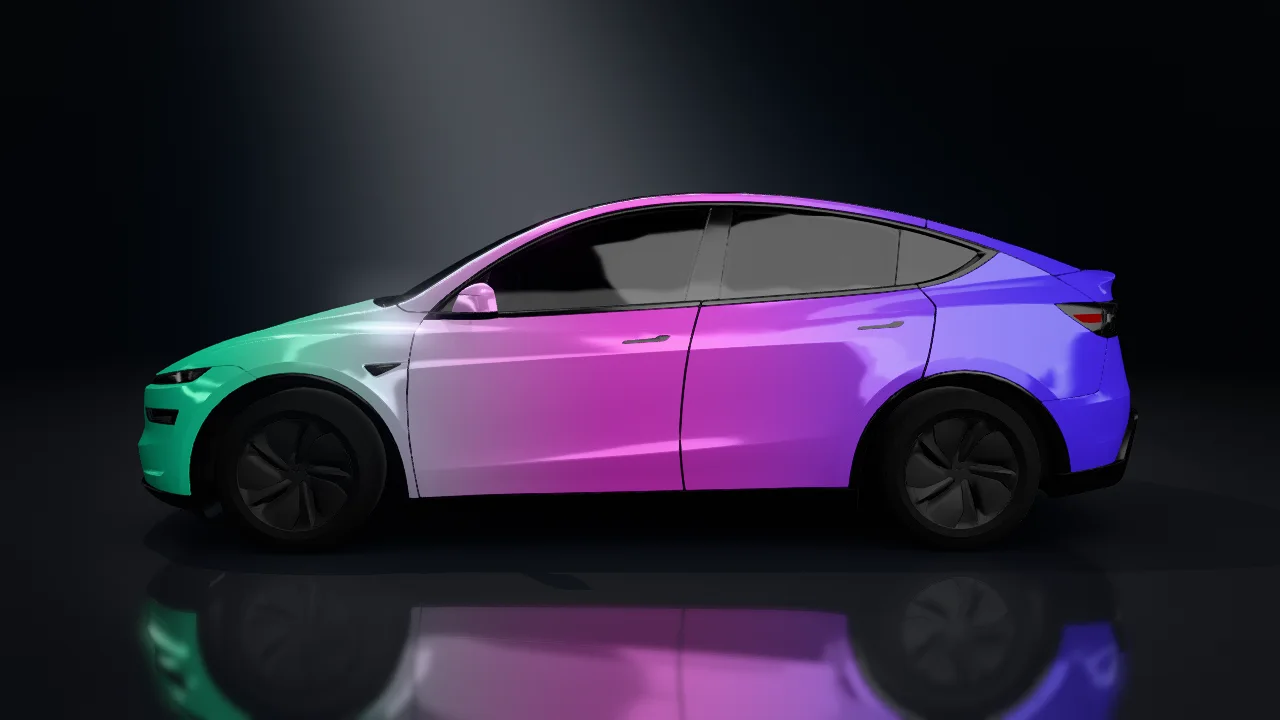
Landscape 16:9
1920 × 1080 · X, YouTube
From the editor to a video in three steps
- 1
Design your wrap
Start from a template, a gallery design, a gradient or an AI generation in the free editor.
- 2
Press Render
Choose a photo or a 360° video and one of four formats. Sign in to start; the render joins the studio queue.
- 3
Download
Renders are usually ready in a few minutes. You can close the window: they wait under “Your renders” for 30 days.
Free, or without a watermark
Rendering never uses credits. The only difference is the watermark.
Free
- Photos and 360° videos in all four formats
- No credits used
- A small tesla-wrap.design watermark
- Up to 3 renders at a time
Members
- Everything in Free
- No watermark
- Clean files for your channel, ads or client work
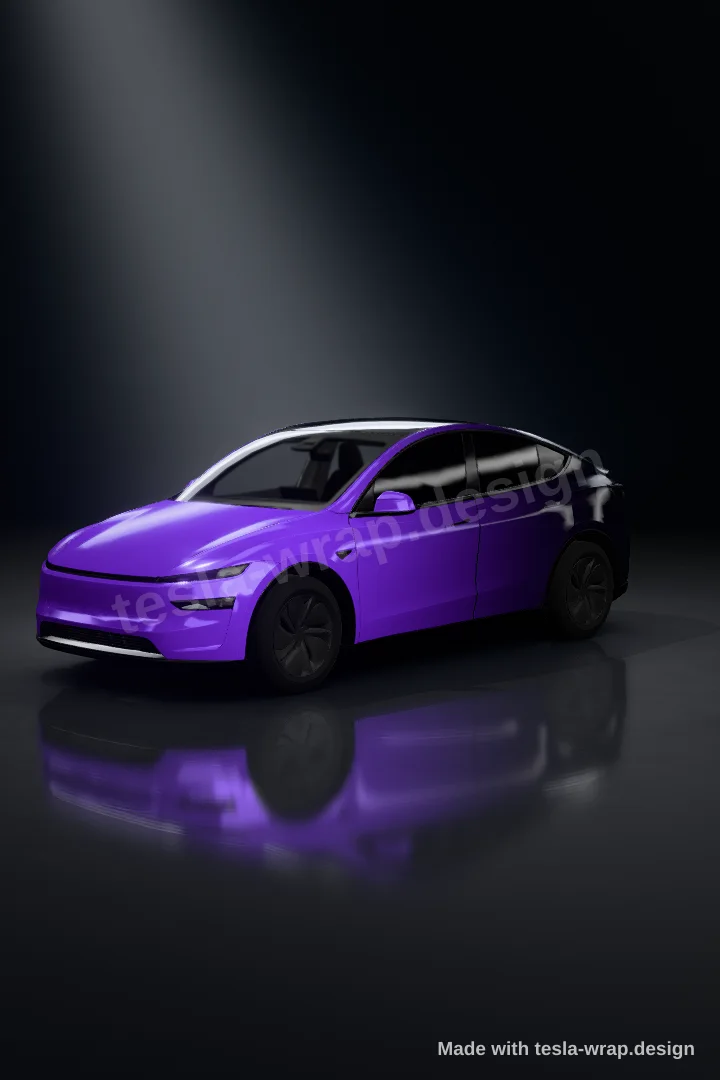
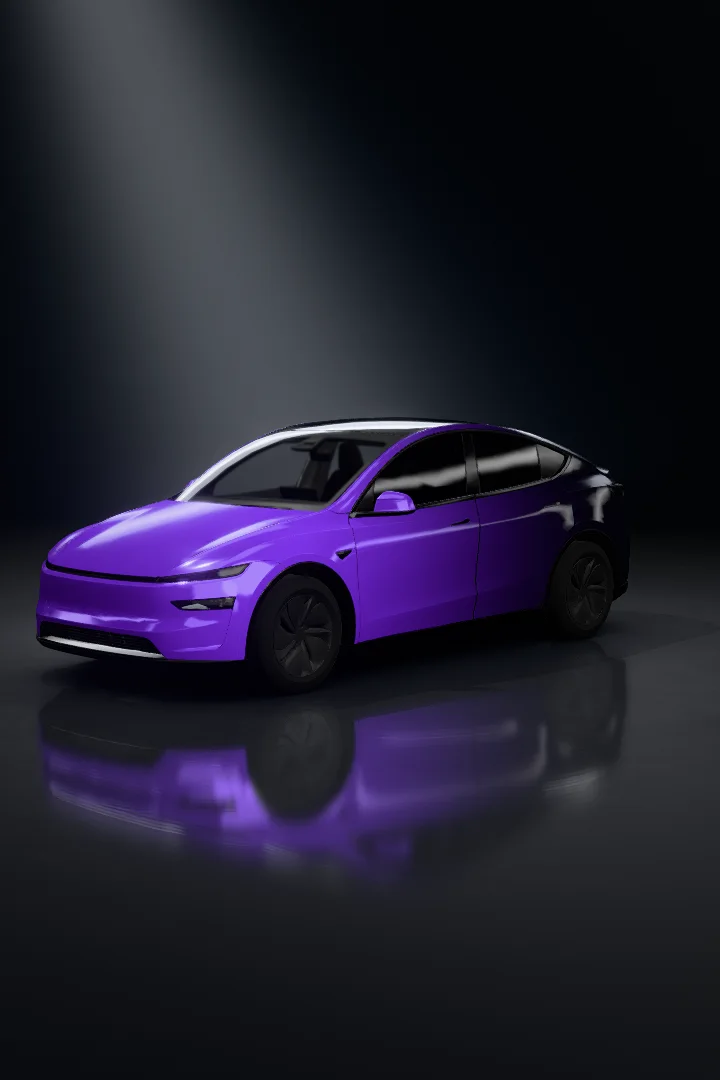
Render details
- Photo
- PNG at the full size of the chosen format
- Video
- MP4 (H.264), 6 seconds at 30 fps, one full turn of the car
- Scene
- Dark studio with a soft overhead light and floor reflections
- Models
- Every current Tesla in the editor, including Cybertruck
- Queue
- Up to 3 renders at a time per account; usually ready in a few minutes
- Storage
- Kept for 30 days, then deleted
Need a design first? Start with a gradient
Pick one of seven gradient presets, adjust it in 3D and send it straight to the render studio.
Open the gradient designerRender FAQ
Does rendering cost credits?
No. Photos and videos are free. Free renders carry a small tesla-wrap.design watermark; members get the same files without it.
How long does a render take?
Usually a few minutes. Renders are made on our studio machine in the order they arrive, so at busy times it can take longer. The render window shows your place in the queue.
Do I need an account?
Yes, sign in to start a render so it can be kept in your account. Designing in the editor works without one.
Which formats can I choose?
Portrait 2:3 (1080 × 1620), vertical 9:16 (1080 × 1920), square 1:1 (1080 × 1080) and landscape 16:9 (1920 × 1080), each as a PNG photo or an MP4 video.
Can I post the renders on social media?
Yes, they are made for Instagram, TikTok, YouTube, X and Pinterest. Please leave the watermark on free renders.
How long are renders kept?
30 days. Download the files you want to keep before then.