Tesla wrap templates
Every Paint Shop wrap starts from the template for your exact model and trim. Here are all 12 templates Tesla publishes, with their sizes, a link to Tesla's original file and a free editor that loads the right template for you.
Last updated
Model Y
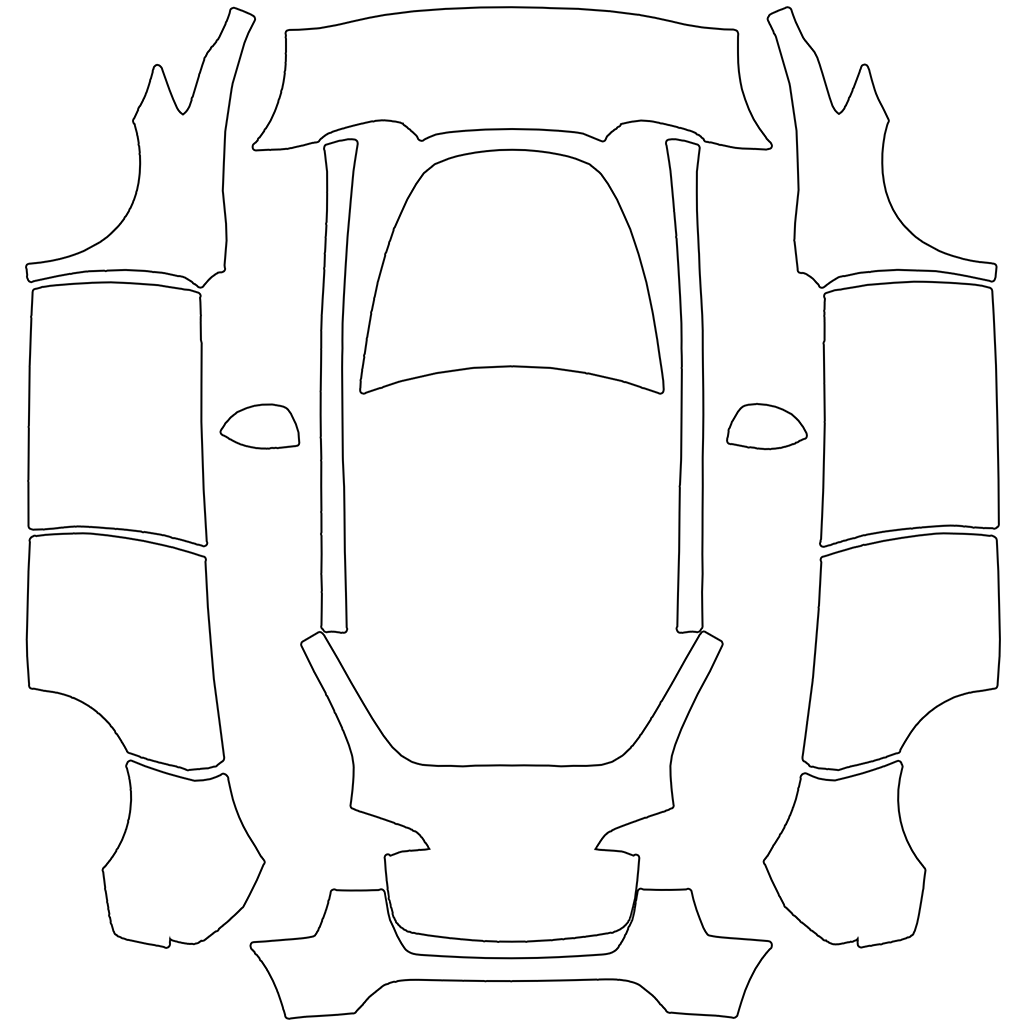
Model Y
1024 × 1024 px template
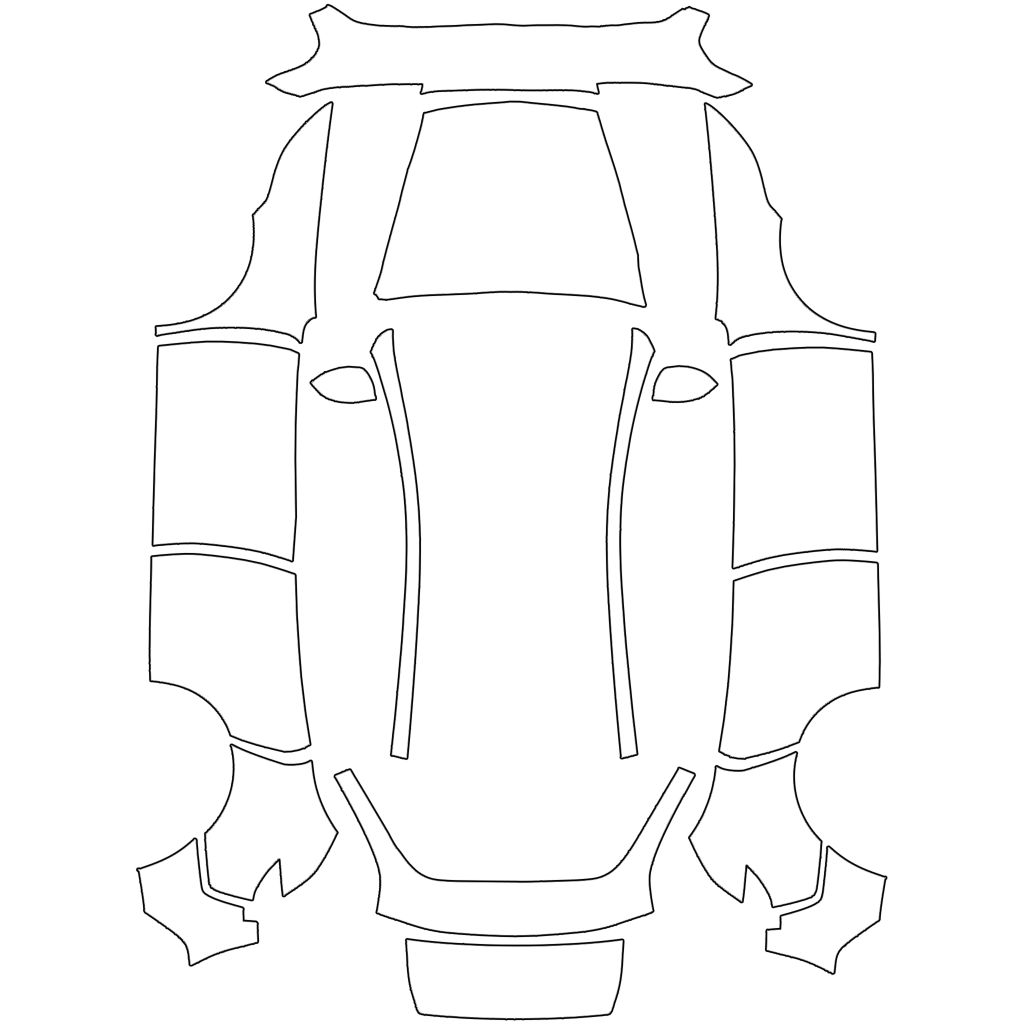
Model Y (2025+) Standard
1024 × 1024 px template
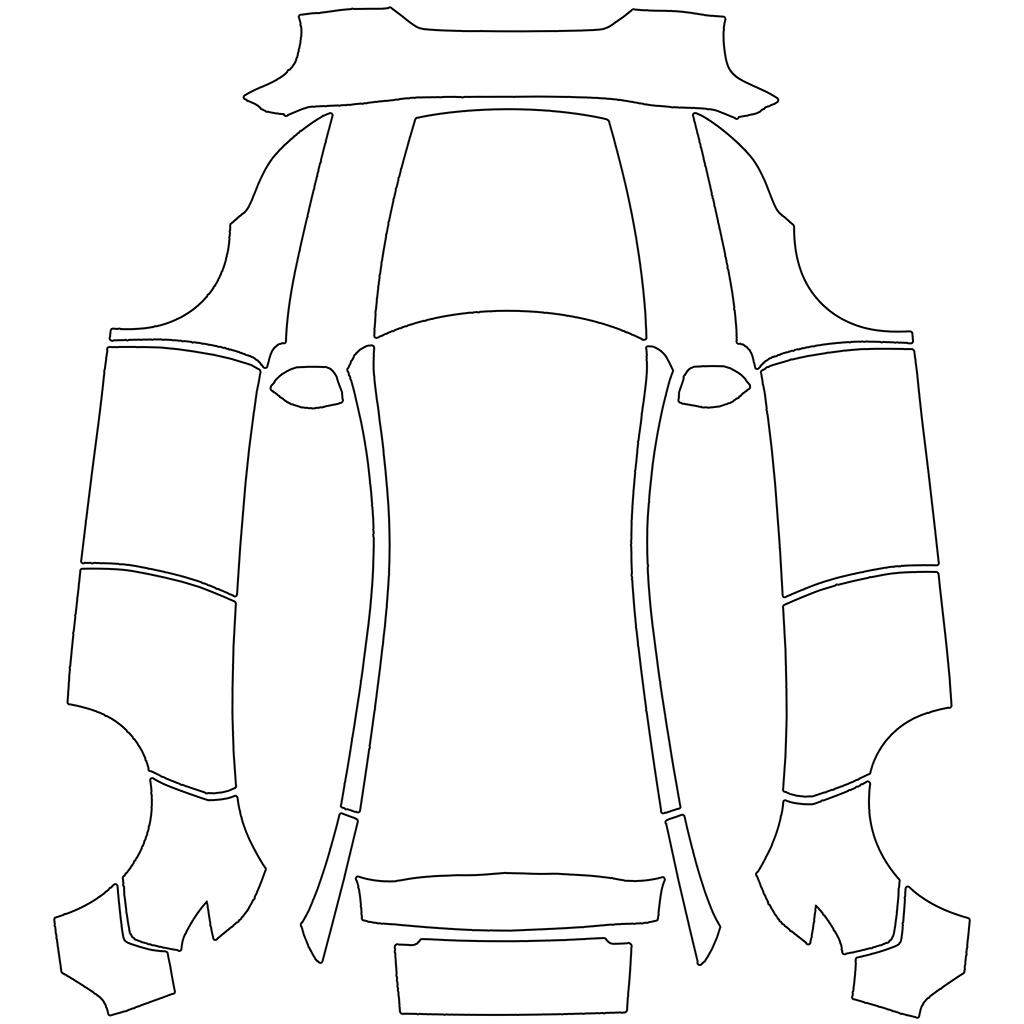
Model Y (2025+) Premium
1024 × 1024 px template
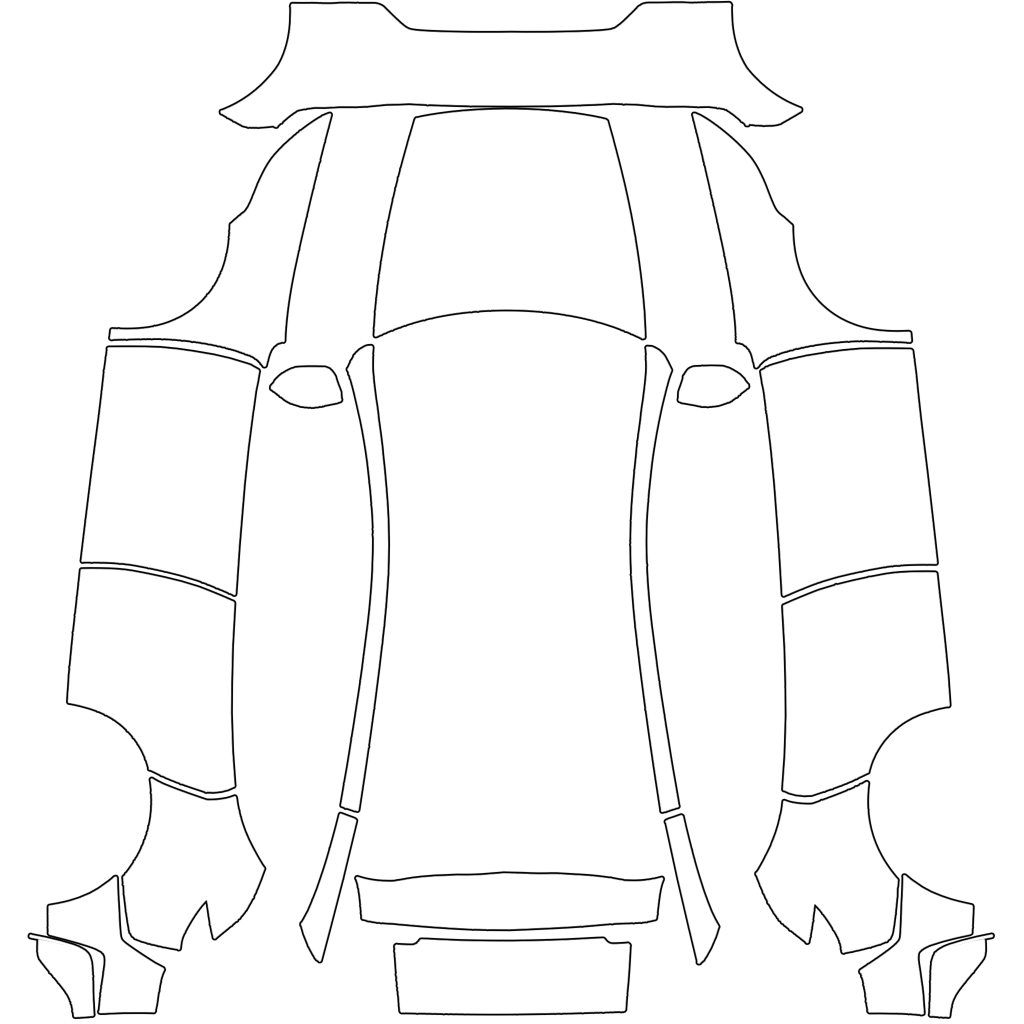
Model Y (2025+) Performance
1024 × 1024 px template
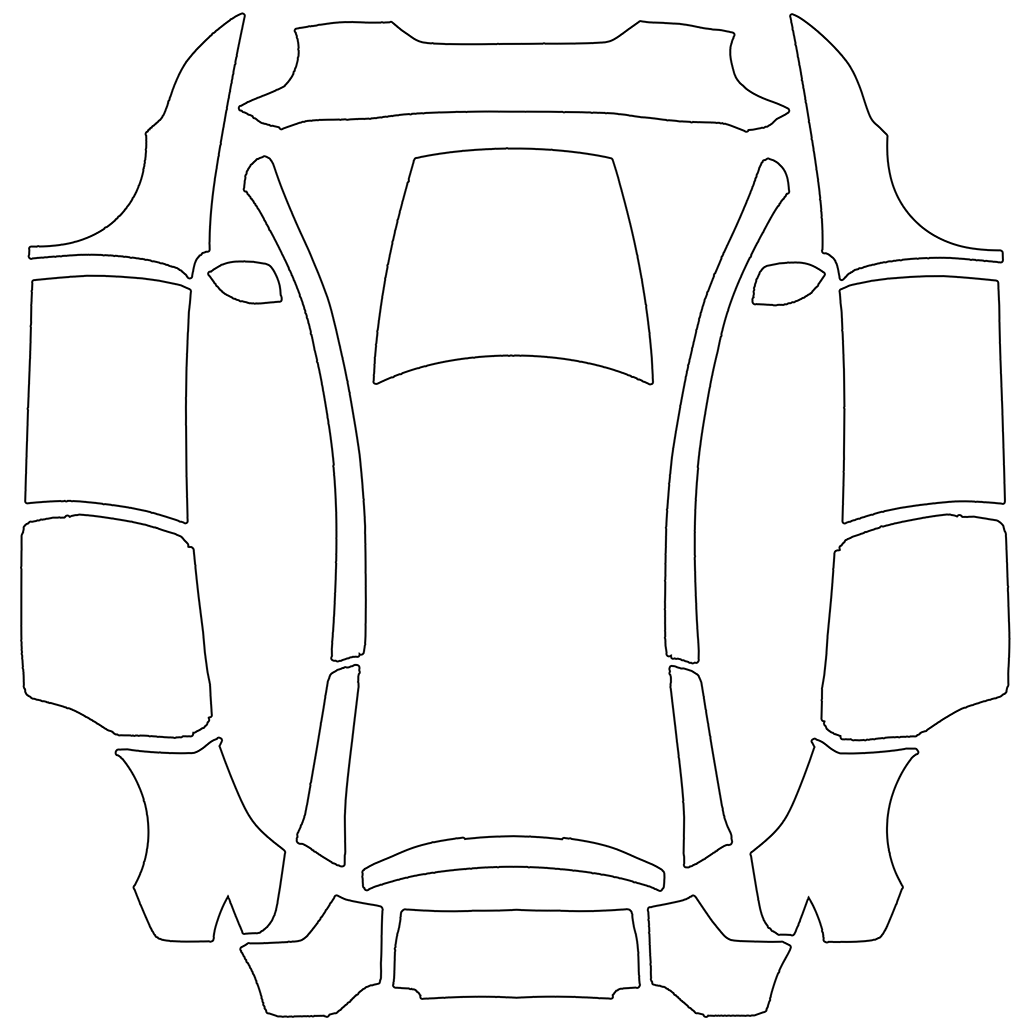
Model Y L
1024 × 1024 px template
Model 3
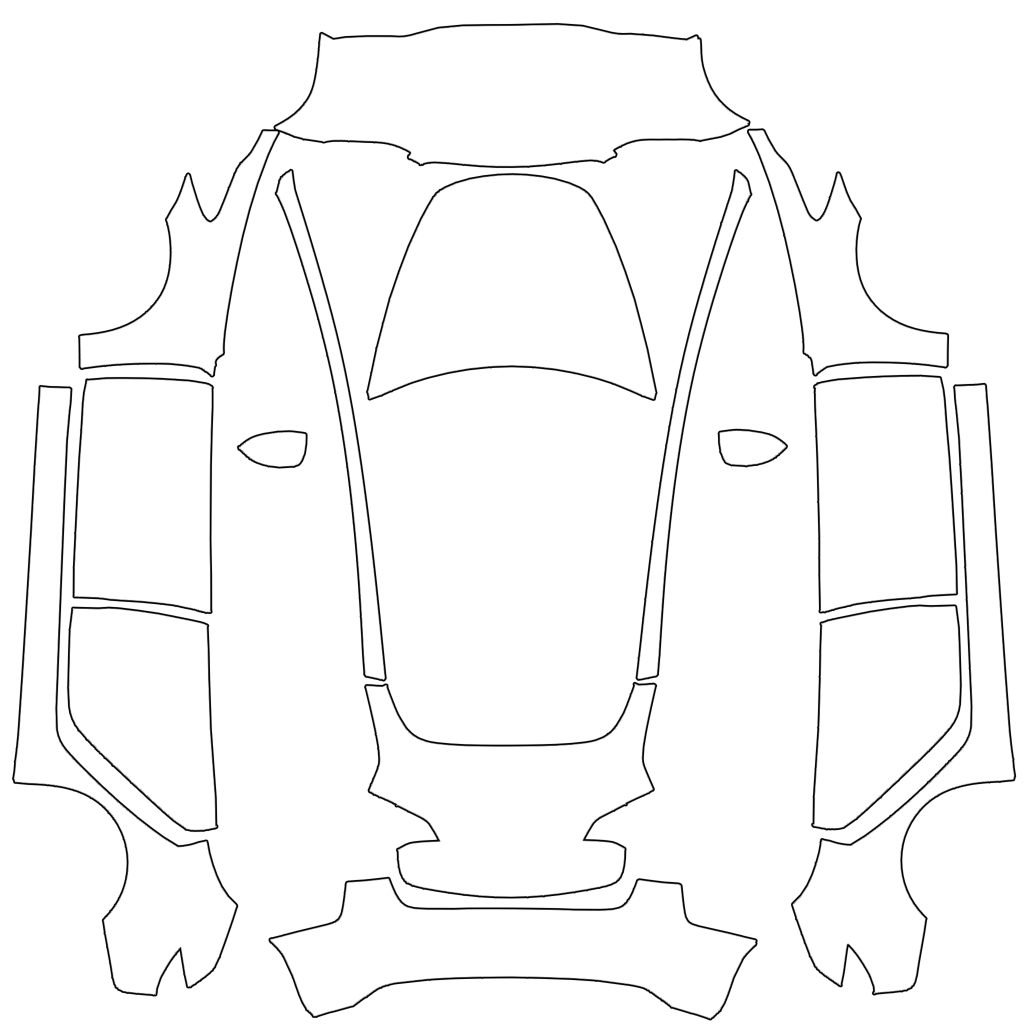
Model 3
1024 × 1024 px template
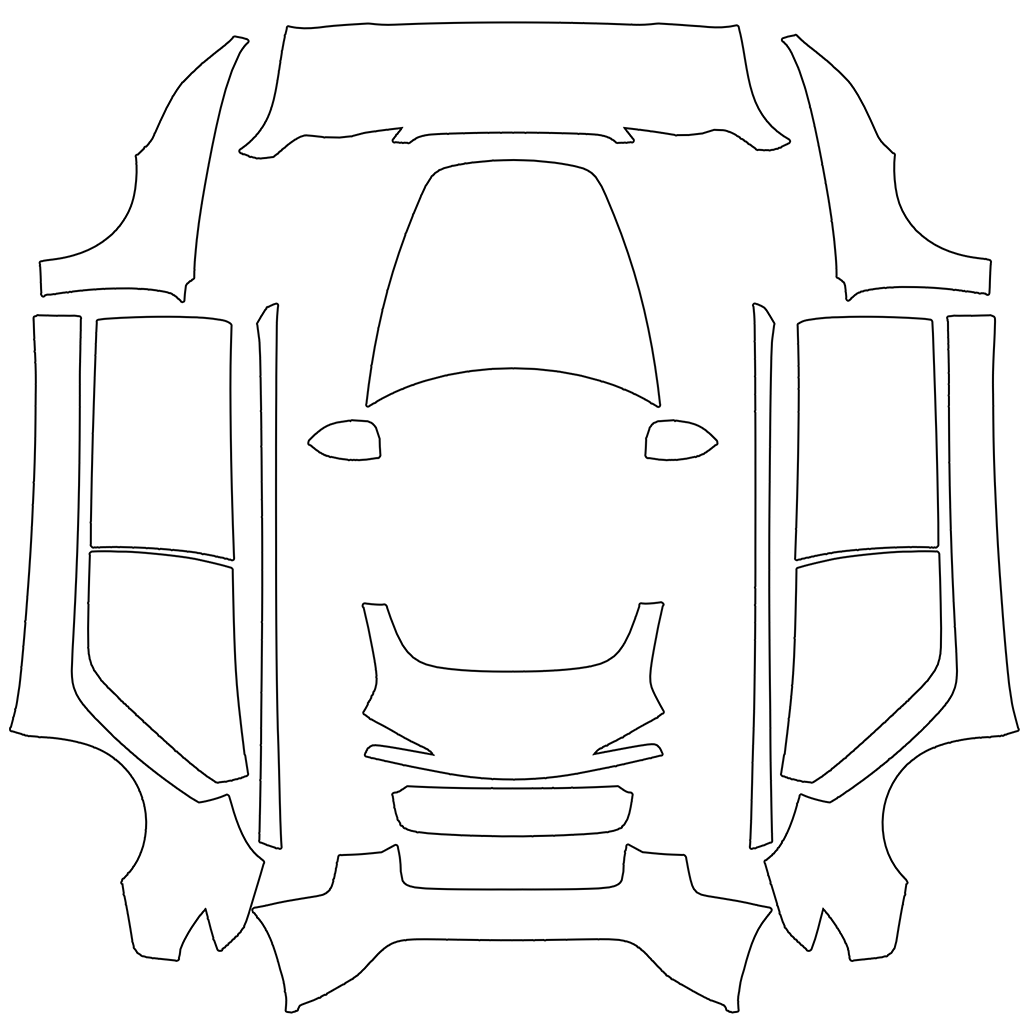
Model 3 (2024+) Standard & Premium
1024 × 1024 px template
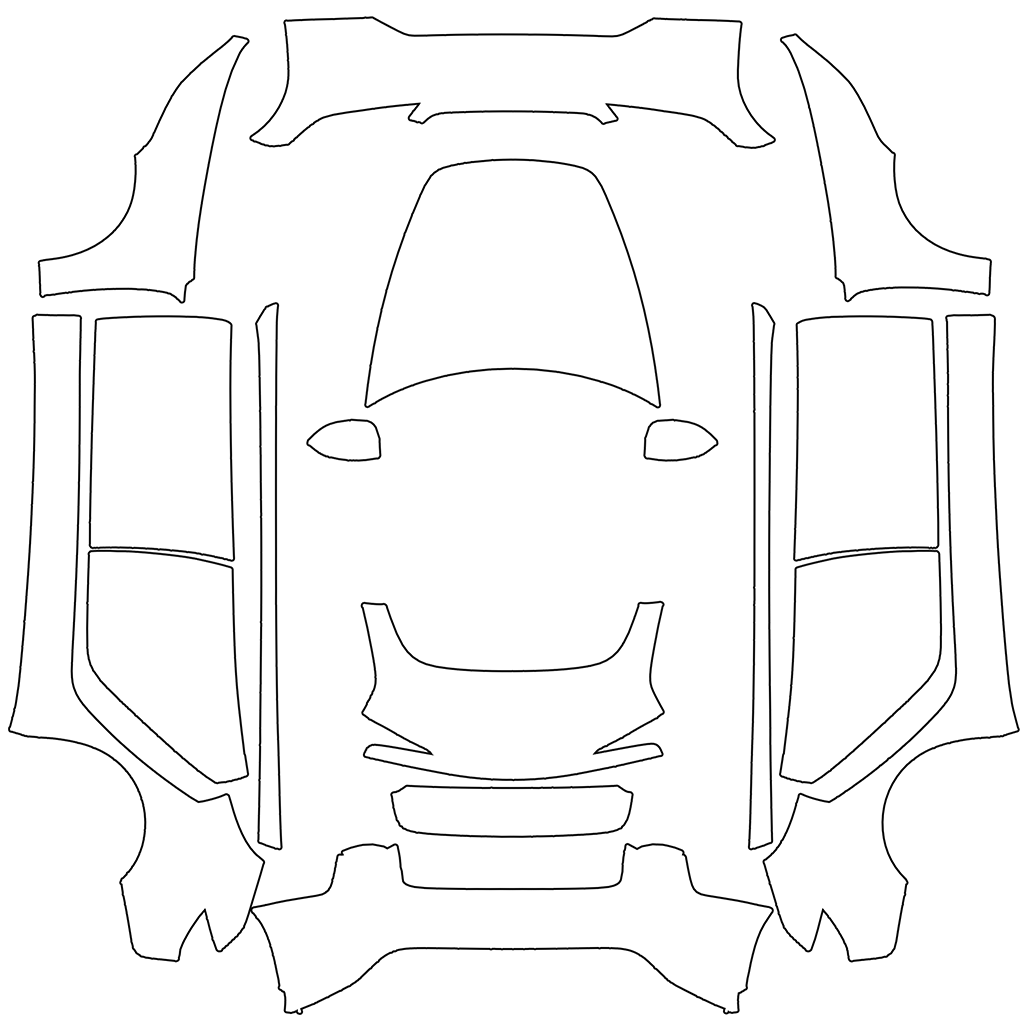
Model 3 (2024+) Performance
1024 × 1024 px template
Cybertruck
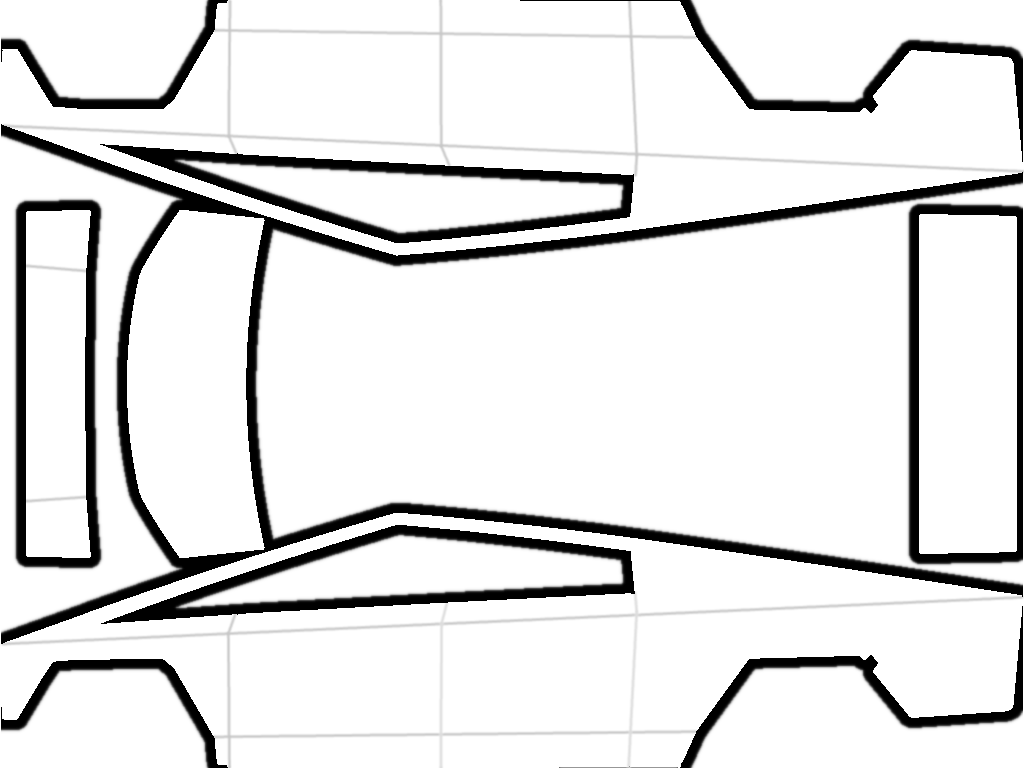
Cybertruck
1024 × 768 px template
Model S
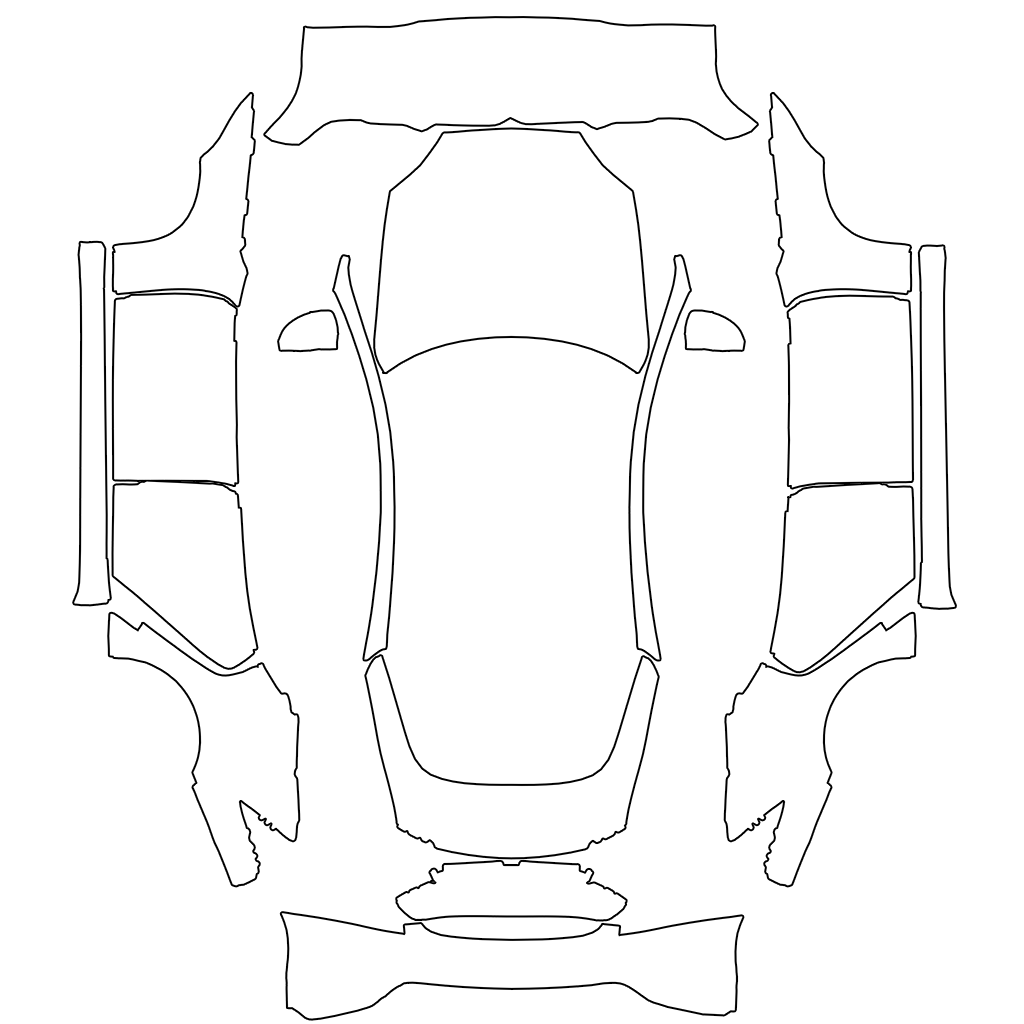
Model S (2021+)
1024 × 1024 px template
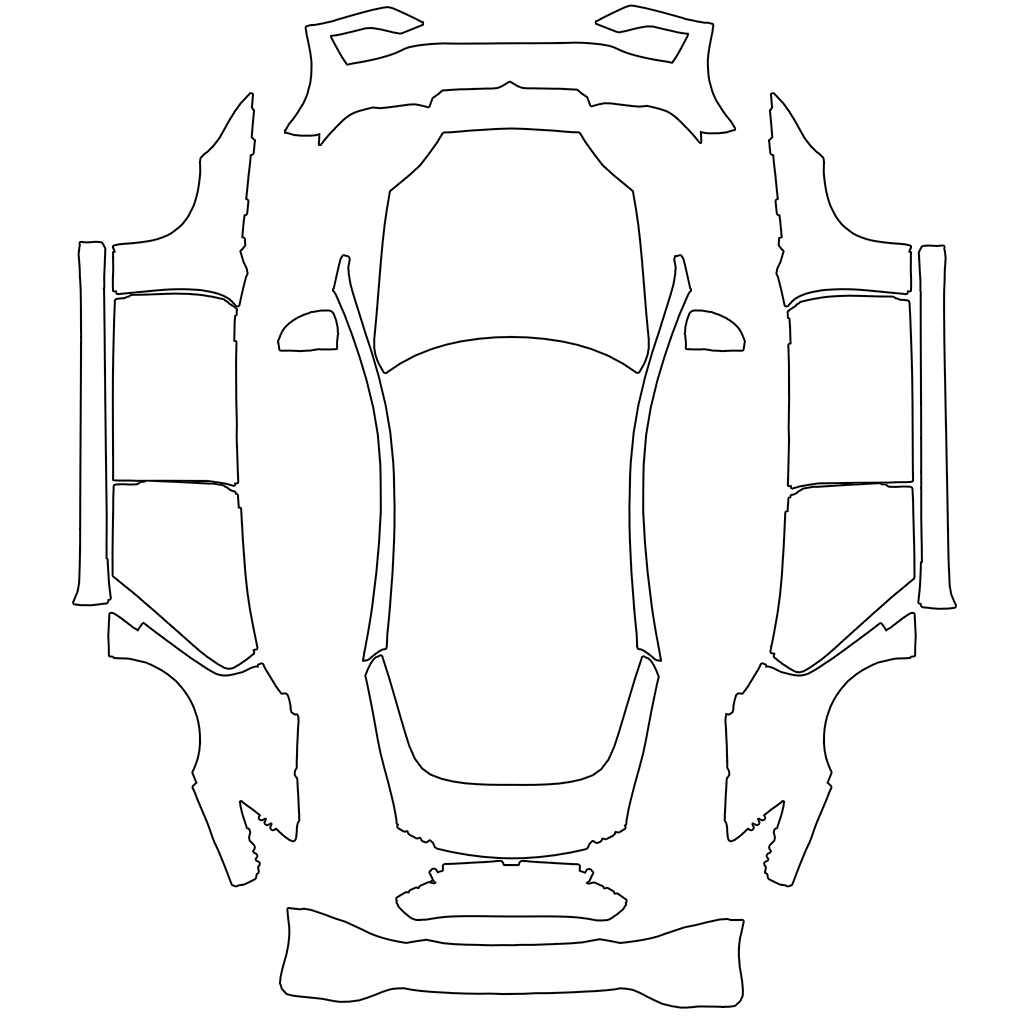
Model S (2025+) Plaid
1024 × 1024 px template
Model X
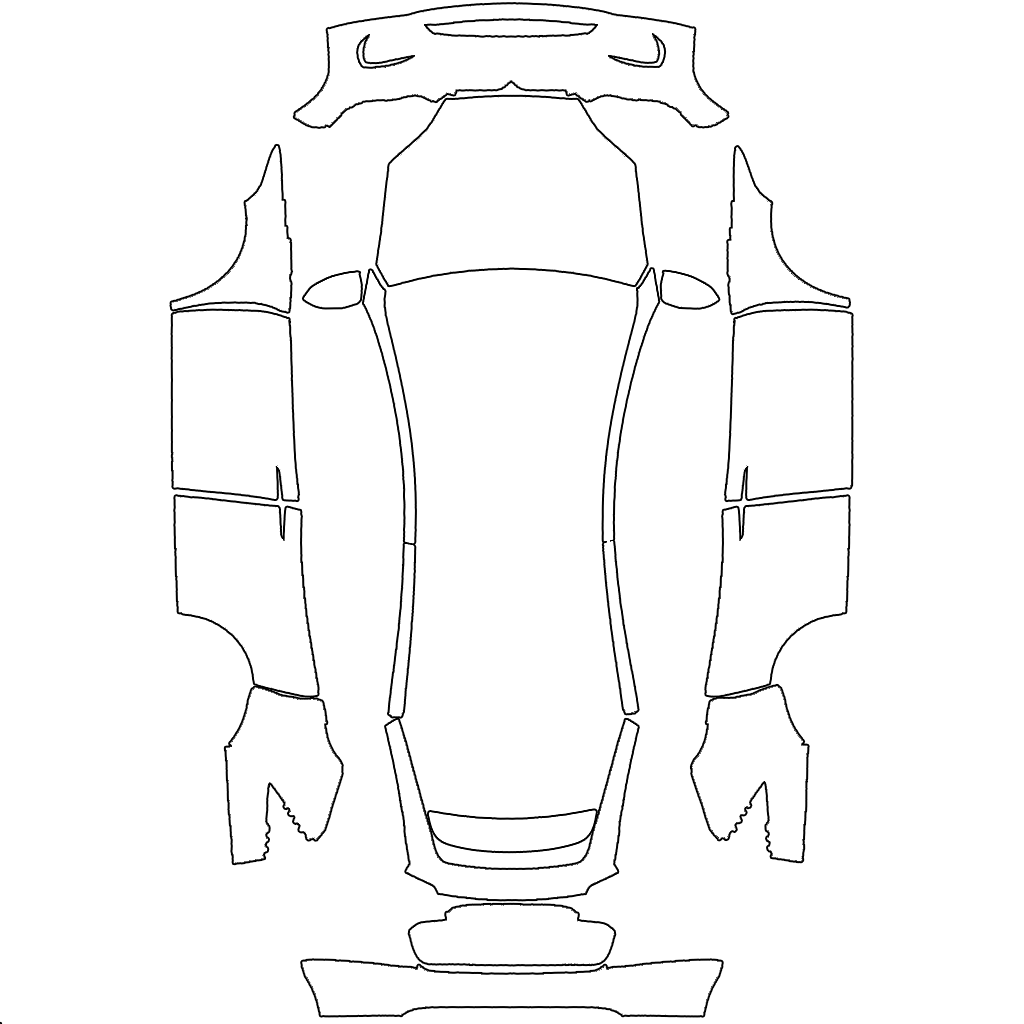
Model X (2021+)
1024 × 1024 px template
Tesla publishes these templates in its teslamotors/custom-wraps repository on GitHub. The template images belong to Tesla, Inc., and the download links open Tesla's original files. Tesla Wrap Designer is not affiliated with Tesla.
How to use a template
Open the template in an image editor such as Photoshop, GIMP or Canva and paint only inside the panel outlines. Anything outside the outlines does not show on the car.
Export a PNG at the template's size. Paint Shop accepts PNG files from 512 to 1024 px and under 1 MB, so run the file through the PNG checker before you copy it to the car.
Pick the right template
Templates are specific to the model and trim. A Model Y (2025+) Premium wrap does not line up on a Model Y (2025+) Performance, and the original Model 3 layout differs from the 2024 refresh.
Not sure which one you have? Compare your car with the trim names above, or start in the editor: it asks for your model first and loads the matching template.
Template FAQ
Are Tesla wrap templates free?
Yes. Tesla publishes them for free on GitHub, and the editor on this site is free to use with every template.
What size is a Tesla wrap template?
Most templates are 1024 × 1024 px. The Cybertruck template is 1024 × 768 px. Keep the finished PNG at the template's size and under 1 MB.
Can I use a Model 3 wrap on a Model Y?
No. Each model and trim has its own layout, so a wrap only lines up on the car it was made for.
Where do I put the finished file?
Upload it in the Tesla app (Creations → Wrap → Upload), or copy it to a folder named Wraps on a USB drive. Then apply it in Toybox → Paint Shop.