Gradient wraps
Tesla gradient wrap designer
Make a fade, ombré or two-tone wrap that runs smoothly across the doors, fenders and bumpers of your Tesla. Pick a preset, change the colors, check it in 3D and export a Paint Shop PNG.
- Free, no account needed
- Continuous across every panel
- 12 Tesla models
- Paint Shop PNG under 1 MB
Last updated
Why gradients usually break at the panel gaps
A Paint Shop template is your car's body unfolded flat: doors, fenders, bumpers and the roof are separate pieces laid out side by side. A normal gradient drawn across that flat image gives every piece its own slice of colors, so on the car the colors jump at the seams and the two sides don't match.
Our gradient tool colors every spot by where it really sits on the car, from the front bumper to the rear and from the rocker panels to the roof. The fade carries on across every panel gap and looks the same on both sides.
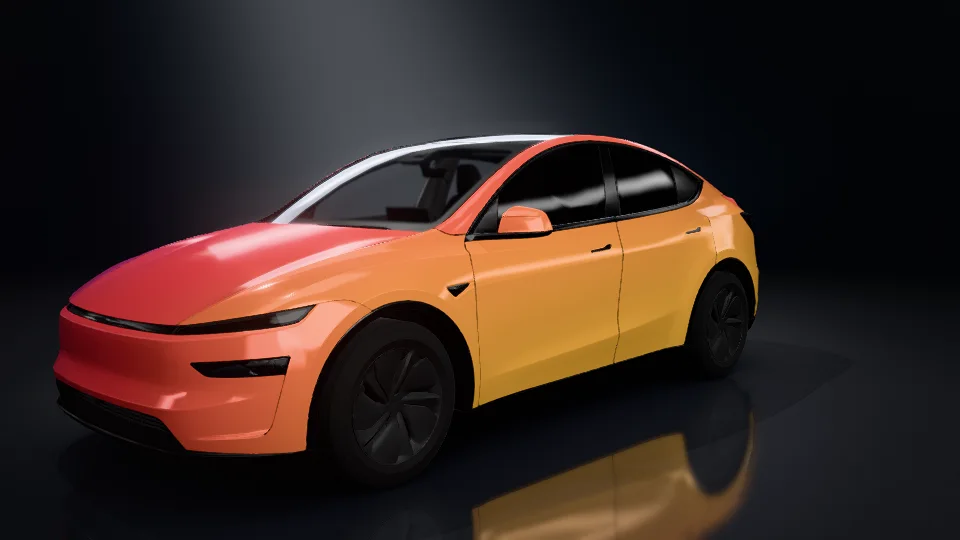
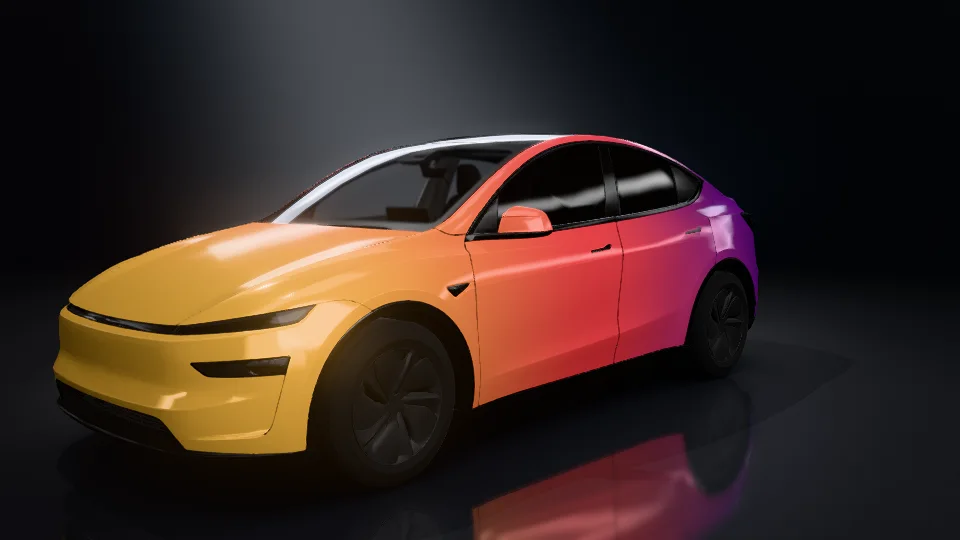
Both images: the Sunset preset on a Model Y, rendered in our studio.
Eight presets to start from
Each preset is only a starting point. Once it is in the editor, change any color, drag the stops or pick another direction.
 Use this gradient
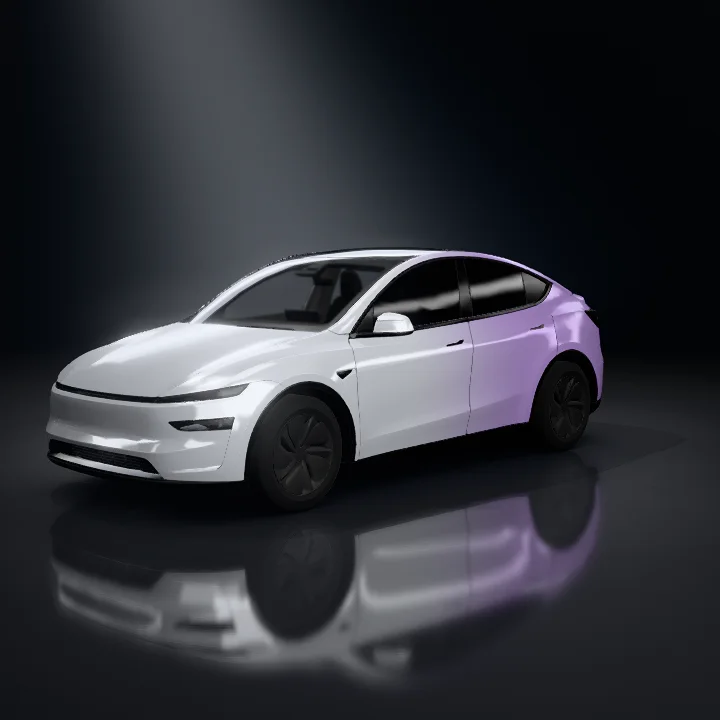
Silver lilac
 Use this gradient
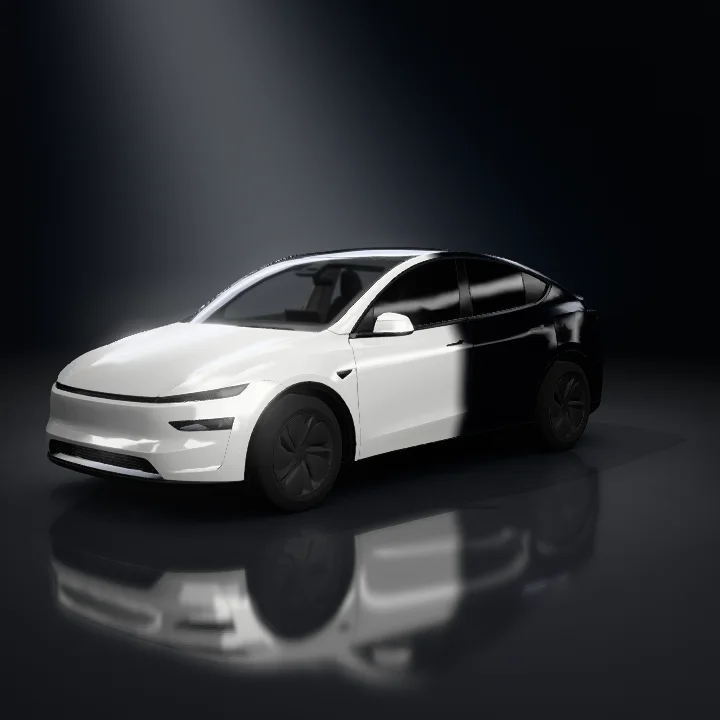
White/black
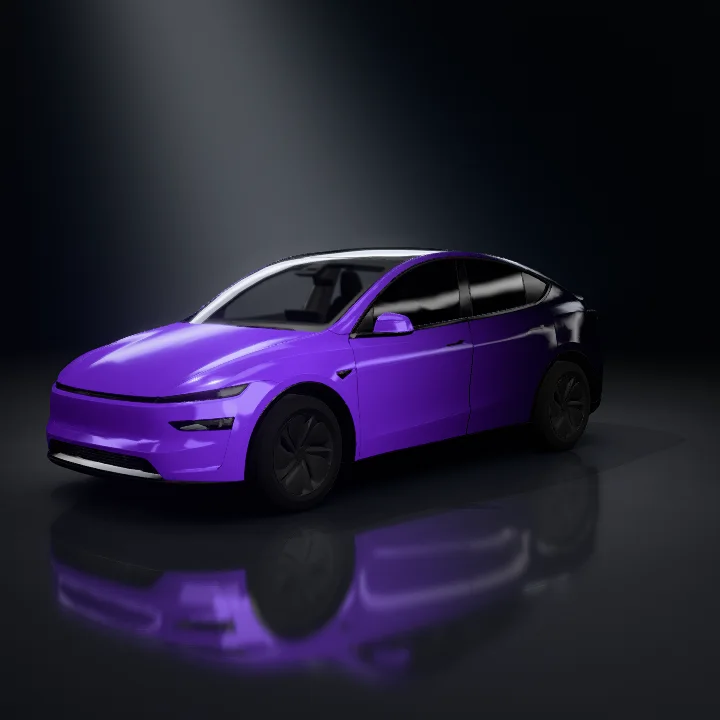 Use this gradient
Violet→black
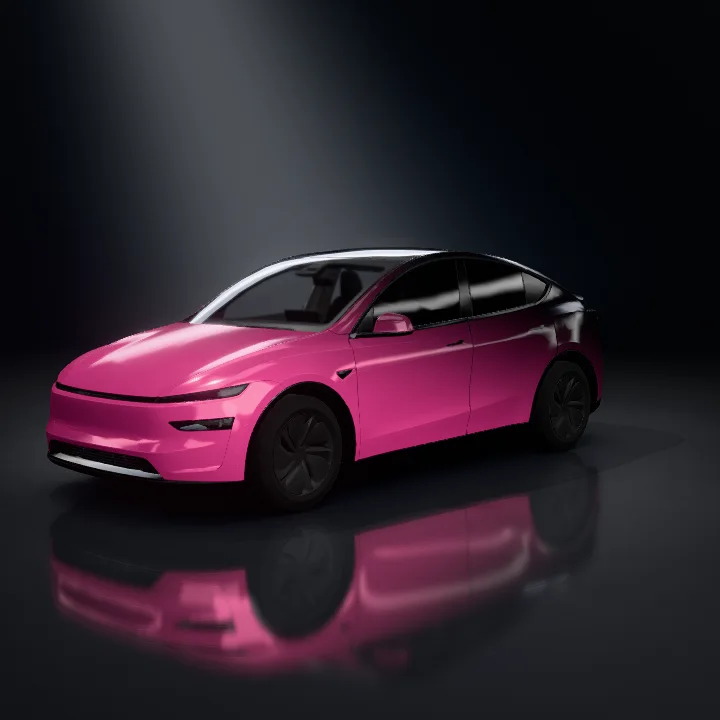 Use this gradient
Pink→black
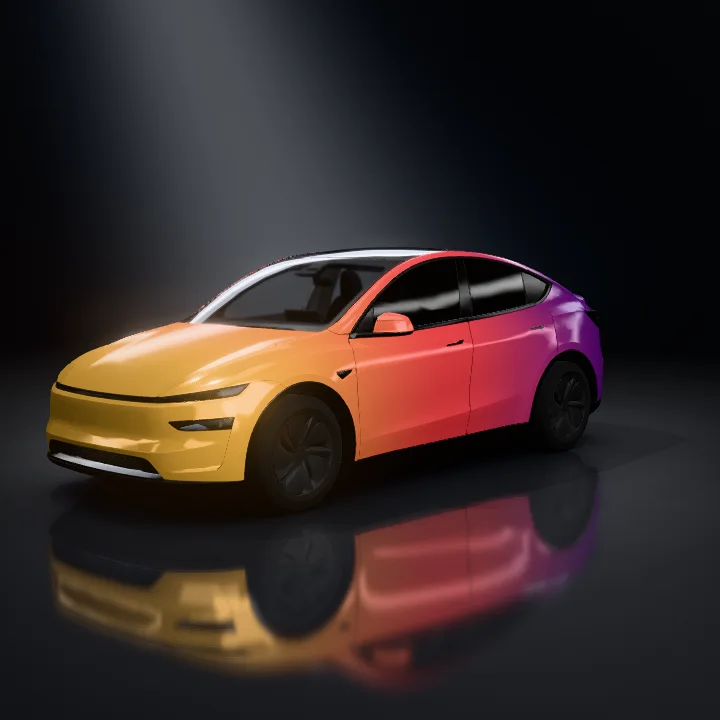 Use this gradient
Sunset
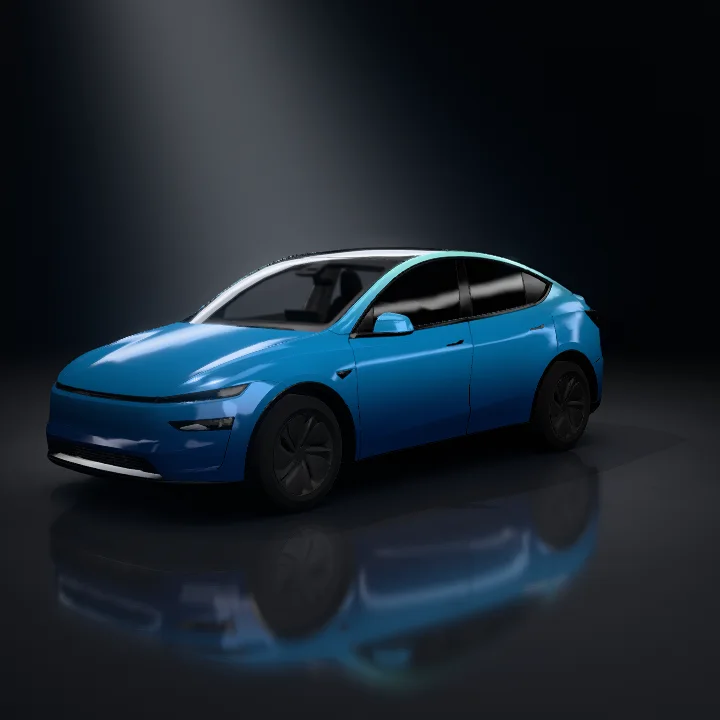 Use this gradient
Deep sea
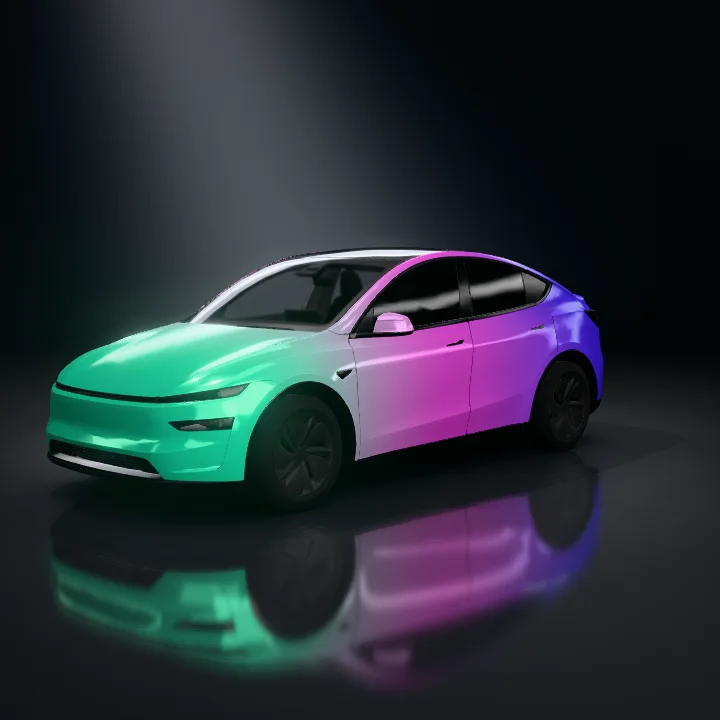 Use this gradient
Aurora
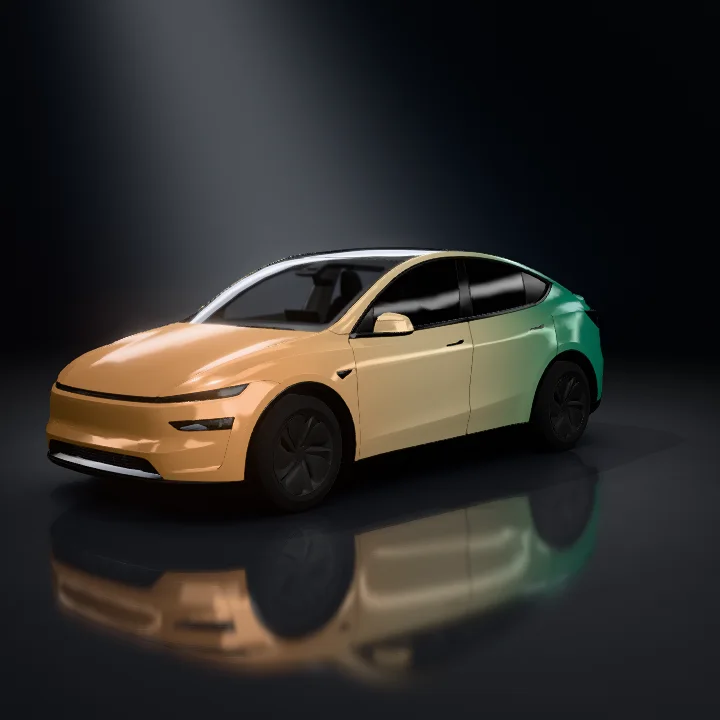 Use this gradient
Copper jade
How to make a gradient Tesla wrap
- 1
Pick a preset
Open the Gradient tab in the editor and choose one of eight presets.
- 2
Change the colors
Drag a stop to move it, click the color bar to add a color (up to four) or drag a stop off the bar to remove it. Click a stop to pick any color or type a hex code.
- 3
Choose a direction
Front to rear, low to high, diagonal, or from the center out to both ends. Reverse flips the order.
- 4
Set the transition and export
Slide between a soft blend and a hard cut, check the result on the 3D car, then export a Paint Shop PNG under 1 MB.
Stickers, text and zone colors stay on top
The gradient is the bottom layer. Zone colors, images, text, shapes and brush strokes sit on top of it, so you can add a logo or racing stripes without redoing the fade.
Changing the gradient never erases the zones you colored yourself. One click on “Show gradient everywhere” turns them back into the gradient.
- 1Template
- 2Gradient
- 3Zone colors
- 4Images, text, shapes and brush strokes
Works on 12 Tesla models
Gradients work on these templates. Each link opens the editor on the Gradient tab. Cybercab, Roadster and Semi are not supported yet.
Turn your gradient into a studio video
Render the finished design as a studio photo or a 6-second 360° video in four social formats, straight from the editor.
See studio rendersGradient wrap FAQ
Is the gradient tool free?
Yes. The gradient tool, the 3D preview and PNG export are free and work without an account. Your design autosaves in this browser.
Can I use a gradient wrap in Tesla Paint Shop?
Yes. Export the design as a PNG (under 1 MB), then upload it in the Tesla app under Creations → Wrap → Upload, or copy it to a folder named Wraps on a USB drive. Apply it in the car under Toybox → Paint Shop → Wraps.
Which Tesla models support gradients?
Model 3 (2017–2023 and the 2024 refresh), Model Y (2020–2024, the 2025 refresh and Model Y L), Model S, Model X and Cybertruck. Cybercab, Roadster and Semi are not supported yet.
How many colors can a gradient have?
Two to four. Click the color bar to add a color and drag a stop off the bar to remove one.
Will the gradient cover my stickers or zone colors?
No. The gradient is always the bottom layer, so zone colors, images, text, shapes and brush strokes stay on top.
Is a gradient the same as a color-shift wrap?
No. Color-shift (chameleon) film changes color with the viewing angle. Paint Shop shows flat colors, so a gradient is the closest way to get a fade or two-tone look on screen.