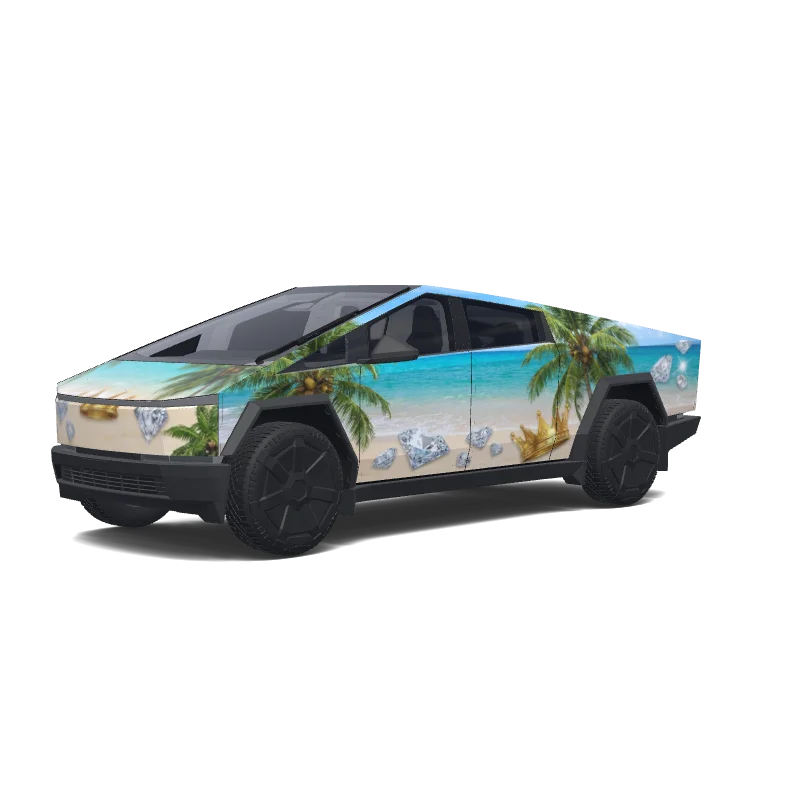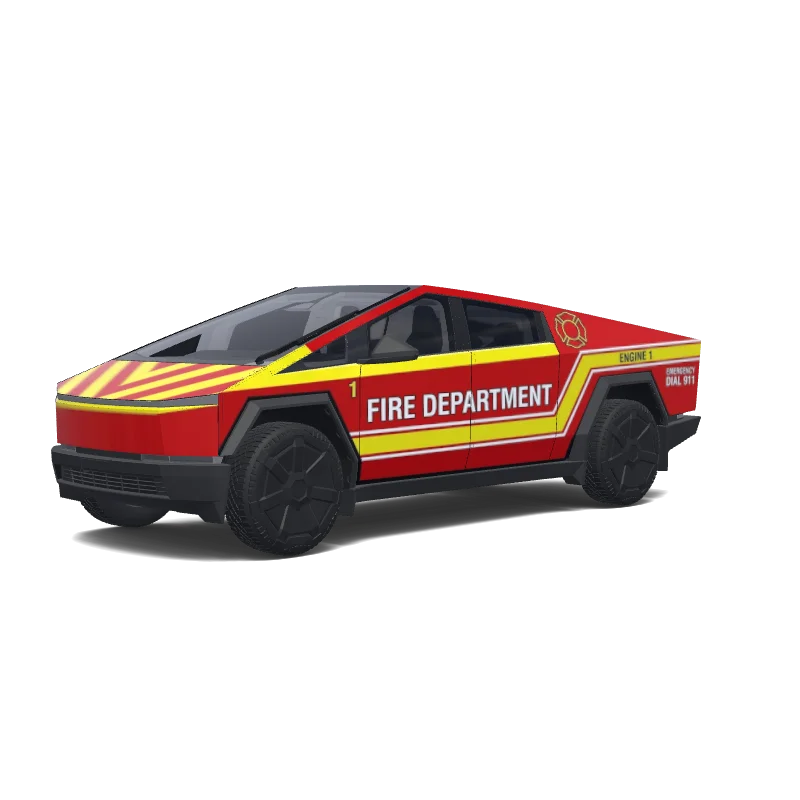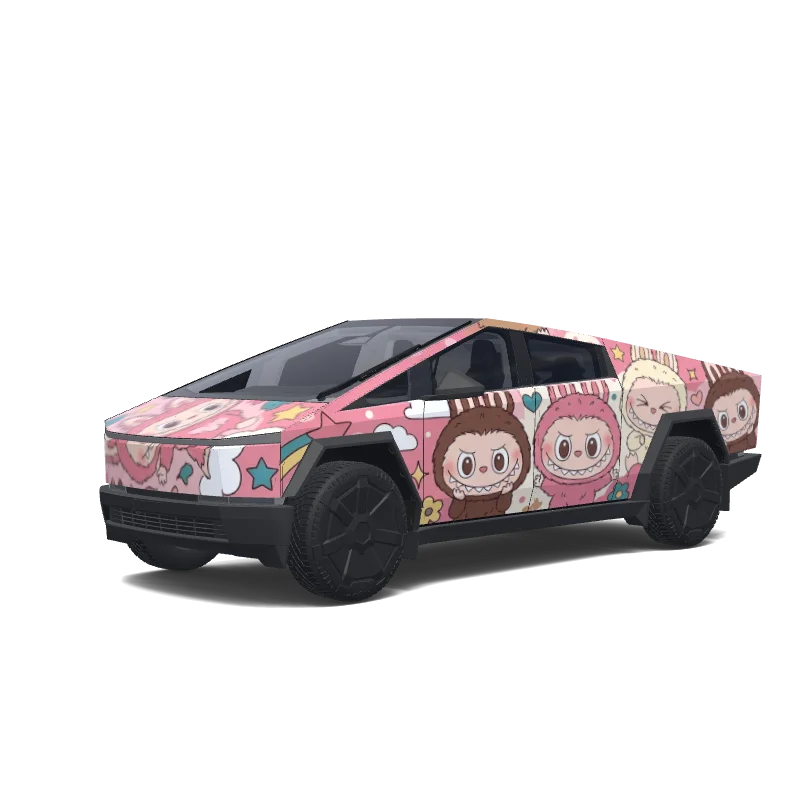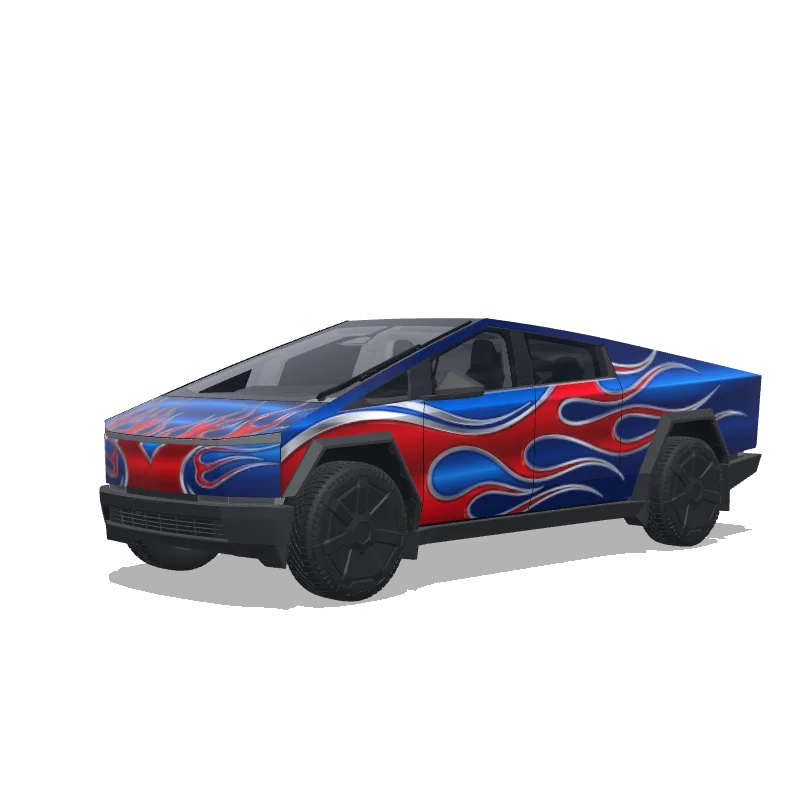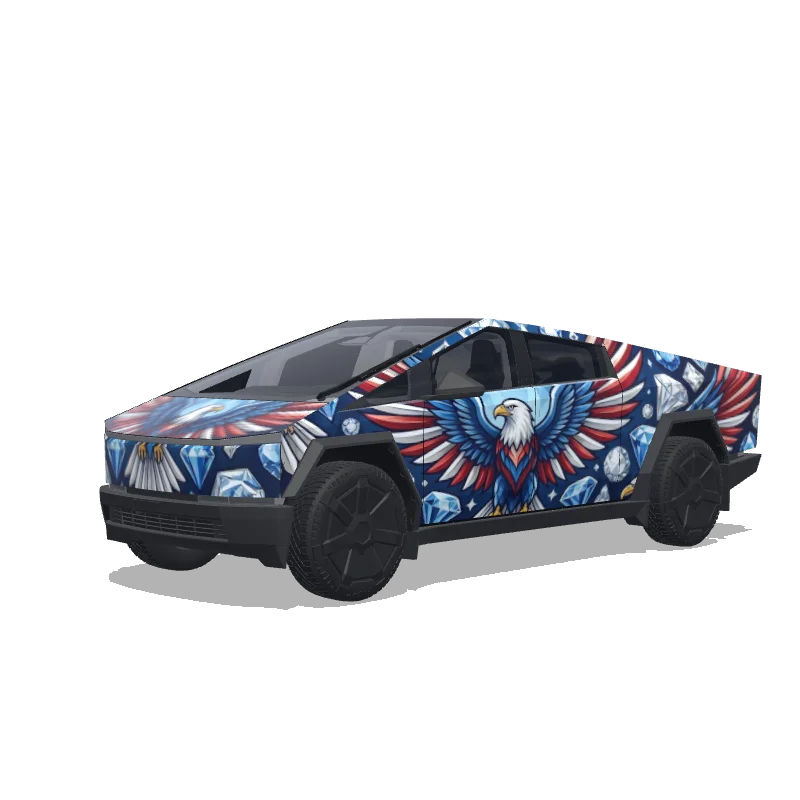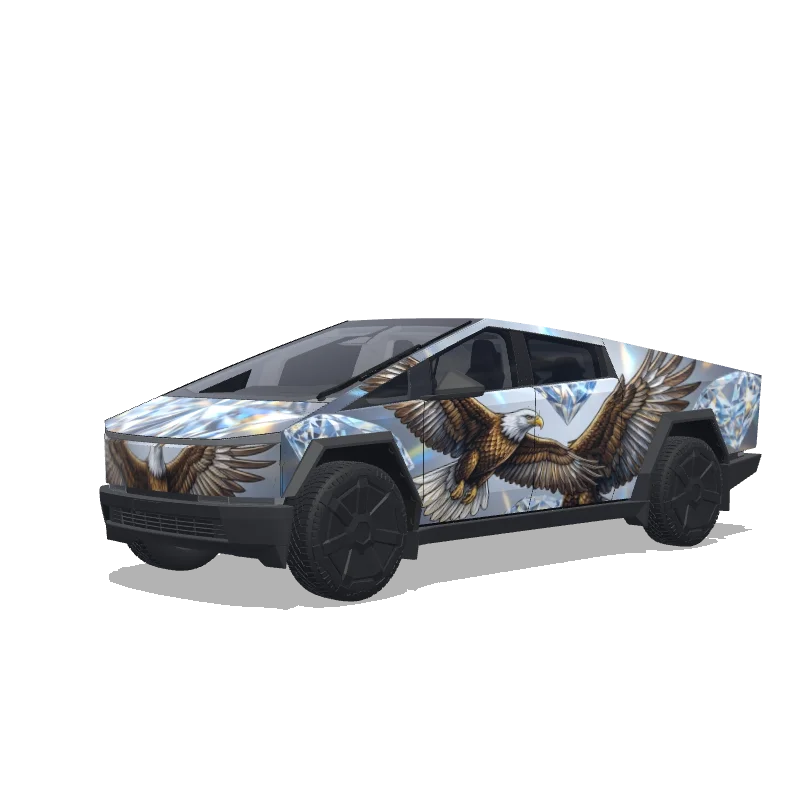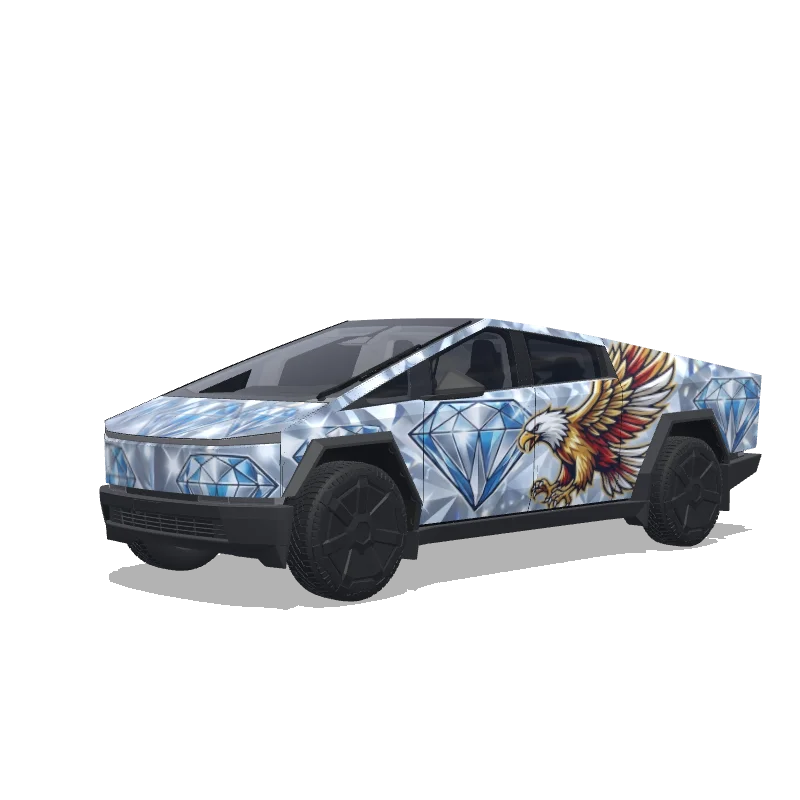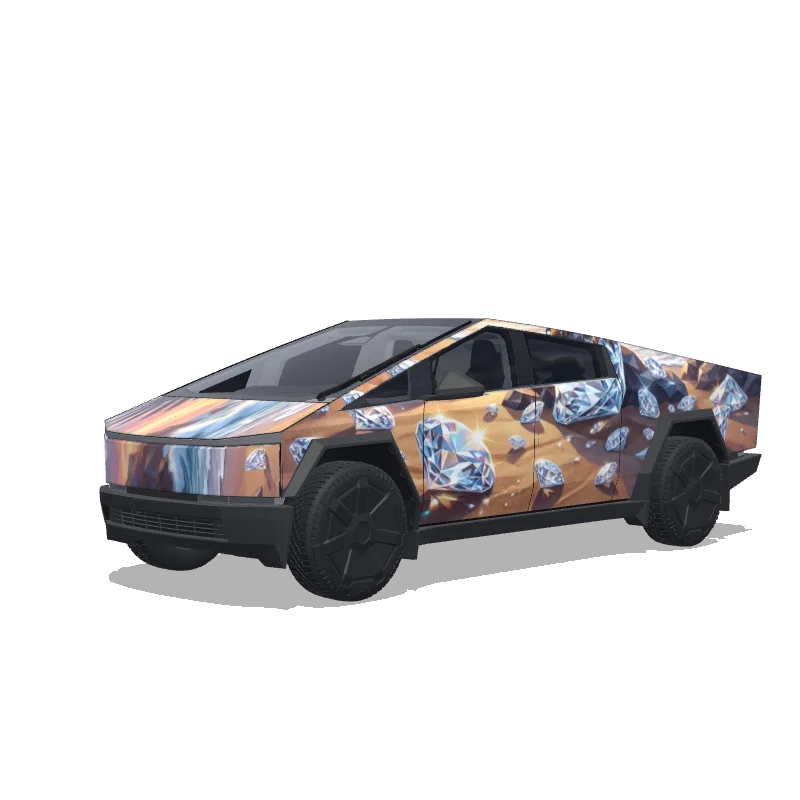
Is this Cybertruck wrap free to download?
Yes. This Cybertruck wrap is completely free to download as a PNG, with no account or payment required.
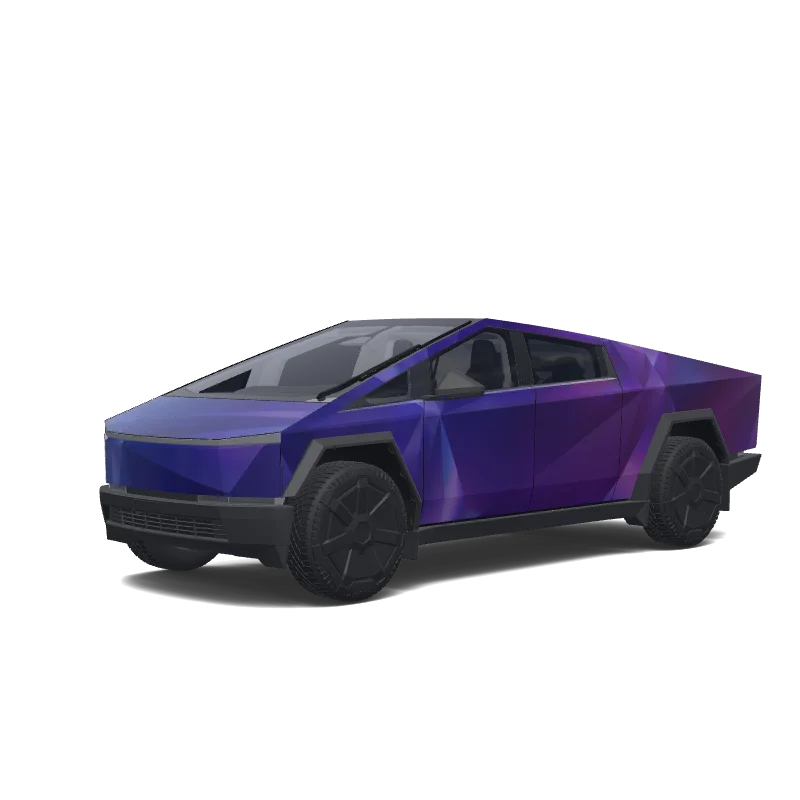
“Translucent blue purple.”
 Designed byJohn Neyland
Custom Cybertruck Wrap Design is a custom wrap design for the Tesla Cybertruck, ready to apply through Tesla Toybox Paint Shop. It is completely free to download as a 1024×1024 PNG in the exact format Tesla Paint Shop expects — no account required. Download it for your Cybertruck, open it in the free wrap editor to customize colors and add text, or use it as inspiration for your own Tesla wrap.
Yes. This Cybertruck wrap is completely free to download as a PNG, with no account or payment required.
It downloads as a 1024×1024 pixel PNG under 1MB — the exact format Tesla Paint Shop requires.
Download the PNG, copy it to a USB drive in a folder named "Wraps", insert the drive into your Cybertruck, then open Toybox → Paint Shop and select the wrap.
Yes. Open it in the free Cybertruck wrap editor to change colors, add text or images, and export your own PNG.