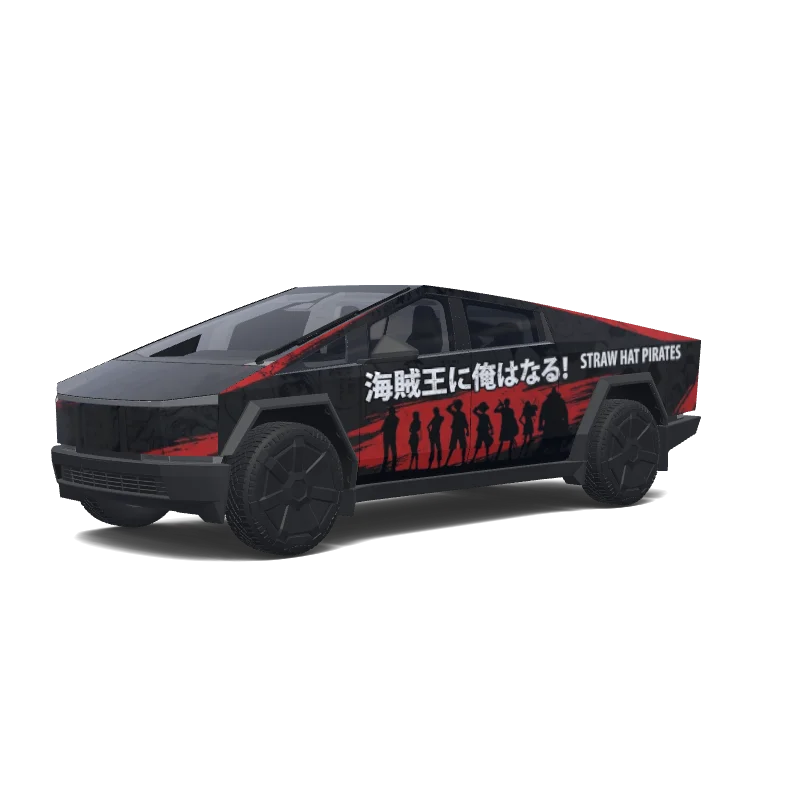
Is this Cybertruck wrap free to download?
Yes. This Cybertruck wrap is completely free to download as a PNG, with no account or payment required.
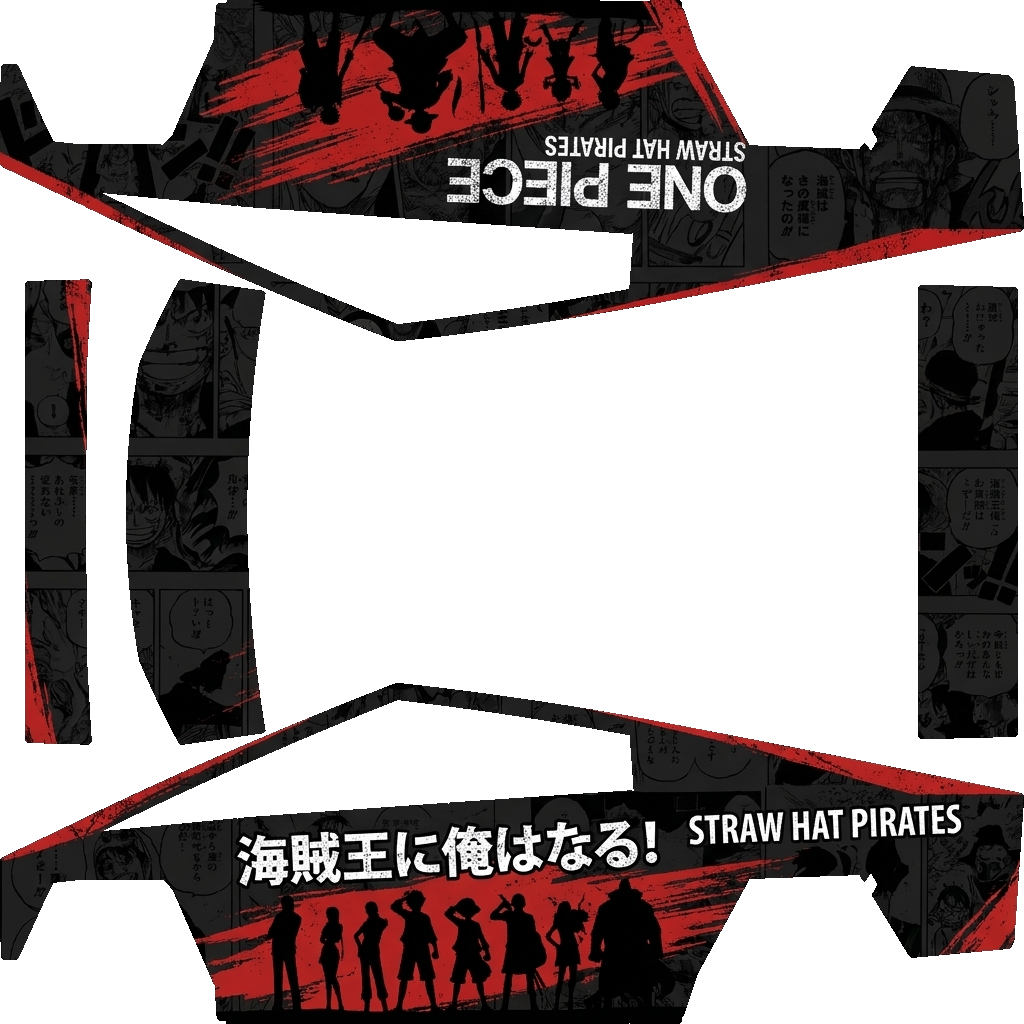
“Matte-black Tesla Cybertruck with an aggressive One Piece wrap. Dark grayscale manga panels cover the body with bold distressed red brush strokes. Large Straw Hat Jolly Roger skull wearing Luffy’s yellow hat across the doors. Straw Hat crew silhouettes appear along the lower side. Add ONE PIECE, STRAW HAT PIRATES, LUFFY, Japanese lettering, and “I’M GOING TO BE THE PIRATE KING!” in white. Thin red accents follow the Cybertruck’s sharp body lines. Black wheels, tinted windows, dark Japanese stree.”
This is the downloadable flat wrap PNG prepared for Tesla Paint Shop. The car render above shows how it looks once applied; this template is what you copy to a USB stick or load into the editor.
The design covers the full body, so every panel of your Cybertruck is mapped. Open the image to inspect the artwork and panel placement at full size.
One Piece Black Manga Panels Tesla Cybertruck wrap PNG is a custom wrap design for the Tesla Cybertruck, ready to upload with the Tesla App or apply through Tesla Toybox Paint Shop with USB. It was generated on Tesla Wrap Designer from the prompt “Matte-black Tesla Cybertruck with an aggressive One Piece wrap. Dark grayscale manga panels cover the body with bold distressed red brush s…”. It is completely free to download as a 1024×1024 PNG in the exact format Tesla Paint Shop expects — no account required. So far it has earned 5 downloads from the community. Download it for your Cybertruck, open it in the free wrap editor to customize colors and add text, or use it as inspiration for your own Tesla wrap.
Full Paint Shop guide: App upload, USB, file size and orientation
Yes. This Cybertruck wrap is completely free to download as a PNG, with no account or payment required.
It downloads as a 1024×1024 pixel PNG no larger than 1 MB. Tesla accepts PNGs from 512×512 through 1024×1024 pixels, with the template size recommended.
Download the PNG, then use Tesla App v4.59.0 or later at Creations → Wrap → Upload. As a USB fallback, put it in a root-level "Wraps" folder, connect the drive to your Cybertruck, and open Toybox → Paint Shop → Wraps.
Yes. Open it in the free Cybertruck wrap editor to change colors, add text or images, and export your own PNG.