
Every wrap on our site is free to download. No account required for browsing, no watermarks, no "premium tier" upsell. You pick a design, you download the PNG, you put it on your car. That's it.
We built it this way because the Tesla wrap community grew on sharing — people posting their designs on GitHub, Reddit, and Discord for anyone to use. We wanted to make that easier, not monetize it.
Where to Download
The main gallery has everything. You can filter by model:
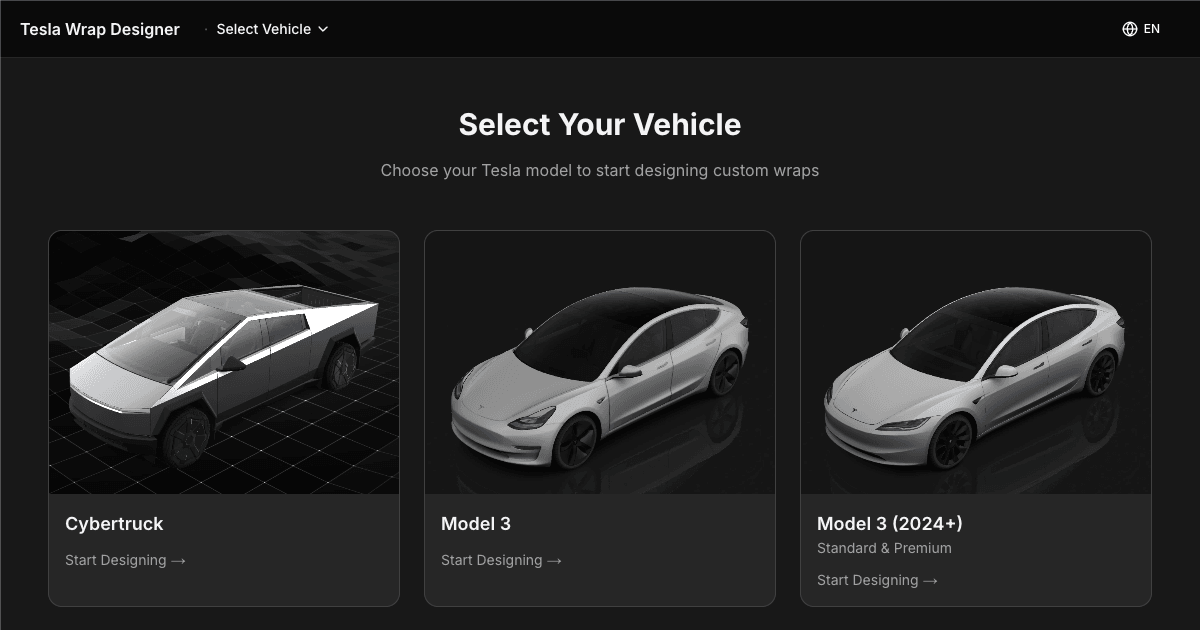
- Model 3 Classic — The largest collection. Hundreds of designs from racing liveries to anime wraps.
- Model 3 Highland (2024+) — Growing fast as more Highland owners join the community.
- Model Y — Second largest collection. Clean designs dominate here.
- Model Y Juniper (2025+) — New templates for the refreshed front end.
- Cybertruck — Bold, angular designs that match the truck's personality.
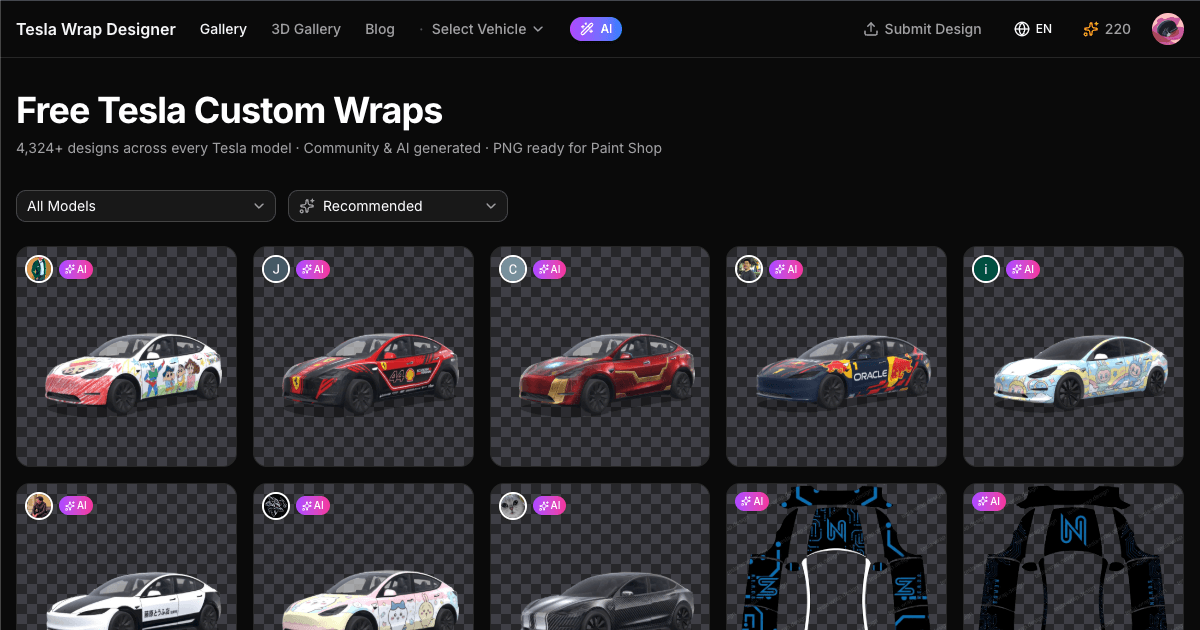
The gallery defaults to sorting by popularity (likes + downloads), so the top results are community-vetted. You can also sort by newest if you want fresh designs.
File Format Details
Every download is a PNG file — the only format Tesla Paint Shop accepts. A few things to know:
- Resolution: 1024x1024 or 512x512 pixels (Tesla Paint Shop requirement)
- File size: Under 1 MB per wrap (Tesla's limit)
- Transparency — some wraps use transparent areas that show the car's base color underneath. This is intentional and works in Paint Shop.
- No conversion needed — download and copy directly to USB
Blank Templates
Want to design from scratch? You need the blank UV template for your model. Two options:
- Use our editor — Open the editor, select your model, and the correct template is already loaded. Design directly on it with our tools.
- Download the raw template — Tesla publishes official blank templates on their GitHub. These are the base PNG files that show the UV mapping grid. Import into Photoshop, Illustrator, Figma, or whatever you prefer.
If you're going the Photoshop route, a tip: work at the native template resolution. Scaling up a low-res design looks blurry on the car's display, and scaling down loses detail. Match the template dimensions exactly.
How to Use Downloaded Wraps
Short version: copy the PNG to a USB drive (exFAT or FAT32) in a folder called Wraps, plug into your Tesla, open Toybox → Paint Shop → Wraps tab. You can load up to 10 wraps per session.
If it doesn't work, check our Paint Shop troubleshooting guide — it covers all the common issues.
Can't Find What You Want?
If the gallery doesn't have exactly what you're looking for, you have two options:
- Design it yourself — Our wrap editor has drag-and-drop tools for images, text, shapes, and colors. No design experience needed for simple wraps like color changes or stripe patterns.
- AI generation — Describe what you want in plain English and our AI creates a wrap that fits the UV template. Works well for complex styles like anime, racing liveries, and abstract patterns.
Both options give you a downloadable PNG at the end, same as the gallery.
Share Your Designs
Made something you're proud of? Submit it to the gallery. The community votes with likes and downloads, and the most popular designs get featured on our homepage. It's a good feeling seeing your design in someone else's Tesla.