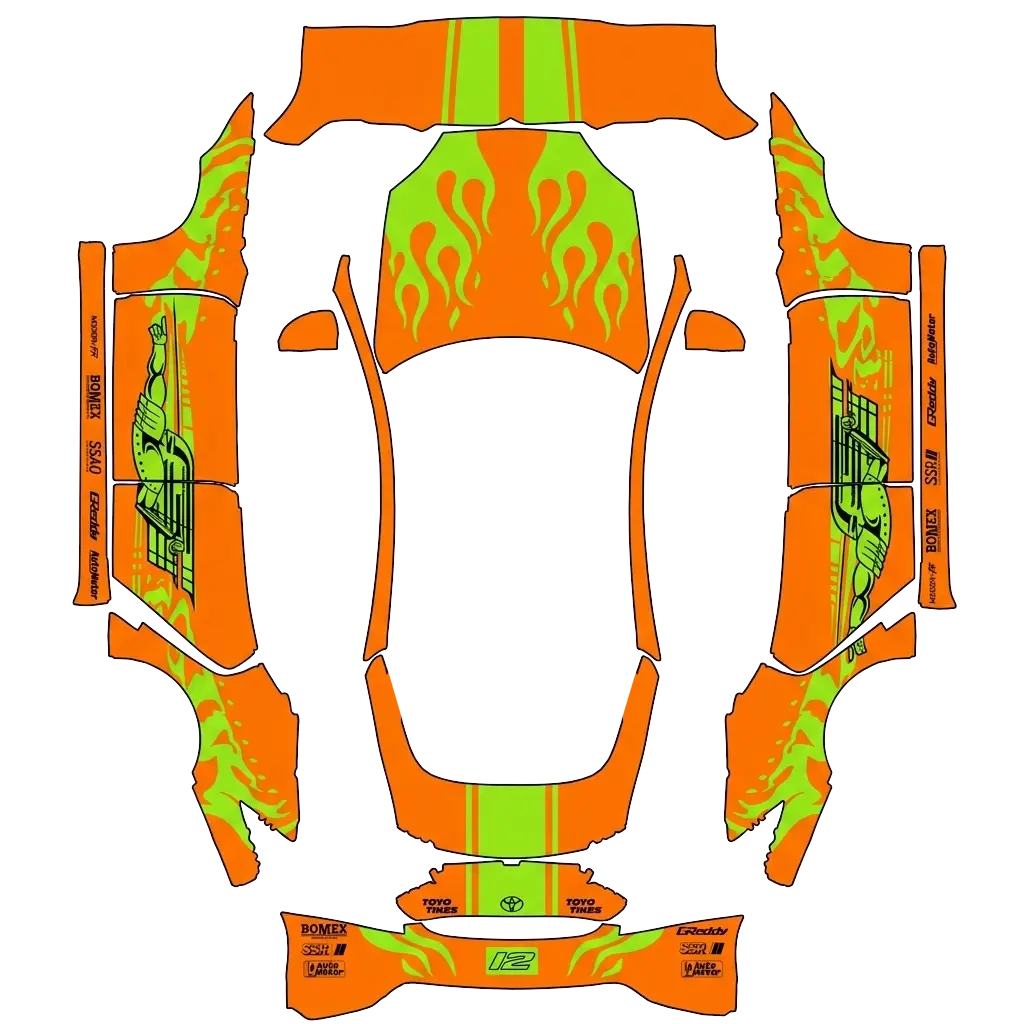
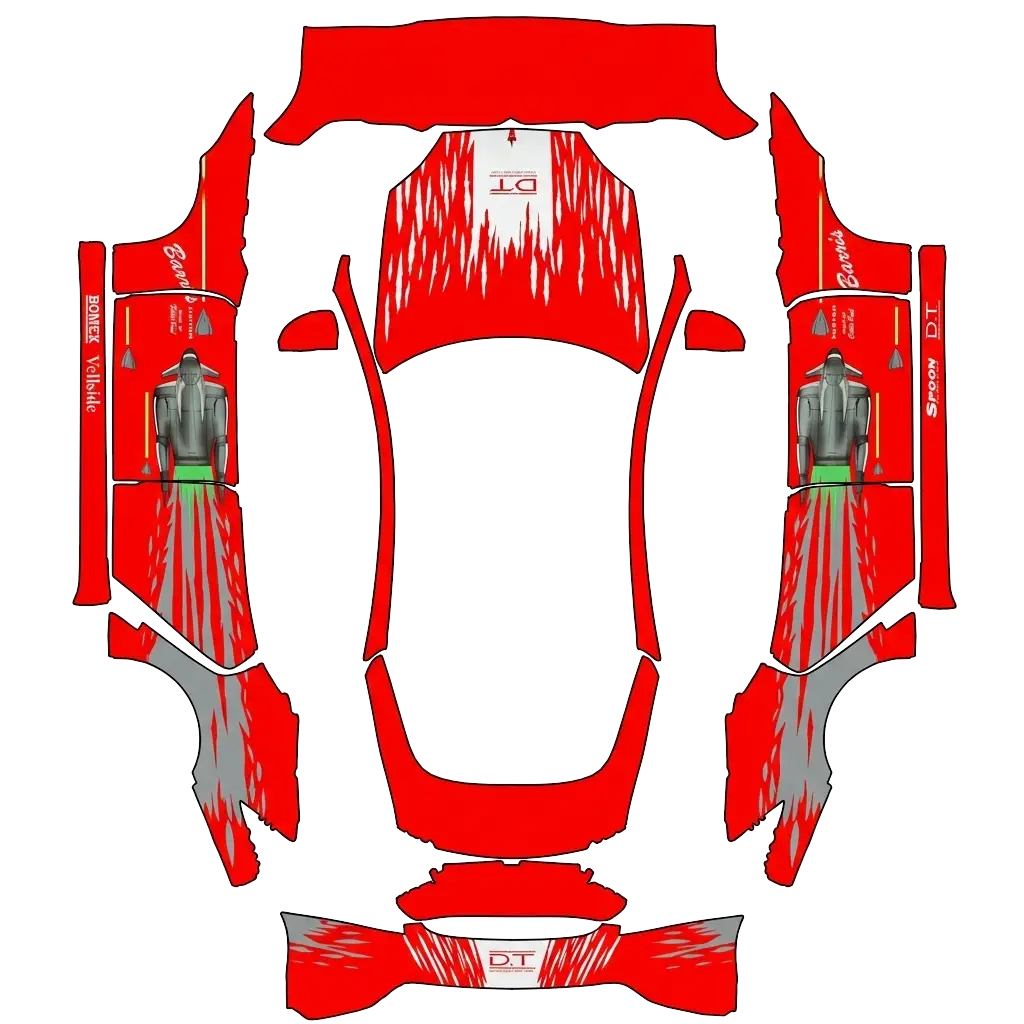
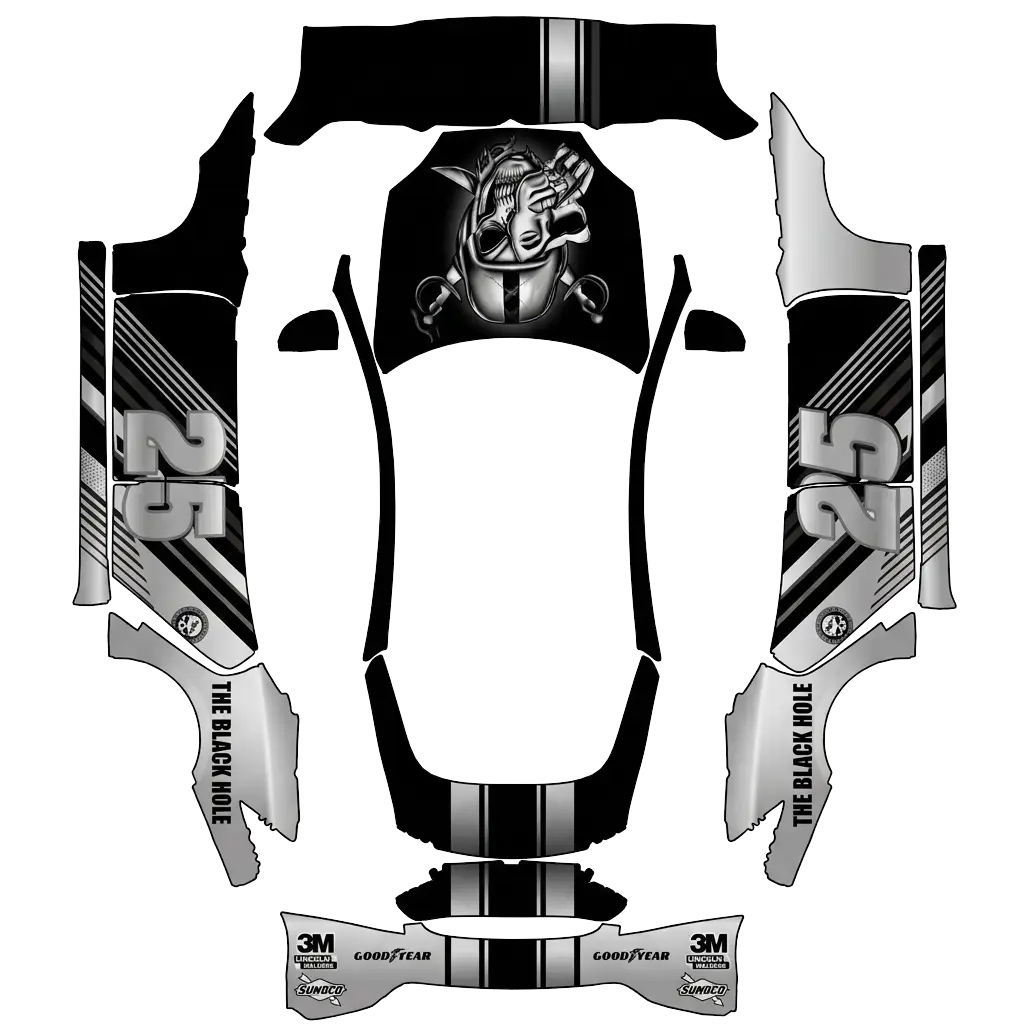
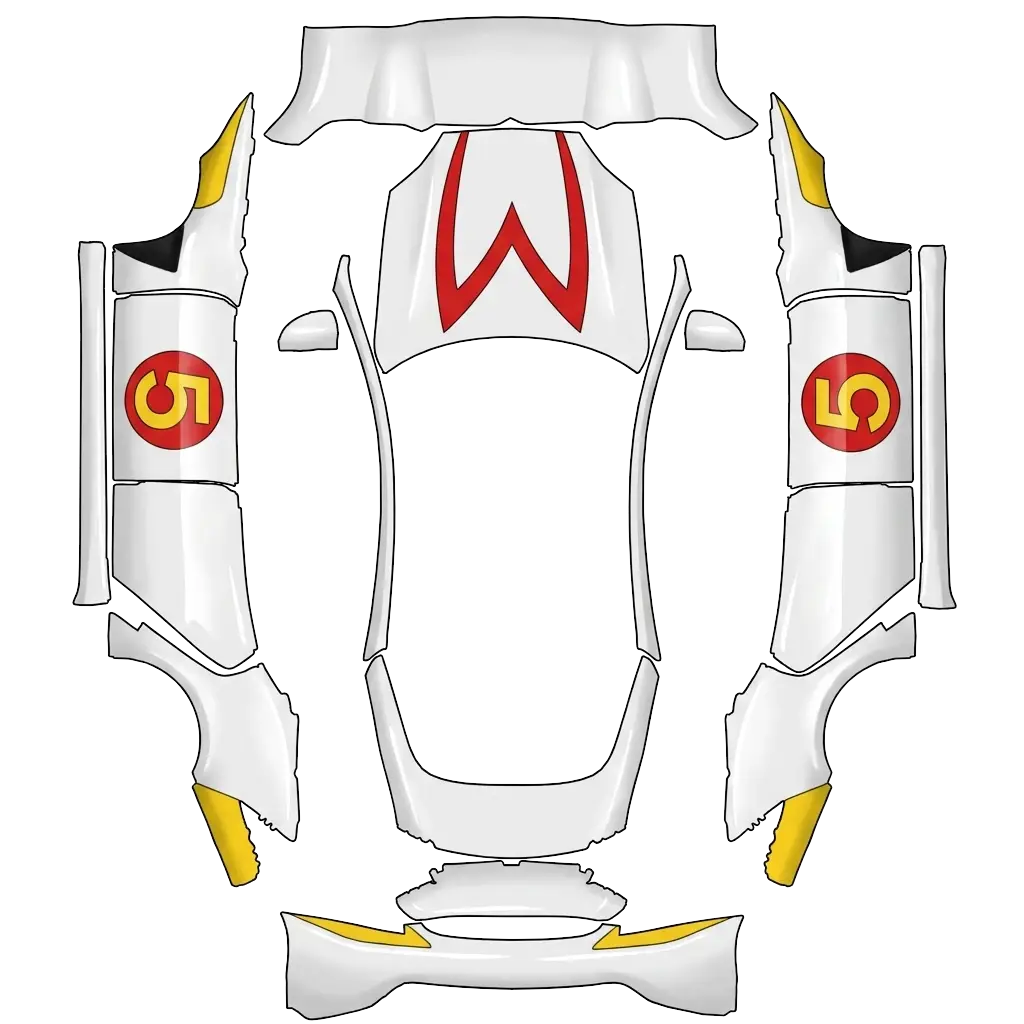
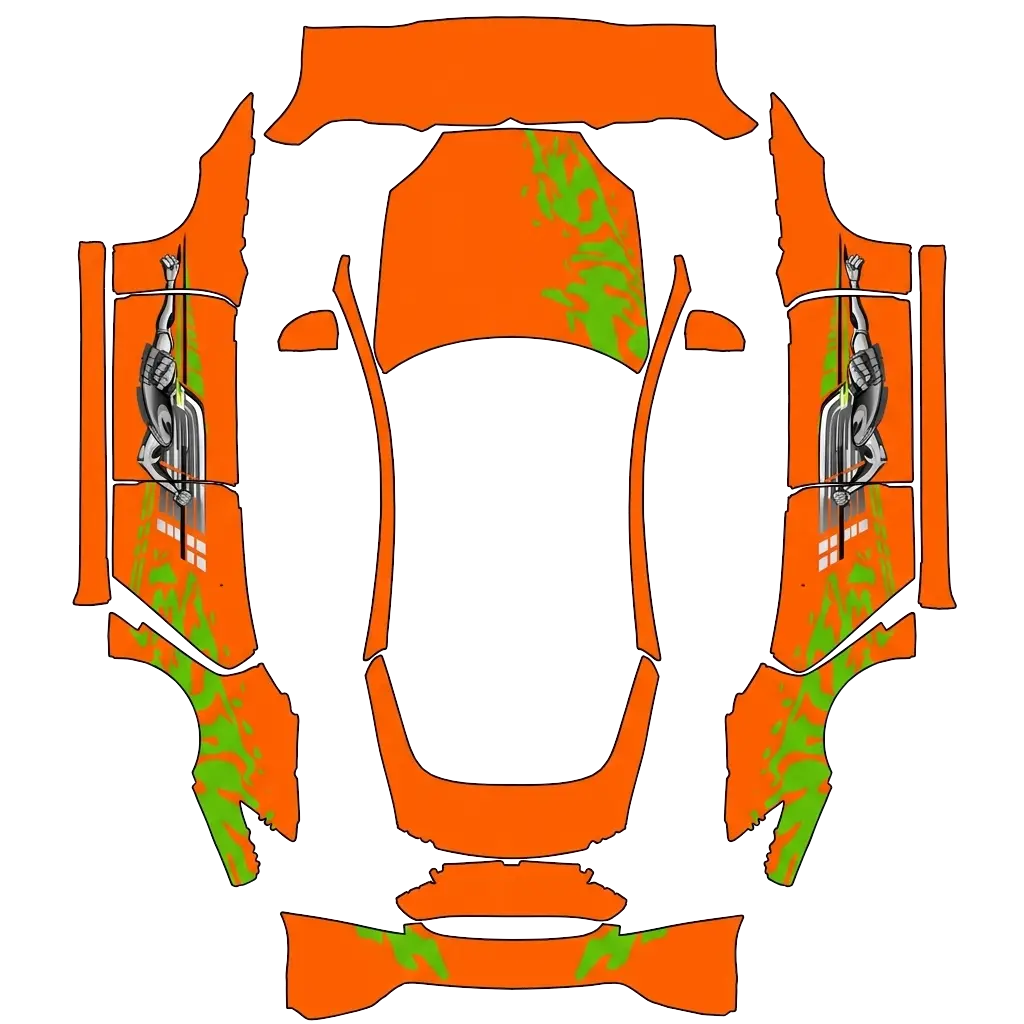
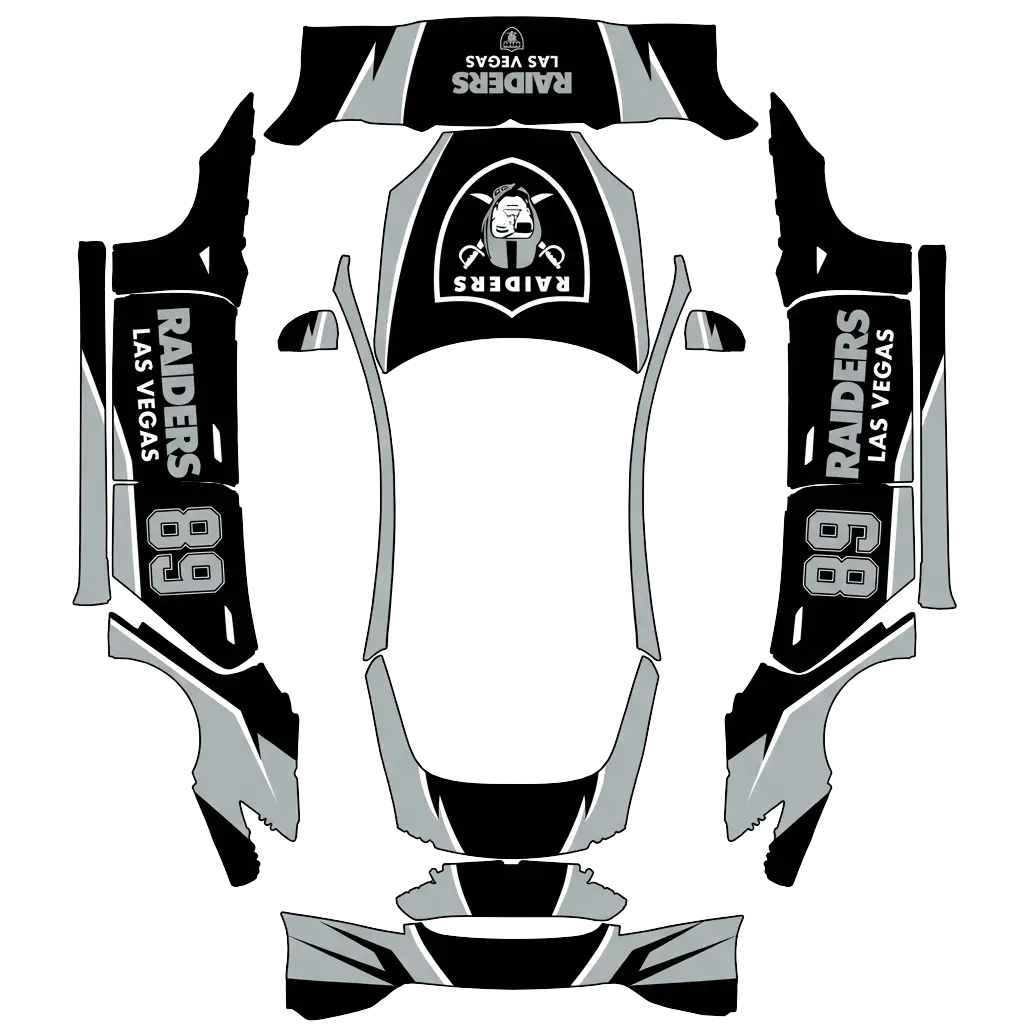
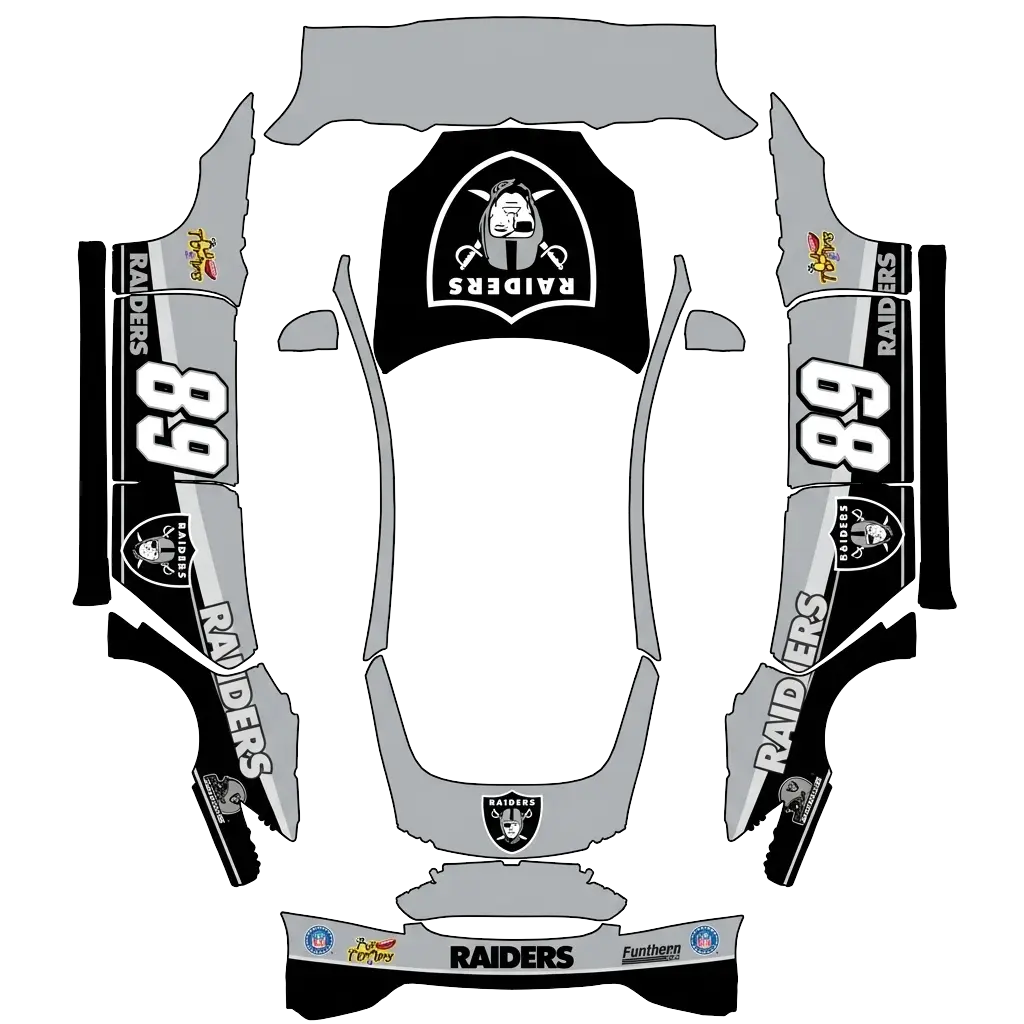
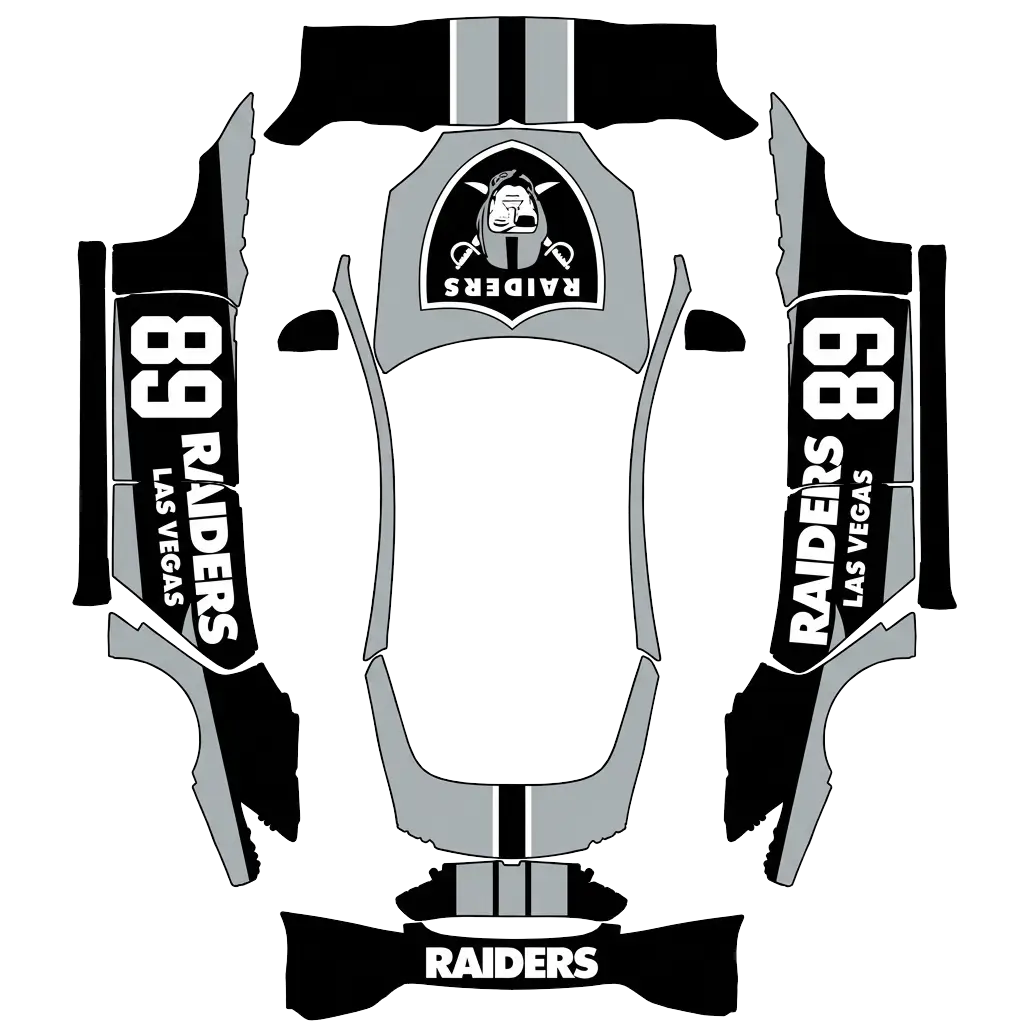
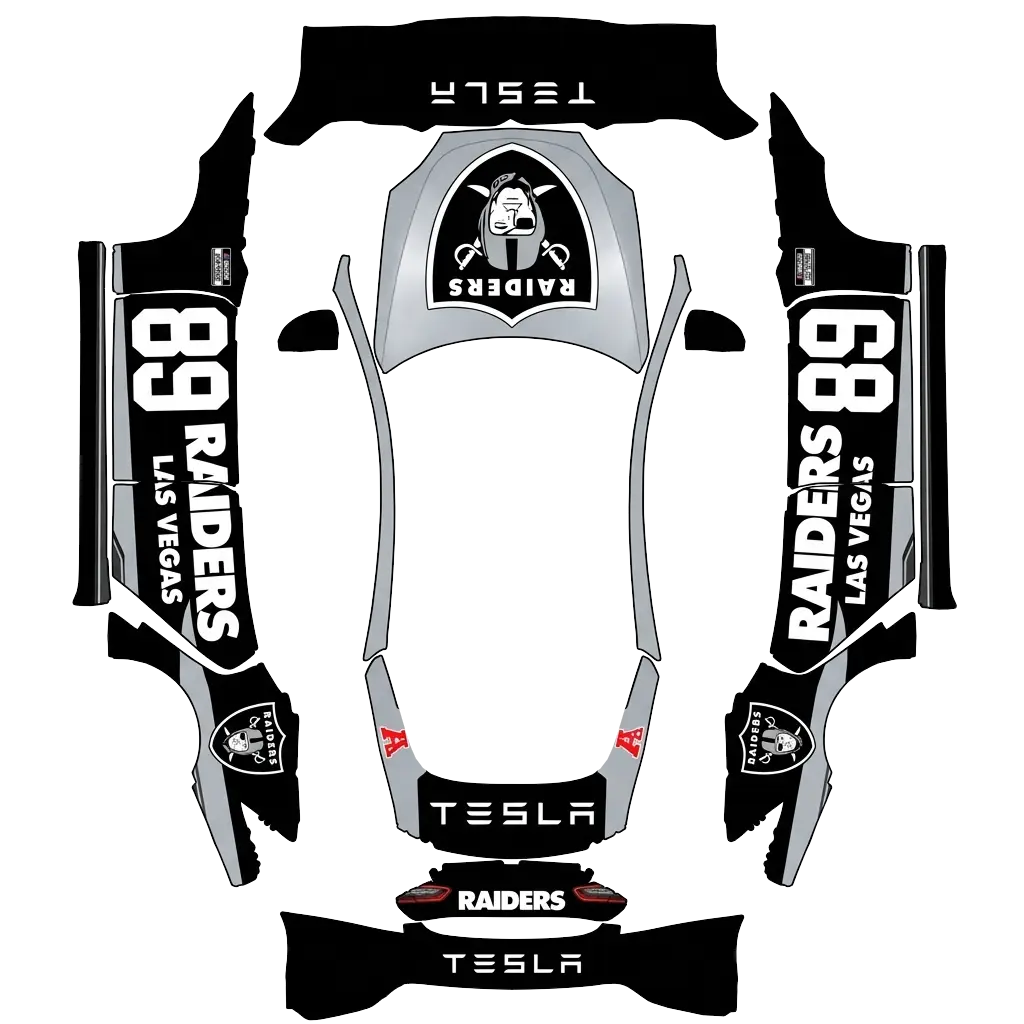
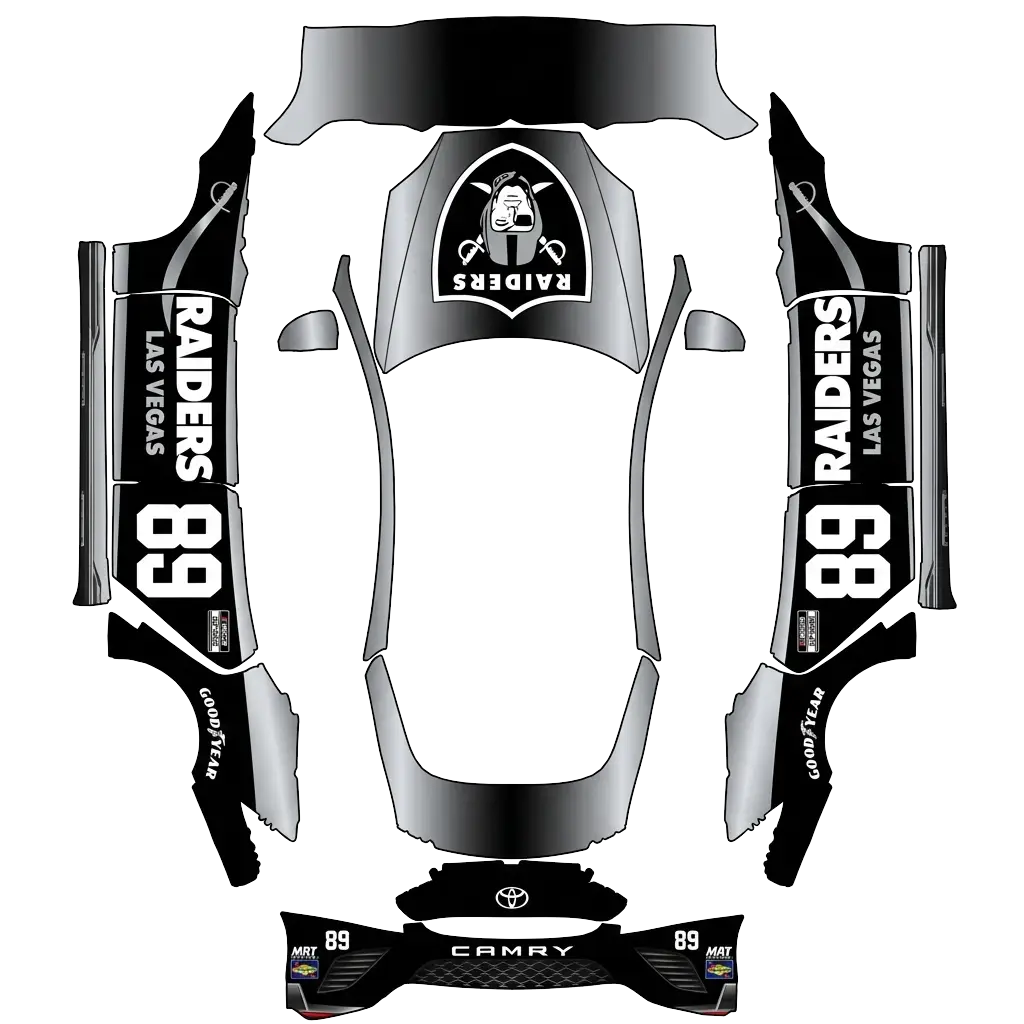
Model S 2021+にラッピングを設定するには?
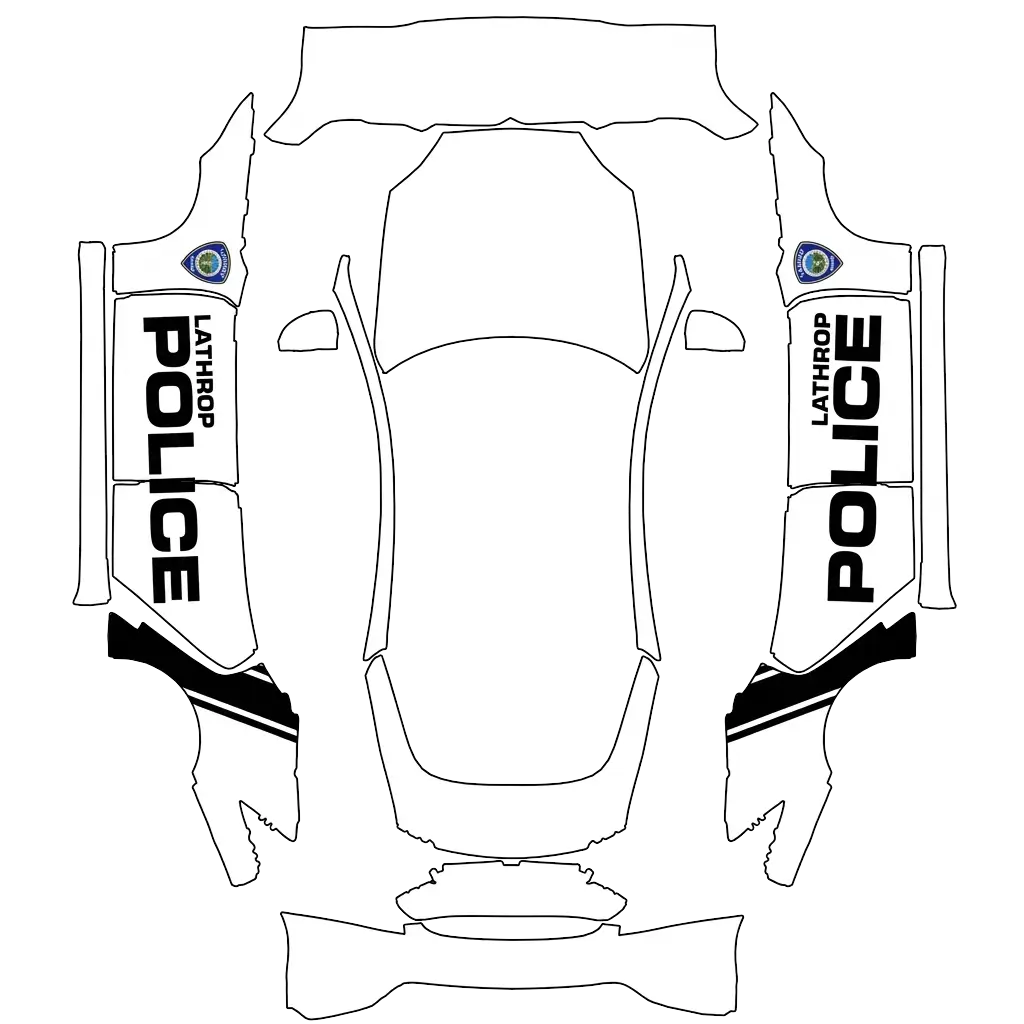
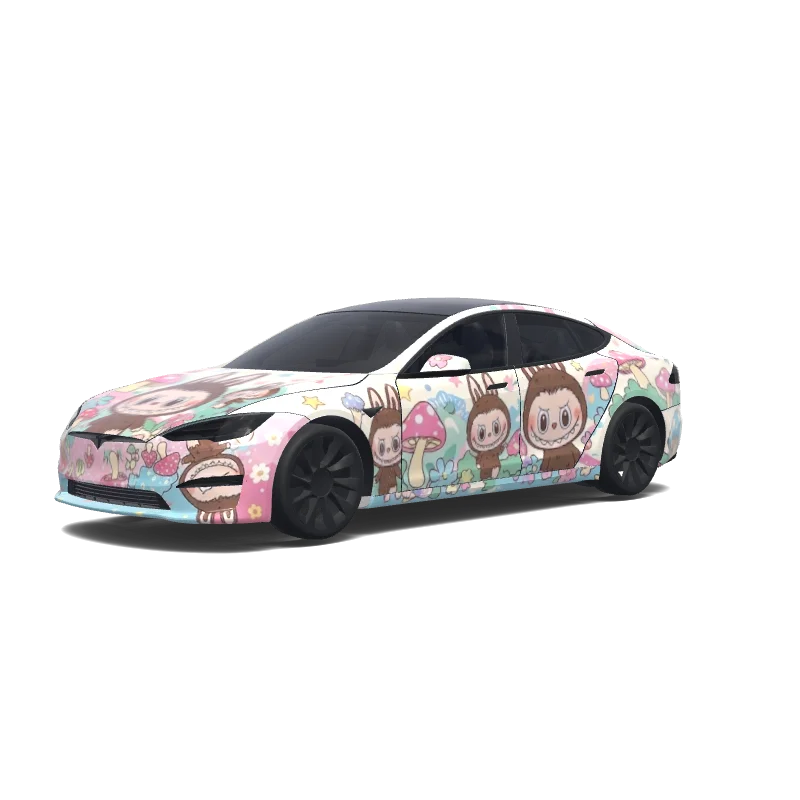
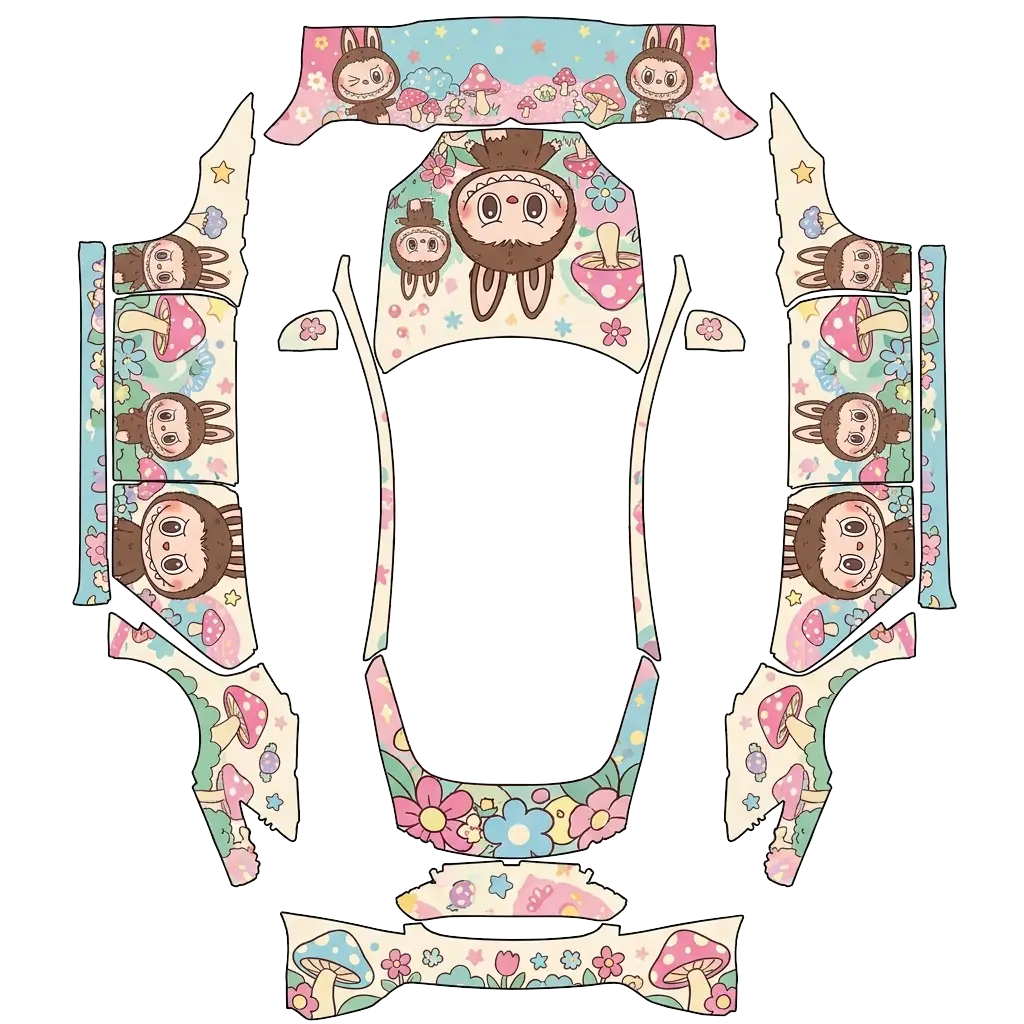
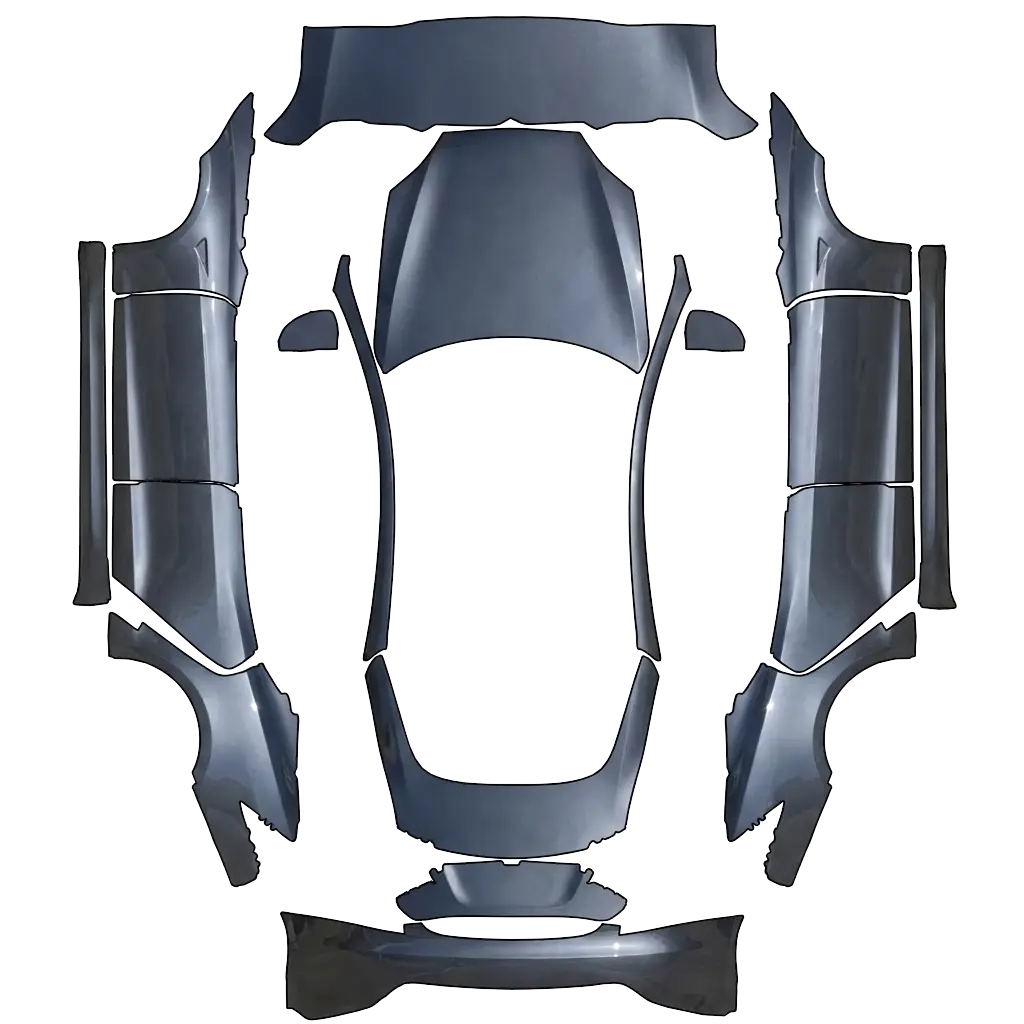
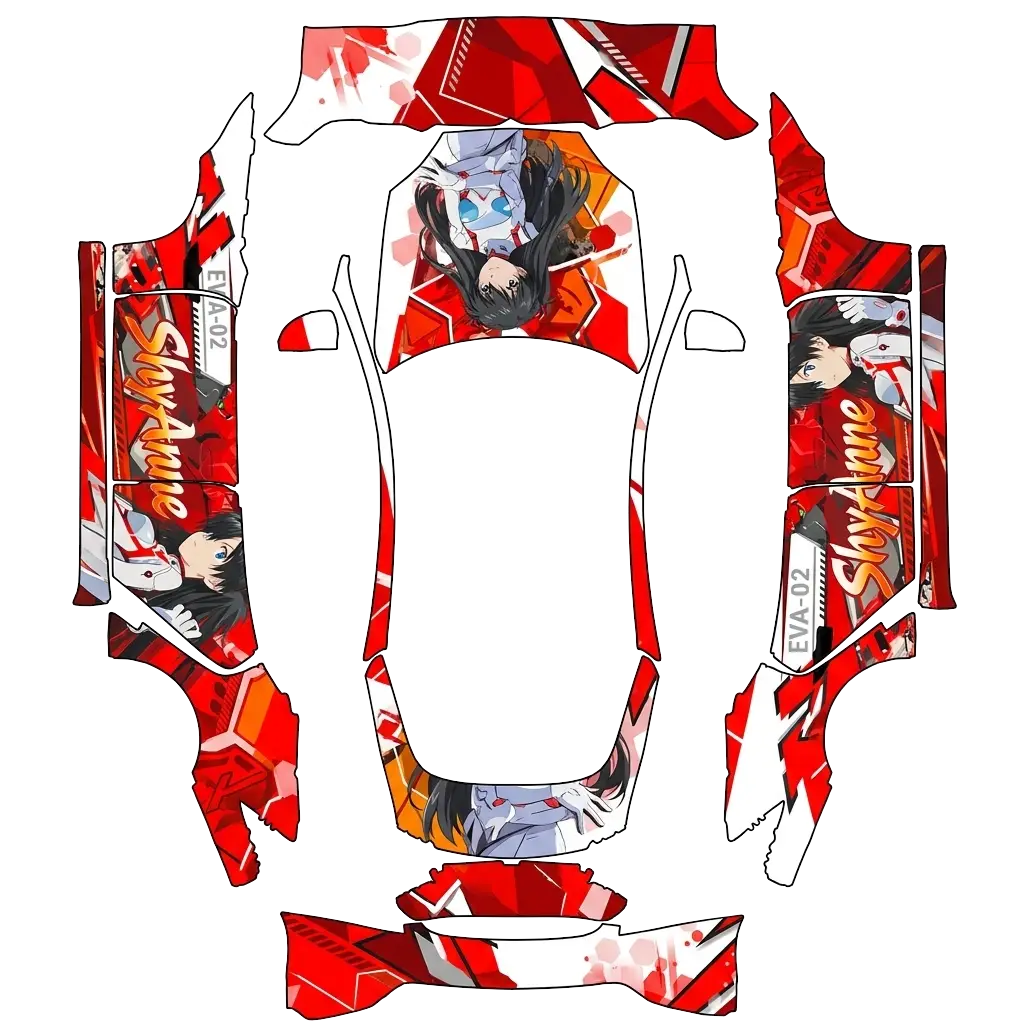
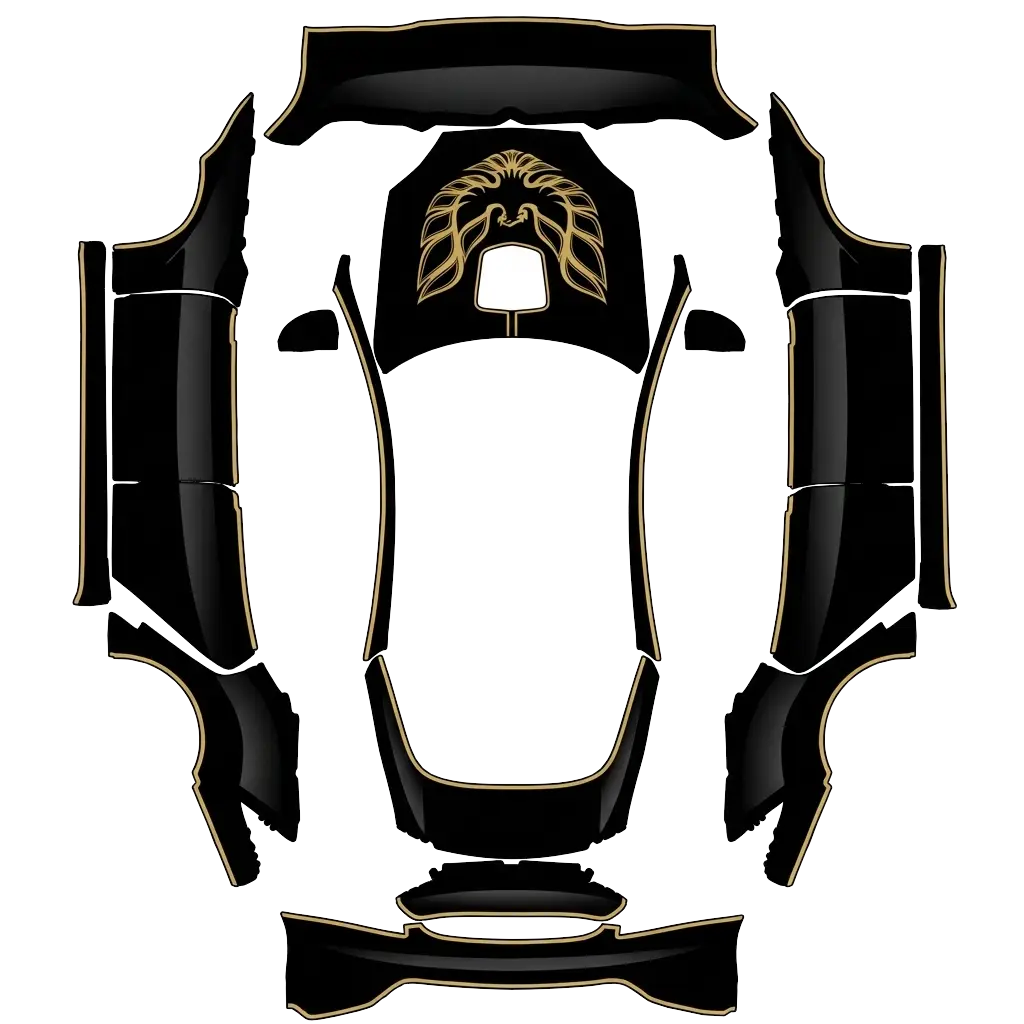
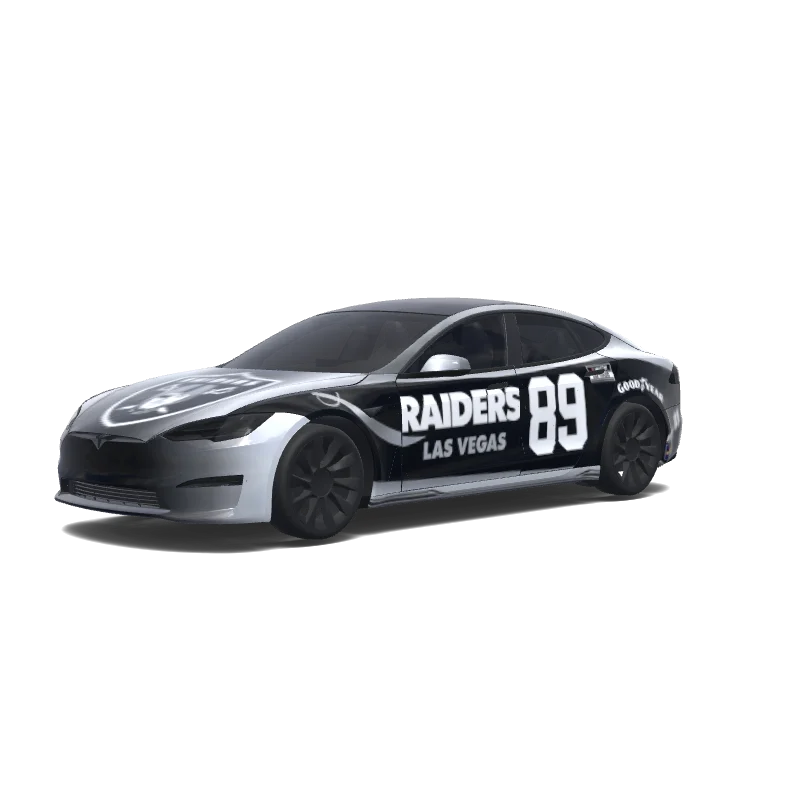
お使いのModel S 2021+のテンプレートに合うPNGをダウンロードします。TeslaアプリのCreations → Wrap → Uploadから送信するか、USBのWrapsフォルダーにコピーしてください。トイボックス → Paint Shop → Wrapsで選択すると、画面上の車両の外観が変わります。
16+ Teslaラッピングデザイン · コミュニティとAI · PNGダウンロード
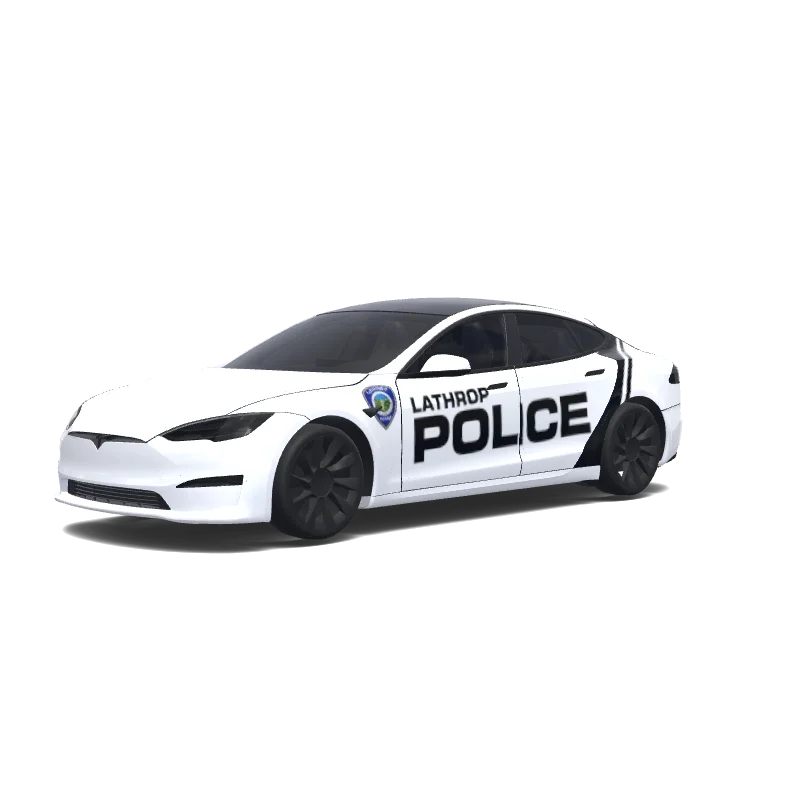
Model S
Use the uploaded photo as a strong visual reference. Extract its colors, textures, pattern language, and overall aesthetic. Generate a Tesla Paint Shop vehicle wrap for the selected model. Fill the UV template areas cleanly, preserve transparent and non-template areas, and output a complete wrap PNG suitable for 3D preview and download.
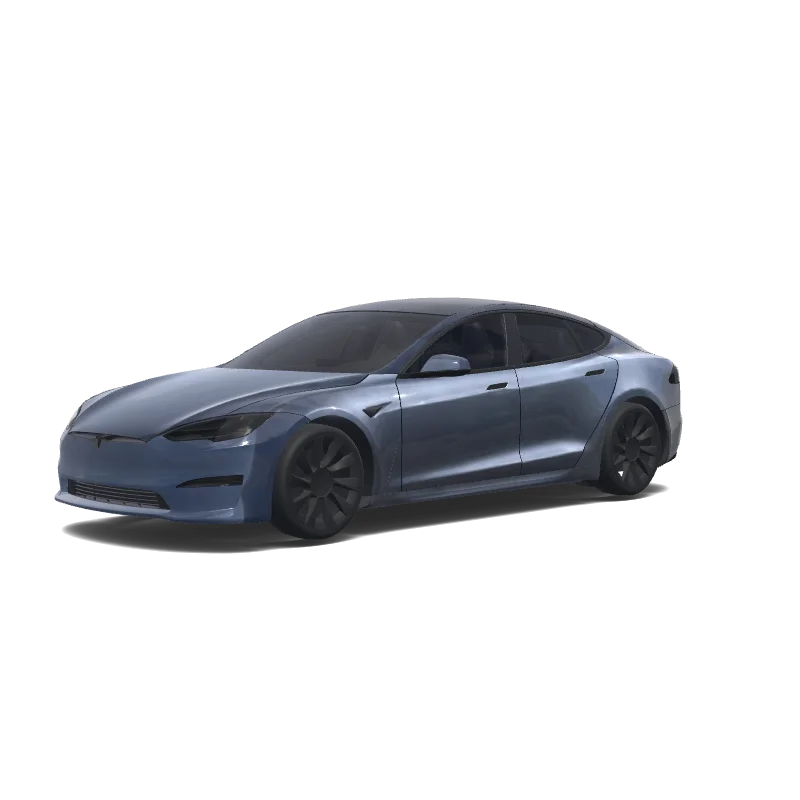
Model S
Use the uploaded photo as a strong visual reference. Extract its colors, textures, pattern language, and overall aesthetic. Generate a Tesla Paint Shop vehicle wrap for the selected model. Fill the UV template areas cleanly, preserve transparent and non-template areas, and output a complete wrap PNG suitable for 3D preview and download.
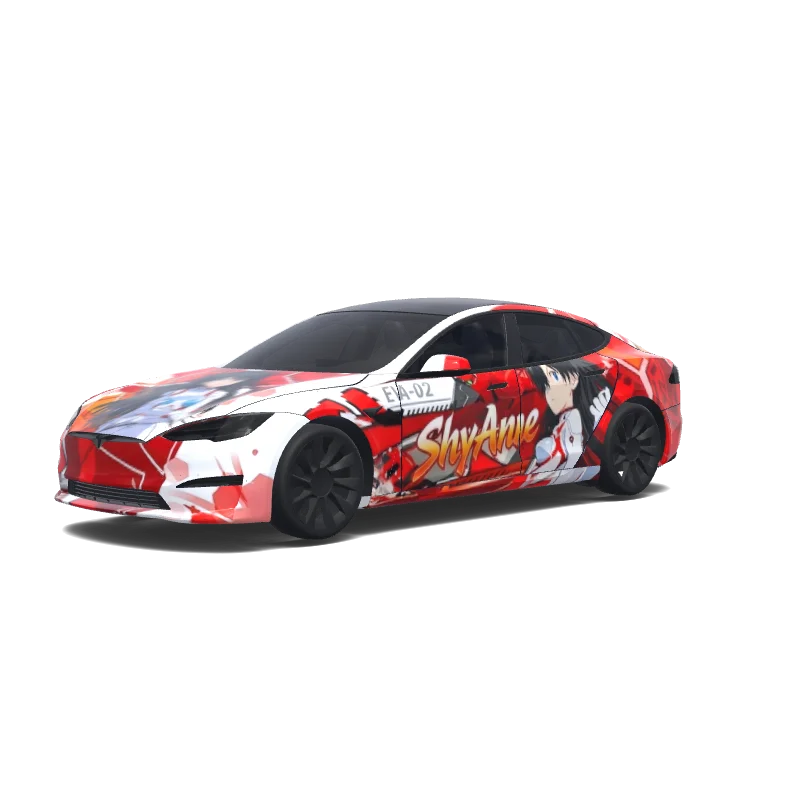
Model S
Use the uploaded photo as a strong visual reference. Extract its colors, textures, pattern language, and overall aesthetic. Generate a Tesla Paint Shop vehicle wrap for the selected model. Fill the UV template areas cleanly, preserve transparent and non-template areas, and output a complete wrap PNG suitable for 3D preview and download.
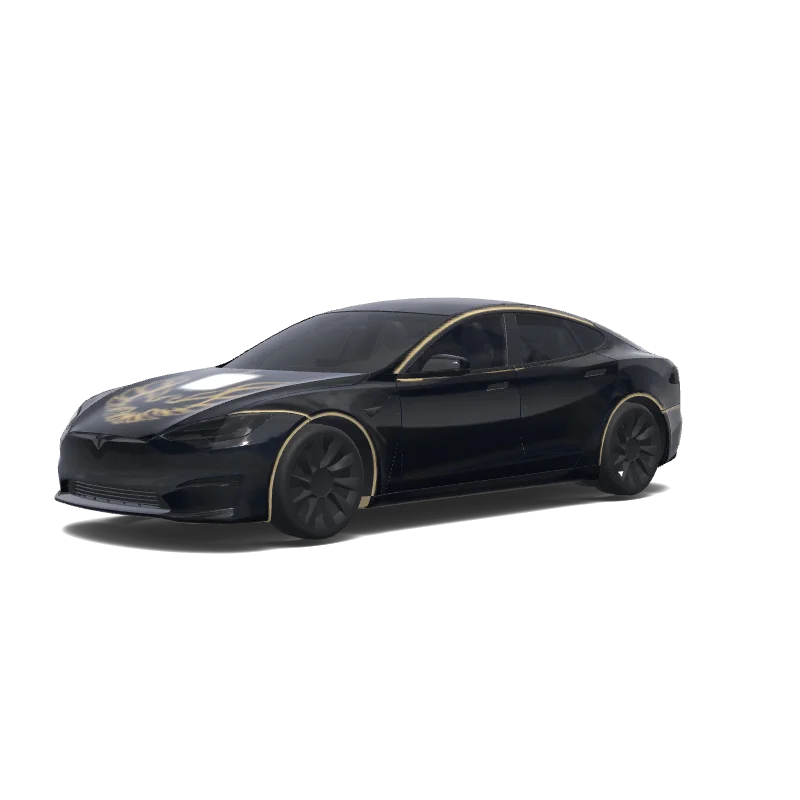
Model S
Use the uploaded photo as a strong visual reference. Extract its colors, textures, pattern language, and overall aesthetic. Generate a Tesla Paint Shop vehicle wrap for the selected model. Fill the UV template areas cleanly, preserve transparent and non-template areas, and output a complete wrap PNG suitable for 3D preview and download.
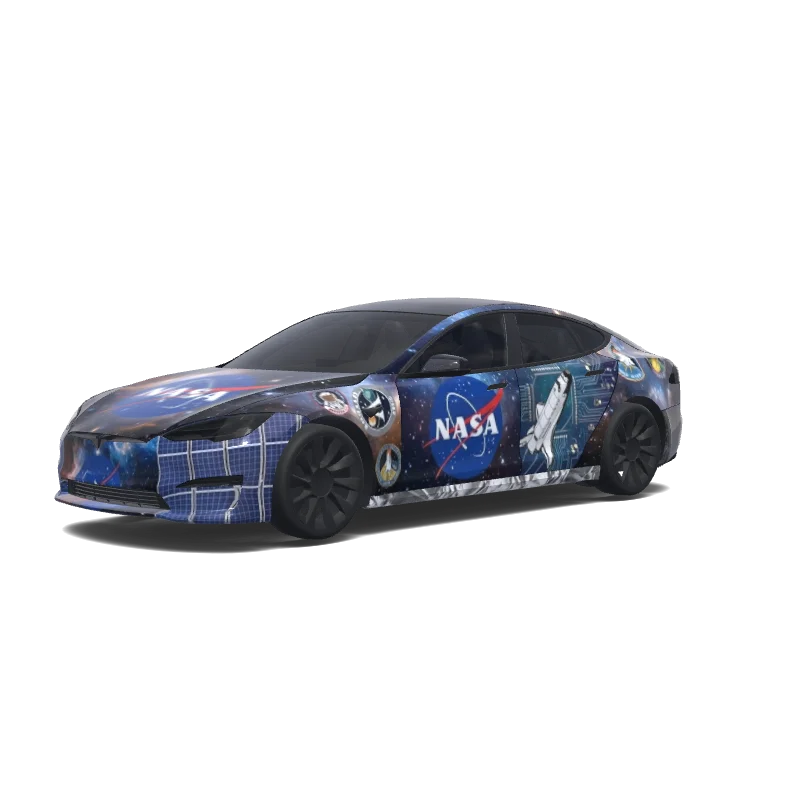
Model S
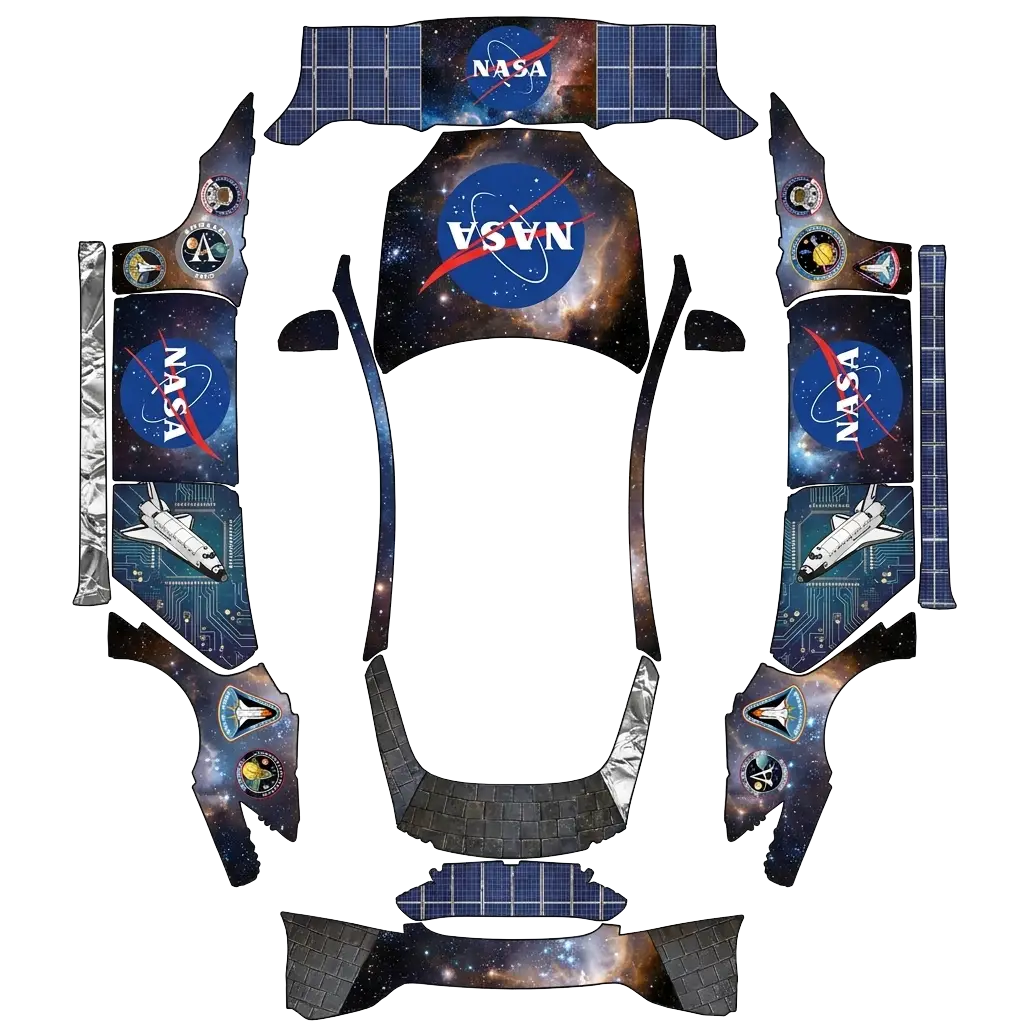
Make me a NASA logo wrap.
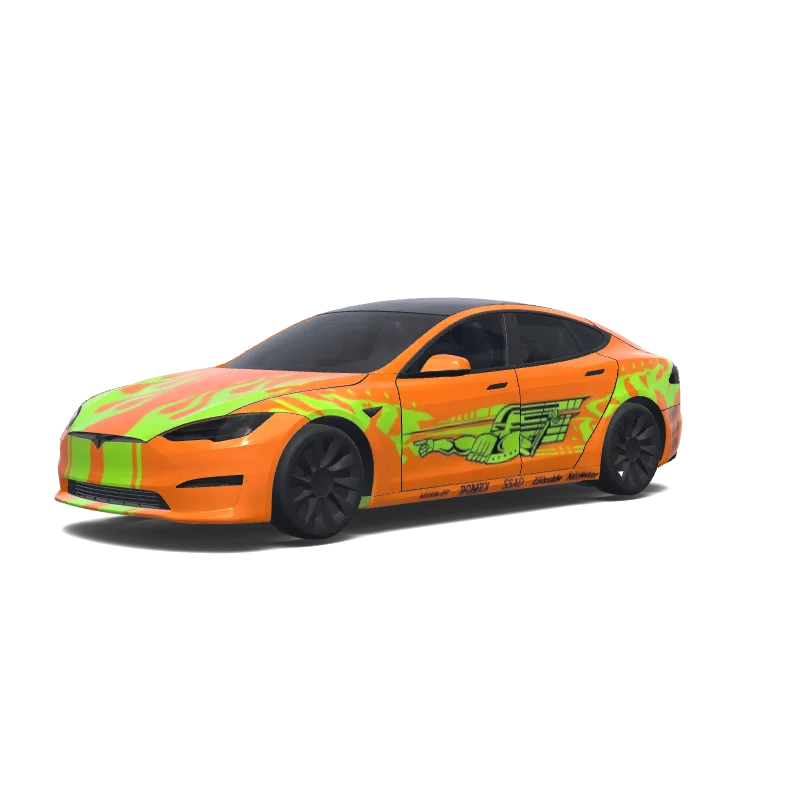
Model S
Use the uploaded photo as a strong visual reference. Extract its colors, textures, pattern language, and overall aesthetic. Generate a Tesla Paint Shop vehicle wrap for the selected model. Fill the UV template areas cleanly, preserve transparent and non-template areas, and output a complete wrap PNG suitable for 3D preview and download.
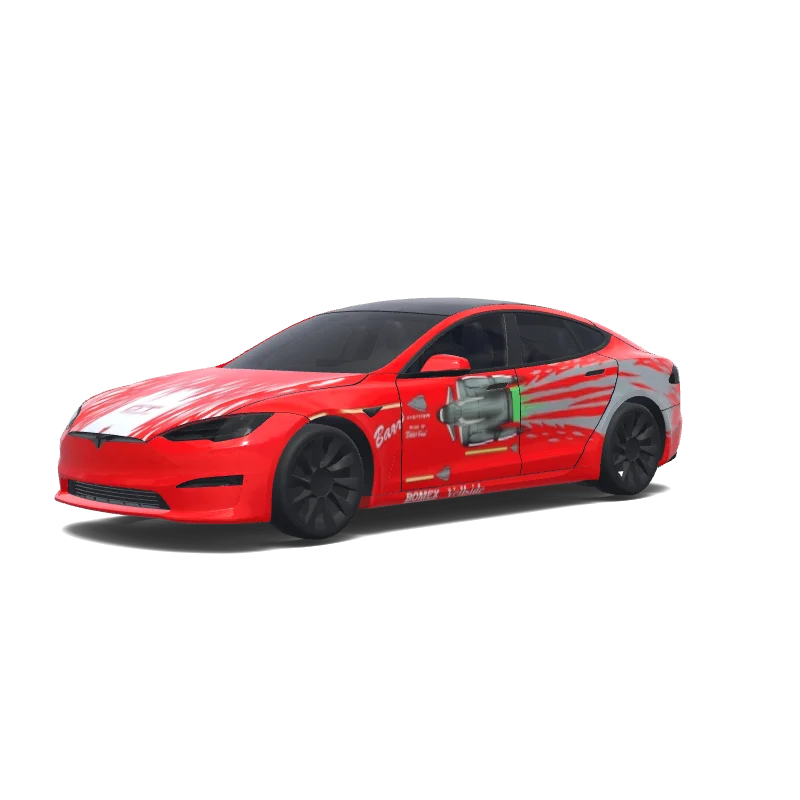
Model S
Use the uploaded photo as a strong visual reference. Extract its colors, textures, pattern language, and overall aesthetic. Generate a Tesla Paint Shop vehicle wrap for the selected model. Fill the UV template areas cleanly, preserve transparent and non-template areas, and output a complete wrap PNG suitable for 3D preview and download.
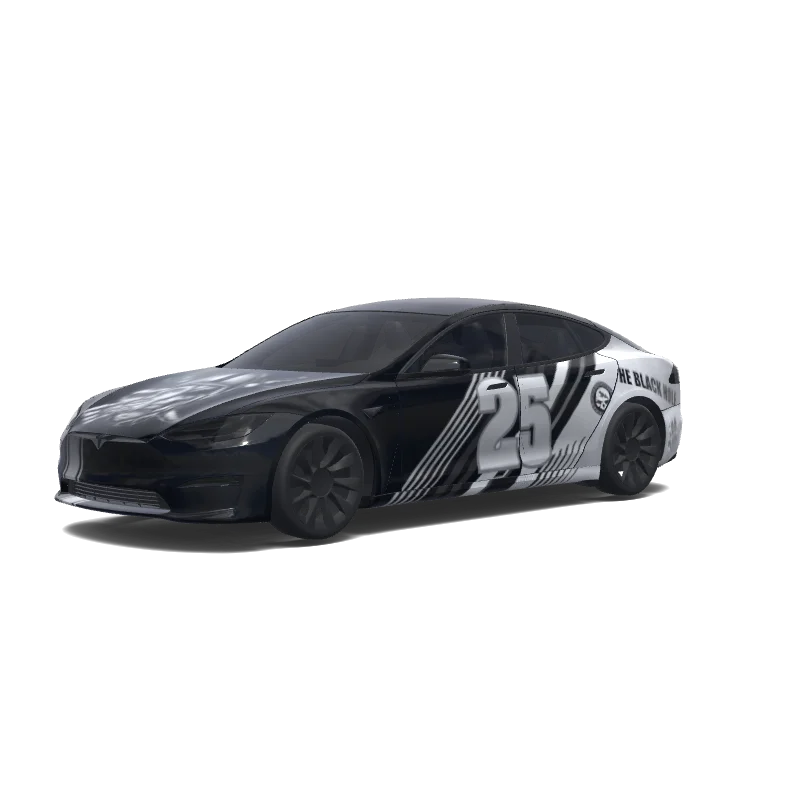
Model S
Use the uploaded photo as a strong visual reference. Extract its colors, textures, pattern language, and overall aesthetic. Generate a Tesla Paint Shop vehicle wrap for the selected model. Fill the UV template areas cleanly, preserve transparent and non-template areas, and output a complete wrap PNG suitable for 3D preview and download.
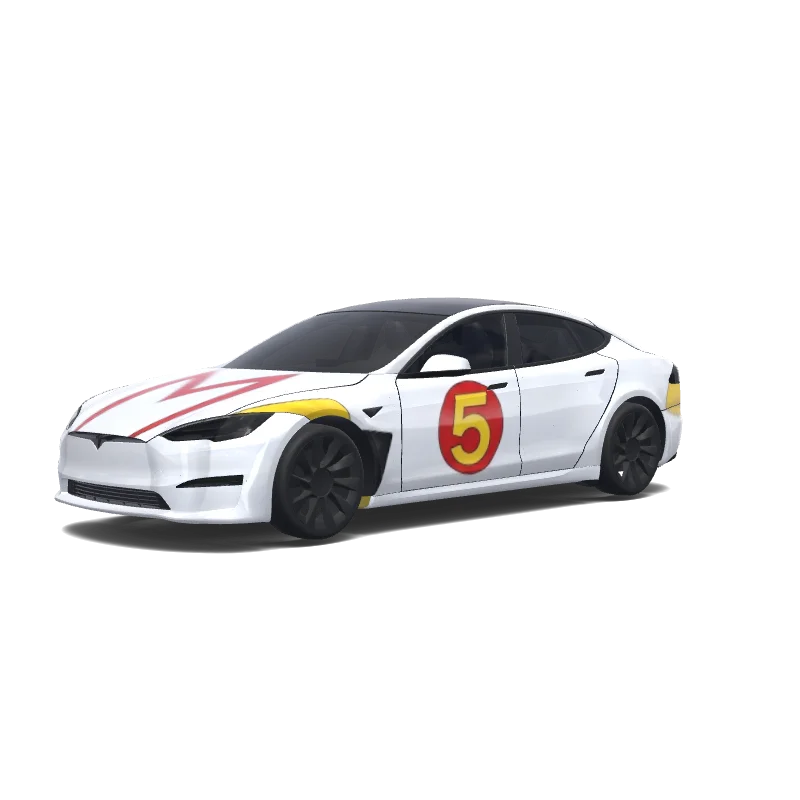
Model S
Use the uploaded photo as a strong visual reference. Extract its colors, textures, pattern language, and overall aesthetic. Generate a Tesla Paint Shop vehicle wrap for the selected model. Fill the UV template areas cleanly, preserve transparent and non-template areas, and output a complete wrap PNG suitable for 3D preview and download.
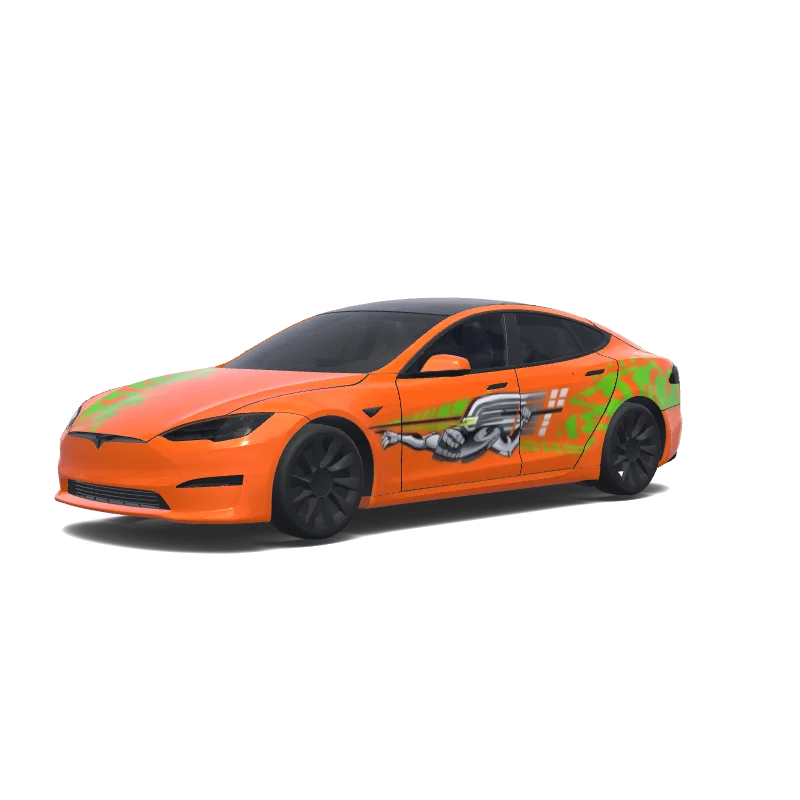
Model S
Use the uploaded photo as a strong visual reference. Extract its colors, textures, pattern language, and overall aesthetic. Generate a Tesla Paint Shop vehicle wrap for the selected model. Fill the UV template areas cleanly, preserve transparent and non-template areas, and output a complete wrap PNG suitable for 3D preview and download.
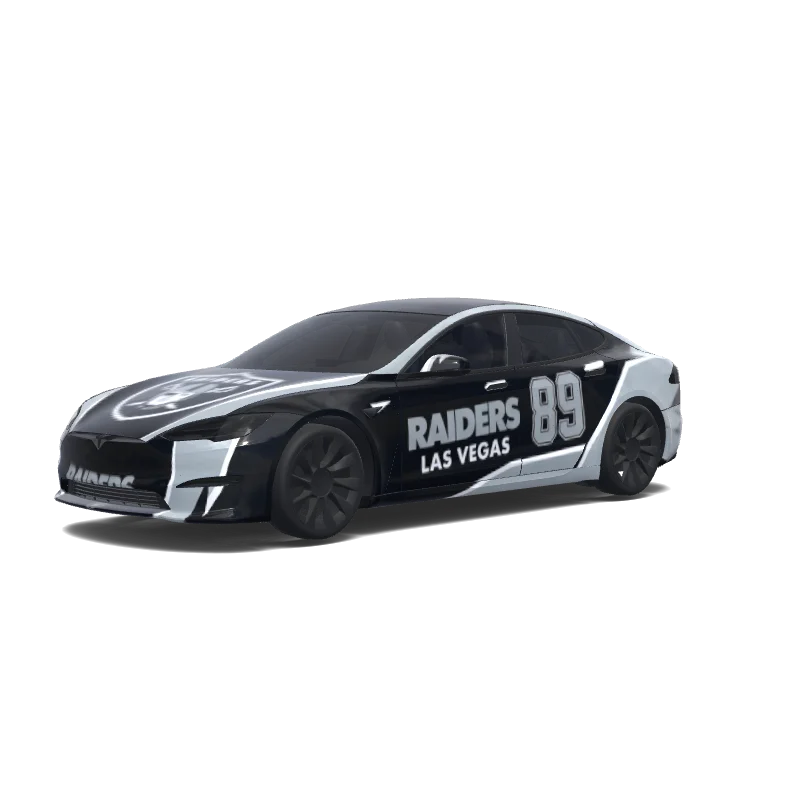
Model S
Use the uploaded photo as a strong visual reference. Extract its colors, textures, pattern language, and overall aesthetic. Generate a Tesla Paint Shop vehicle wrap for the selected model. Fill the UV template areas cleanly, preserve transparent and non-template areas, and output a complete wrap PNG suitable for 3D preview and download.
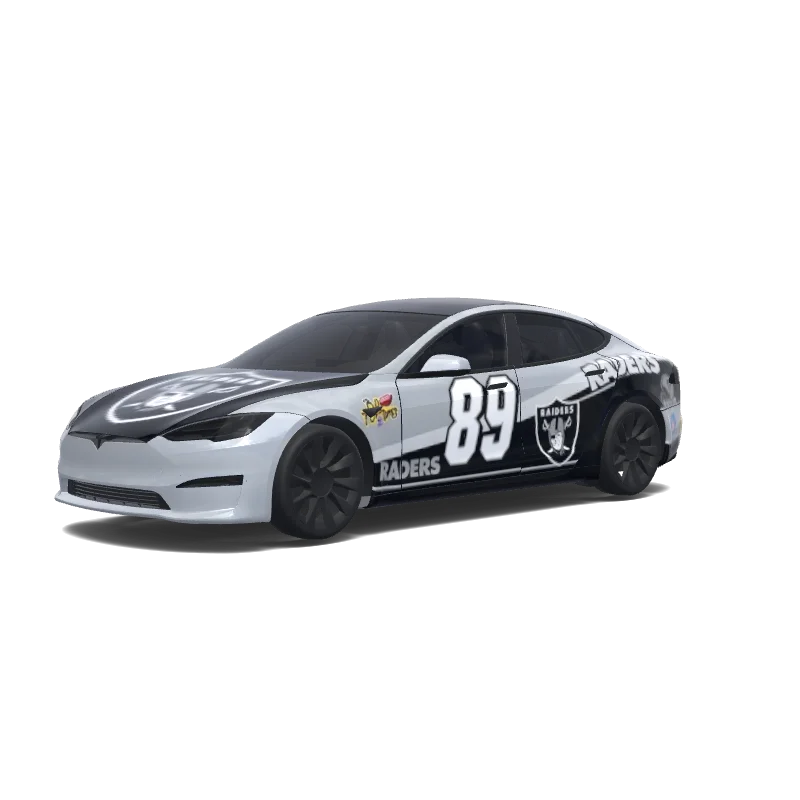
Model S
Use the uploaded photo as a strong visual reference. Extract its colors, textures, pattern language, and overall aesthetic. Generate a Tesla Paint Shop vehicle wrap for the selected model. Fill the UV template areas cleanly, preserve transparent and non-template areas, and output a complete wrap PNG suitable for 3D preview and download.
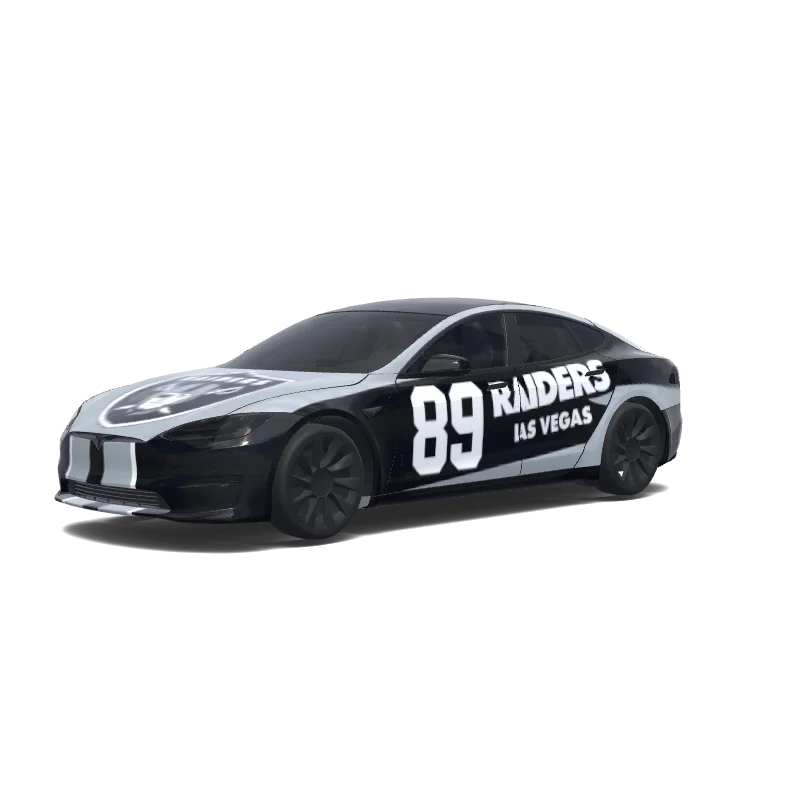
Model S
Use the uploaded photo as a strong visual reference. Extract its colors, textures, pattern language, and overall aesthetic. Generate a Tesla Paint Shop vehicle wrap for the selected model. Fill the UV template areas cleanly, preserve transparent and non-template areas, and output a complete wrap PNG suitable for 3D preview and download.
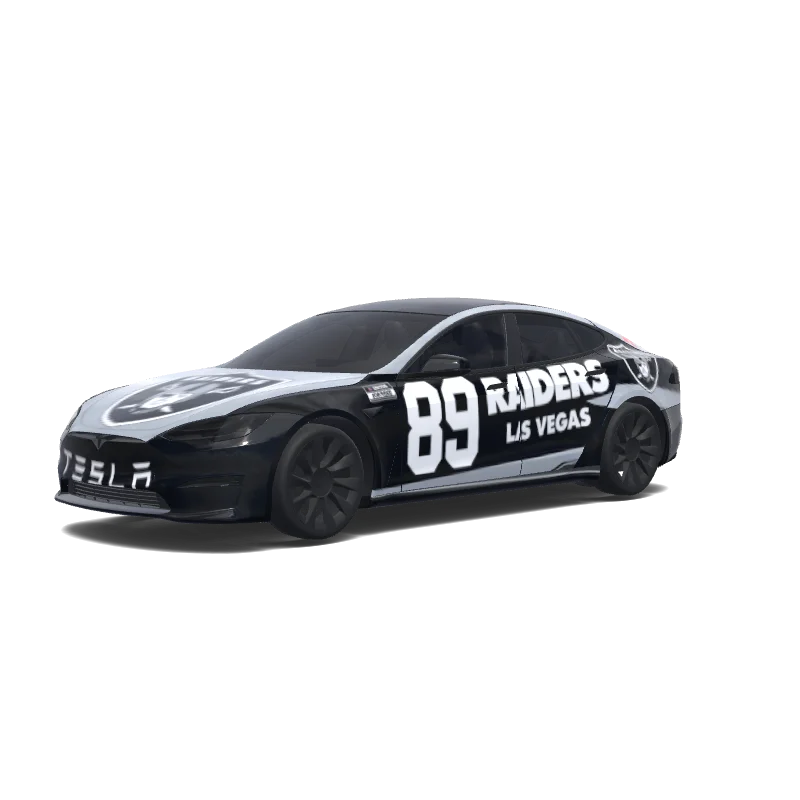
Model S
Use the uploaded photo as a strong visual reference. Extract its colors, textures, pattern language, and overall aesthetic. Generate a Tesla Paint Shop vehicle wrap for the selected model. Fill the UV template areas cleanly, preserve transparent and non-template areas, and output a complete wrap PNG suitable for 3D preview and download.
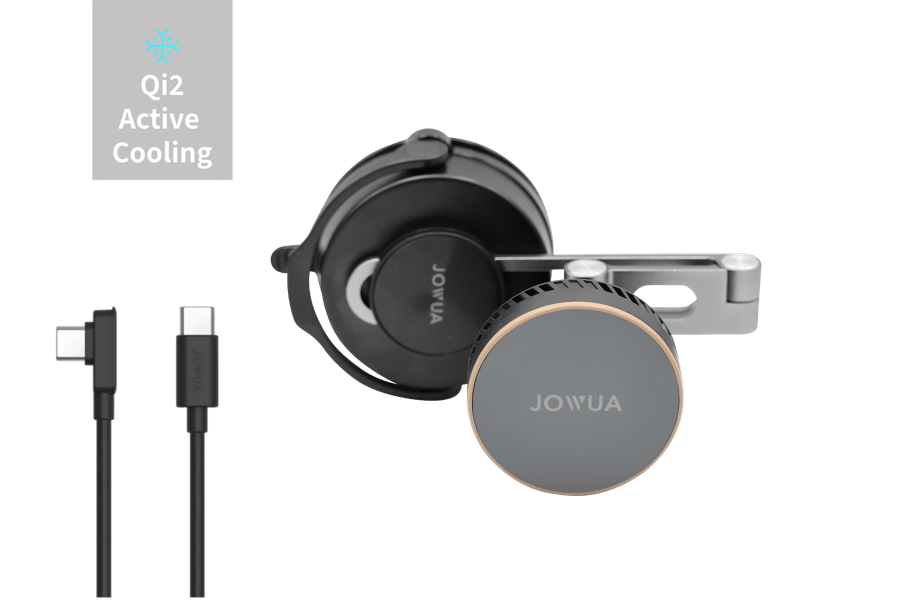 TESLASTUDIO
MagSafe対応、最大15WのQi2充電、アクティブ冷却、角度調整に対応したホルダーです。
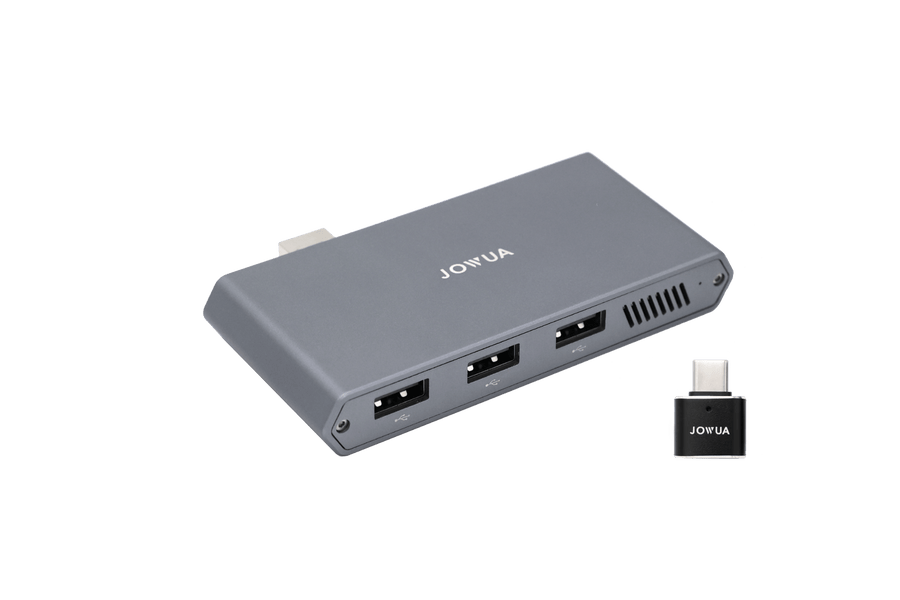 TESLASTUDIO
3つのUSBポートと1TB NVMeストレージを備え、Dashcamとセントリーモードに対応します。
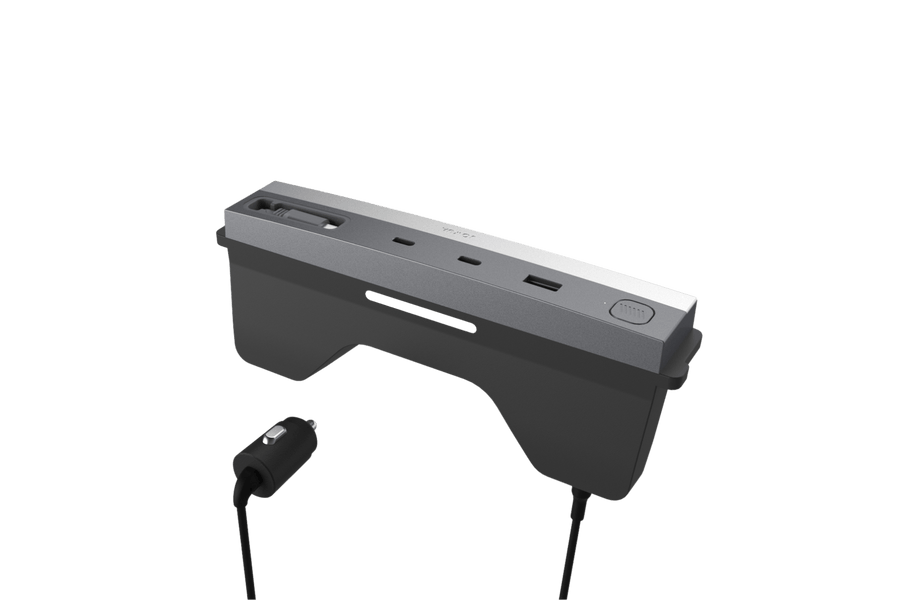 TESLASTUDIO
4つの充電出力で最大130Wに対応し、コンソール照明とケーブル整理機能も備えています。
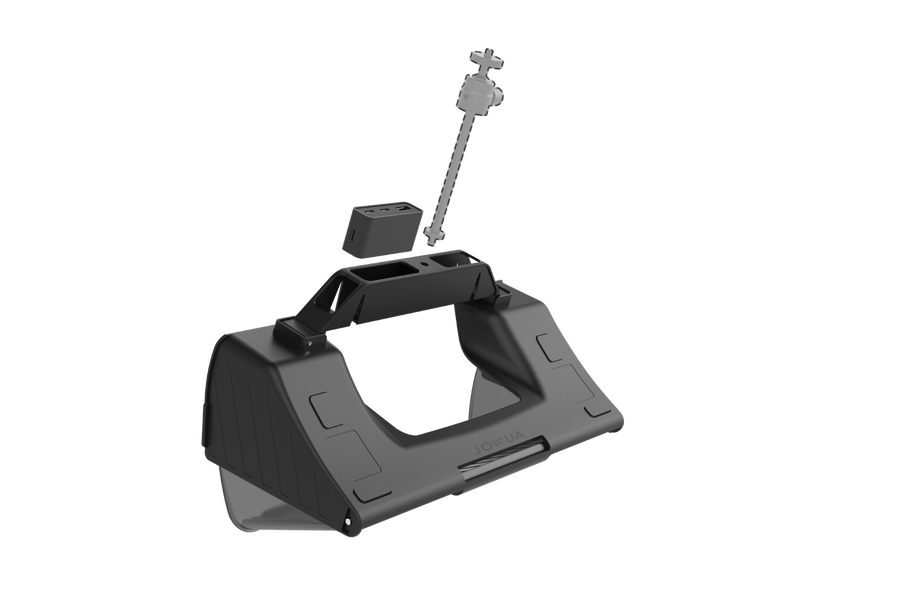 TESLASTUDIO
センターディスプレイの下にすっきり収まり、最大3台の機器を収納・充電できます。
 TESLASTUDIO
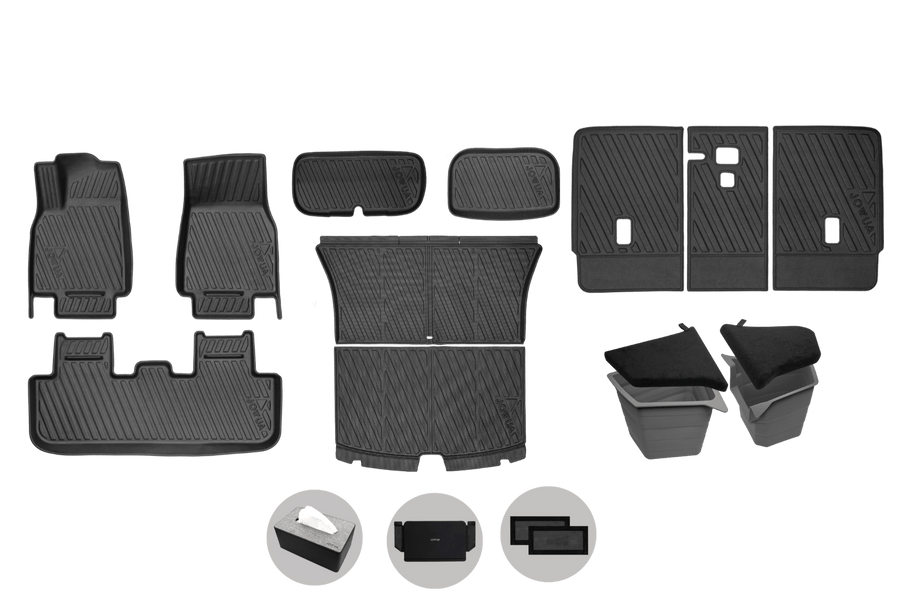
立ち上がりのある形状で、フロア、後席、荷室を全天候から保護します。
Model S
Use the uploaded photo as a strong visual reference. Extract its colors, textures, pattern language, and overall aesthetic. Generate a Tesla Paint Shop vehicle wrap for the selected model. Fill the UV template areas cleanly, preserve transparent and non-template areas, and output a complete wrap PNG suitable for 3D preview and download.
お使いのModel S 2021+のテンプレートに合うPNGをダウンロードします。TeslaアプリのCreations → Wrap → Uploadから送信するか、USBのWrapsフォルダーにコピーしてください。トイボックス → Paint Shop → Wrapsで選択すると、画面上の車両の外観が変わります。
Model S 2021+の多くのデザインは無料でダウンロードできます。有料作品には表示があり、透かしのないPNGのダウンロードにはクレジットが必要です。
公式Model S 2021+テンプレートの元のサイズでPNGを作成してください。Teslaが対応する512~1024ピクセルの範囲内、1 MB以下にします。パネルに絵柄が合うよう、正しい車種・仕様を選んでください。
はい。エディターでModel S 2021+のテンプレートを選び、画像・文字・色を追加して、PNGを書き出す前に3Dで確認できます。AI生成も利用できますが、クレジットを消費します。