Sponsorisé: Les achats éligibles via ces liens d’affiliation nous rapportent une commission.
AI
29
by avrilko
Cybertruck
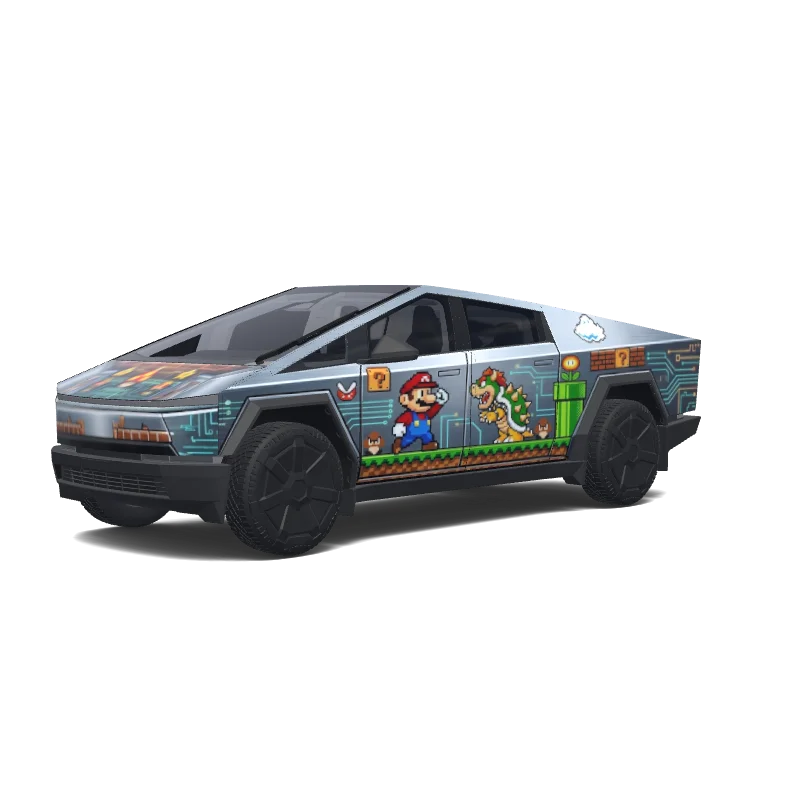
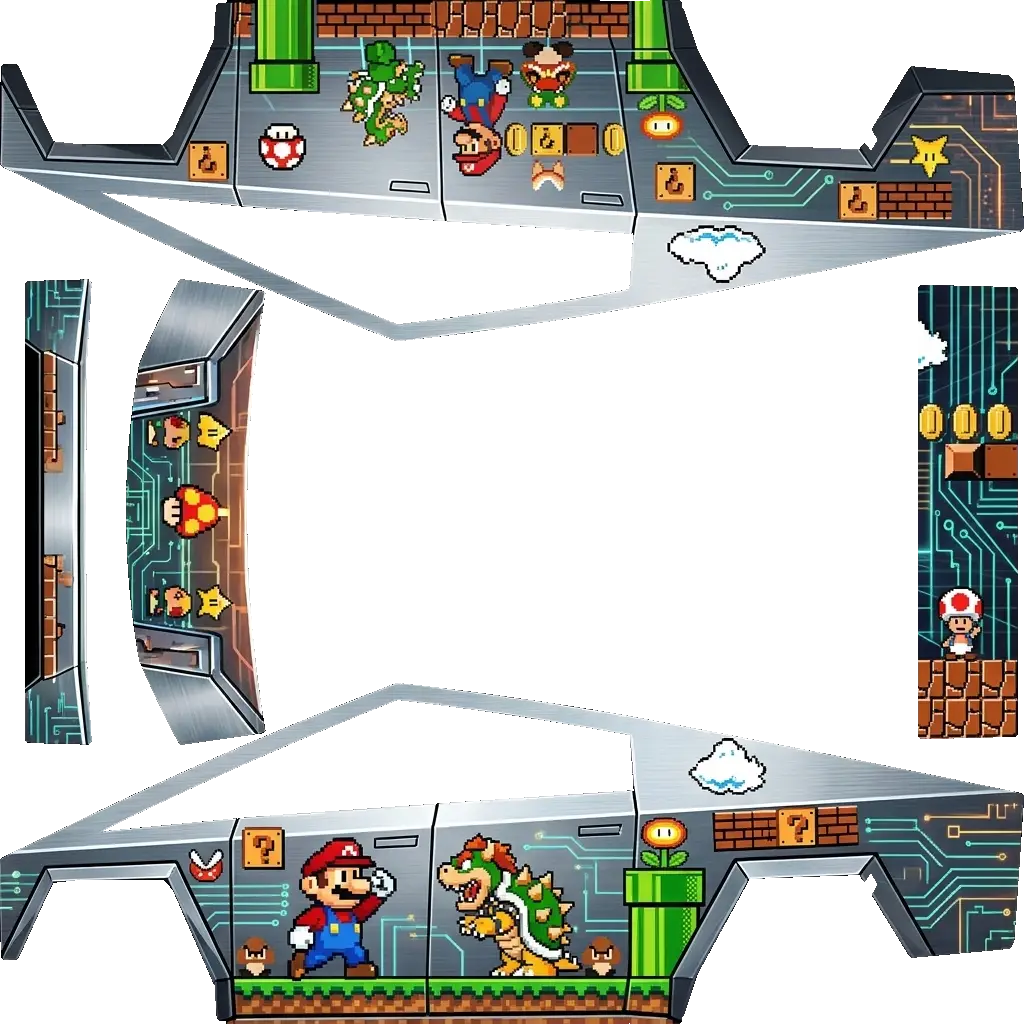
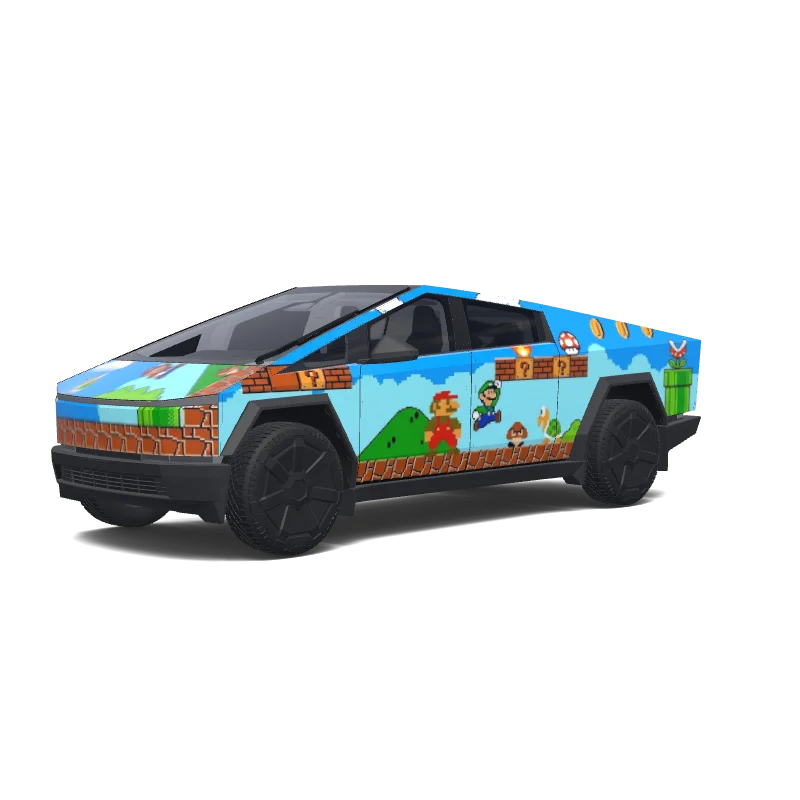
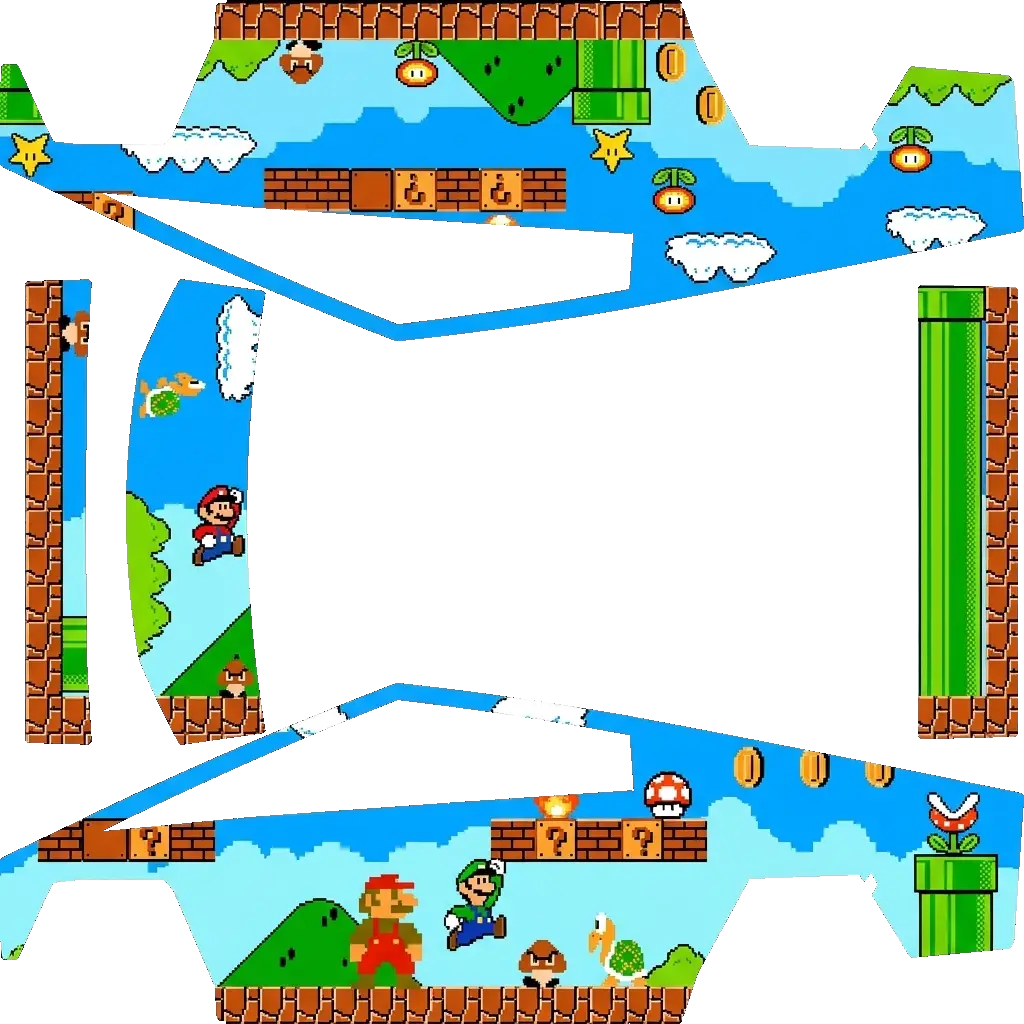
马里奥特斯拉车衣.
Cybertruck
马里奥特斯拉车衣.
AI
5
by Brandon Obina
Cybertruck
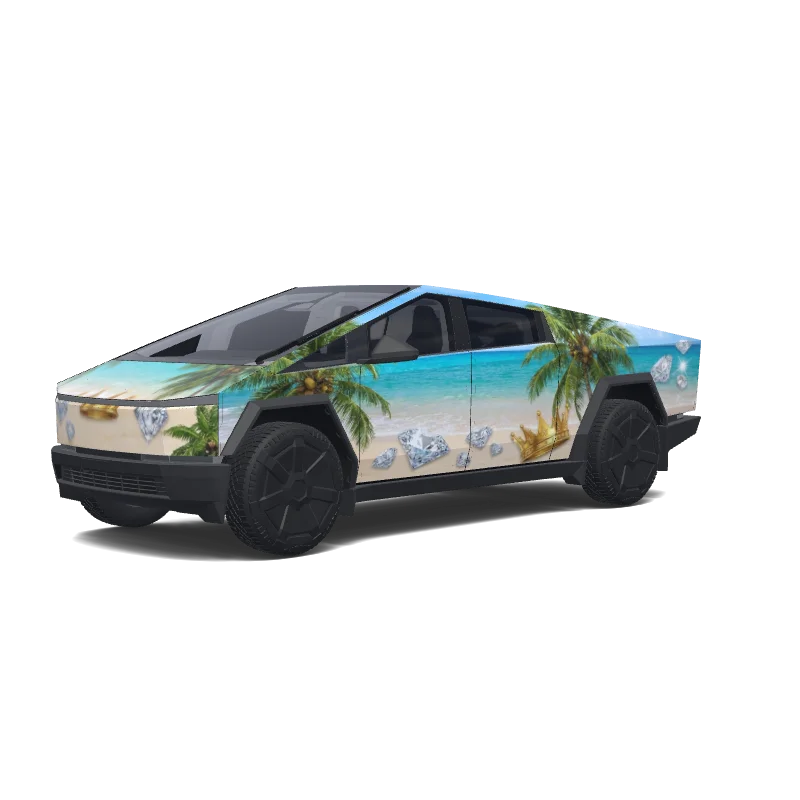
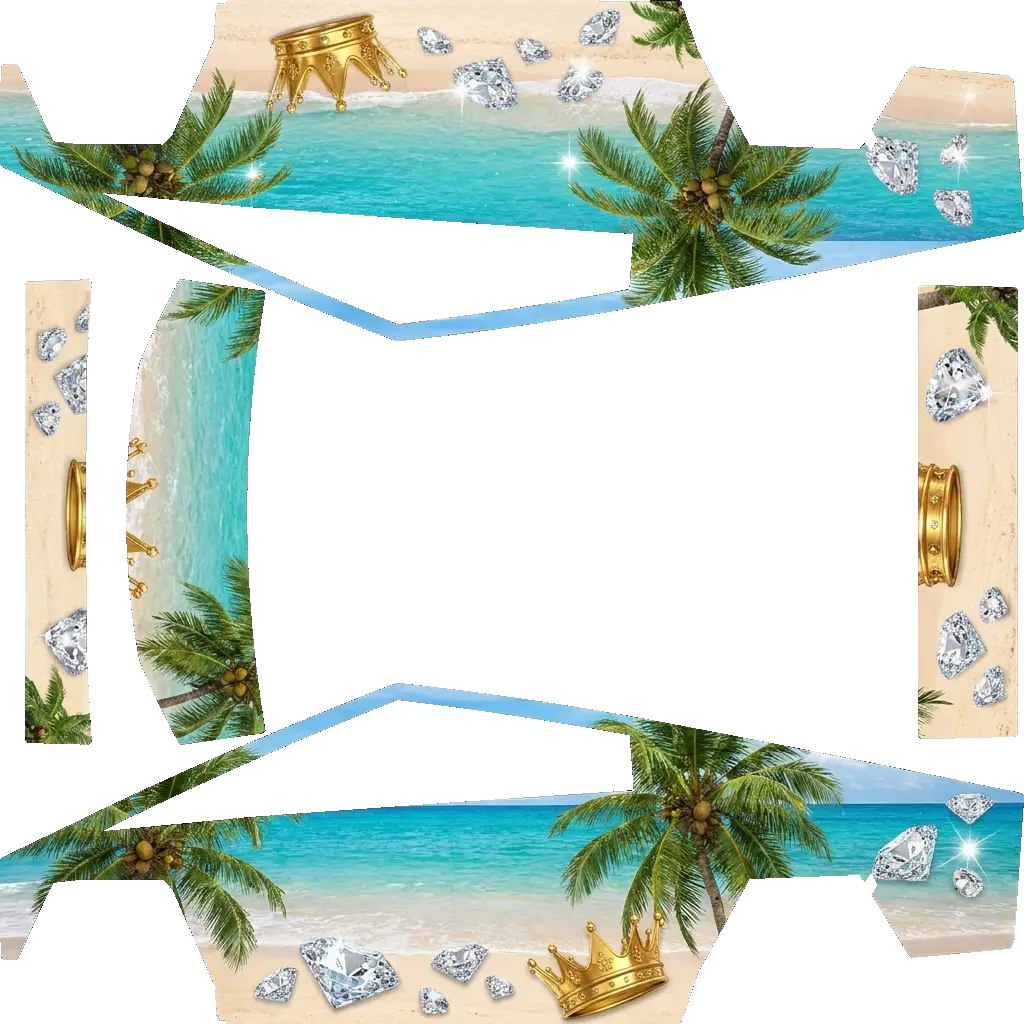
Diamonds and crowns on a tropical beach with trees and coconuts.
Cybertruck
Diamonds and crowns on a tropical beach with trees and coconuts.
AI
56
by Louis
Cybertruck
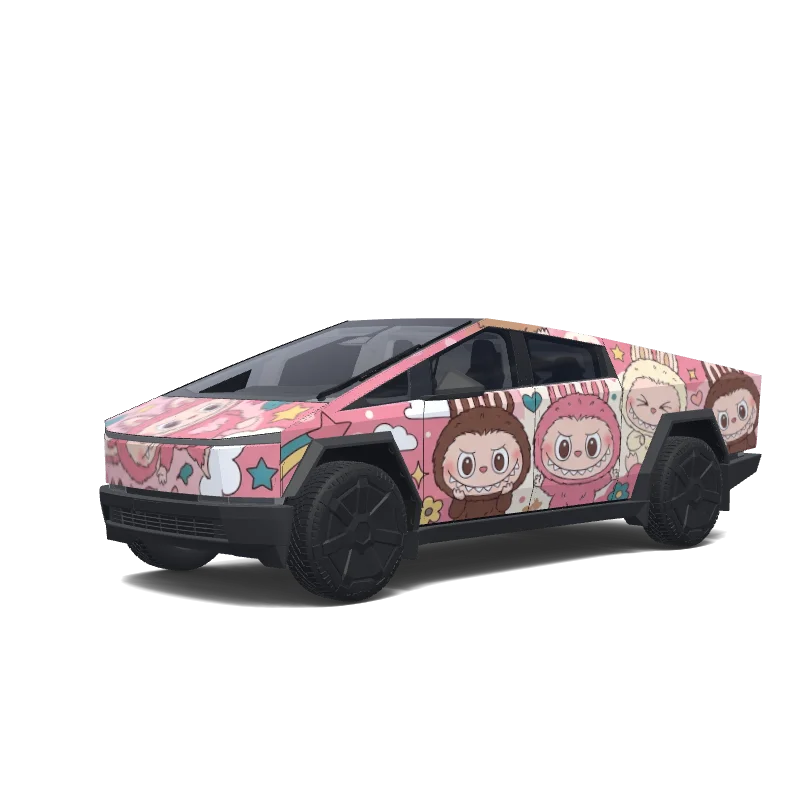
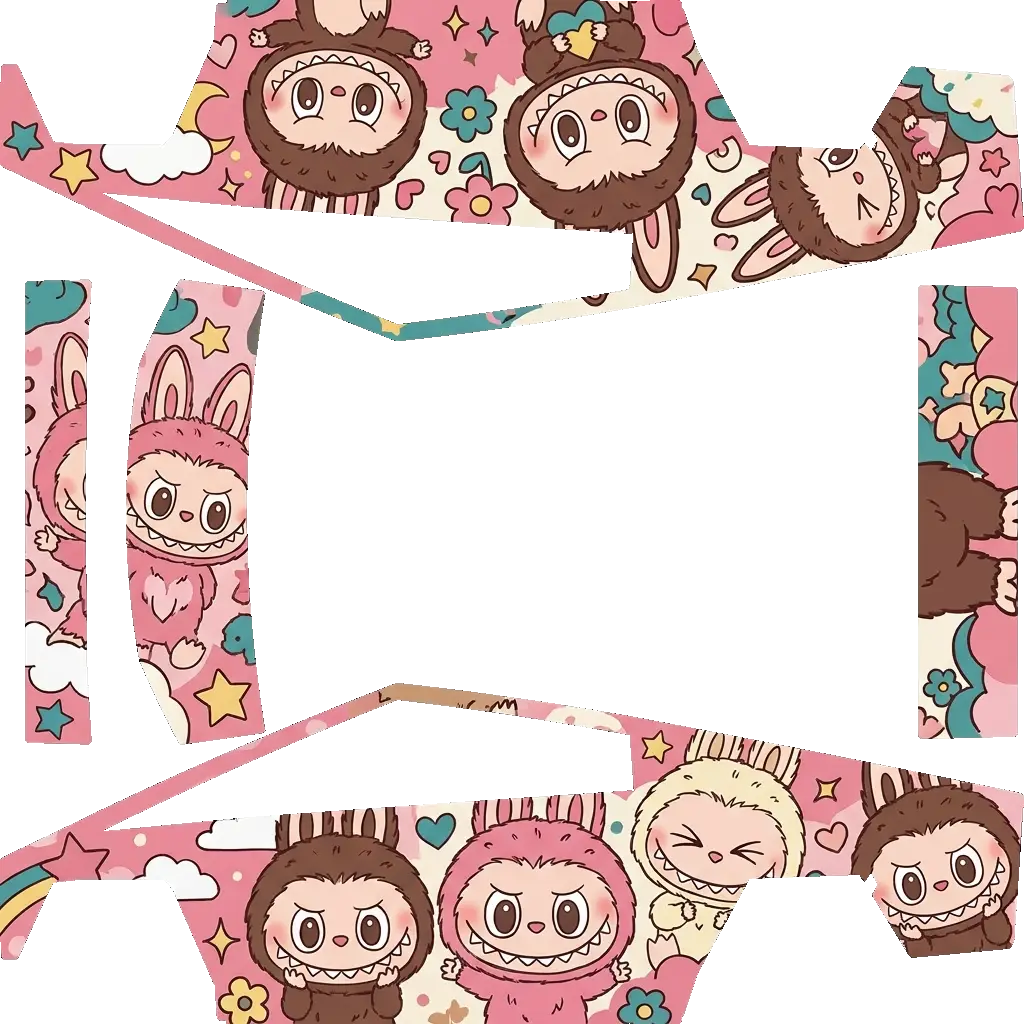
Labubu.
Cybertruck
Labubu.
AI
35
by jeedaidc
Cybertruck
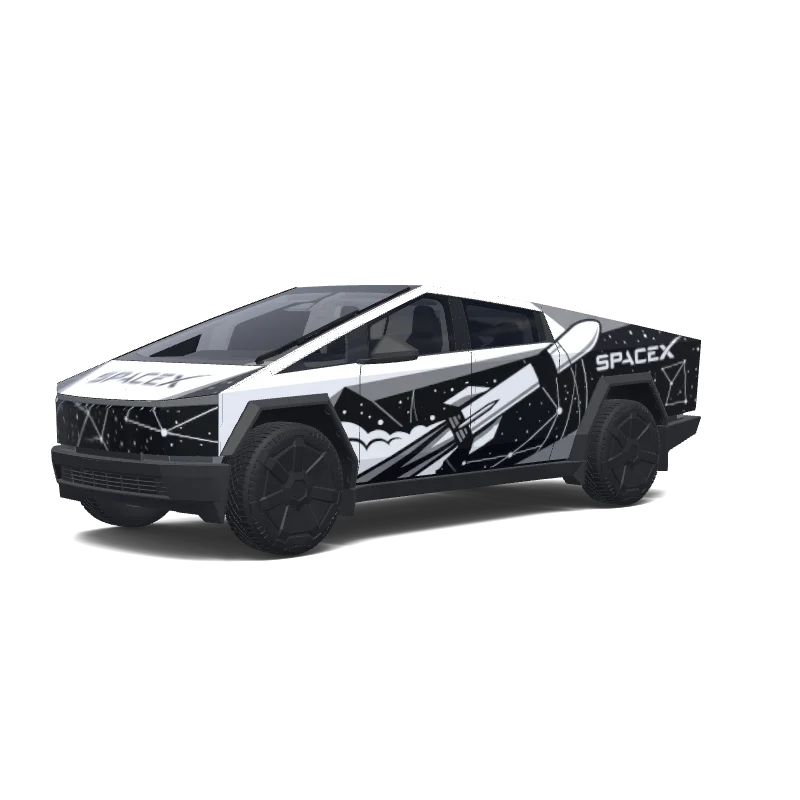
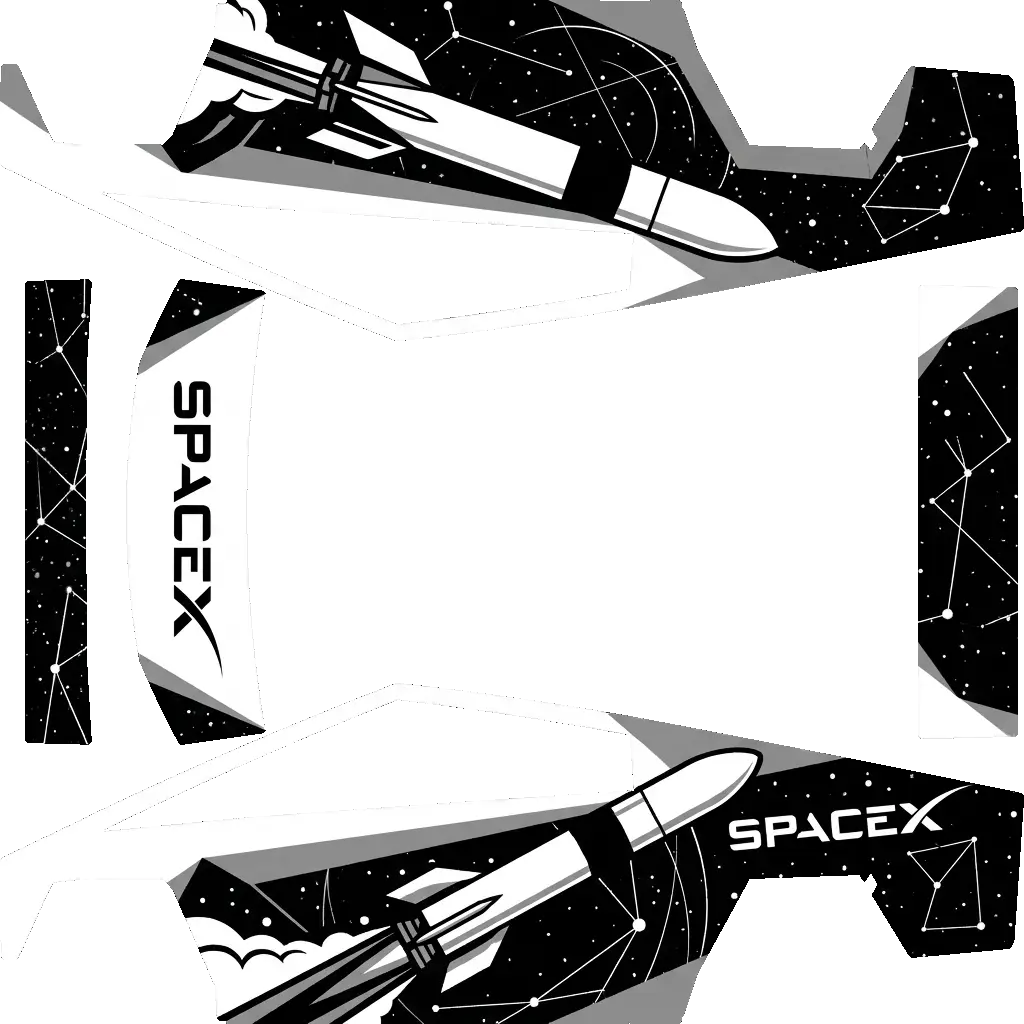
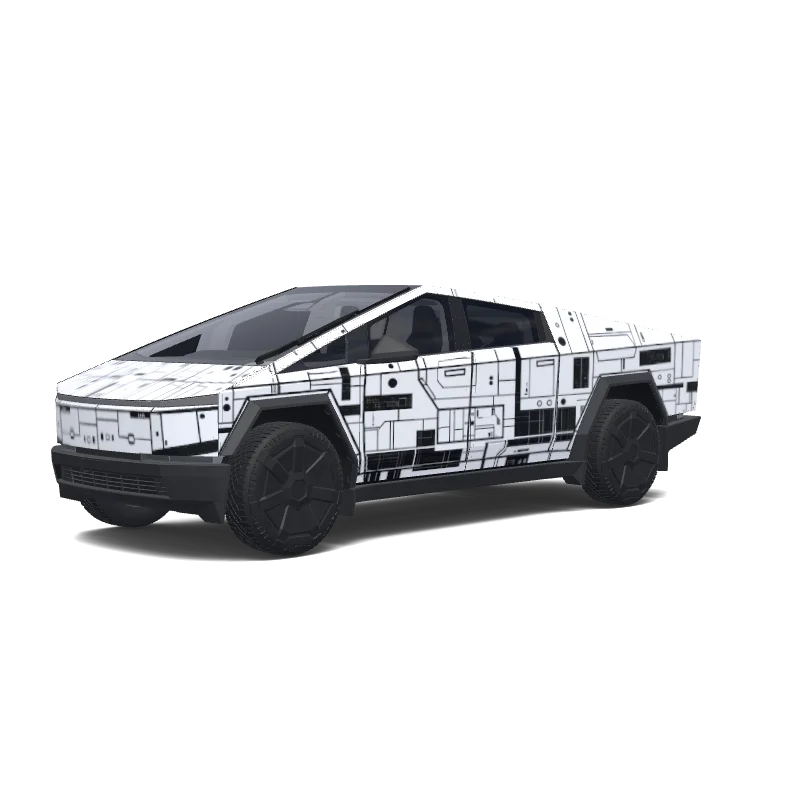
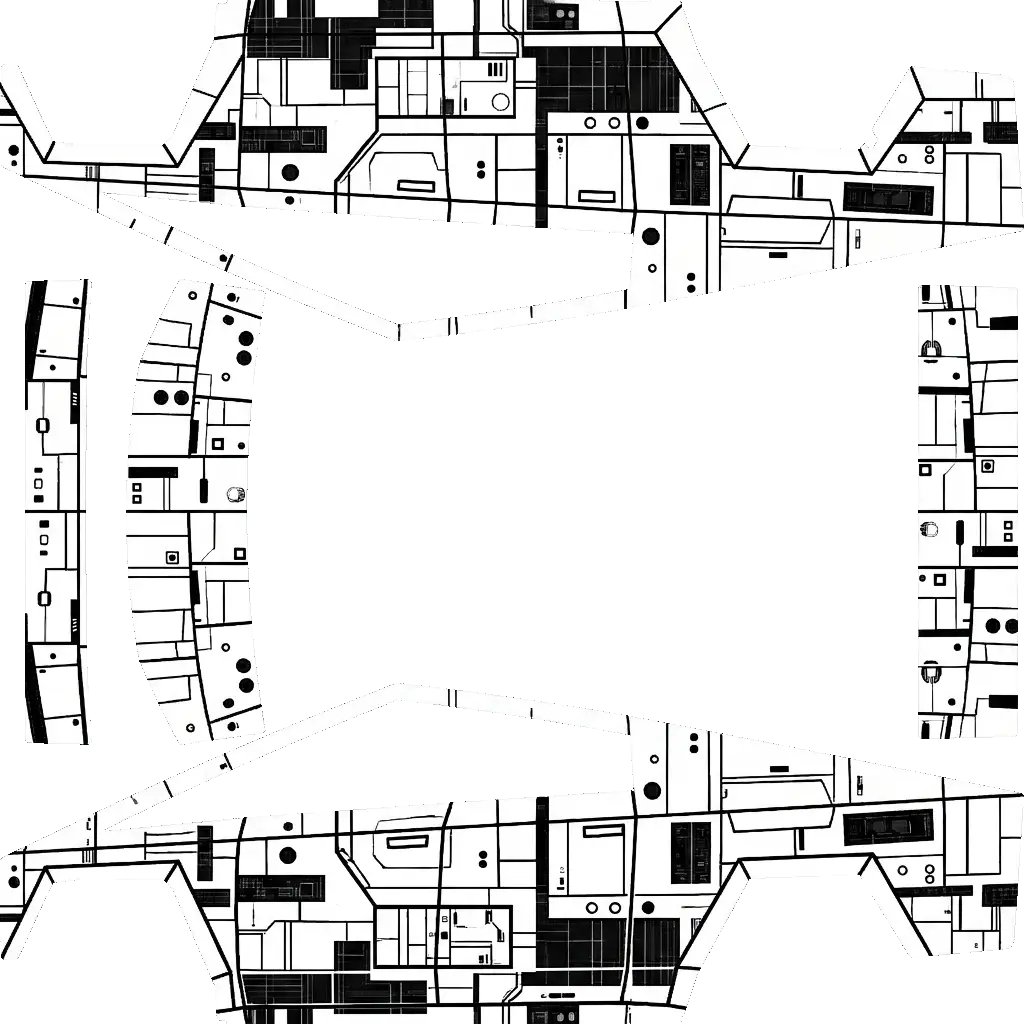
Space x. Colors: white, black.
Cybertruck
Space x. Colors: white, black.
AI
29
by Louis
Cybertruck
Generate a wrap design based on this reference image
Cybertruck
Generate a wrap design based on this reference image
AI
28
by Moana Terry
Cybertruck
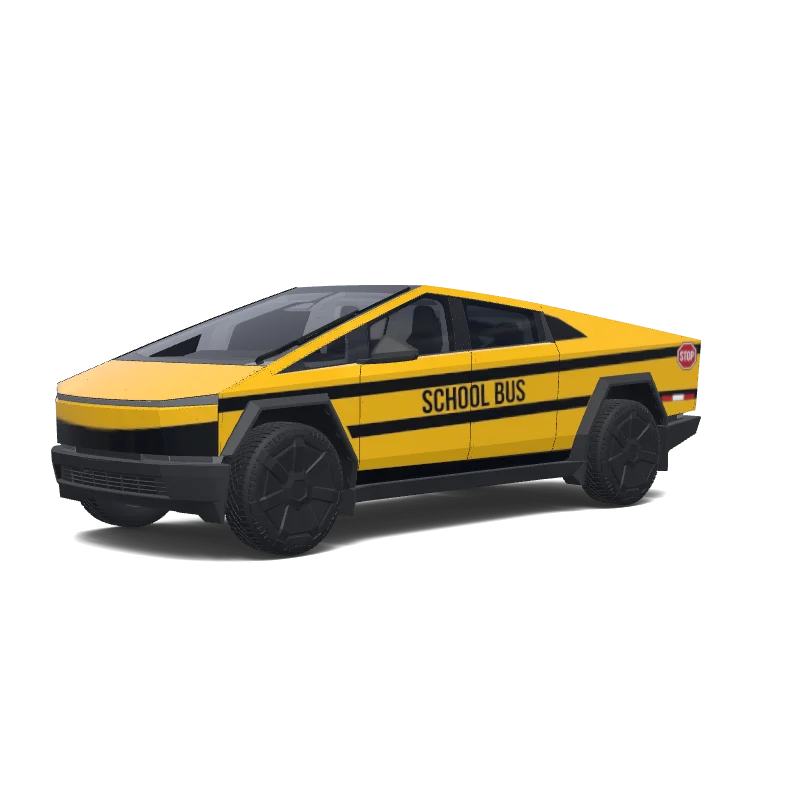
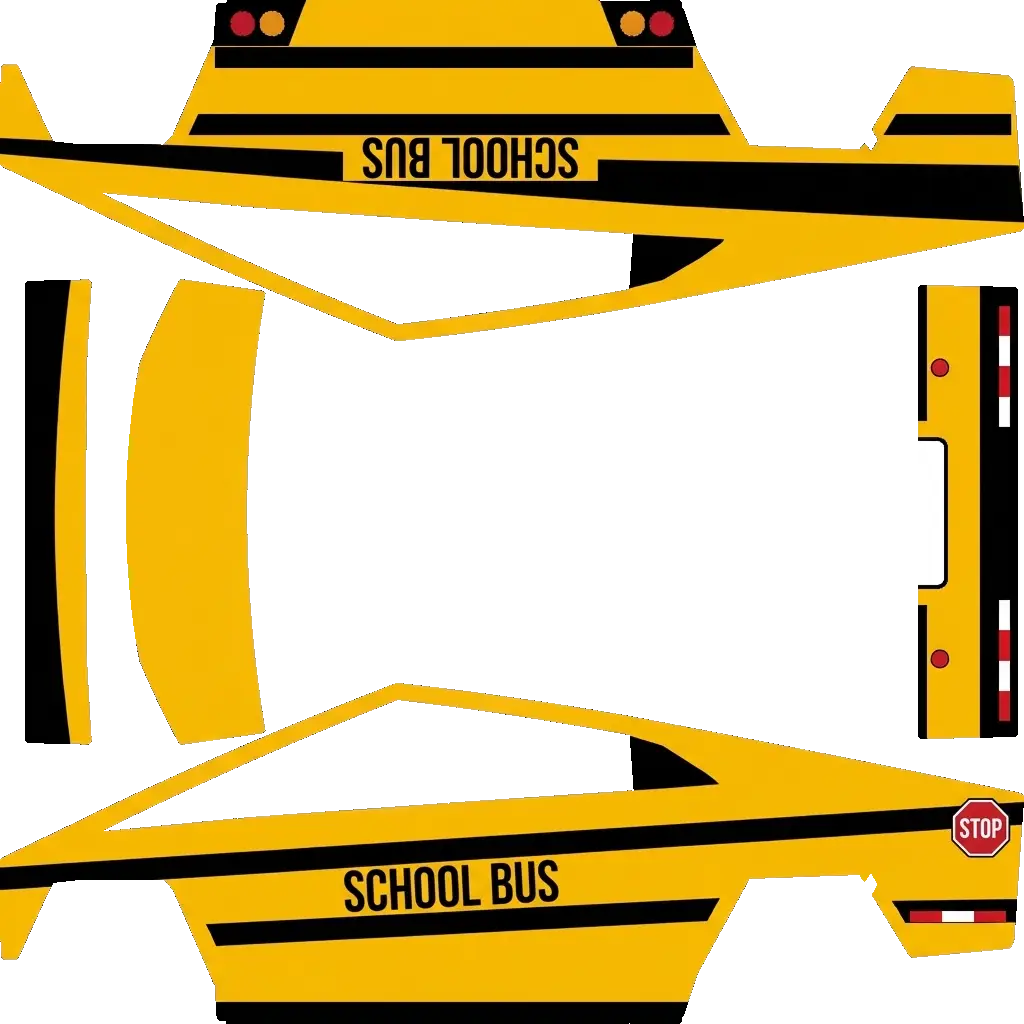
school bus.
Cybertruck
school bus.
AI
19
by avrilko
Cybertruck
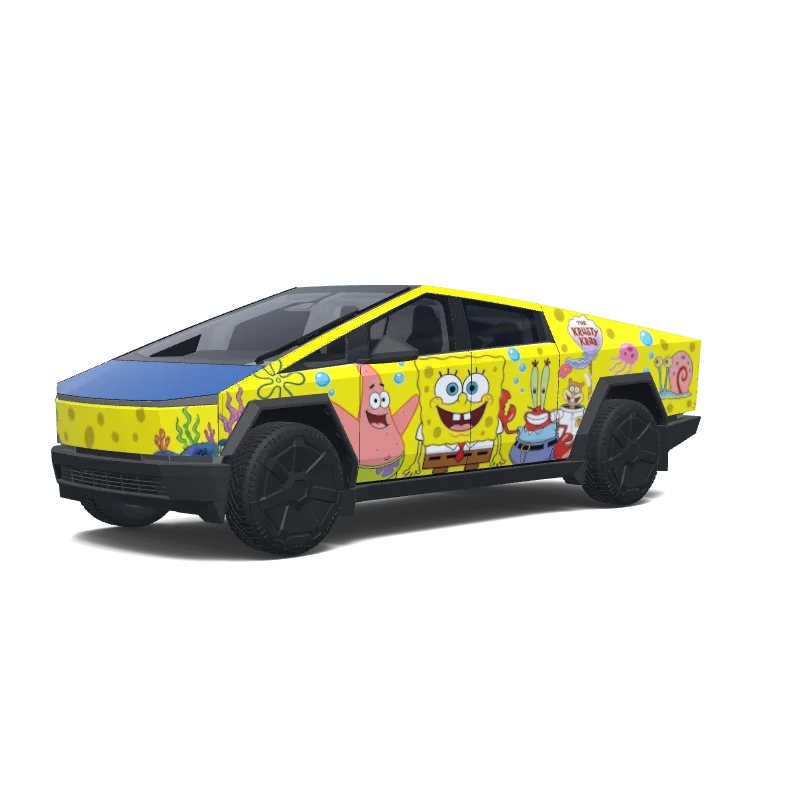
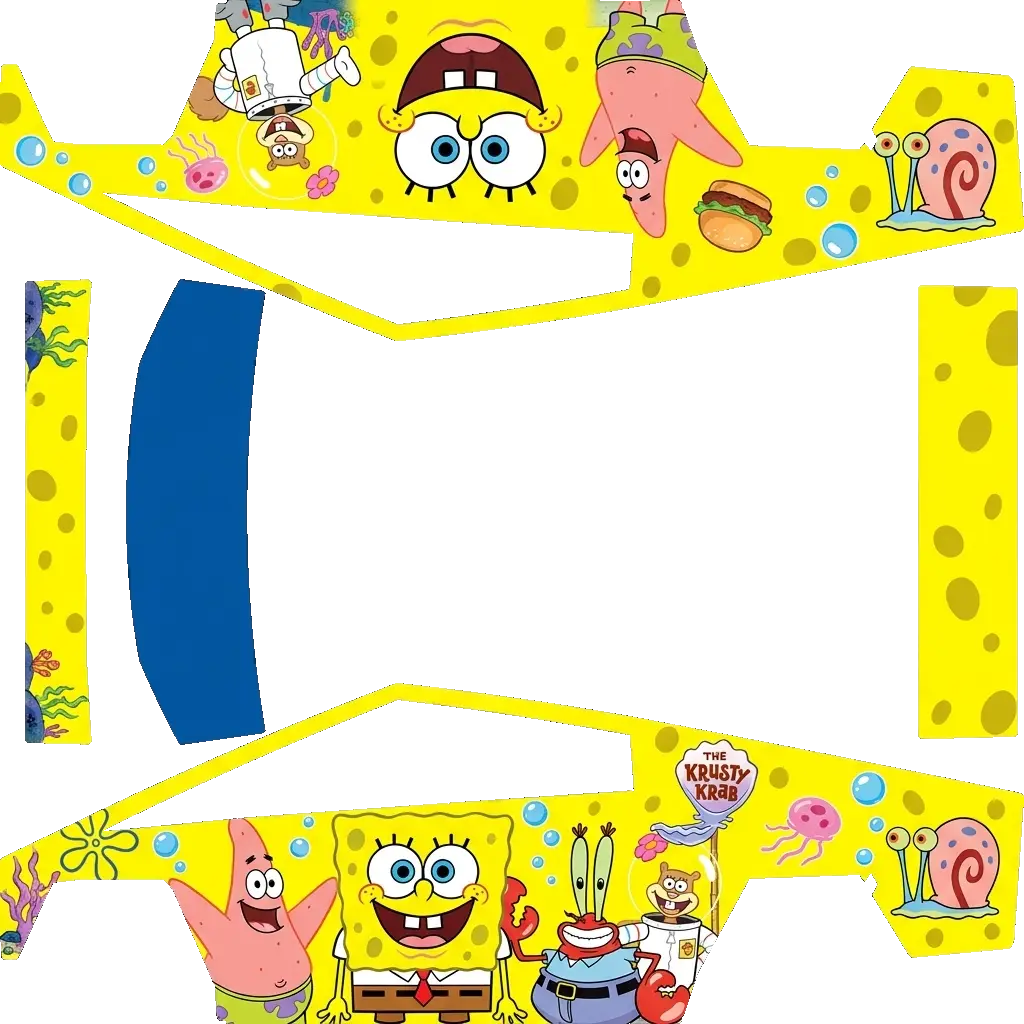
海绵宝宝.
Cybertruck
海绵宝宝.
AI
18
by Luke Thomas
Cybertruck
Generate a wrap design based on this reference image
Cybertruck
Generate a wrap design based on this reference image
AI
16
by Luke Thomas
Cybertruck
Generate a wrap design based on this reference image
Cybertruck
Generate a wrap design based on this reference image
AI
10
by avrilko
Cybertruck
Mario.
Cybertruck
Mario.
AI
9
by Luke Thomas
Cybertruck
Generate a wrap design based on this reference image
Cybertruck
Generate a wrap design based on this reference image
AI
7
by Luke Thomas
Cybertruck
Generate a wrap design based on this reference image
Cybertruck
Generate a wrap design based on this reference image
AI
10
by jeedaidc
Cybertruck
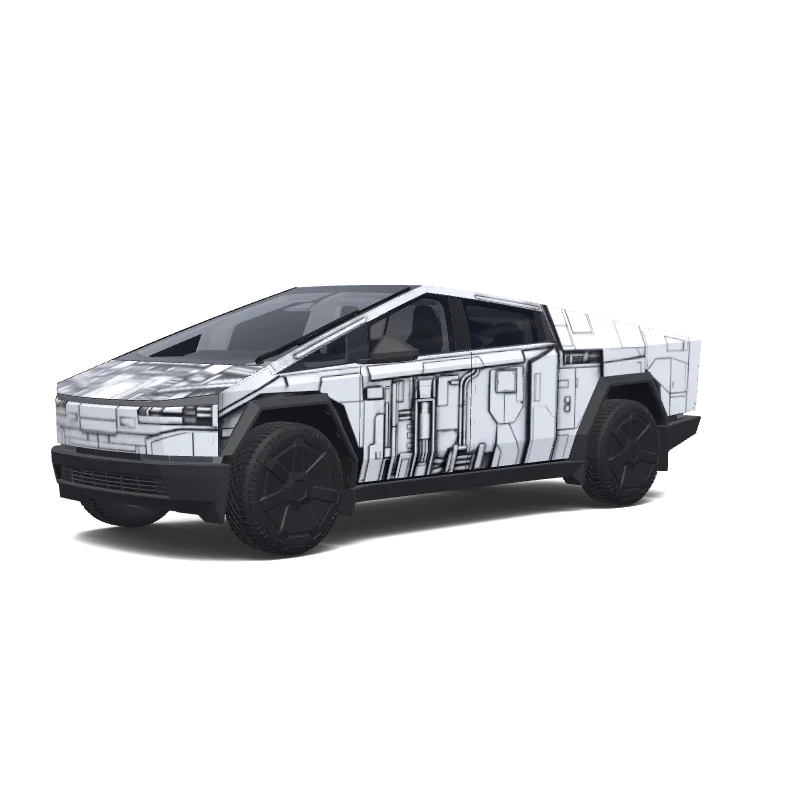
Death star. Colors: white, black.
Cybertruck
Death star. Colors: white, black.
AI
6
by Luke Thomas
Cybertruck
Generate a wrap design based on this reference image
Cybertruck
Generate a wrap design based on this reference image
AI
9
by Patrick Dowd
Cybertruck
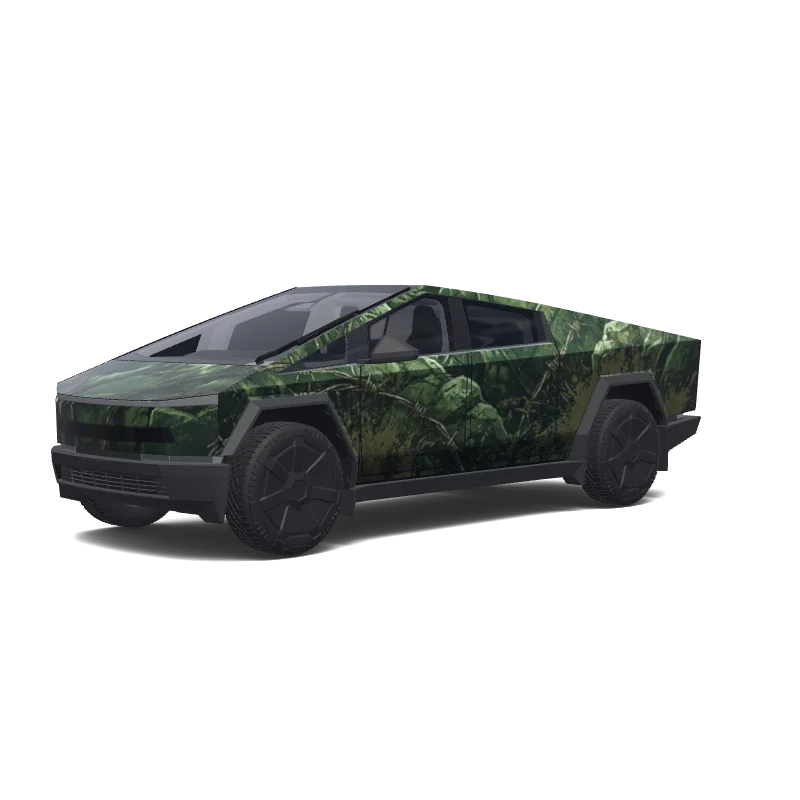
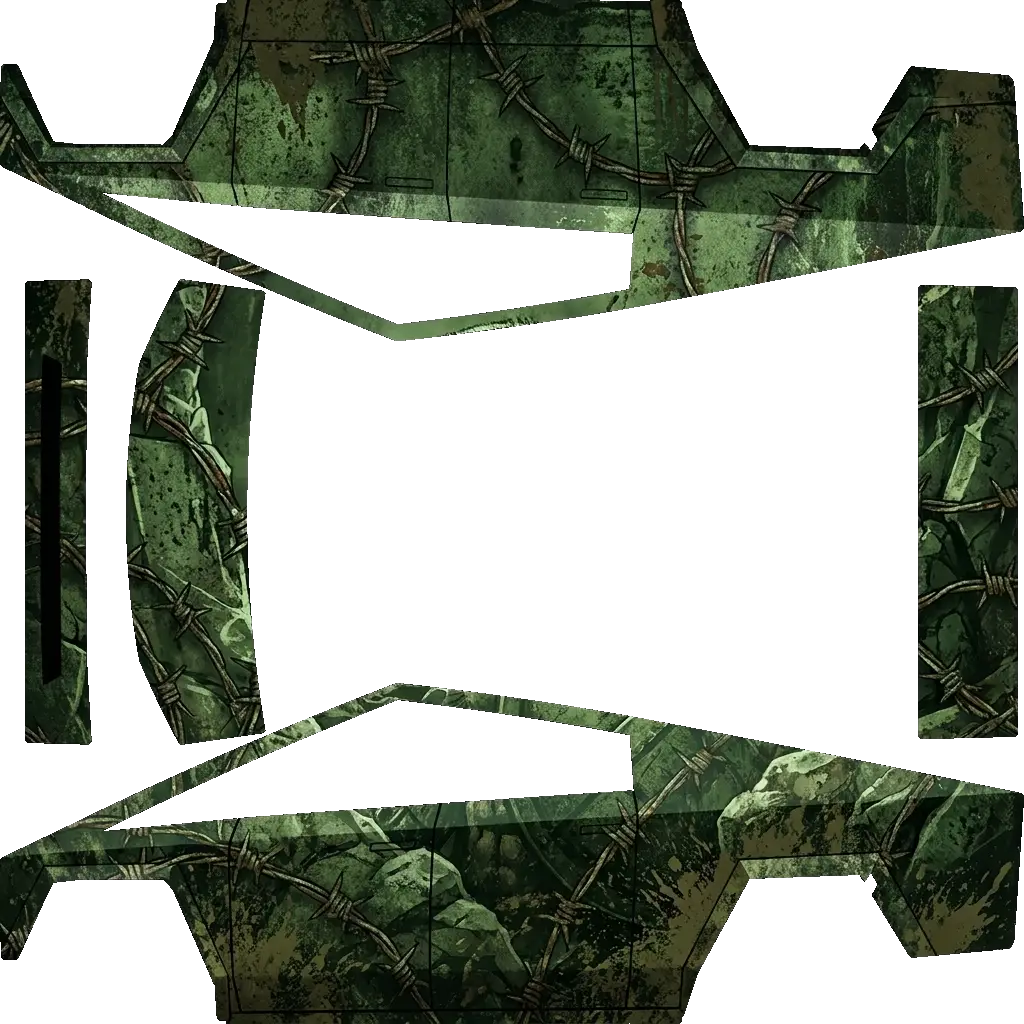
Make a Spartan beast obstacle course racing wrap for the Cyberbeast with a helmet spear and shield incorporated, include barbed wire in the theme, make the shape of the vehicle correspond to an obstacle like the slip wall or Olympus. Be creative. Make it look fearsome.. Colors: green.
Cybertruck
Make a Spartan beast obstacle course racing wrap for the Cyberbeast with a helmet spear and shield incorporated, include barbed wire in the theme, make the shape of the vehicle correspond to an obstacle like the slip wall or Olympus. Be creative. Make it look fearsome.. Colors: green.
Generate a wrap design based on this reference image
Cybertruck
Generate a wrap design based on this reference image
AI
5
by Luke Thomas
Cybertruck
Generate a wrap design based on this reference image
Cybertruck
Generate a wrap design based on this reference image
AI
7
by jeedaidc
Cybertruck
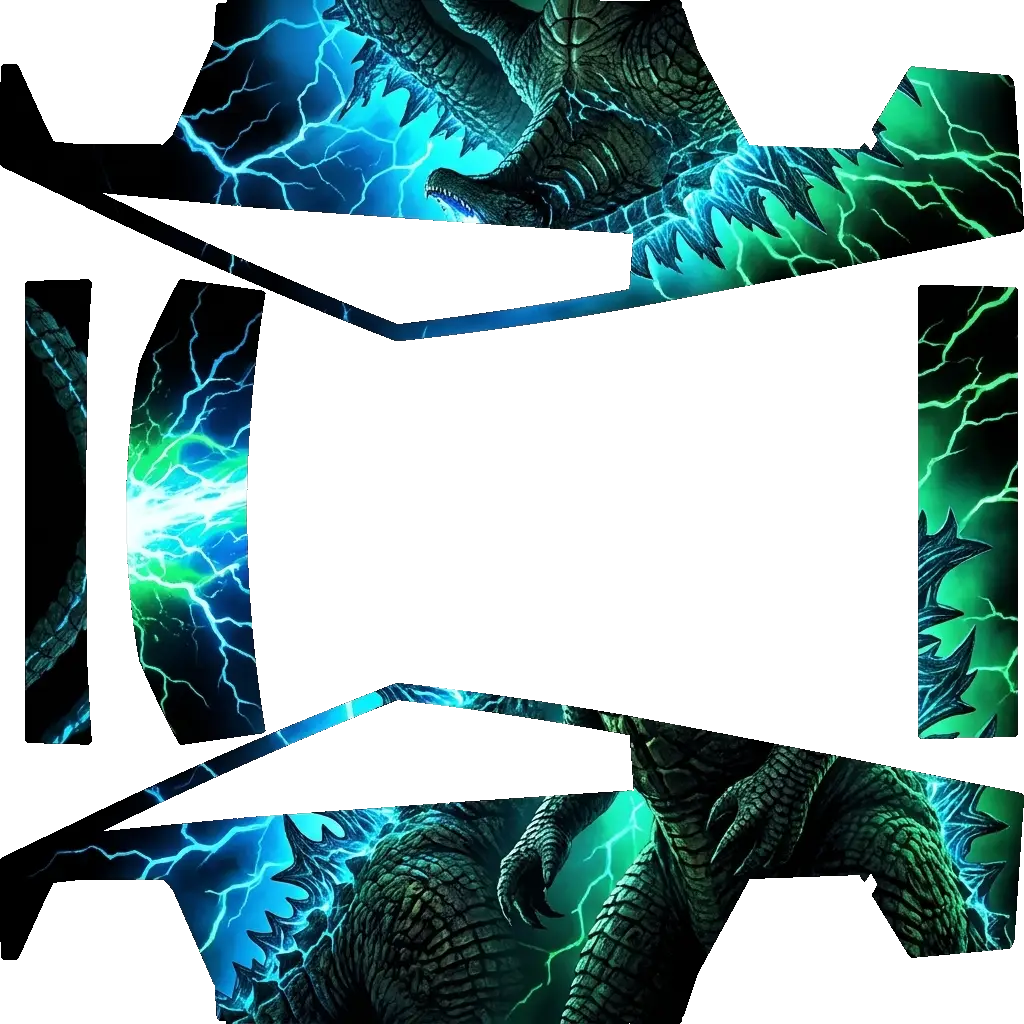
Godzilla. Colors: black, blue, green.
Cybertruck
Godzilla. Colors: black, blue, green.
AI
4
by Luke Thomas
Cybertruck
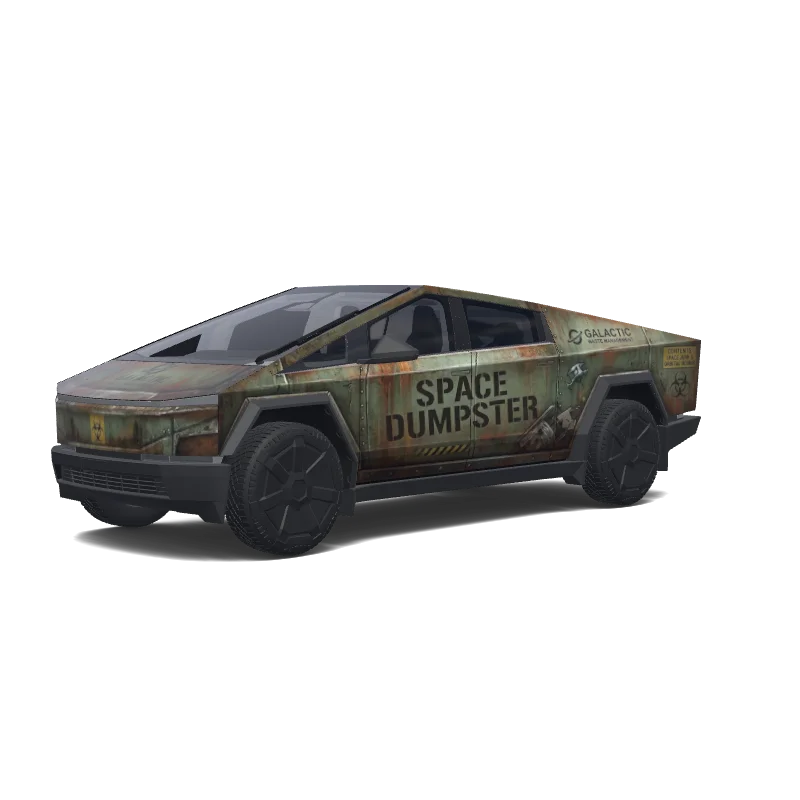
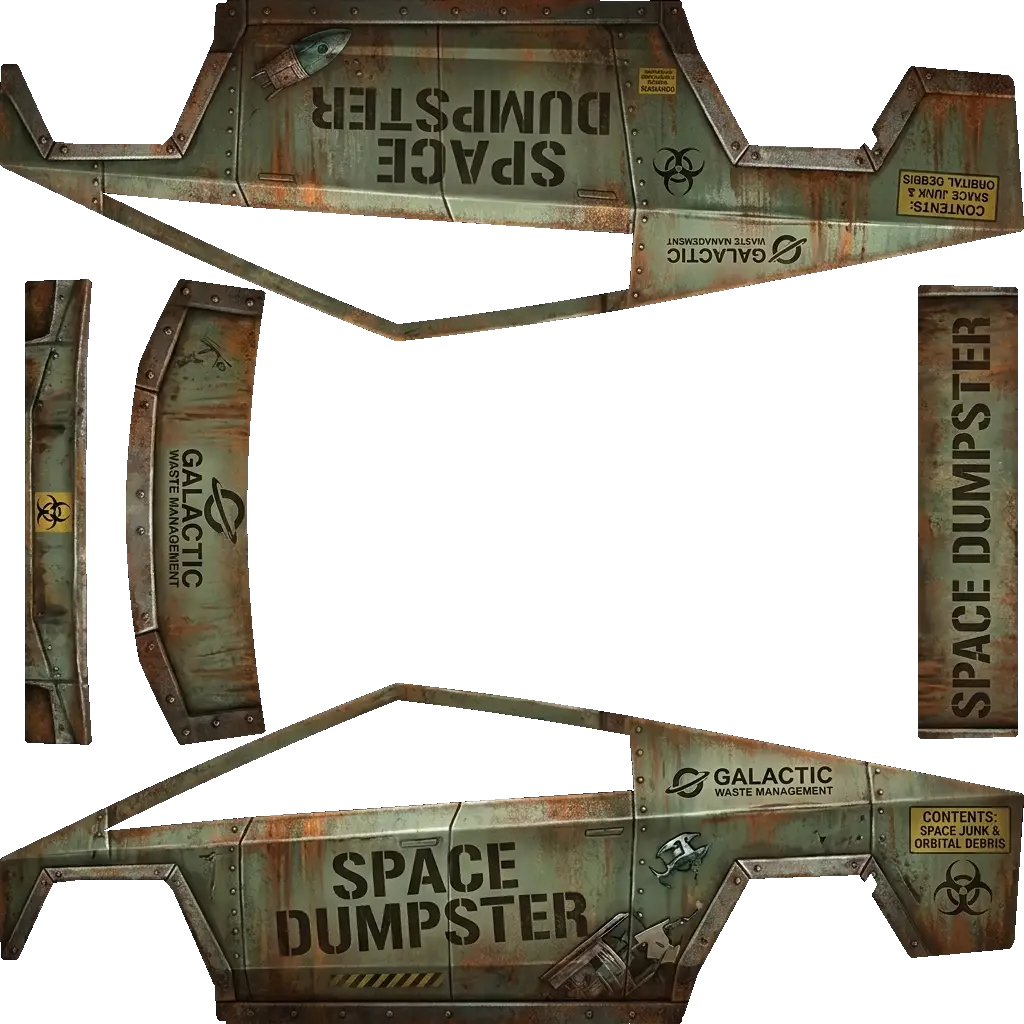
Everyone always says that the cybertruck looks like a space dumpster. Can you do a wrap that makes it actually look like a dumpster?.
Cybertruck
Everyone always says that the cybertruck looks like a space dumpster. Can you do a wrap that makes it actually look like a dumpster?.
AI
4
by Luke Thomas
Cybertruck
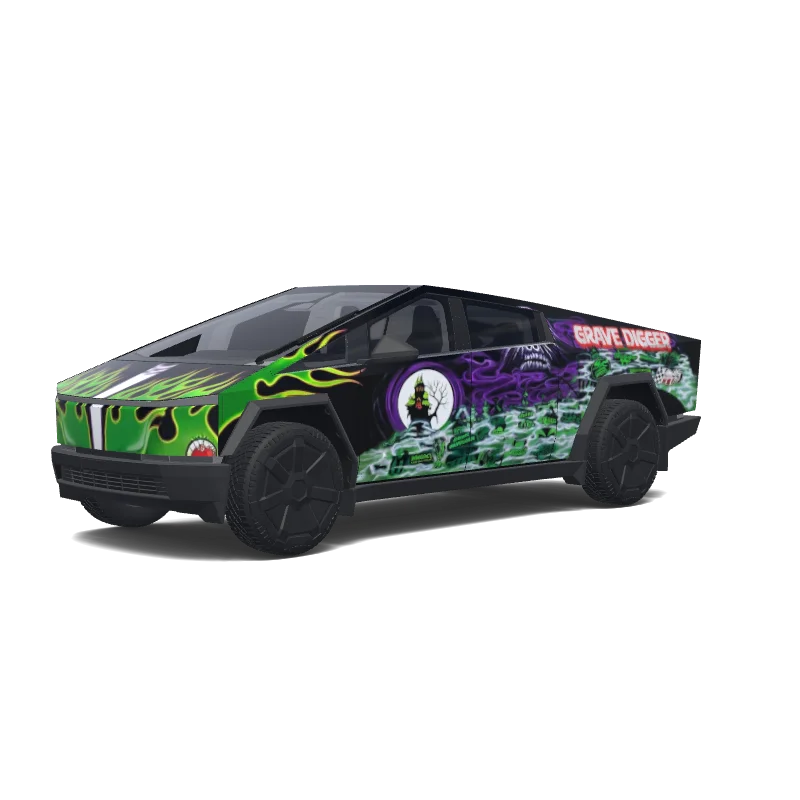
Generate a wrap design based on this reference image
Cybertruck
Generate a wrap design based on this reference image
AI
4
by Luke Thomas
Cybertruck
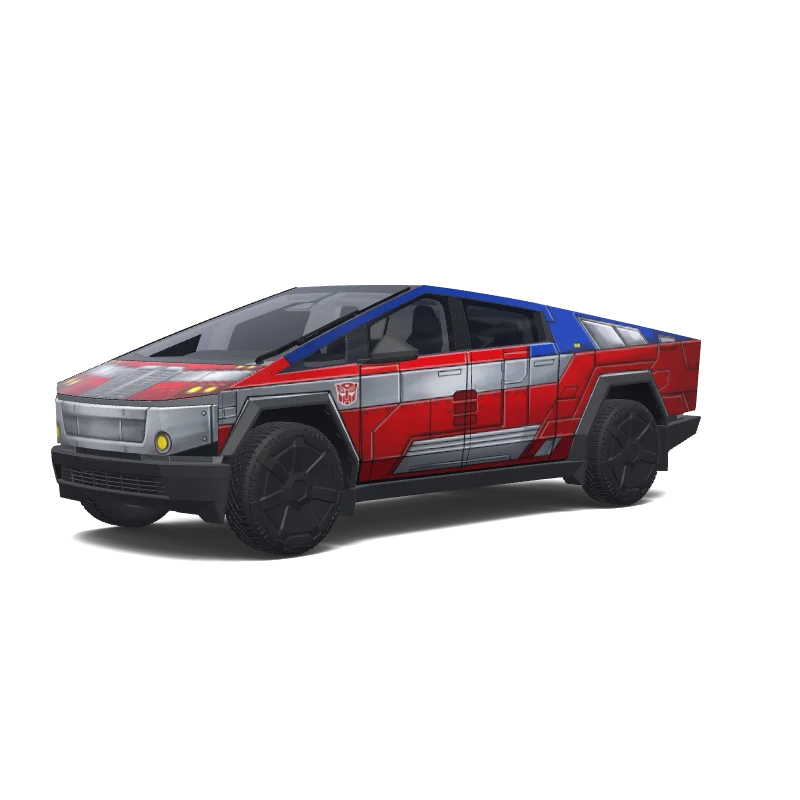
Generate a wrap design based on this reference image
Cybertruck
Generate a wrap design based on this reference image
AI
5
by Leonard Pringle
Cybertruck
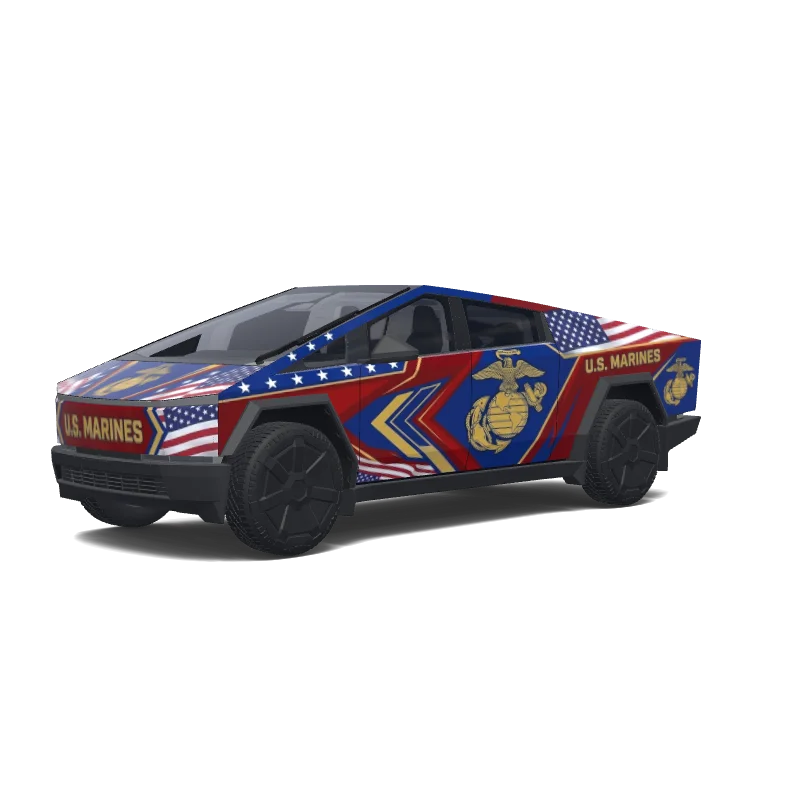
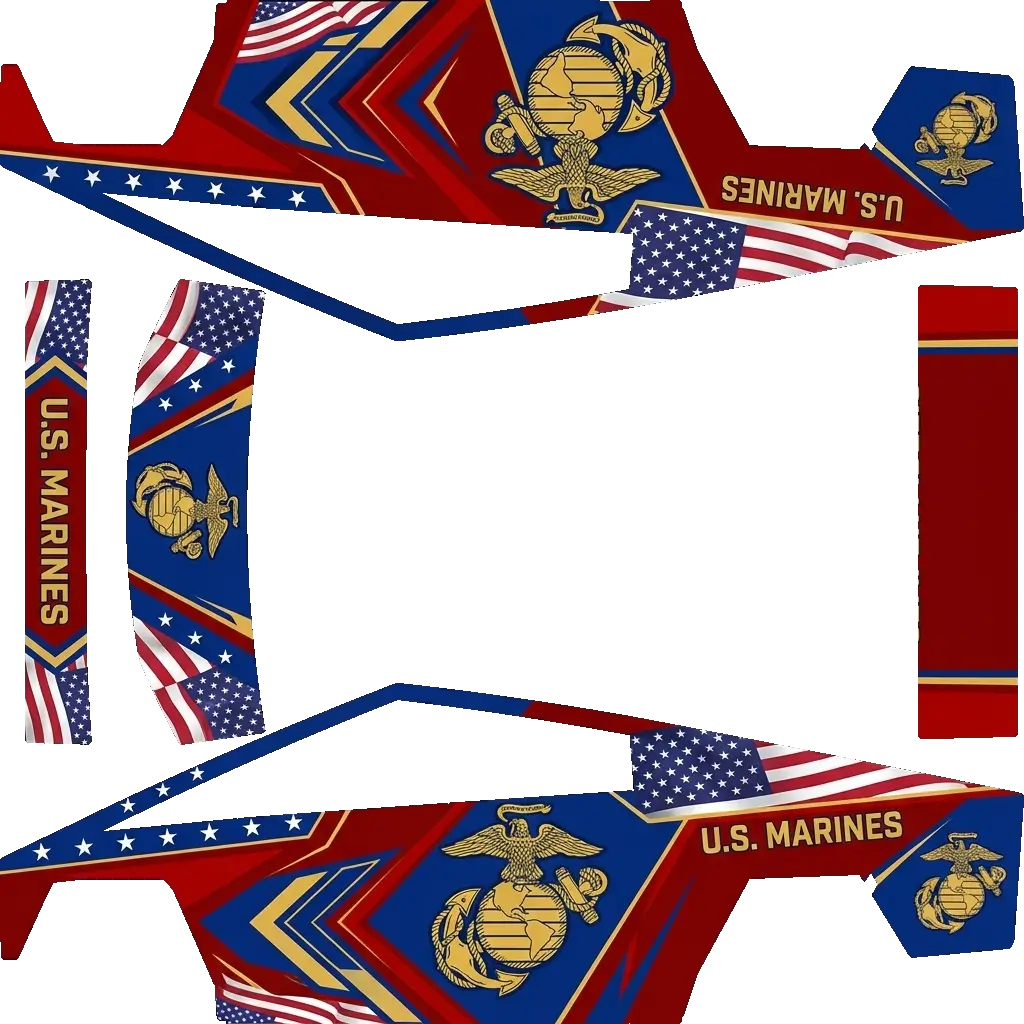
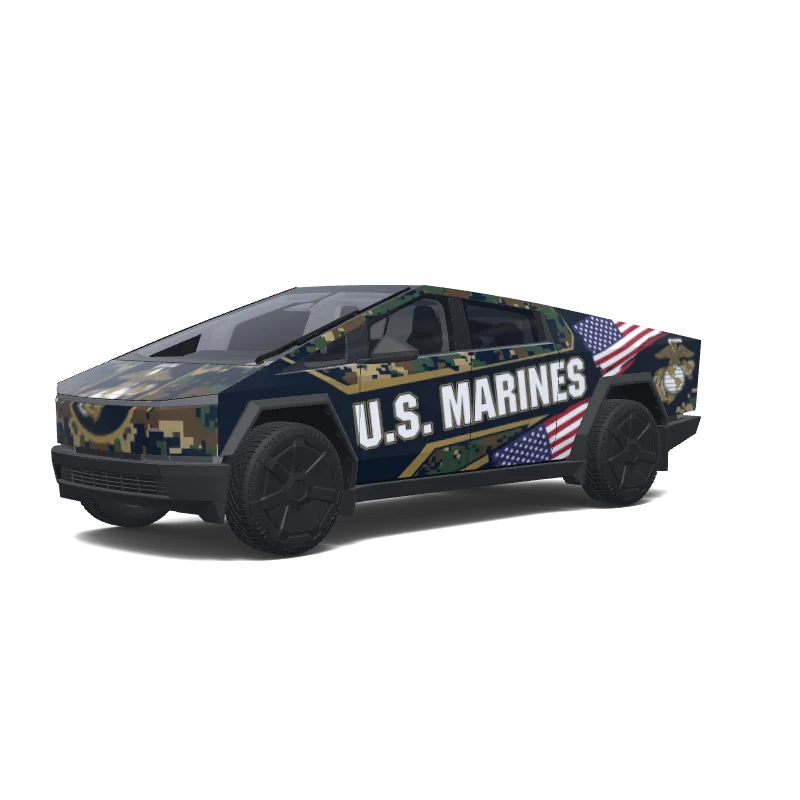
U.S. Marines
Marine corps colors.
Cybertruck
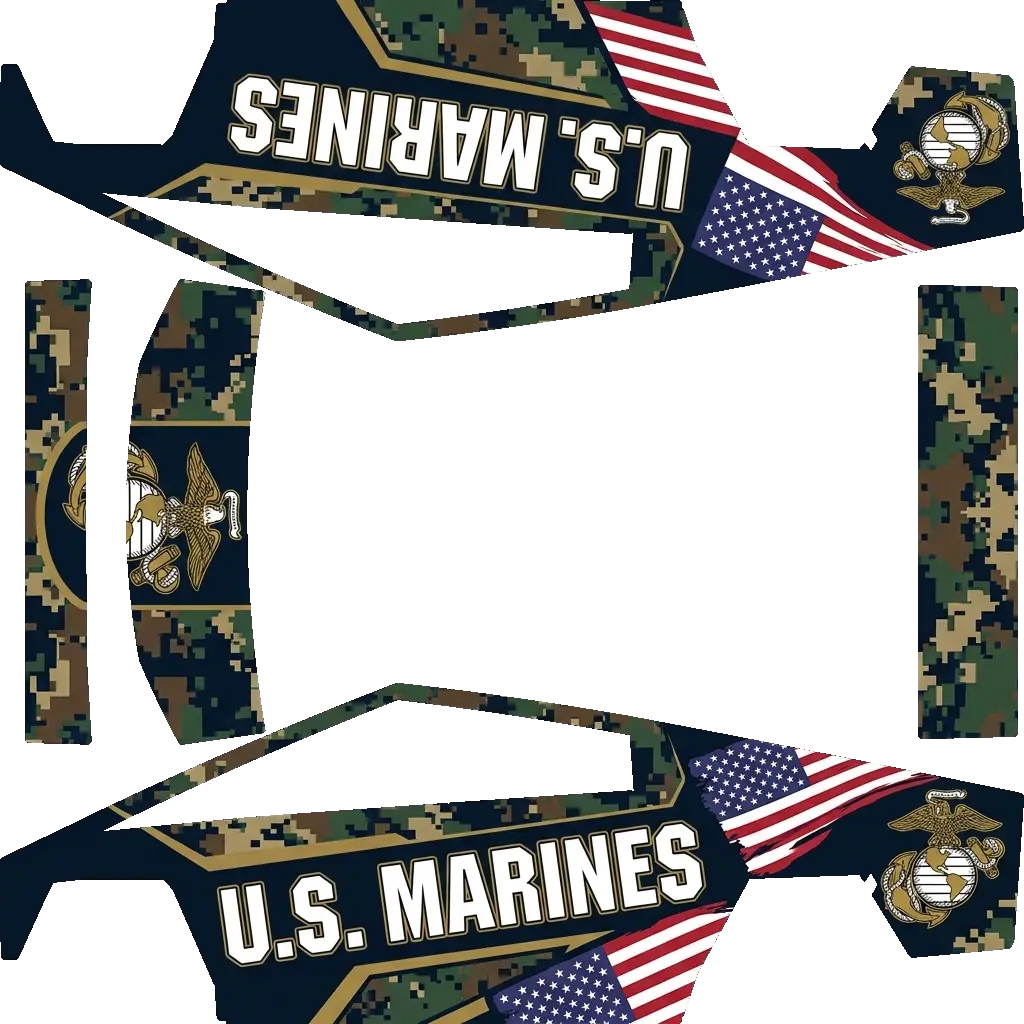
U.S. Marines
Marine corps colors.
AI
5
by jeedaidc
Cybertruck
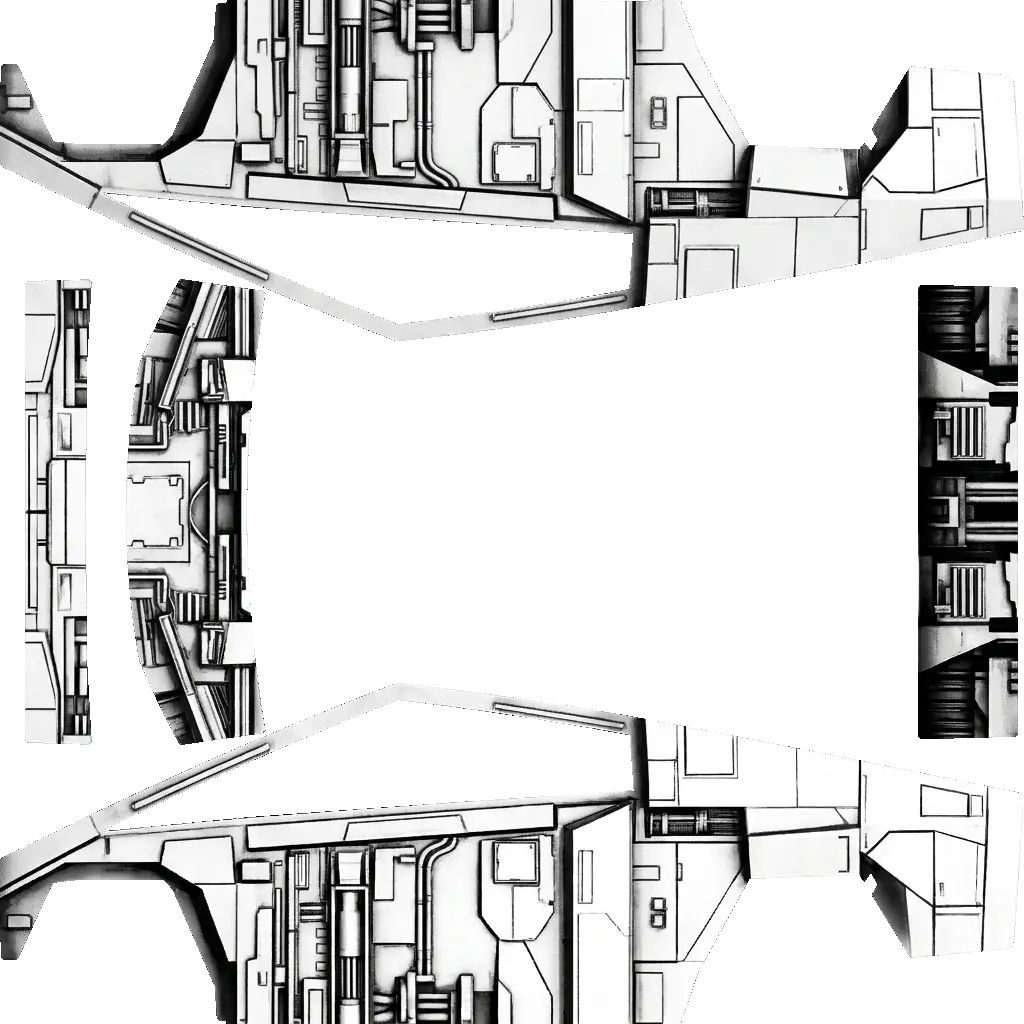
Star destroyer. Colors: white, black.
Cybertruck
Star destroyer. Colors: white, black.
AI
5
by jordanconnell22
Cybertruck
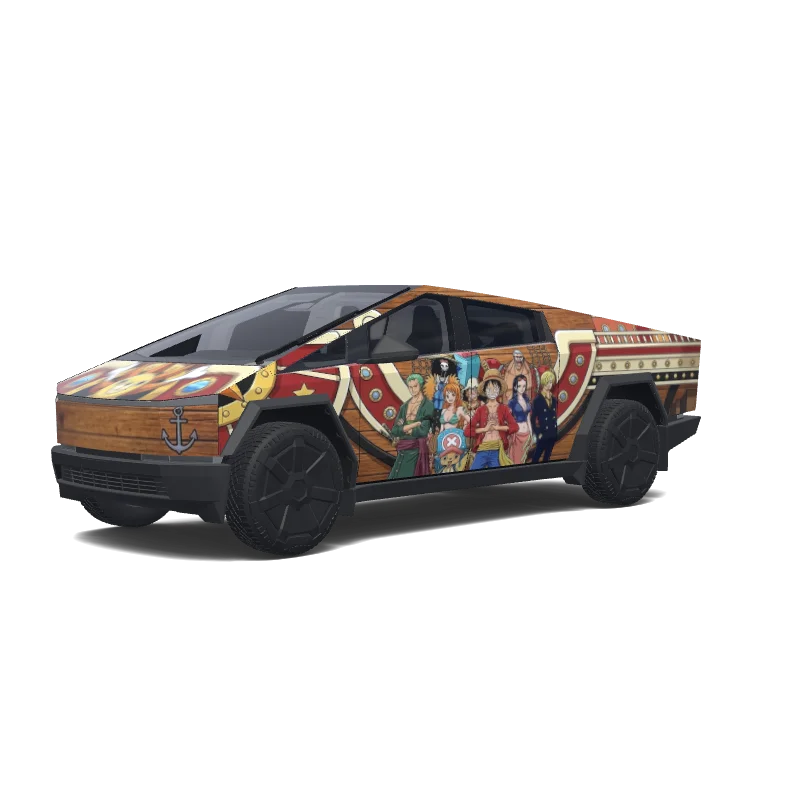
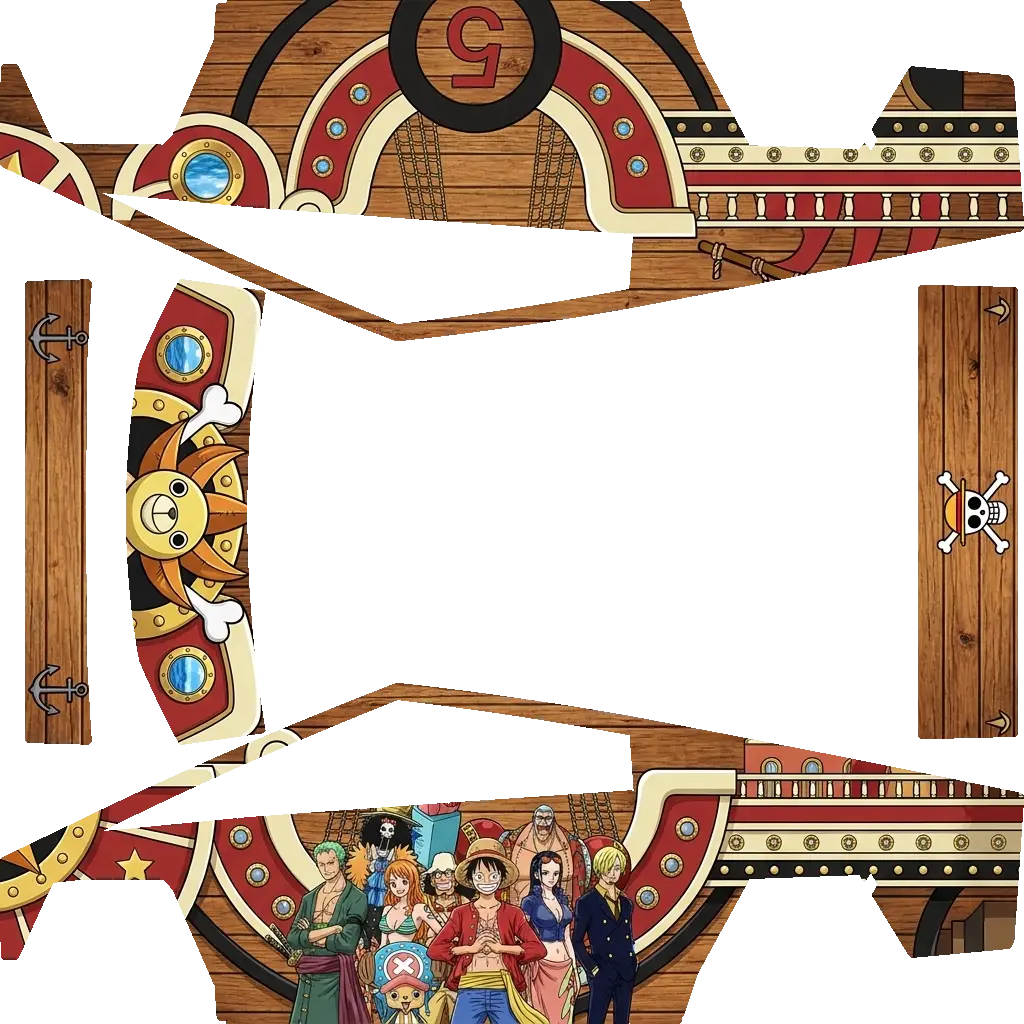
Create a highly detailed One Piece–themed Tesla Cybertruck wrap inspired by the Thousand Sunny, featuring the entire Straw Hat Pirate crew.
Use a warm brown wooden ship-plank texture across the Cybertruck body to make the vehicle resemble the Thousand Sunny. Add cream, red, gold, and black accents, realistic ship details, gold-rimmed portholes, rivets, ropes, and nautical elements.
Feature Monkey D. Luffy as the main centerpiece, wearing his iconic straw hat and red jacket with a huge confiden.
Cybertruck
Create a highly detailed One Piece–themed Tesla Cybertruck wrap inspired by the Thousand Sunny, featuring the entire Straw Hat Pirate crew.
Use a warm brown wooden ship-plank texture across the Cybertruck body to make the vehicle resemble the Thousand Sunny. Add cream, red, gold, and black accents, realistic ship details, gold-rimmed portholes, rivets, ropes, and nautical elements.
Feature Monkey D. Luffy as the main centerpiece, wearing his iconic straw hat and red jacket with a huge confiden.
AI
3
by Luke Thomas
Cybertruck
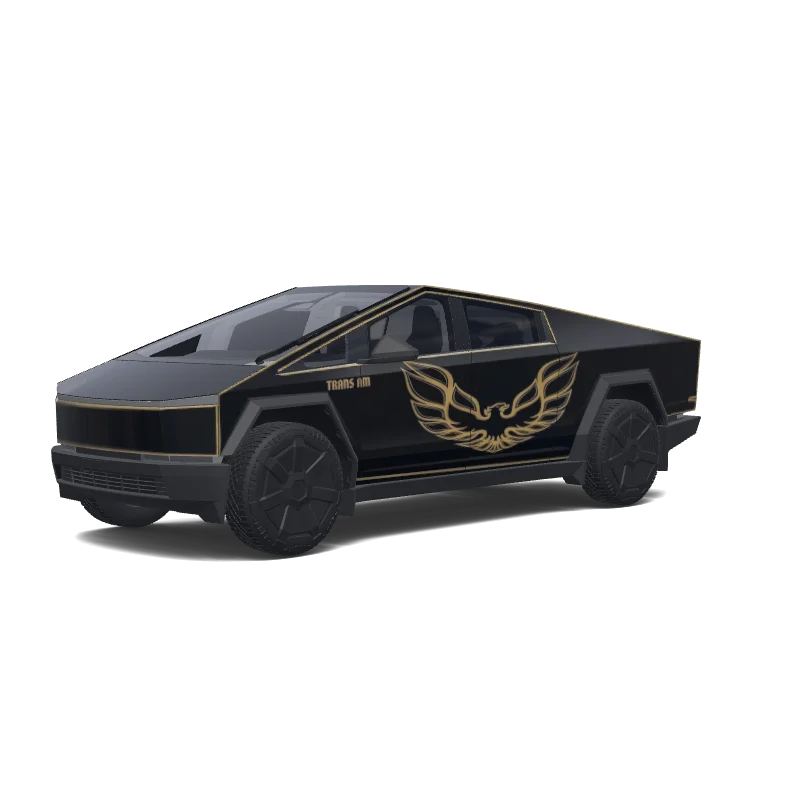
Smokey and the bandit
Cybertruck
Smokey and the bandit
AI
3
by Luke Thomas
Cybertruck
Generate a wrap design based on this reference image
Cybertruck
Generate a wrap design based on this reference image
AI
4
by jordanconnell22
Cybertruck
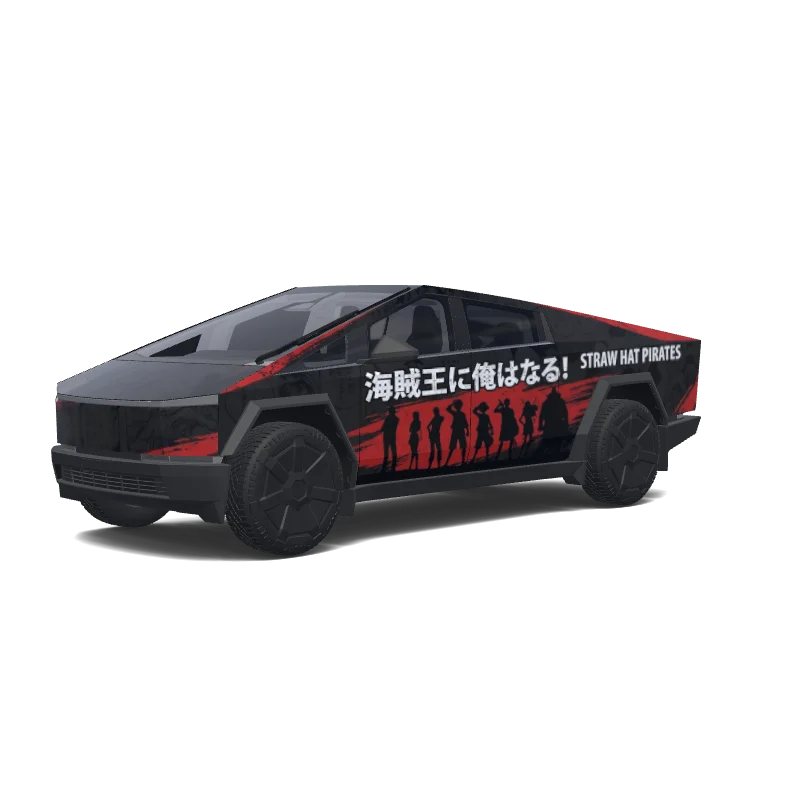
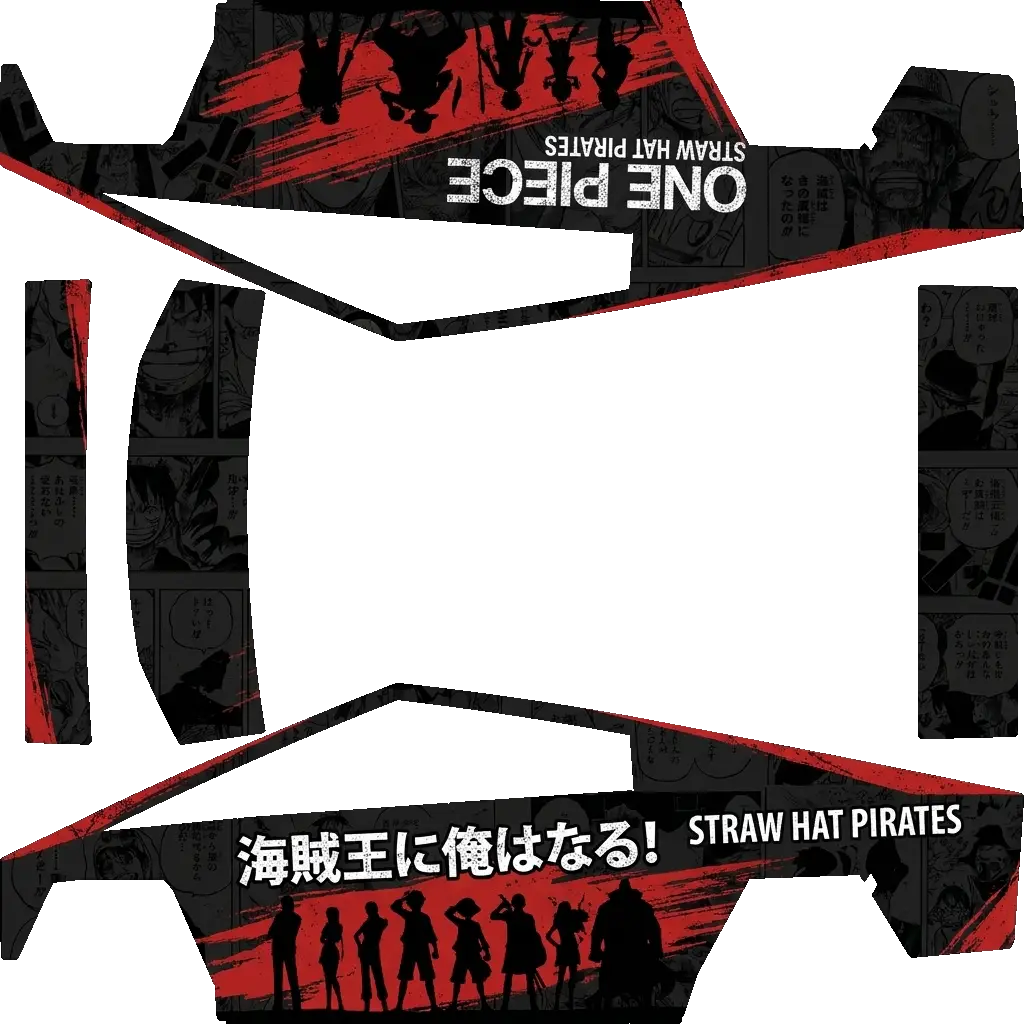
Matte-black Tesla Cybertruck with an aggressive One Piece wrap. Dark grayscale manga panels cover the body with bold distressed red brush strokes. Large Straw Hat Jolly Roger skull wearing Luffy’s yellow hat across the doors. Straw Hat crew silhouettes appear along the lower side. Add ONE PIECE, STRAW HAT PIRATES, LUFFY, Japanese lettering, and “I’M GOING TO BE THE PIRATE KING!” in white. Thin red accents follow the Cybertruck’s sharp body lines. Black wheels, tinted windows, dark Japanese stree.
Cybertruck
Matte-black Tesla Cybertruck with an aggressive One Piece wrap. Dark grayscale manga panels cover the body with bold distressed red brush strokes. Large Straw Hat Jolly Roger skull wearing Luffy’s yellow hat across the doors. Straw Hat crew silhouettes appear along the lower side. Add ONE PIECE, STRAW HAT PIRATES, LUFFY, Japanese lettering, and “I’M GOING TO BE THE PIRATE KING!” in white. Thin red accents follow the Cybertruck’s sharp body lines. Black wheels, tinted windows, dark Japanese stree.
AI
4
by jordanconnell22
Cybertruck
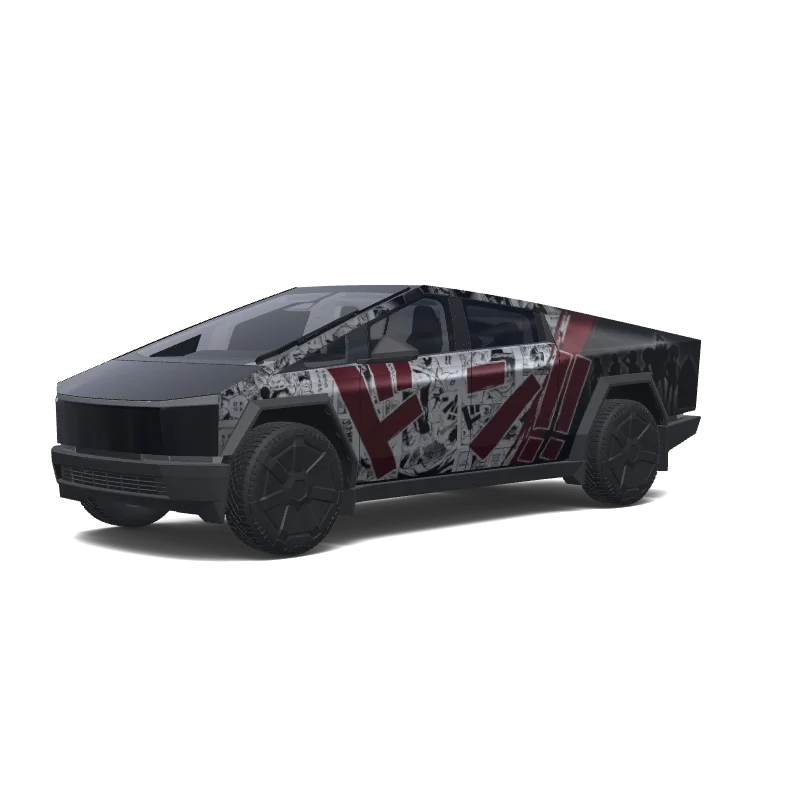
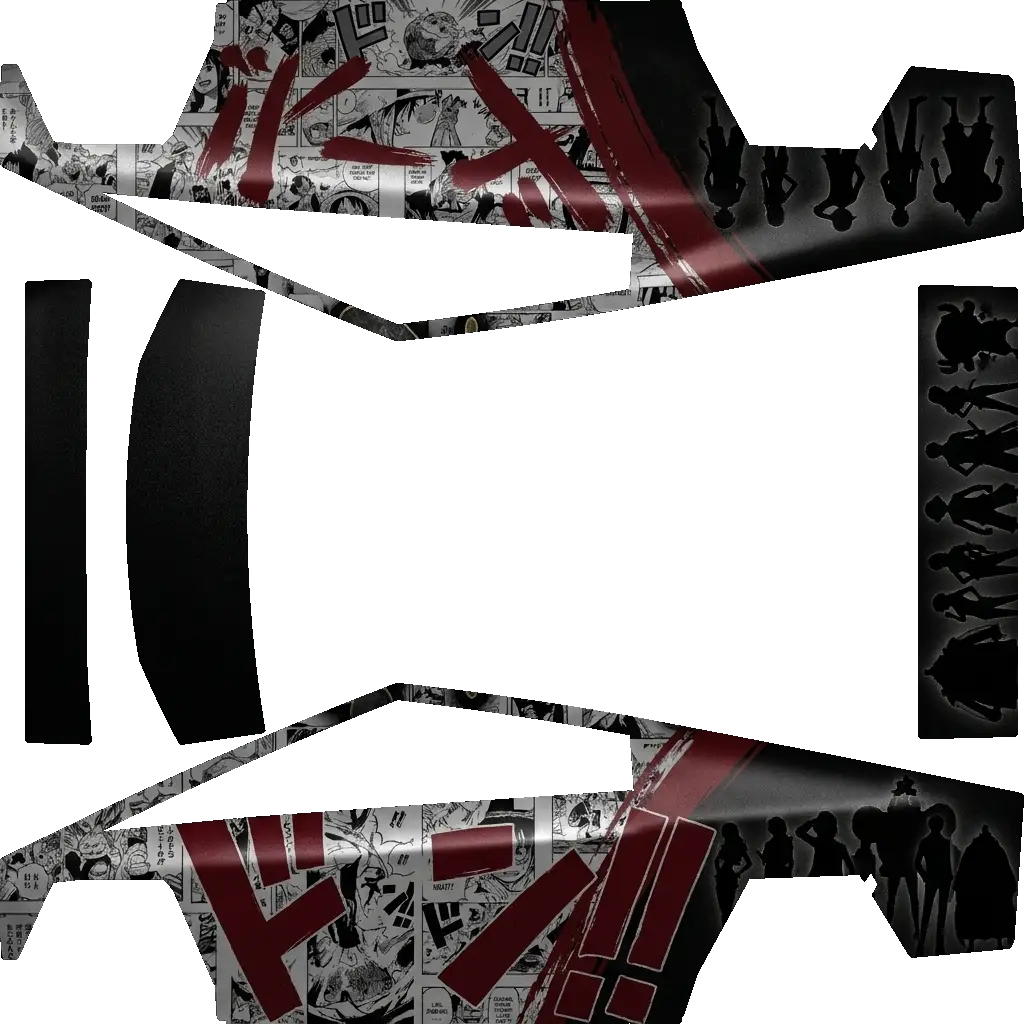
Black satin Tesla Cybertruck with a dark One Piece wrap. Large distressed Straw Hat Jolly Roger across the doors, black-and-gray One Piece manga panels in the background, and deep-red Japanese brush strokes across the body. Add silhouettes of Luffy, Zoro, Nami, Usopp, Sanji, Chopper, Robin, Franky, Brook and Jinbe along the rear. Black wheels and tinted windows. Dark, aggressive Japanese street-racing style, premium professional vinyl wrap, photorealistic, highly detailed..
Cybertruck
Black satin Tesla Cybertruck with a dark One Piece wrap. Large distressed Straw Hat Jolly Roger across the doors, black-and-gray One Piece manga panels in the background, and deep-red Japanese brush strokes across the body. Add silhouettes of Luffy, Zoro, Nami, Usopp, Sanji, Chopper, Robin, Franky, Brook and Jinbe along the rear. Black wheels and tinted windows. Dark, aggressive Japanese street-racing style, premium professional vinyl wrap, photorealistic, highly detailed..
AI
4
by jeedaidc
Cybertruck
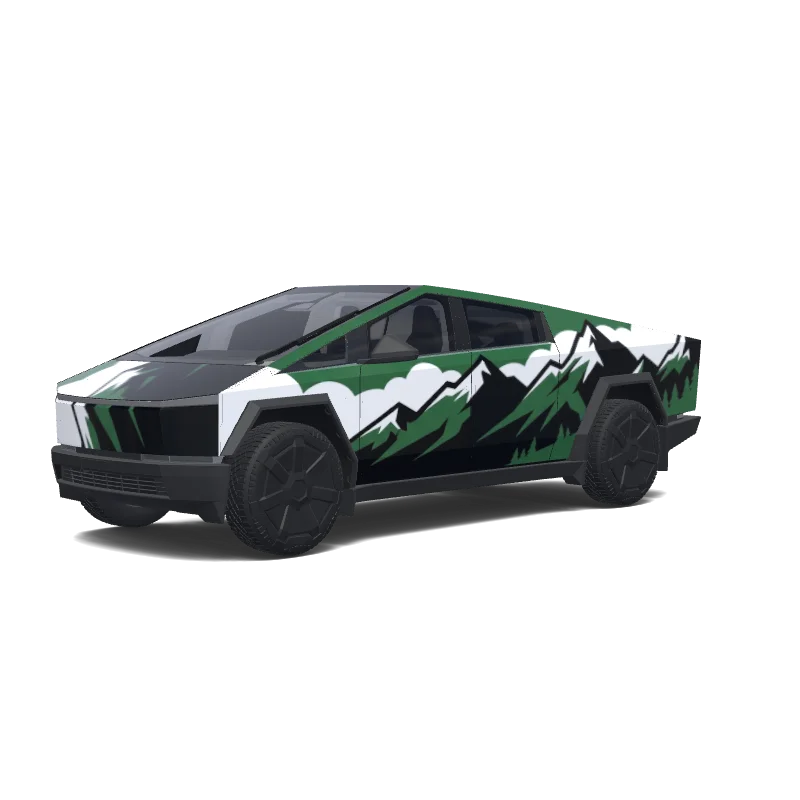
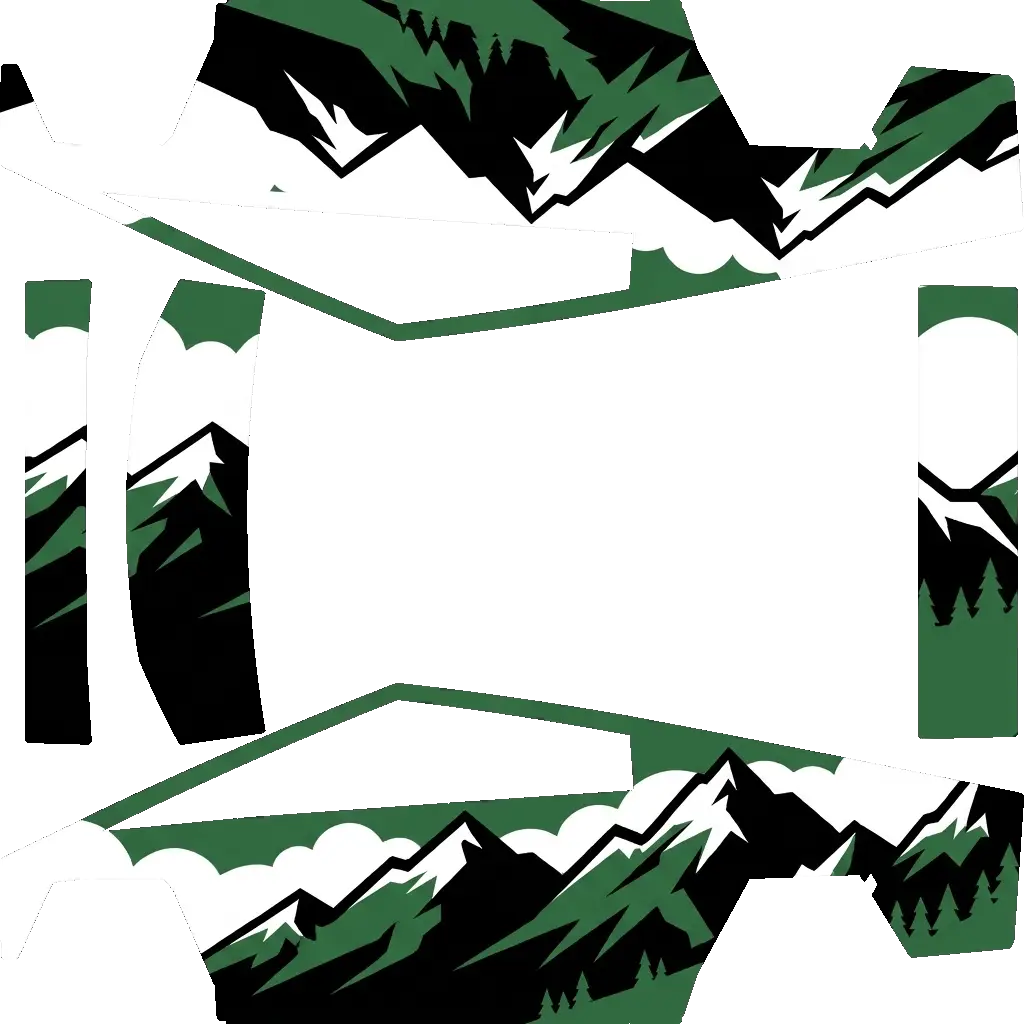
Rocky mountains. Colors: black, green, white.
Cybertruck
Rocky mountains. Colors: black, green, white.
AI
1
by jordanconnell22
Cybertruck
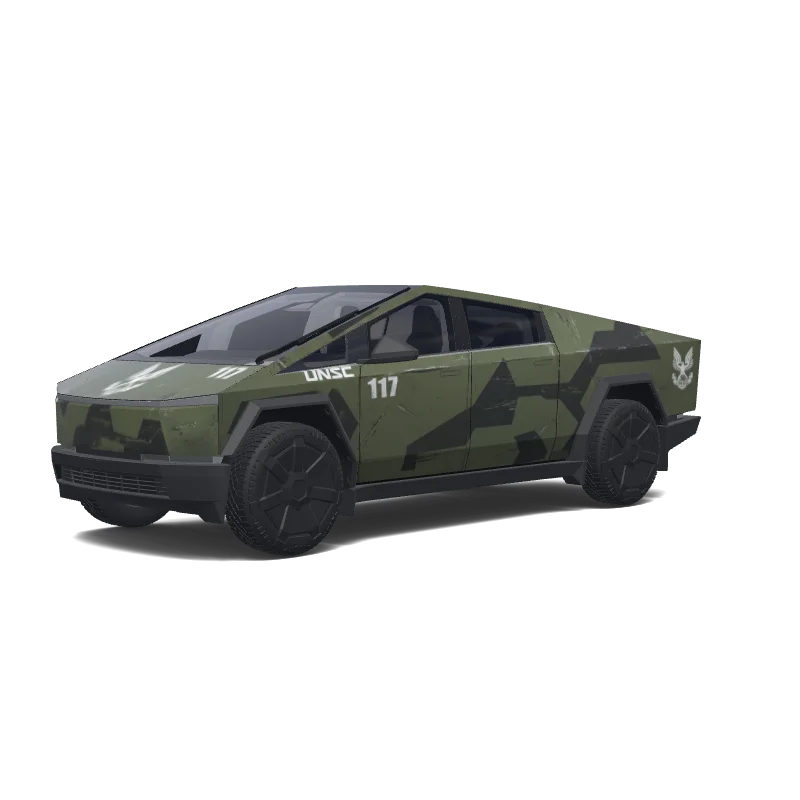
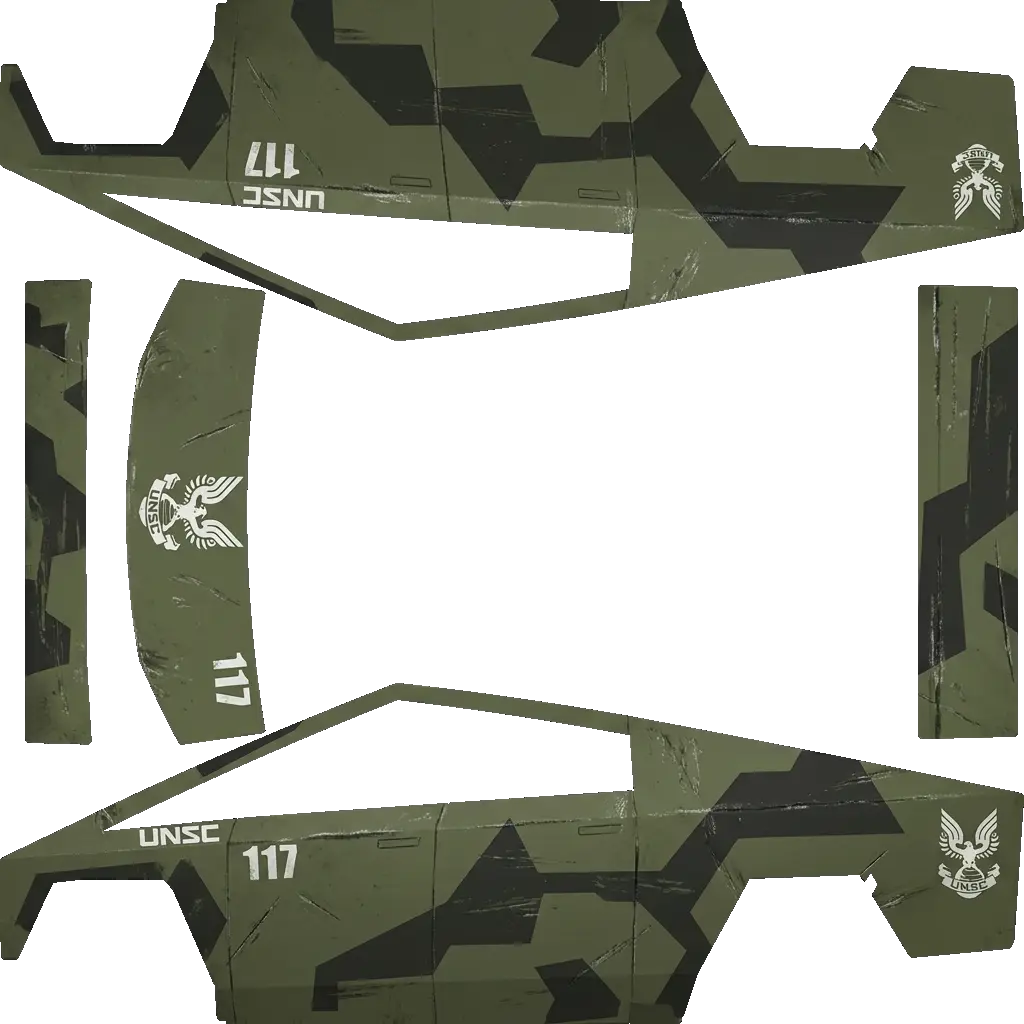
Design a realistic Tesla Cybertruck wrap inspired by the Halo UNSC Warthog. Use rugged olive-drab military green with dark charcoal geometric camouflage, weathered scratches and subtle battle wear. Add white UNSC markings, a small 117 number, and the UNSC eagle emblem. Keep the Cybertruck’s original body shape clean—no guns, turrets, roof rails, or added exterior hardware. Aggressive, military, futuristic, factory-quality finish..
Cybertruck
Design a realistic Tesla Cybertruck wrap inspired by the Halo UNSC Warthog. Use rugged olive-drab military green with dark charcoal geometric camouflage, weathered scratches and subtle battle wear. Add white UNSC markings, a small 117 number, and the UNSC eagle emblem. Keep the Cybertruck’s original body shape clean—no guns, turrets, roof rails, or added exterior hardware. Aggressive, military, futuristic, factory-quality finish..
AI
2
by Sim “Francine Palm” Palm
Cybertruck
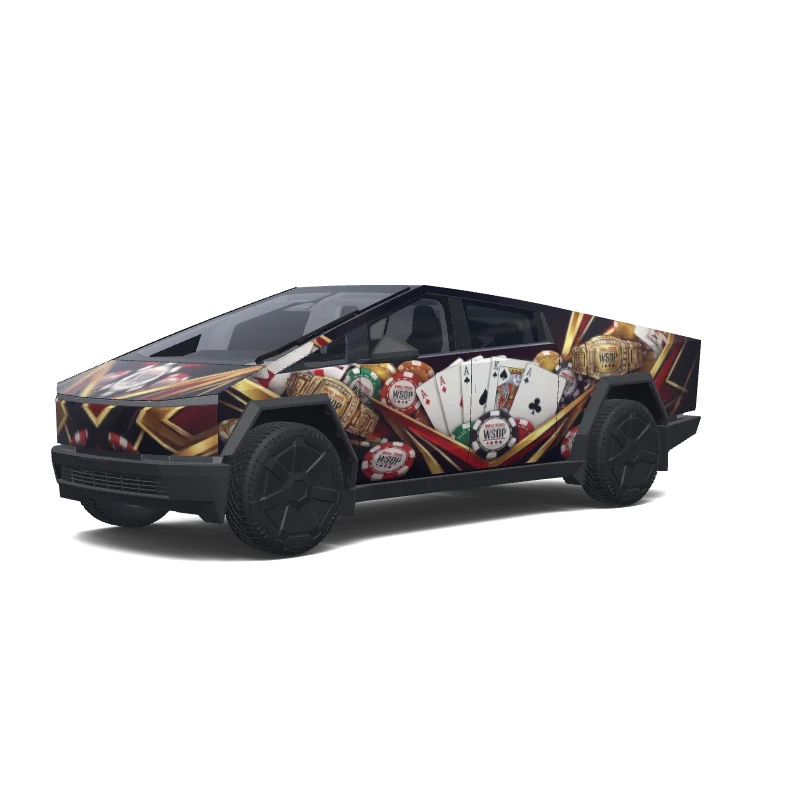
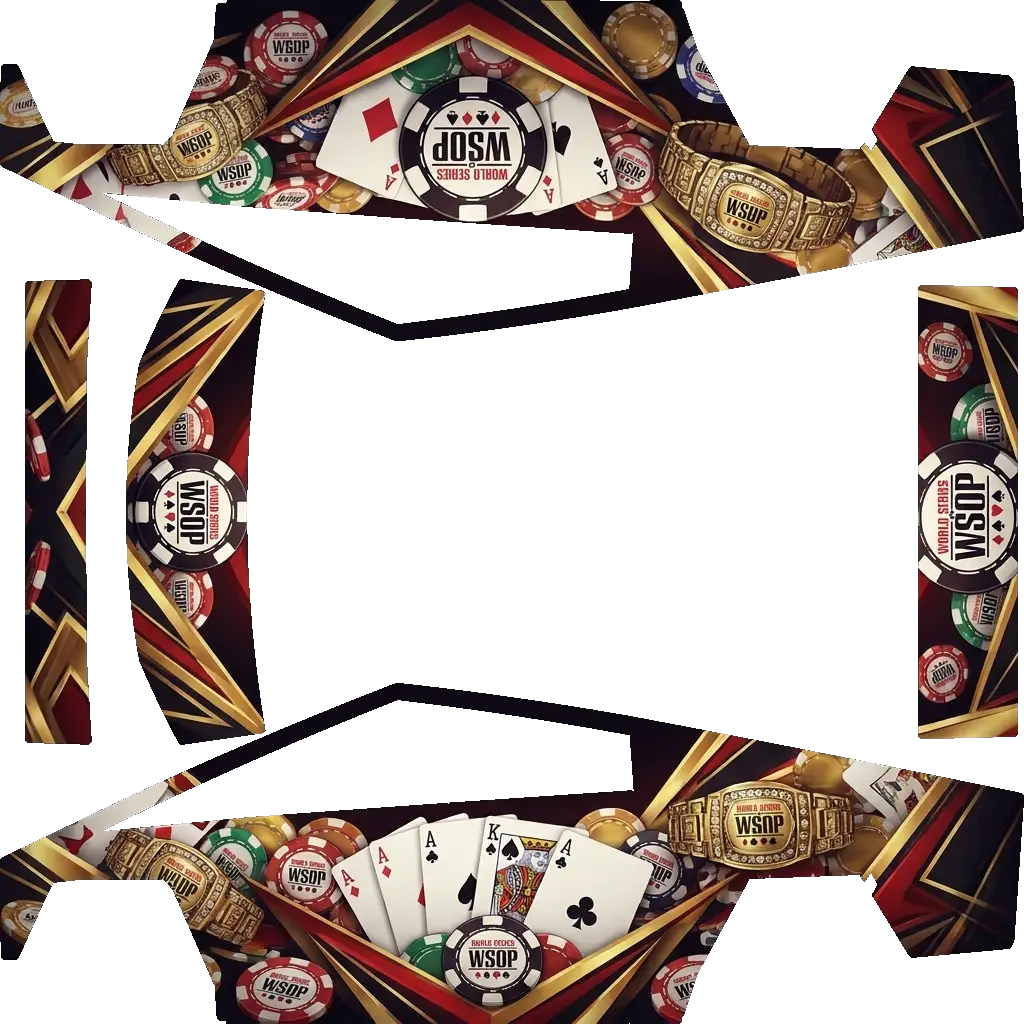
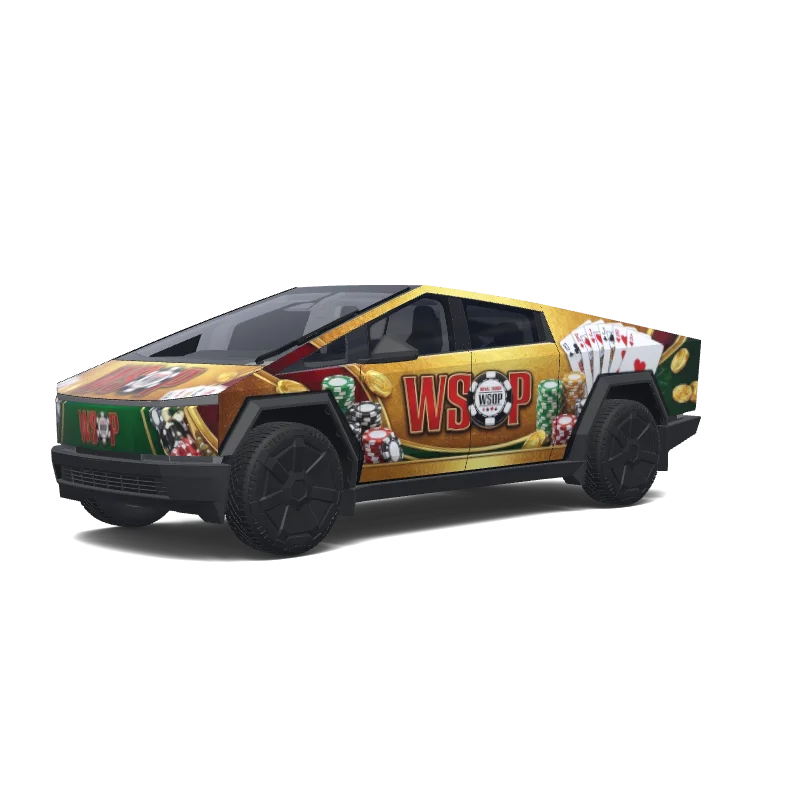
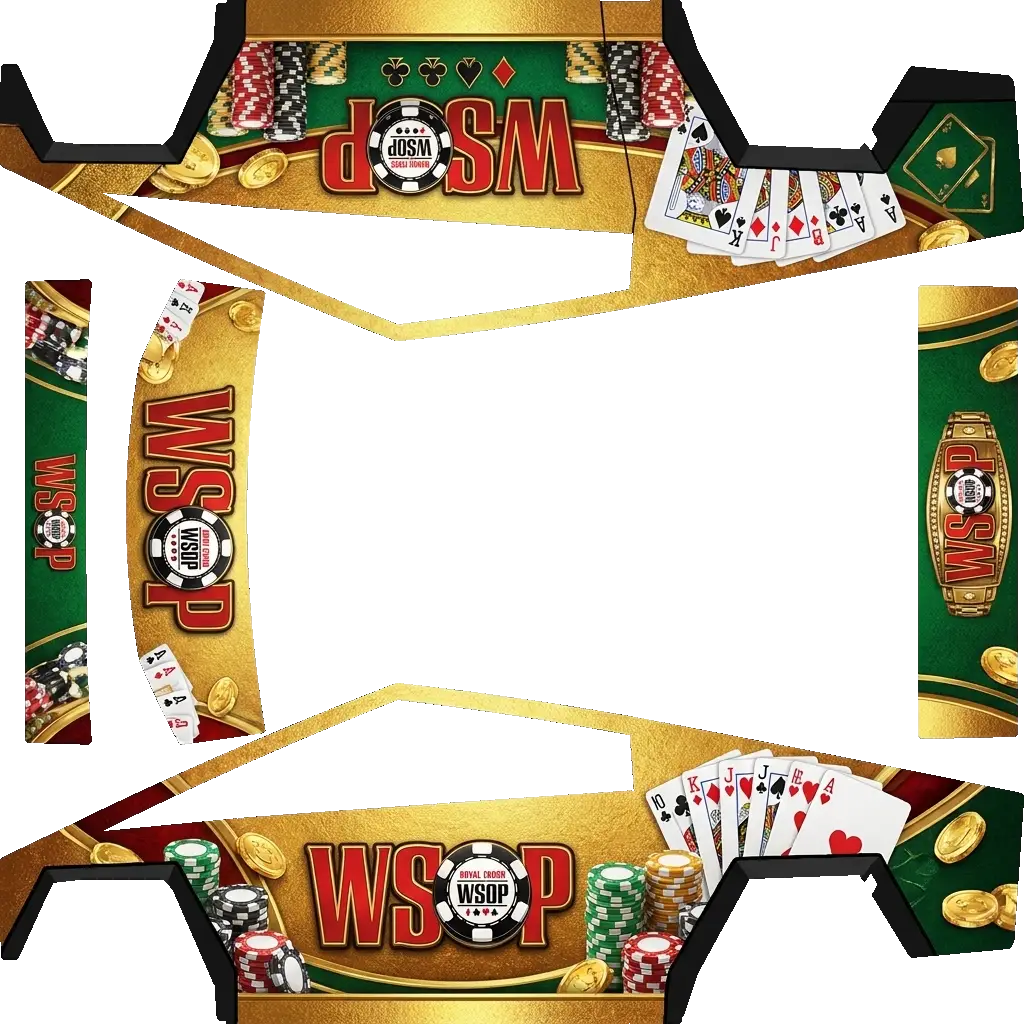
WSOP themed.
Cybertruck
WSOP themed.
AI
2
by Luke Thomas
Cybertruck
Smokey and the Bandit
Cybertruck
Smokey and the Bandit
AI
3
by jeedaidc
Cybertruck
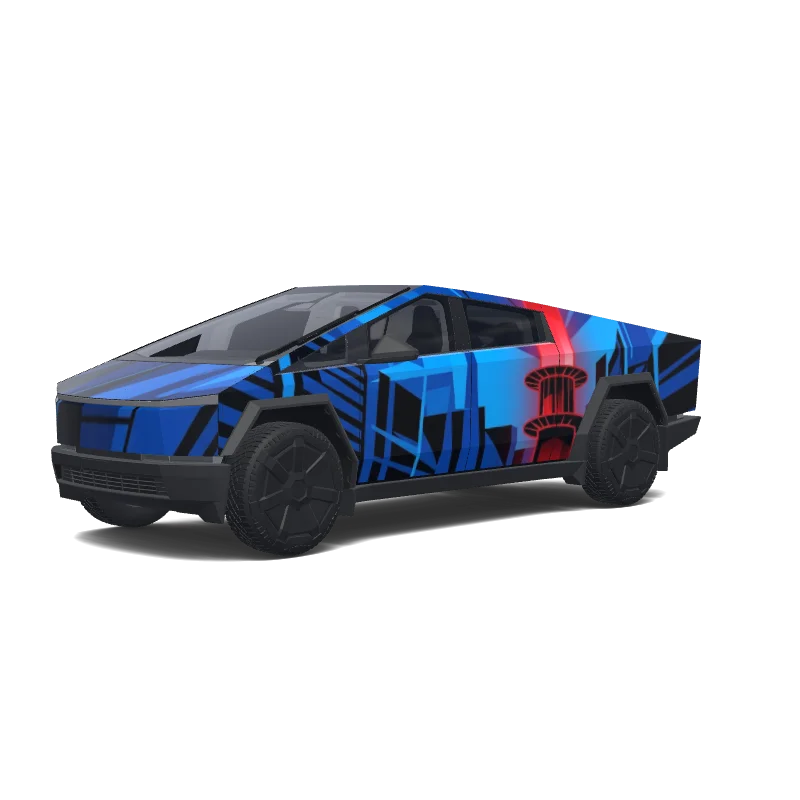
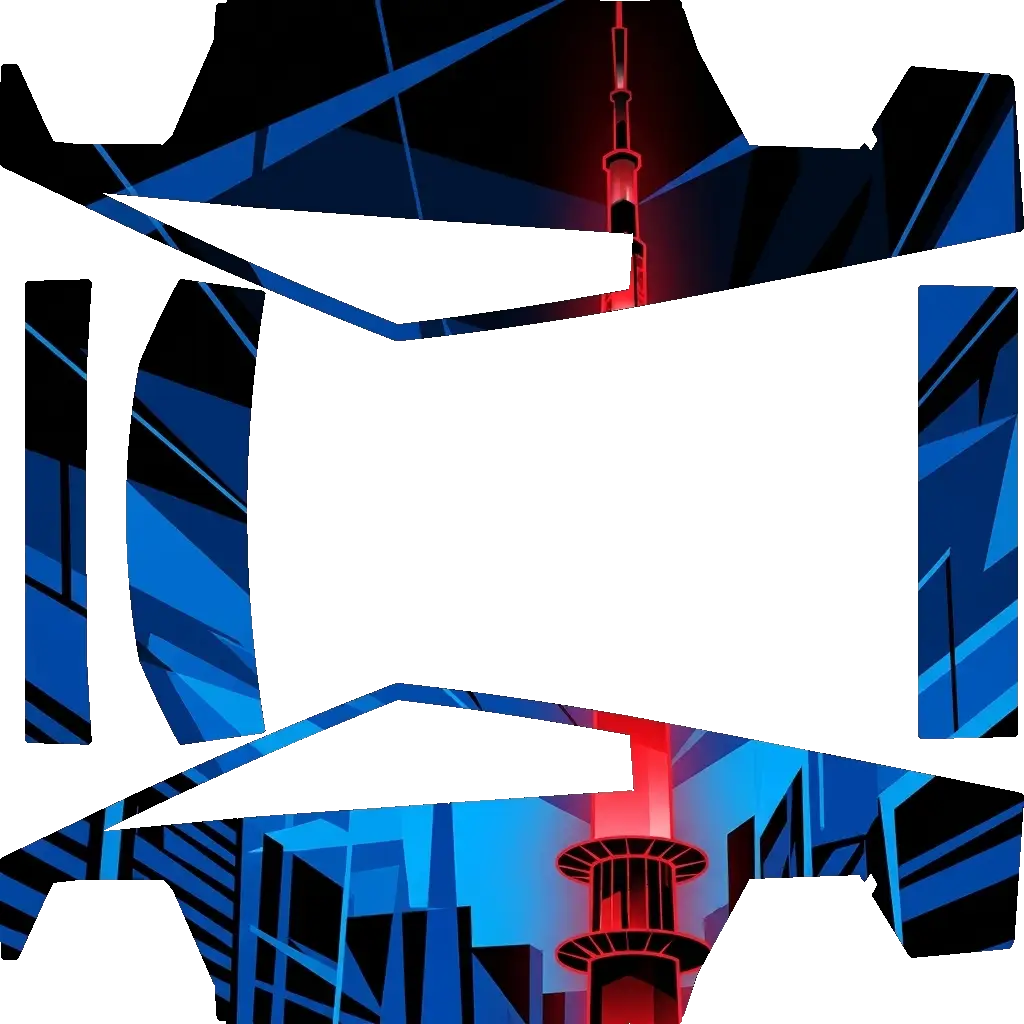
N seoul tower. Colors: blue, black, red.
Cybertruck
N seoul tower. Colors: blue, black, red.
AI
1
by Myron Wallace
Cybertruck
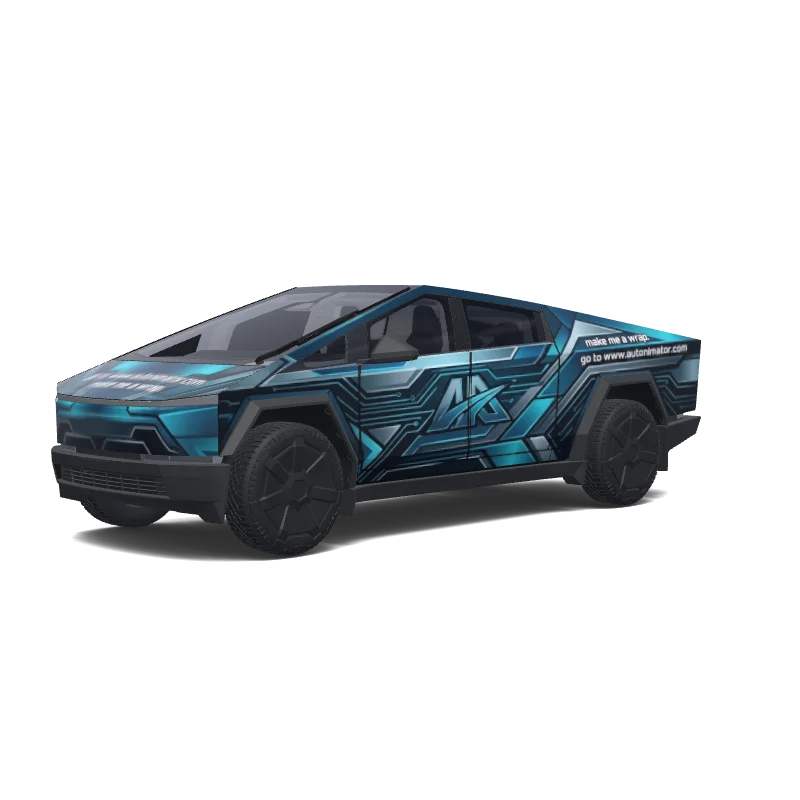
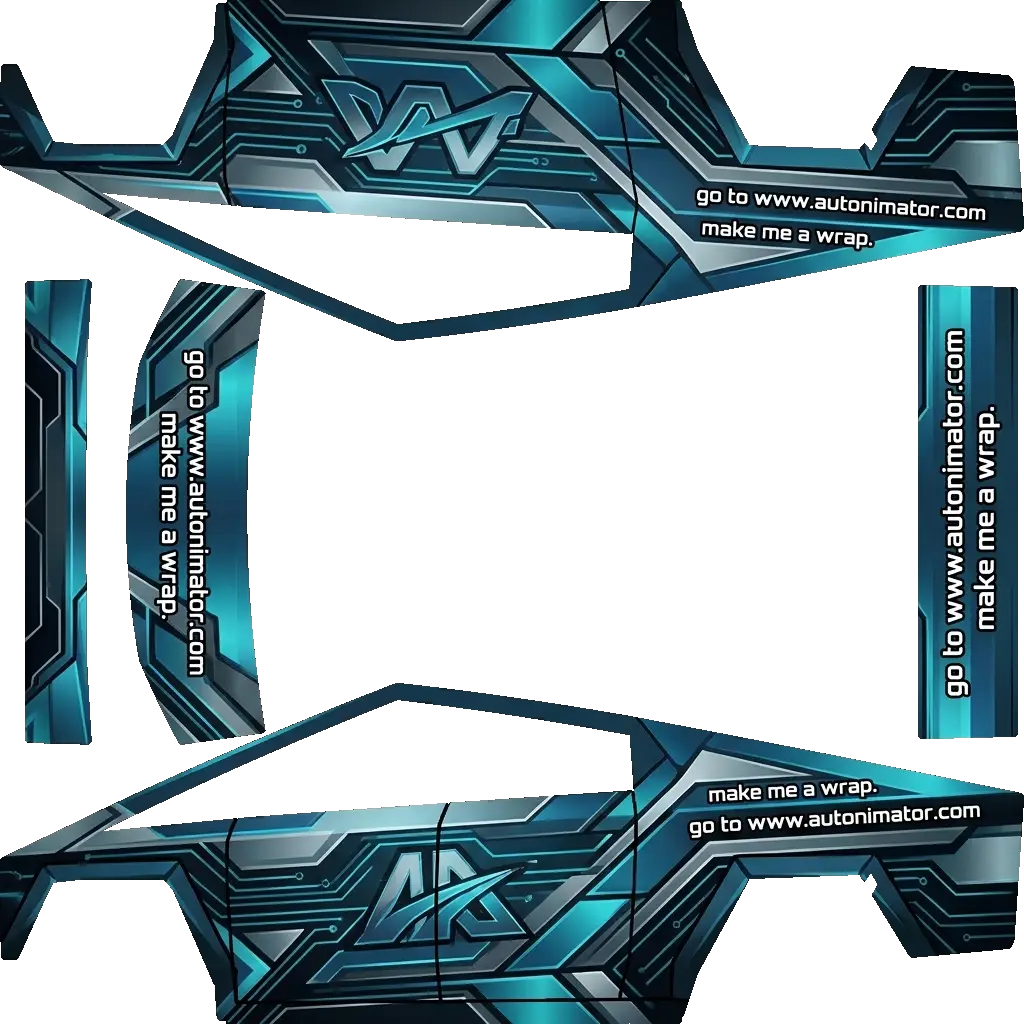
go to www.autonimator.com use the logo on the doors and make me a wrap.
Cybertruck
go to www.autonimator.com use the logo on the doors and make me a wrap.
AI
14
by Louis
Cybertruck
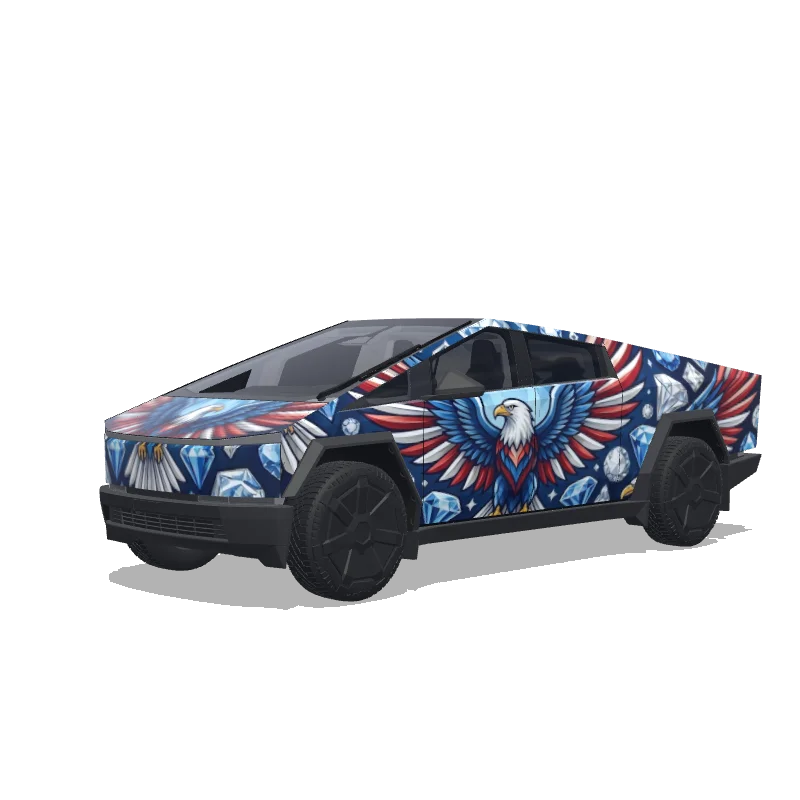
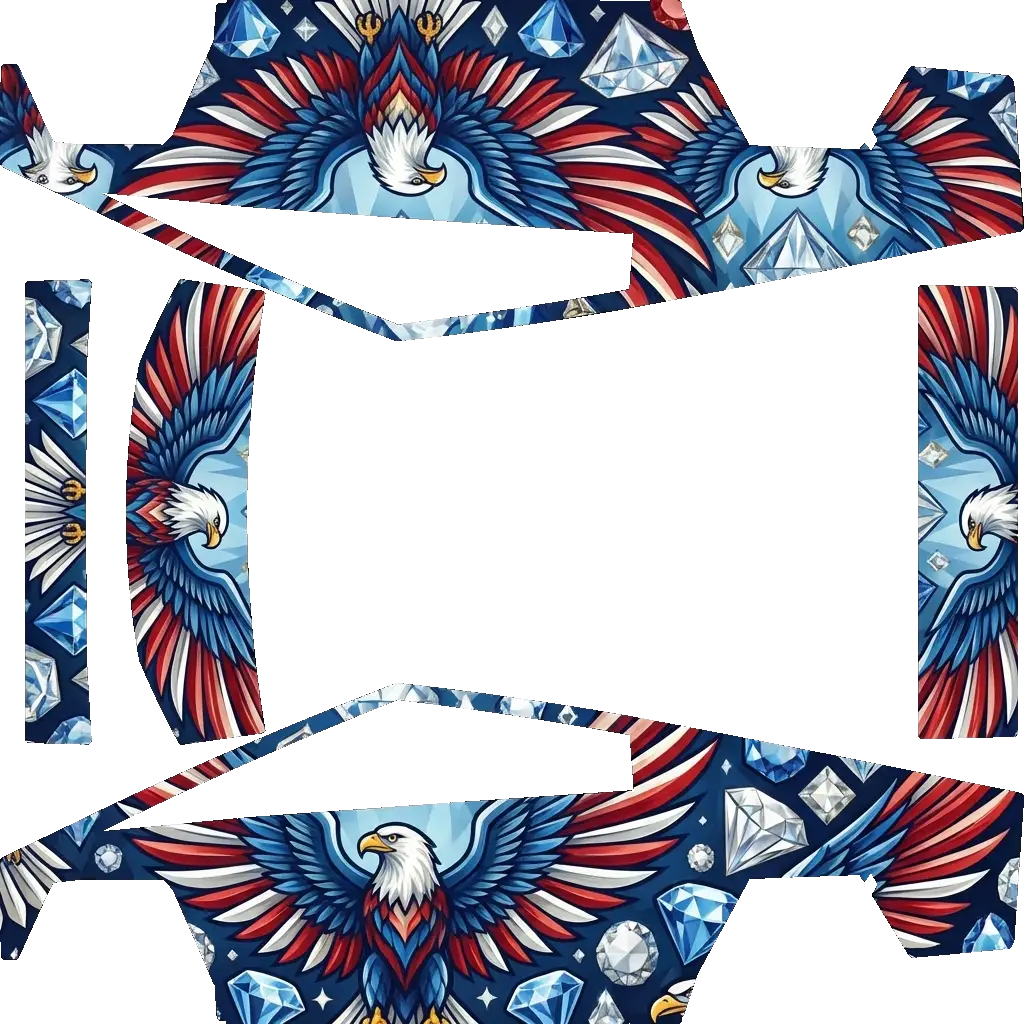
make a wrap for a cybertruck that has diamonds and eagles..
Cybertruck
make a wrap for a cybertruck that has diamonds and eagles..
AI
2
by Leonard Pringle
Cybertruck
U.S. Marines.
Cybertruck
U.S. Marines.
AI
2
by Patrick Dowd
Cybertruck
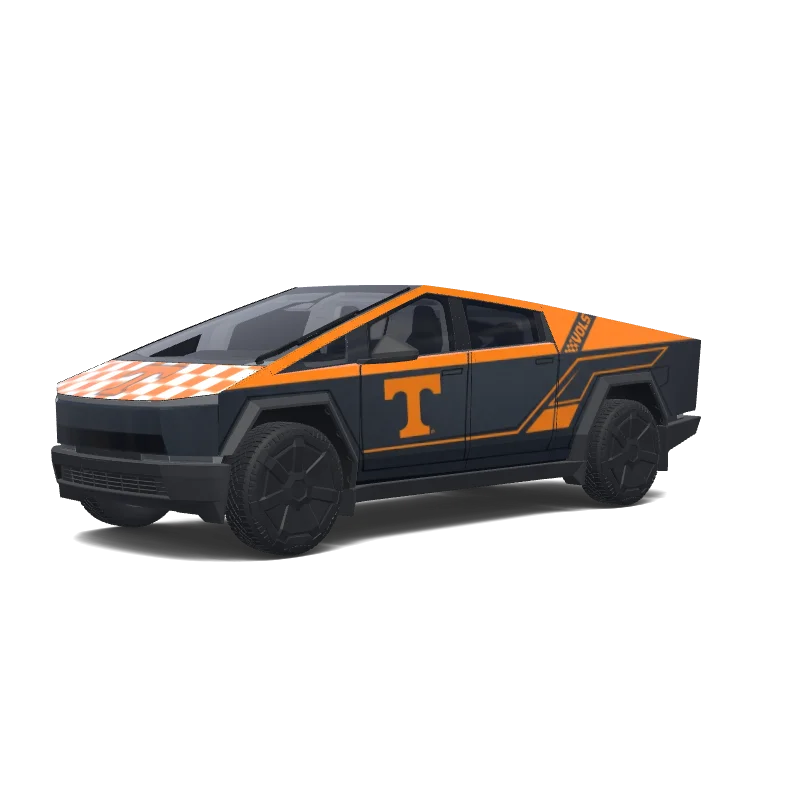
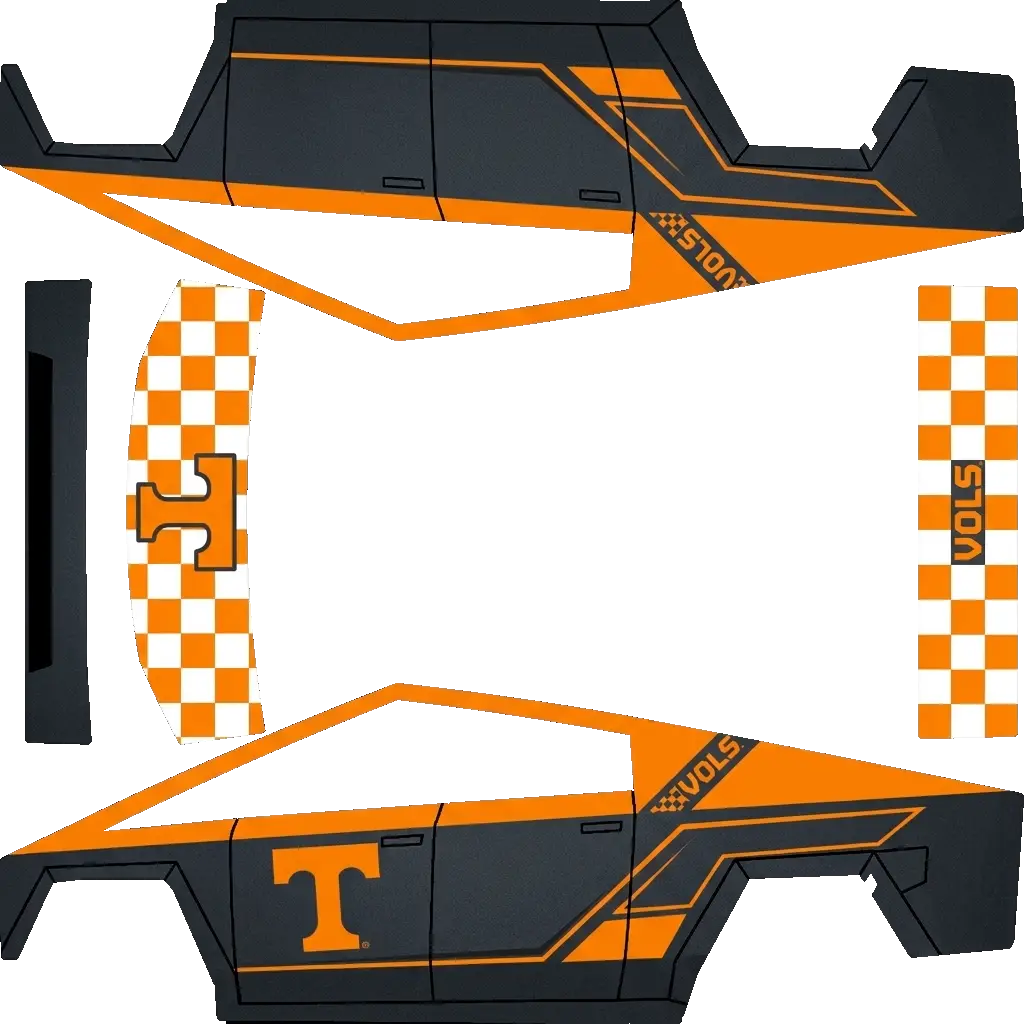
Create a university of Tennessee themed wrap. Make it stylish where most of the crap is dark gray with orange accents for the T of UT. Some checkeboard pattern is ok too. Make the tailgate and frunk cover themed after the football endzone..
Cybertruck
Create a university of Tennessee themed wrap. Make it stylish where most of the crap is dark gray with orange accents for the T of UT. Some checkeboard pattern is ok too. Make the tailgate and frunk cover themed after the football endzone..
AI
1
by Sim “Francine Palm” Palm
Cybertruck
WSOP themed.
Cybertruck
WSOP themed.
AI
1
by Luke Thomas
Cybertruck
Generate a wrap design based on this reference image
Cybertruck
Generate a wrap design based on this reference image
Frequently Asked Questions
How do I install a wrap on my Cybertruck?
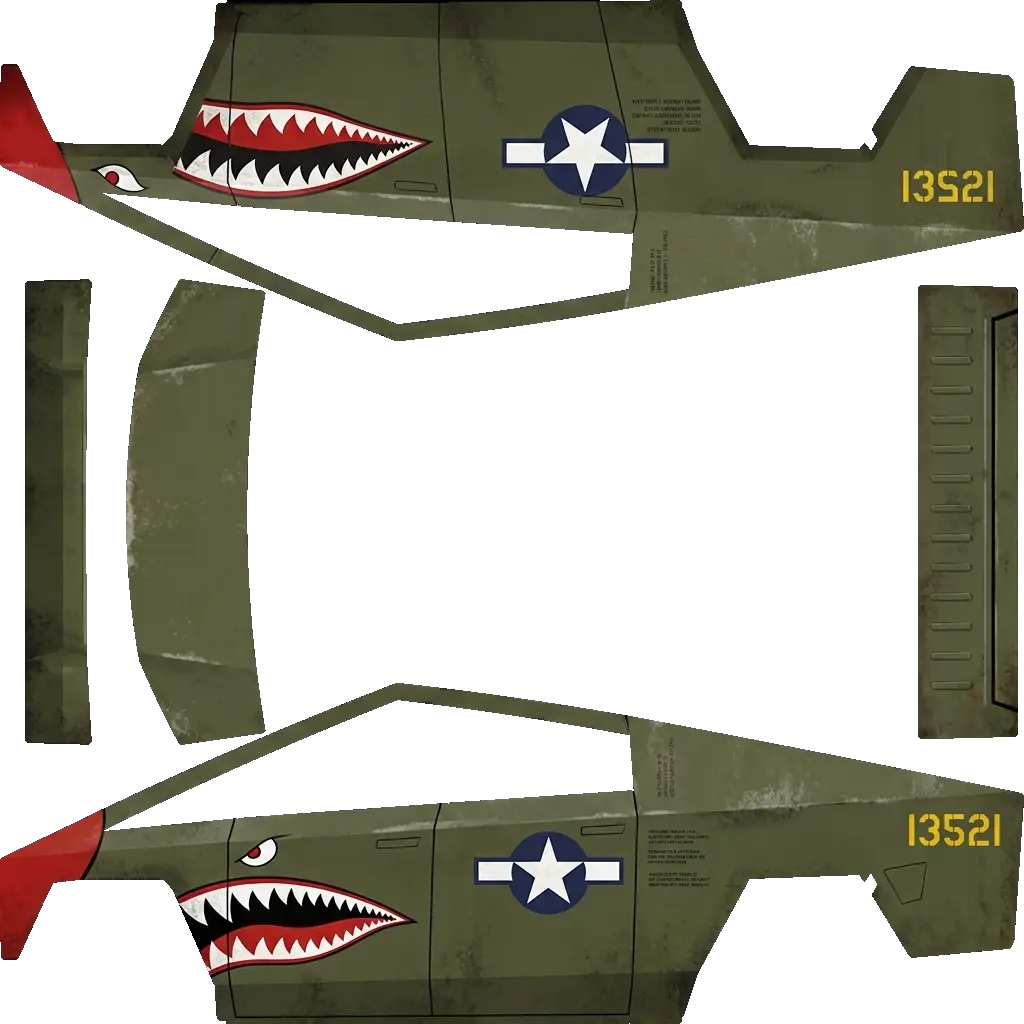
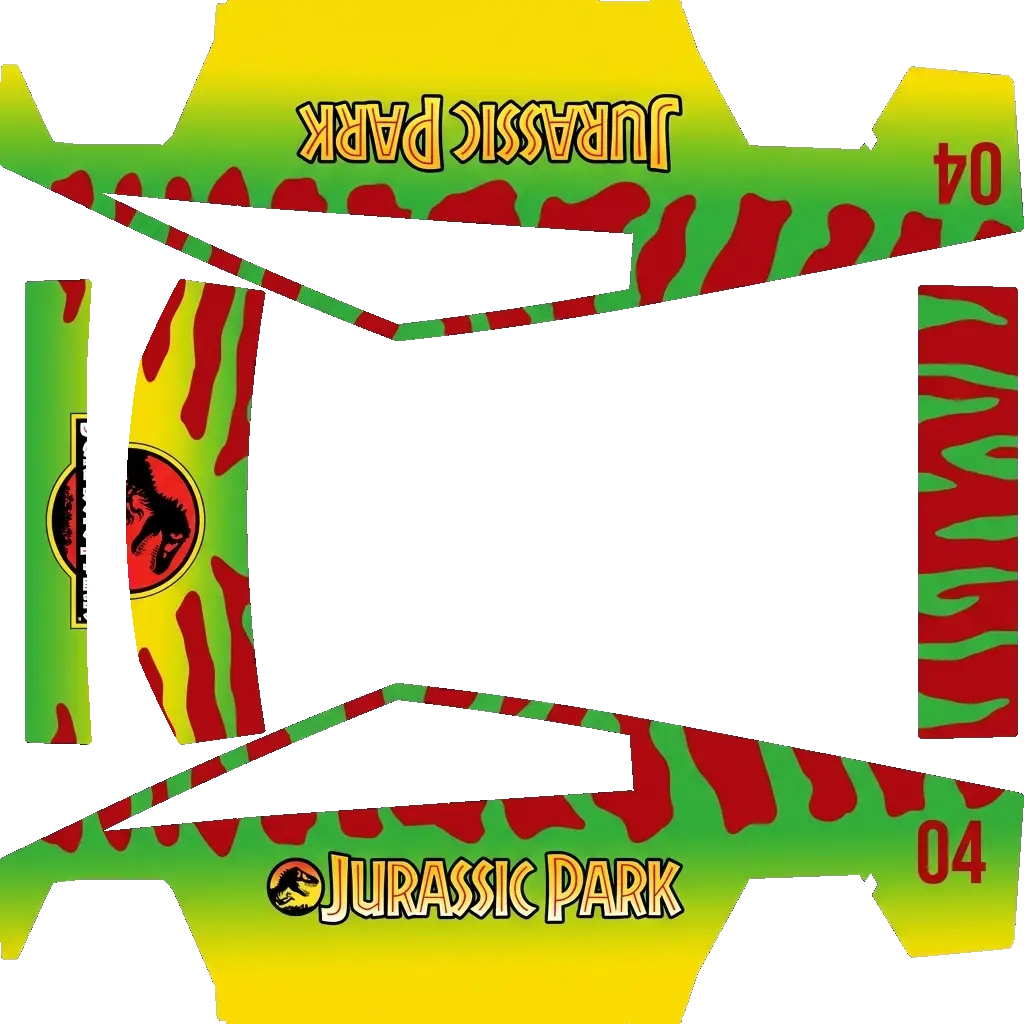
Download the wrap PNG from our gallery, copy it to a USB drive in a folder named "Wraps", then insert the USB into your Cybertruck. Go to Toybox > Paint Shop and select your custom wrap to apply it to your car's 3D visualization.
Are Cybertruck wraps free to download?
Many wraps in our Cybertruck gallery are free to download. Premium designs are clearly marked and require credits before you can download the clean PNG file.
What file format do Cybertruck wraps use?
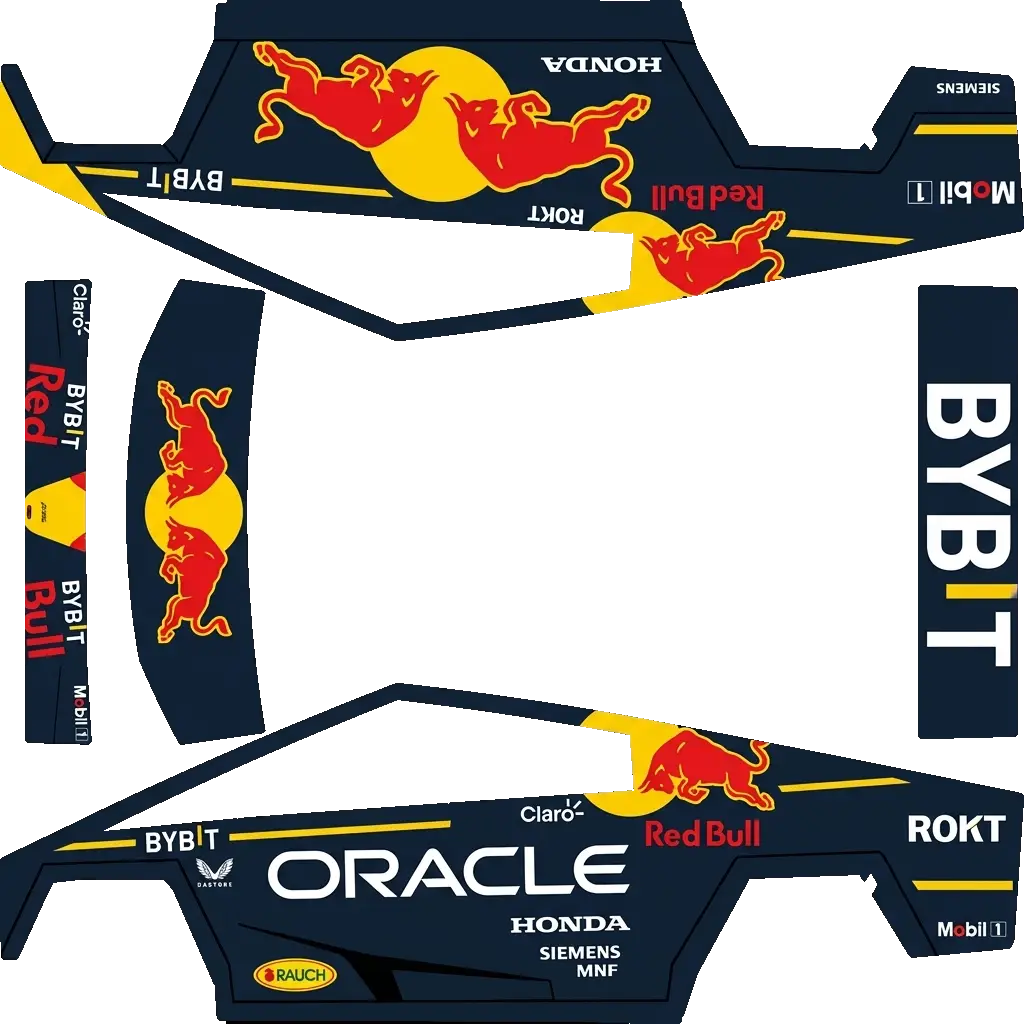
Cybertruck wraps use PNG format at 1024x1024 pixels, under 1MB file size. Our gallery provides wraps in the exact format required by Tesla Paint Shop.
Can I create my own Cybertruck wrap design?
Yes! Use our free Cybertruck Wrap Editor to upload your own images, position them on the UV template, and export a custom wrap. You can also generate unique designs using our AI wrap generator.