Gesponsert: Gültige Käufe über diese Affiliate-Links bringen uns eine Provision ein.
AI
14
by wildkatt95128
Model S
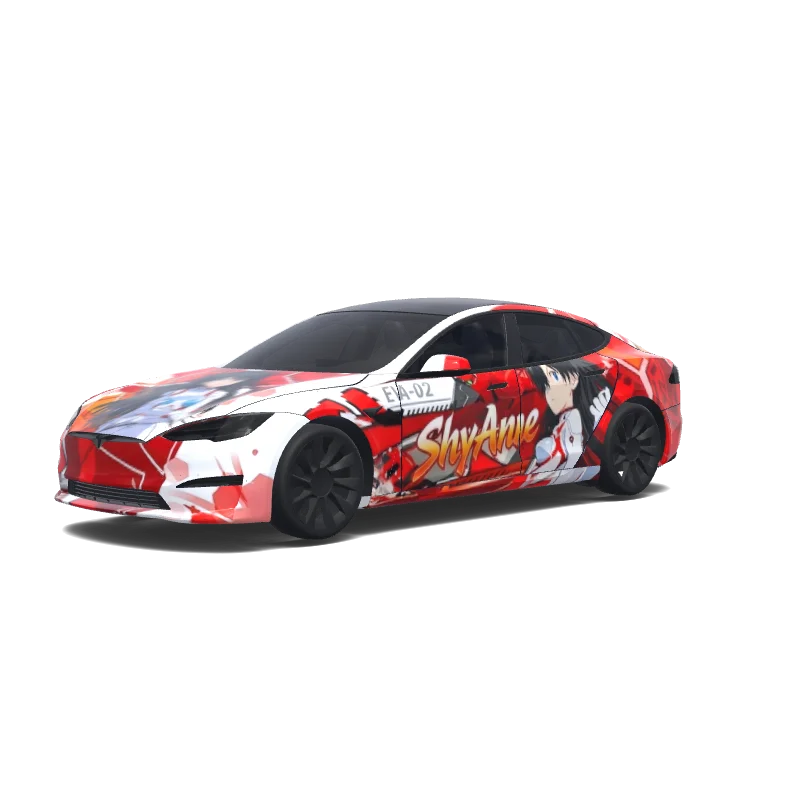
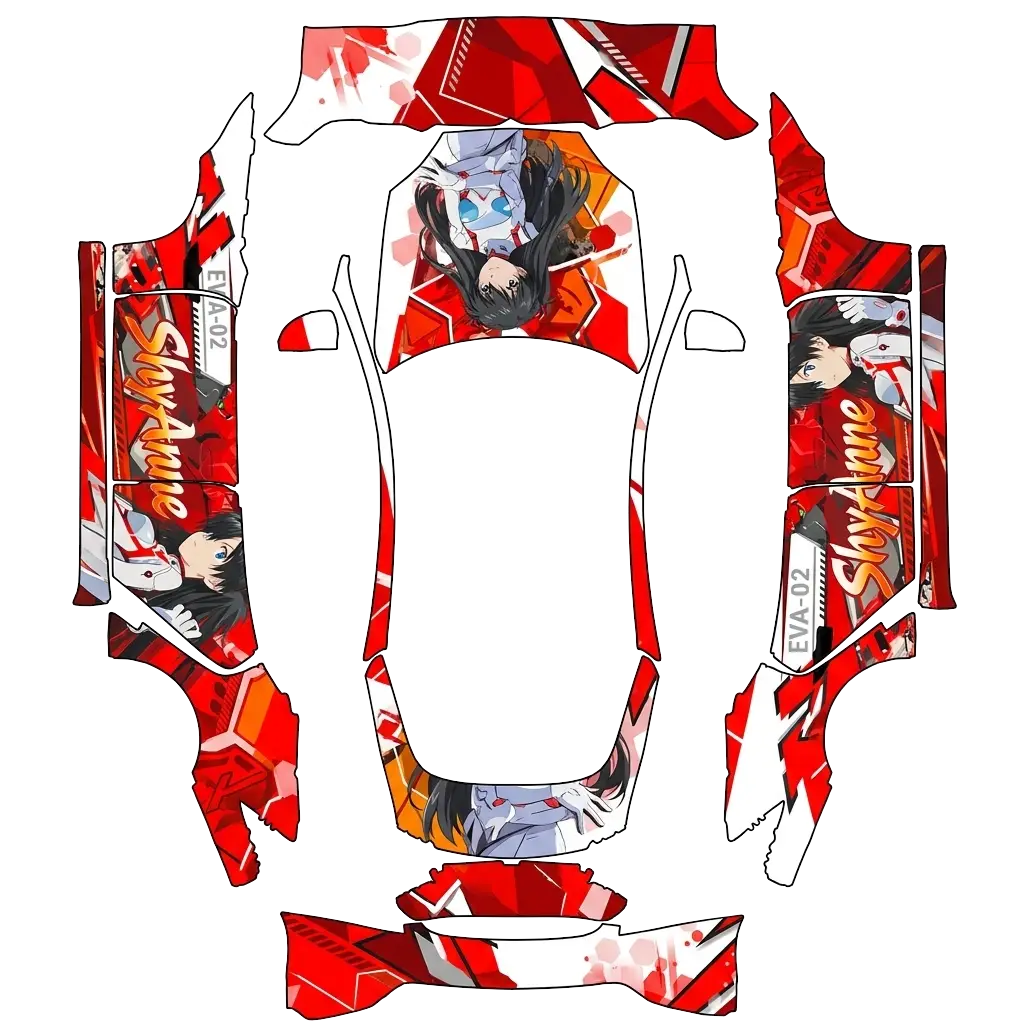
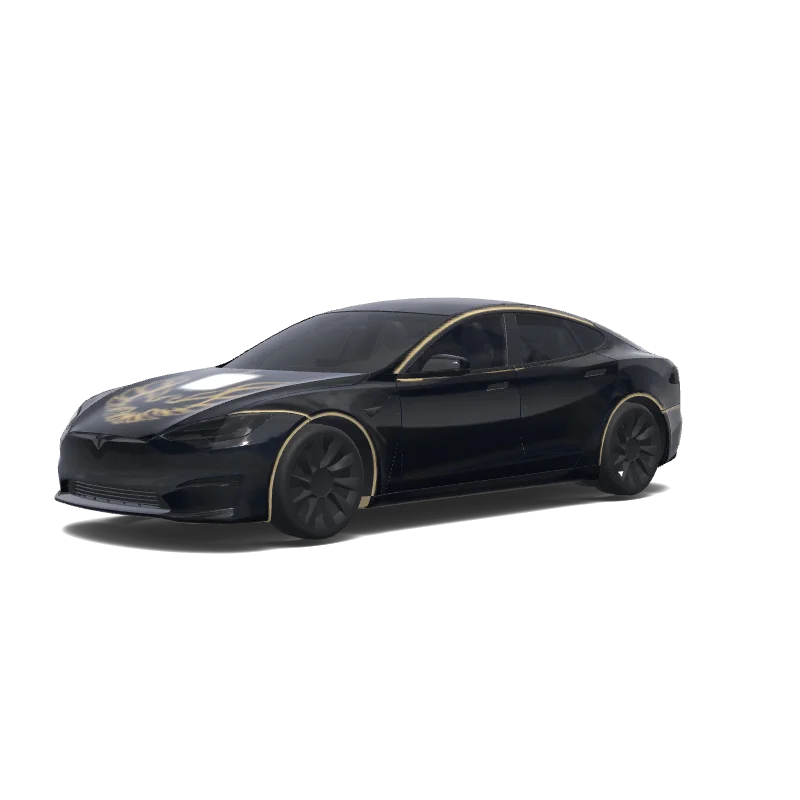
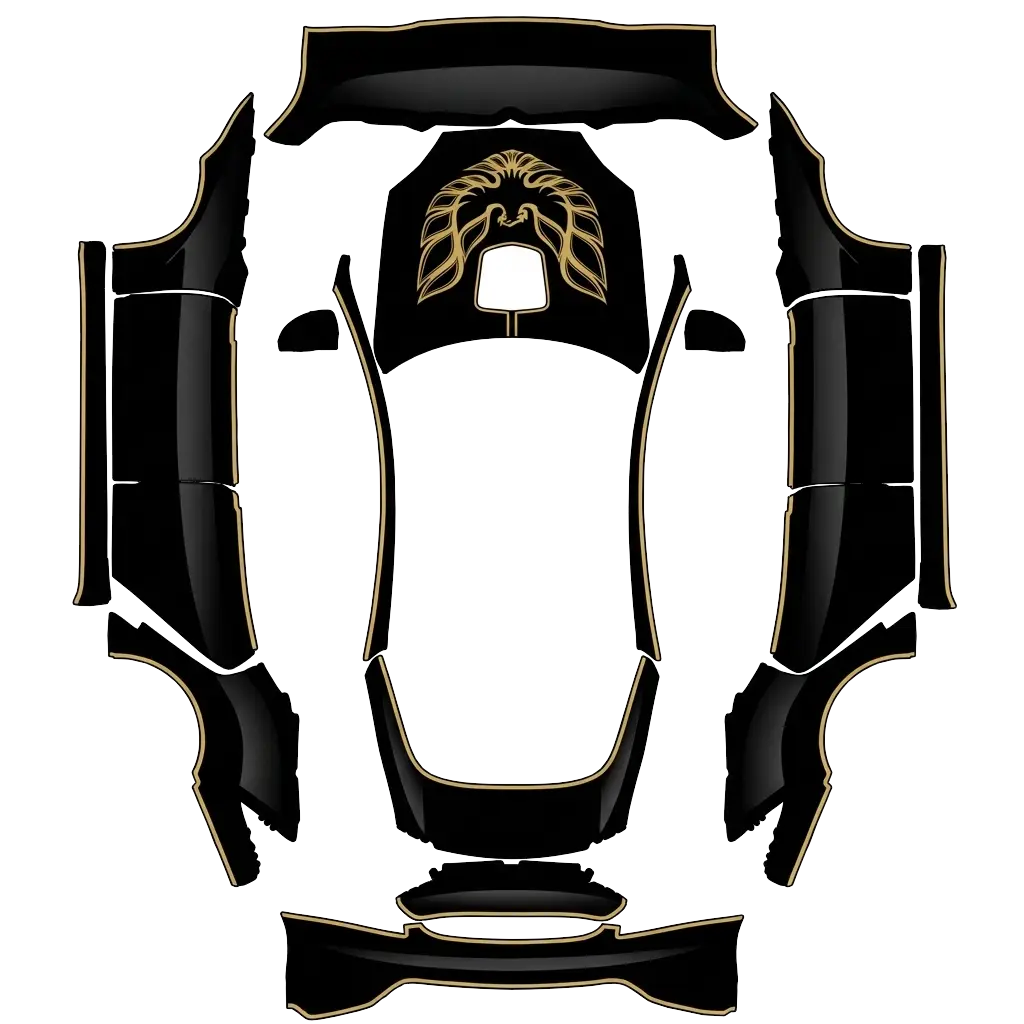
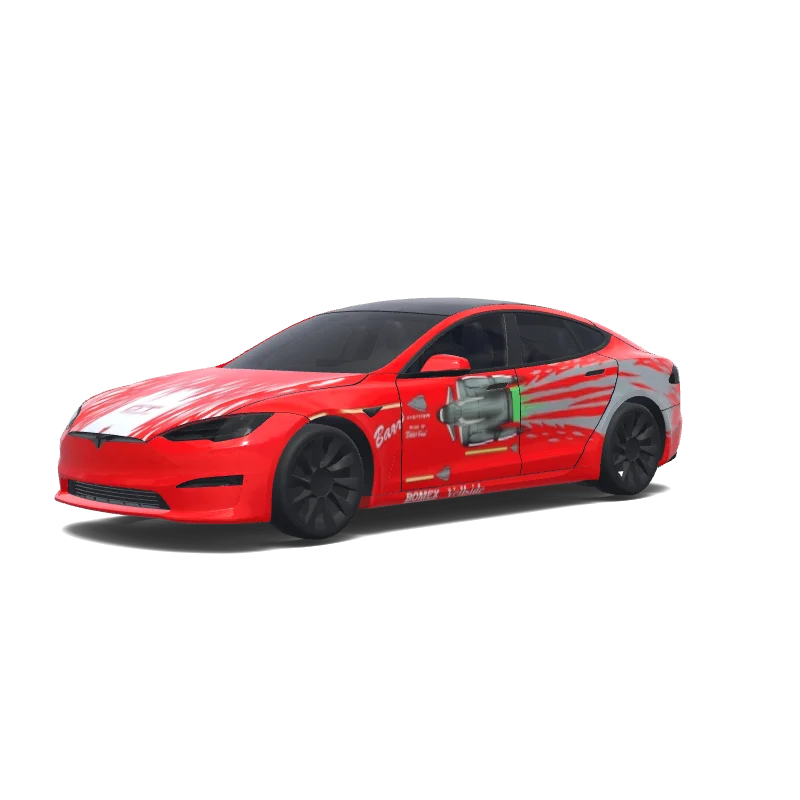
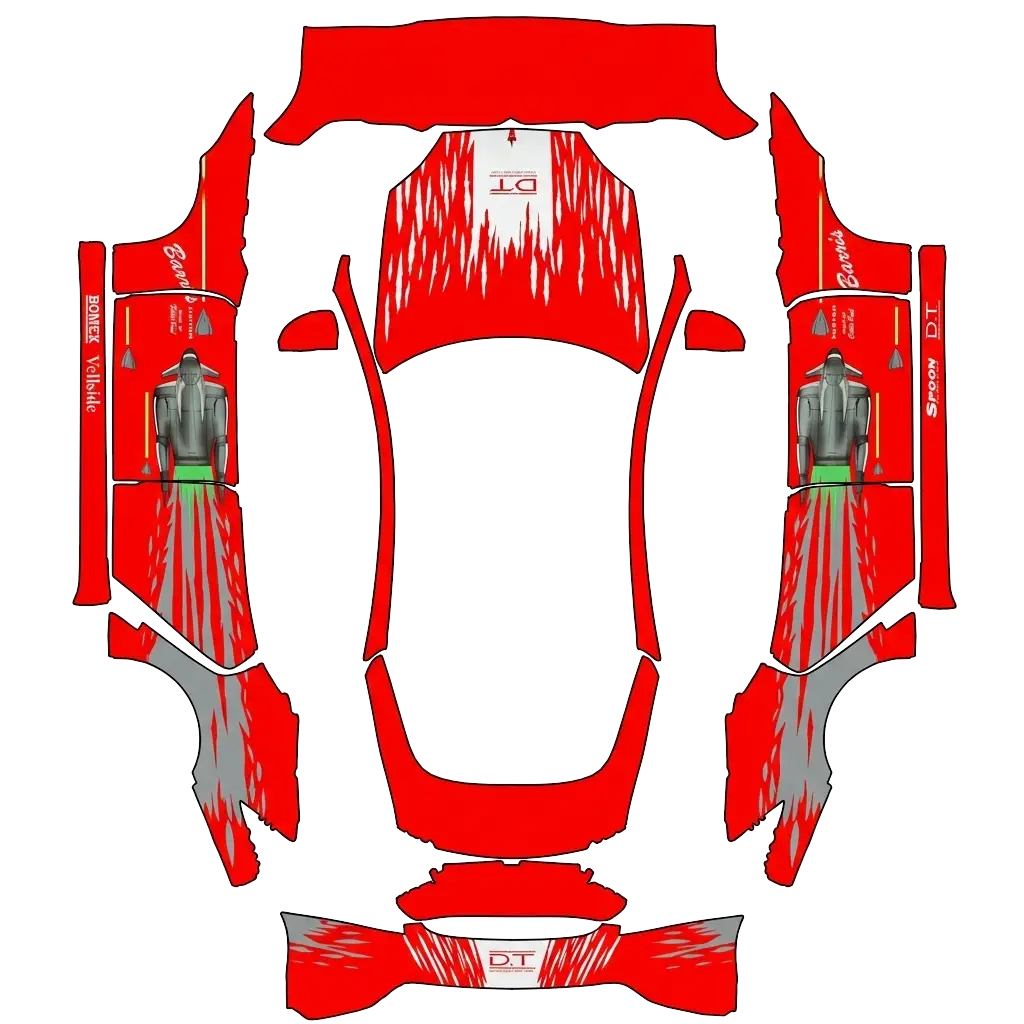
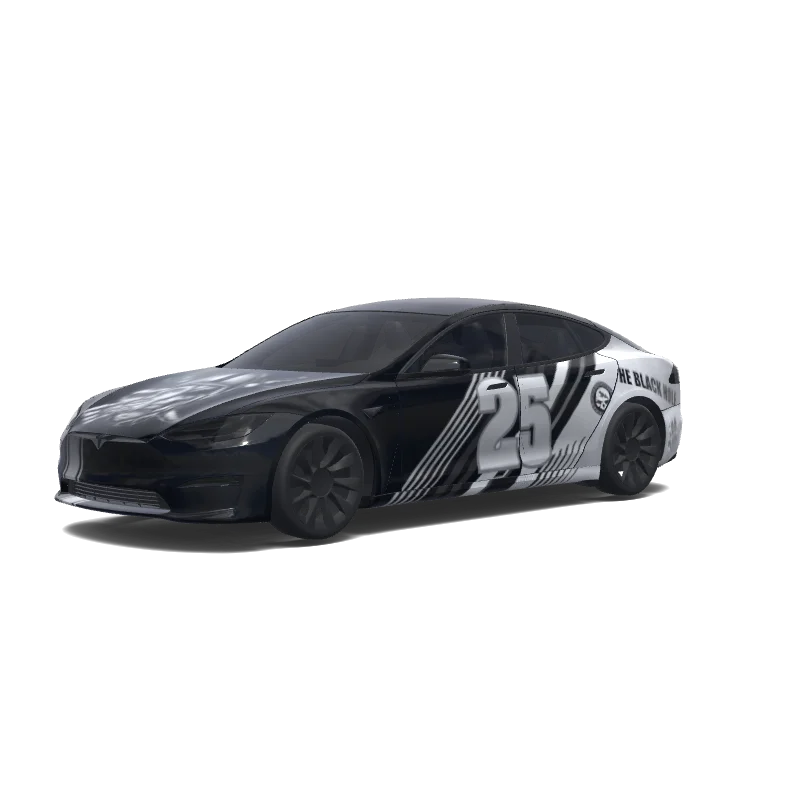
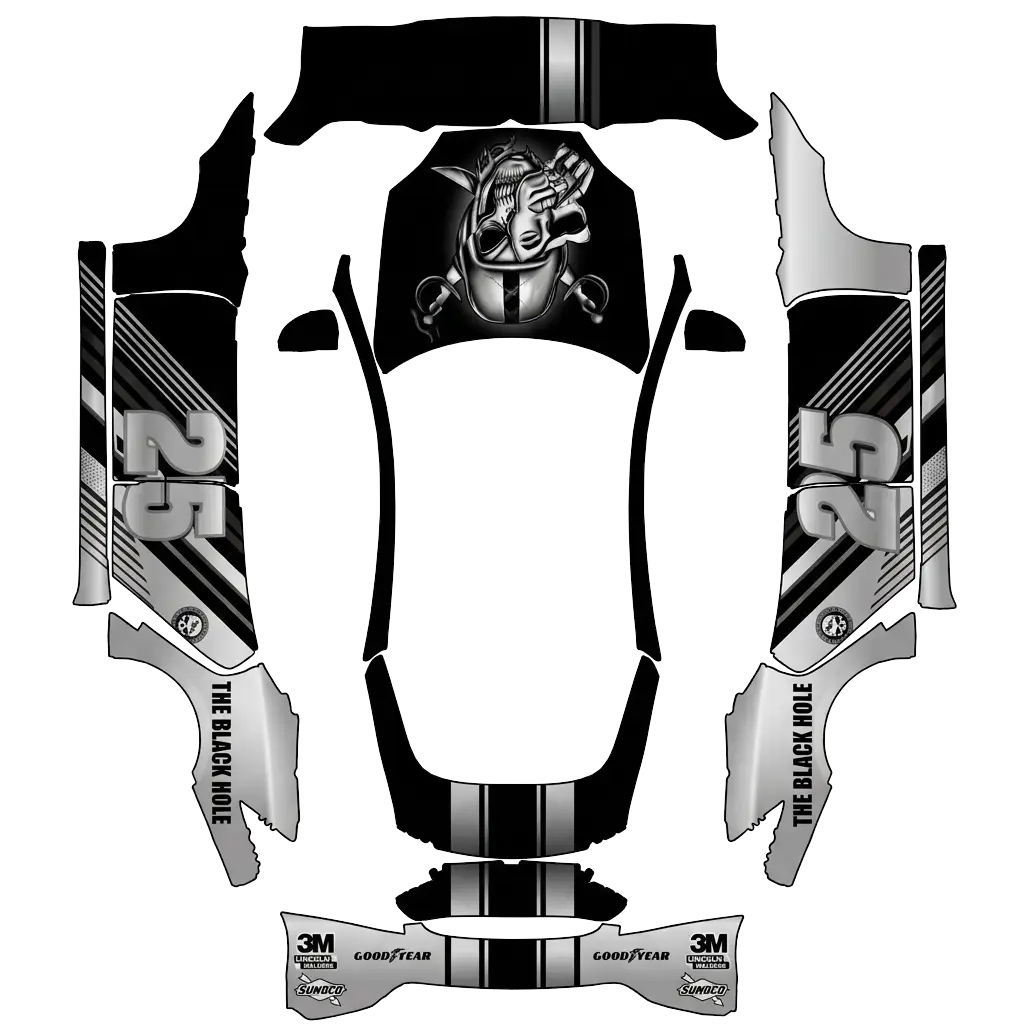
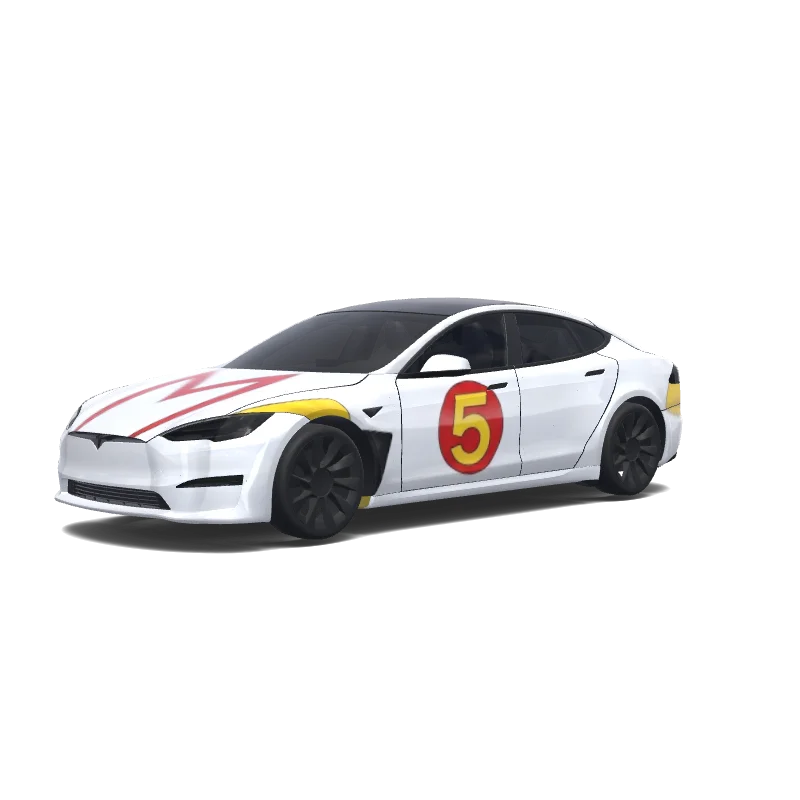
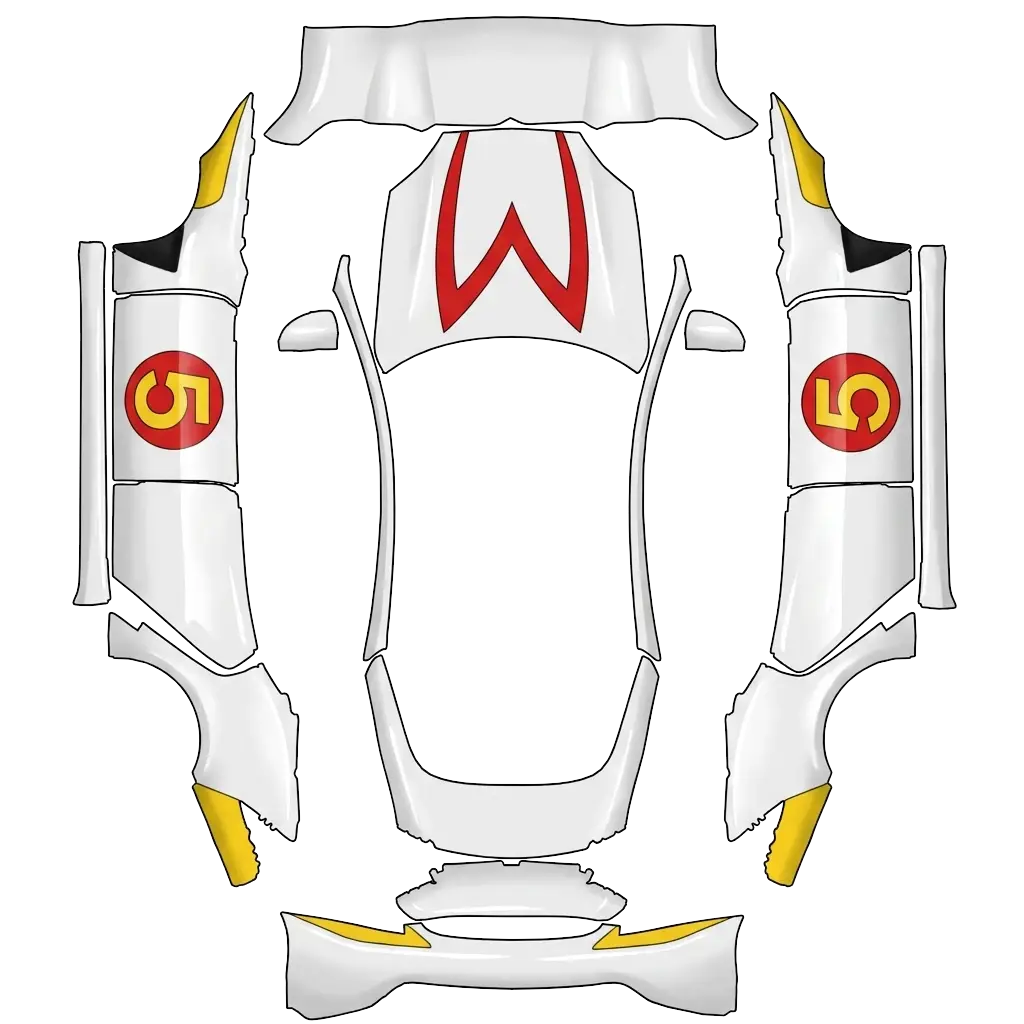
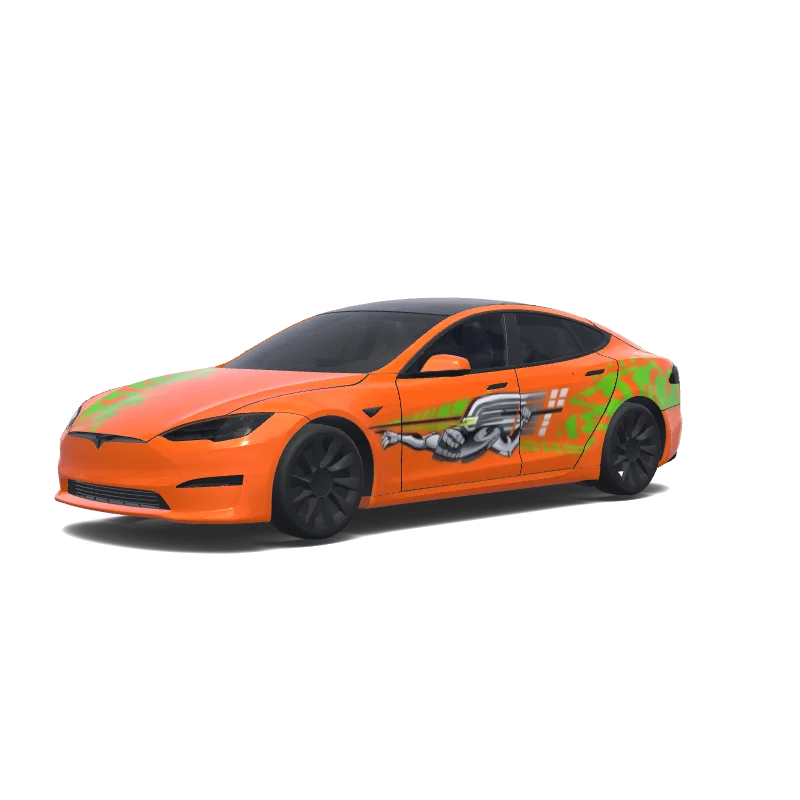
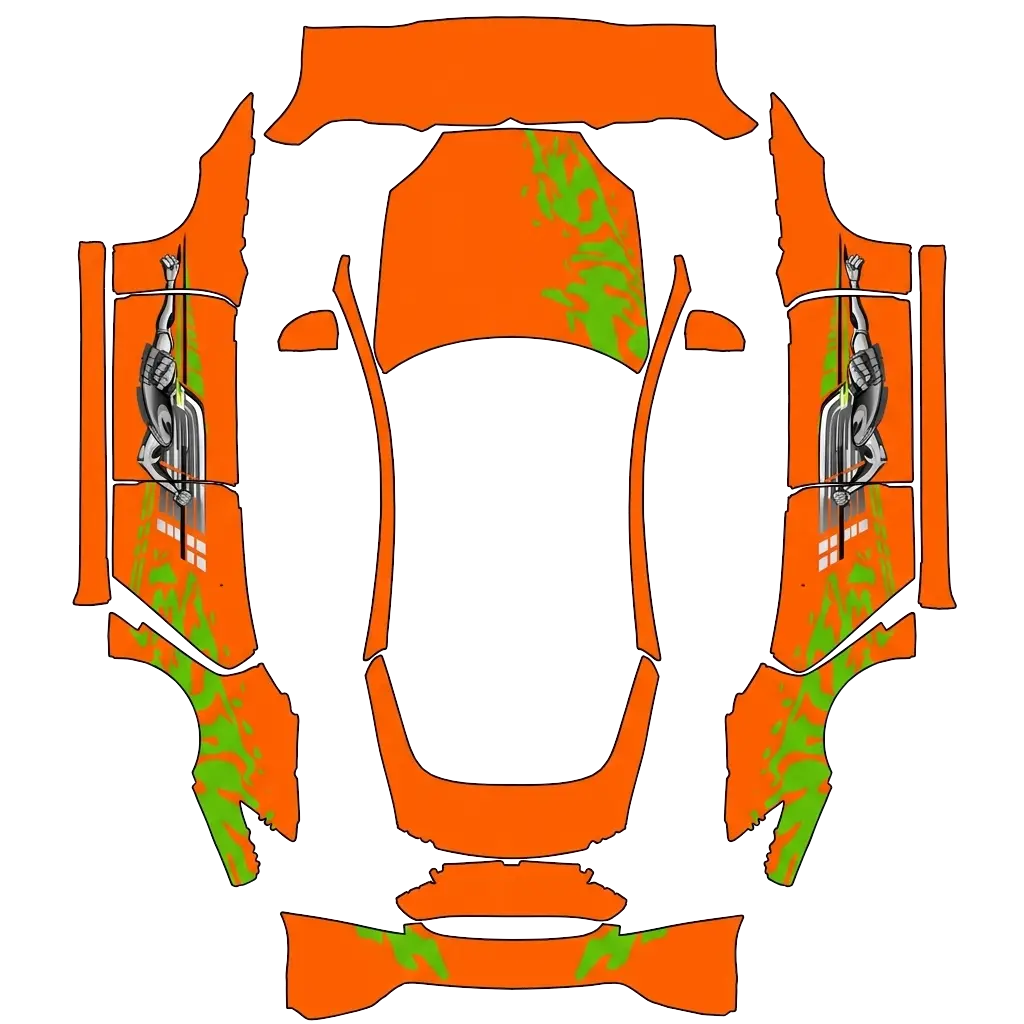
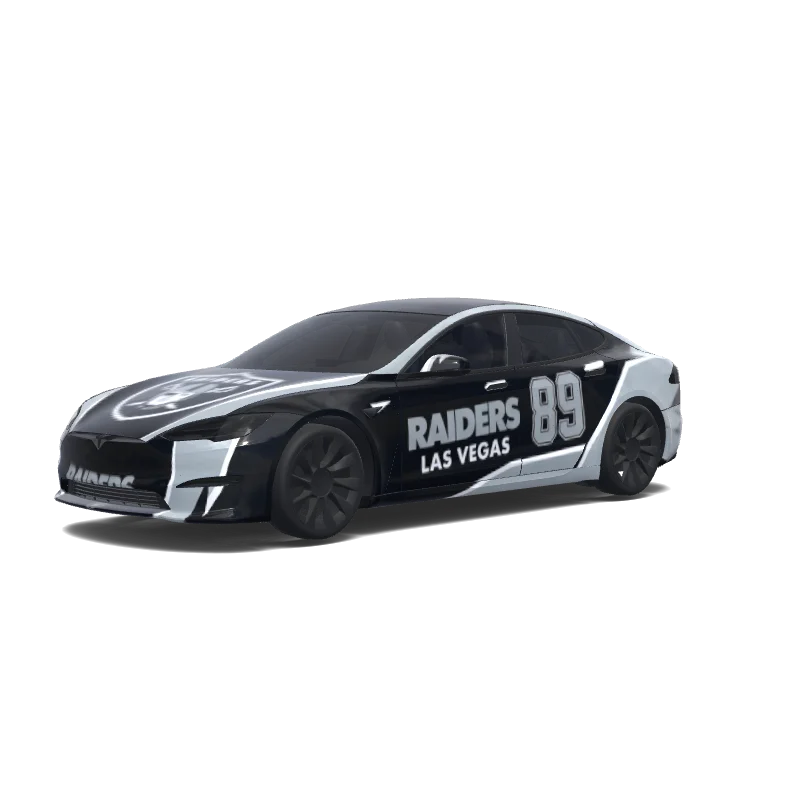
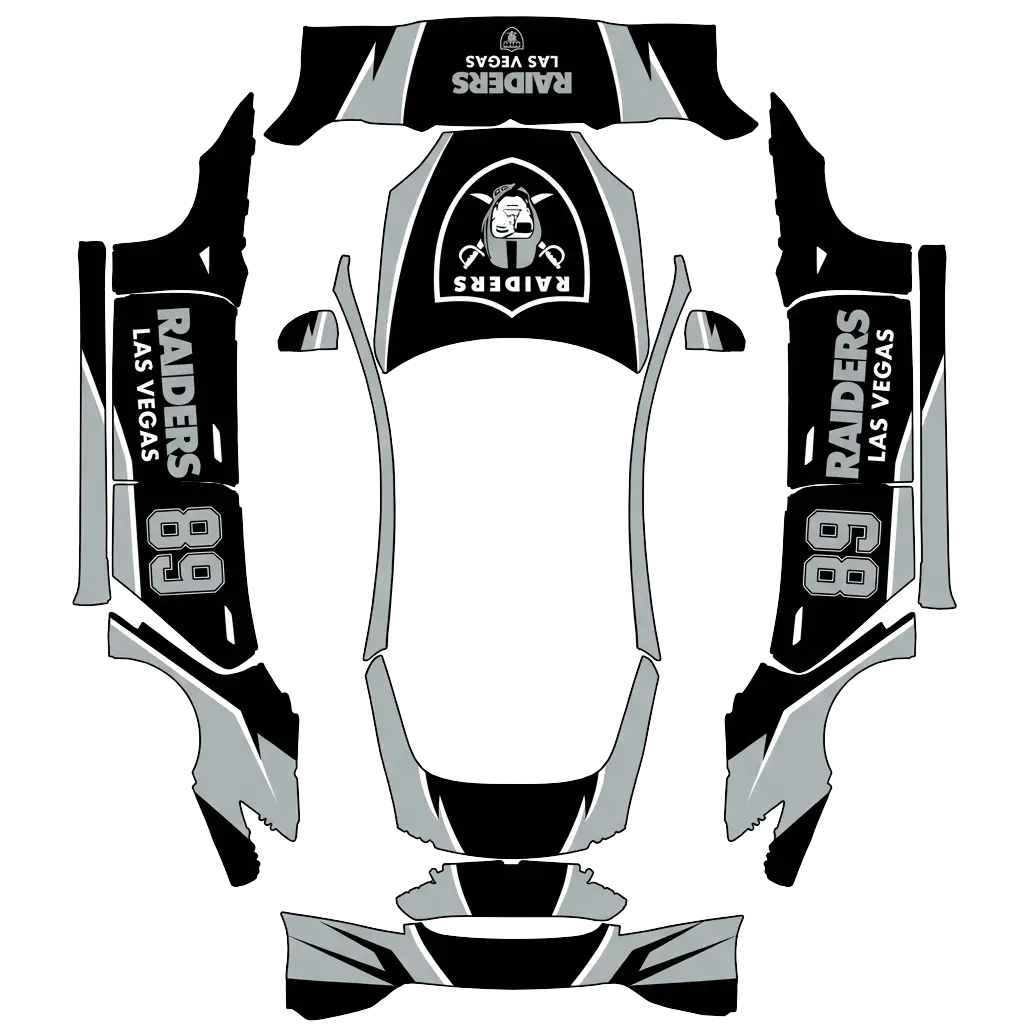
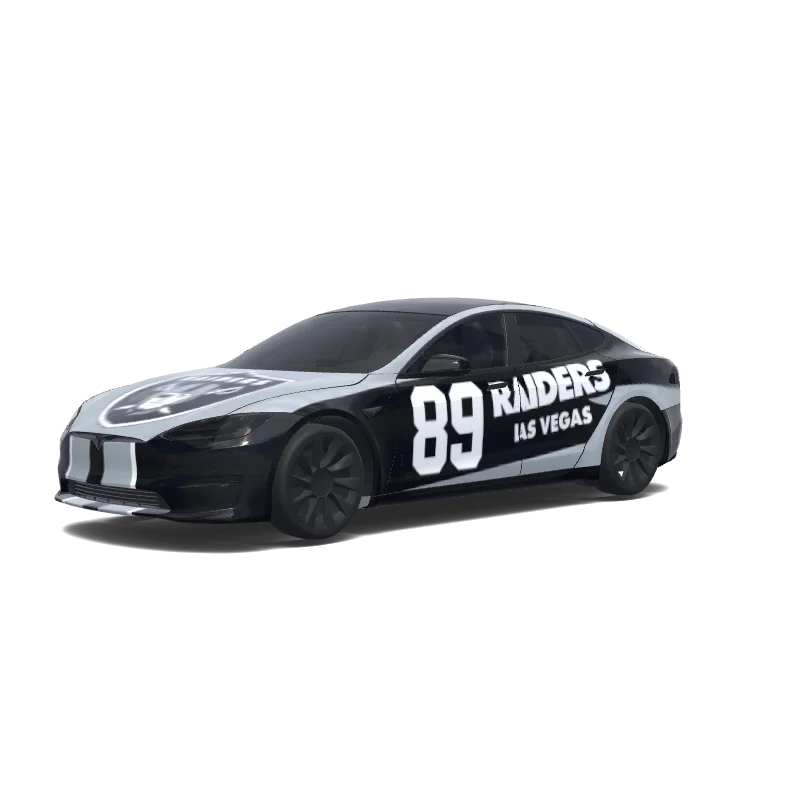
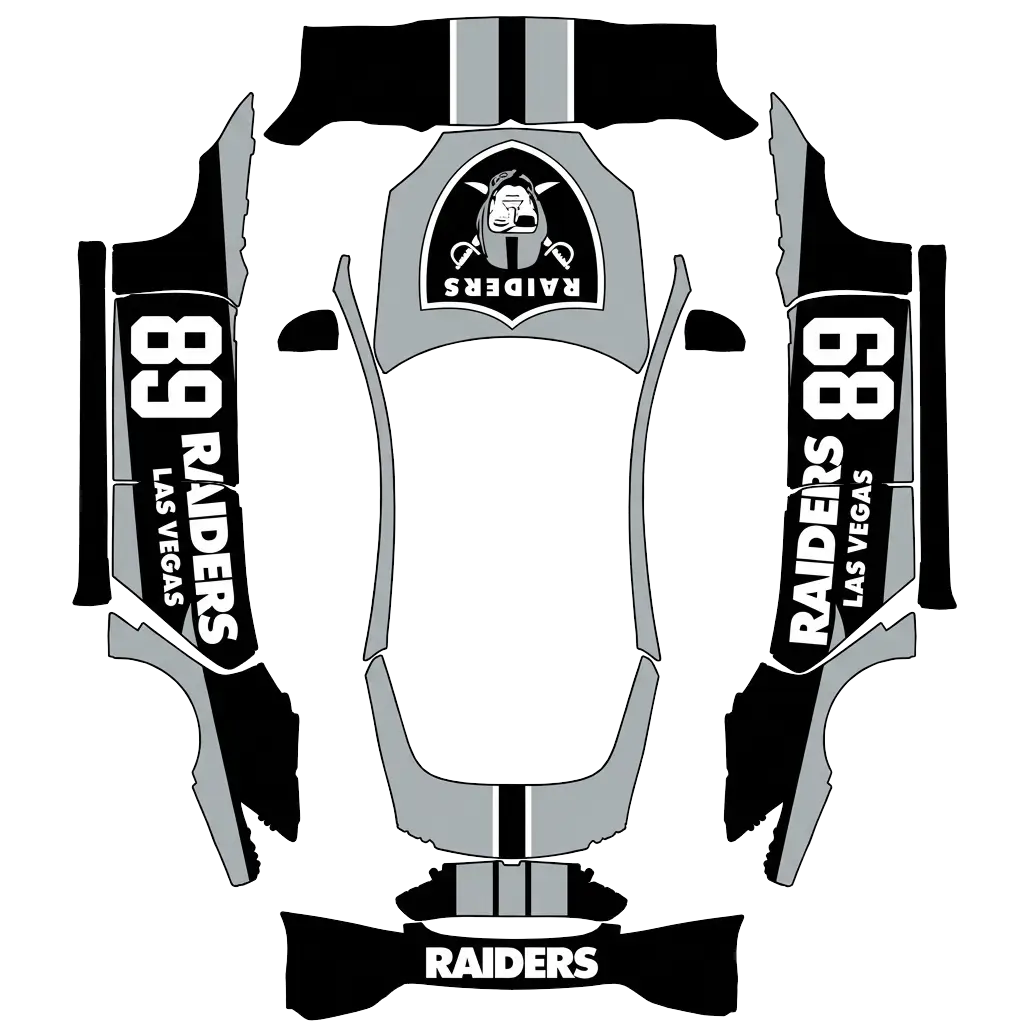
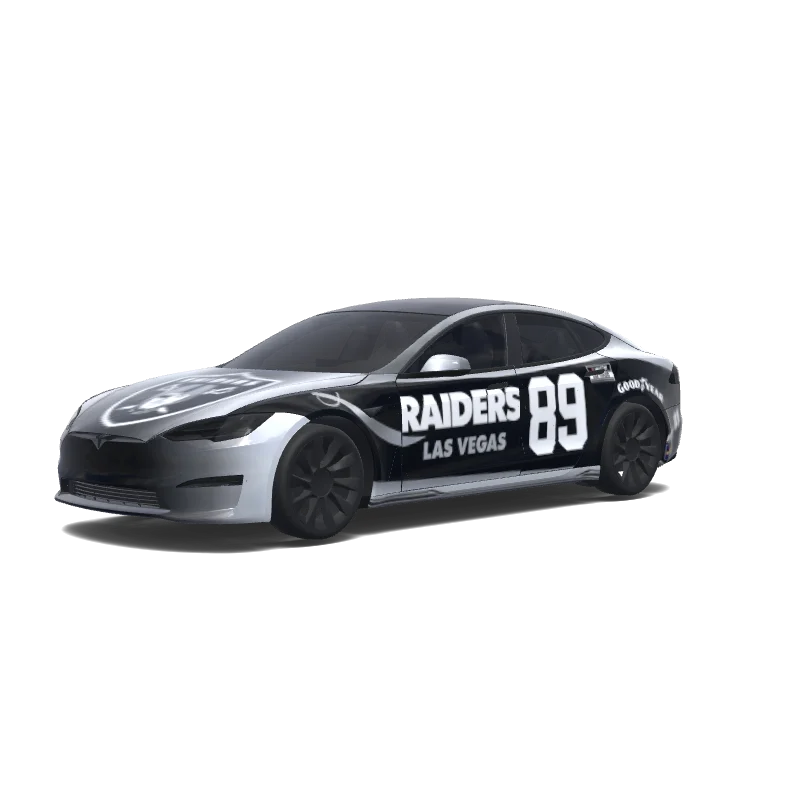
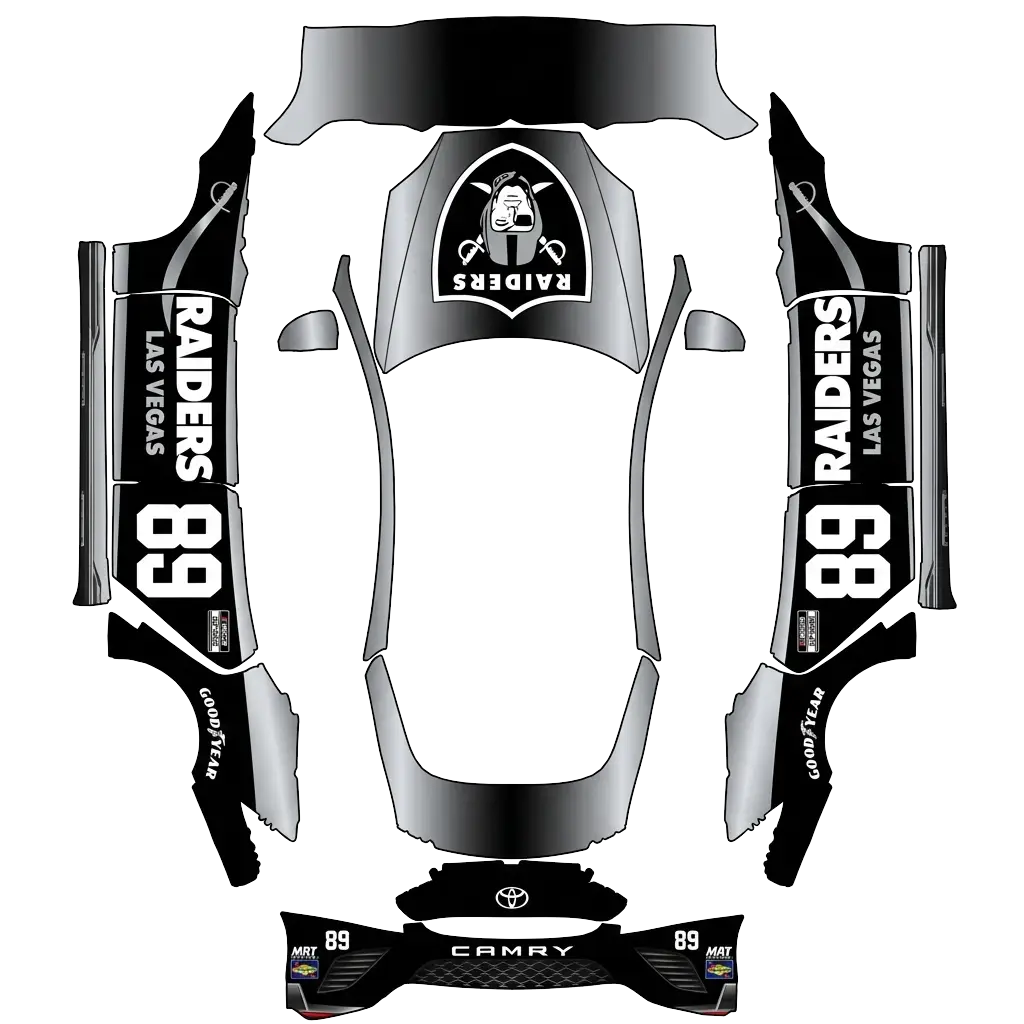
Use the uploaded photo as a strong visual reference. Extract its colors, textures, pattern language, and overall aesthetic. Generate a Tesla Paint Shop vehicle wrap for the selected model. Fill the UV template areas cleanly, preserve transparent and non-template areas, and output a complete wrap PNG suitable for 3D preview and download.
Model S
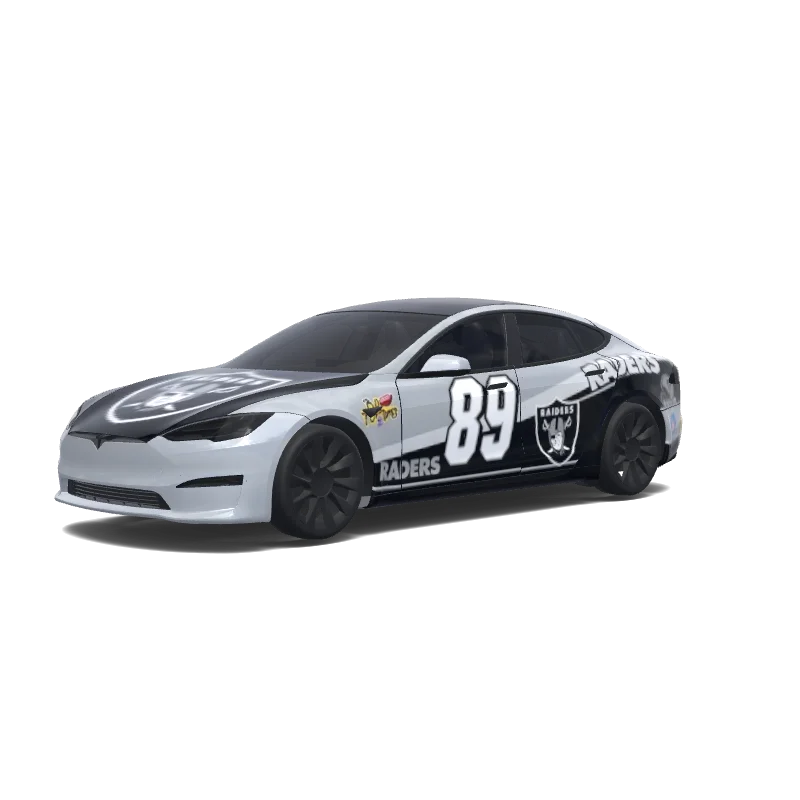
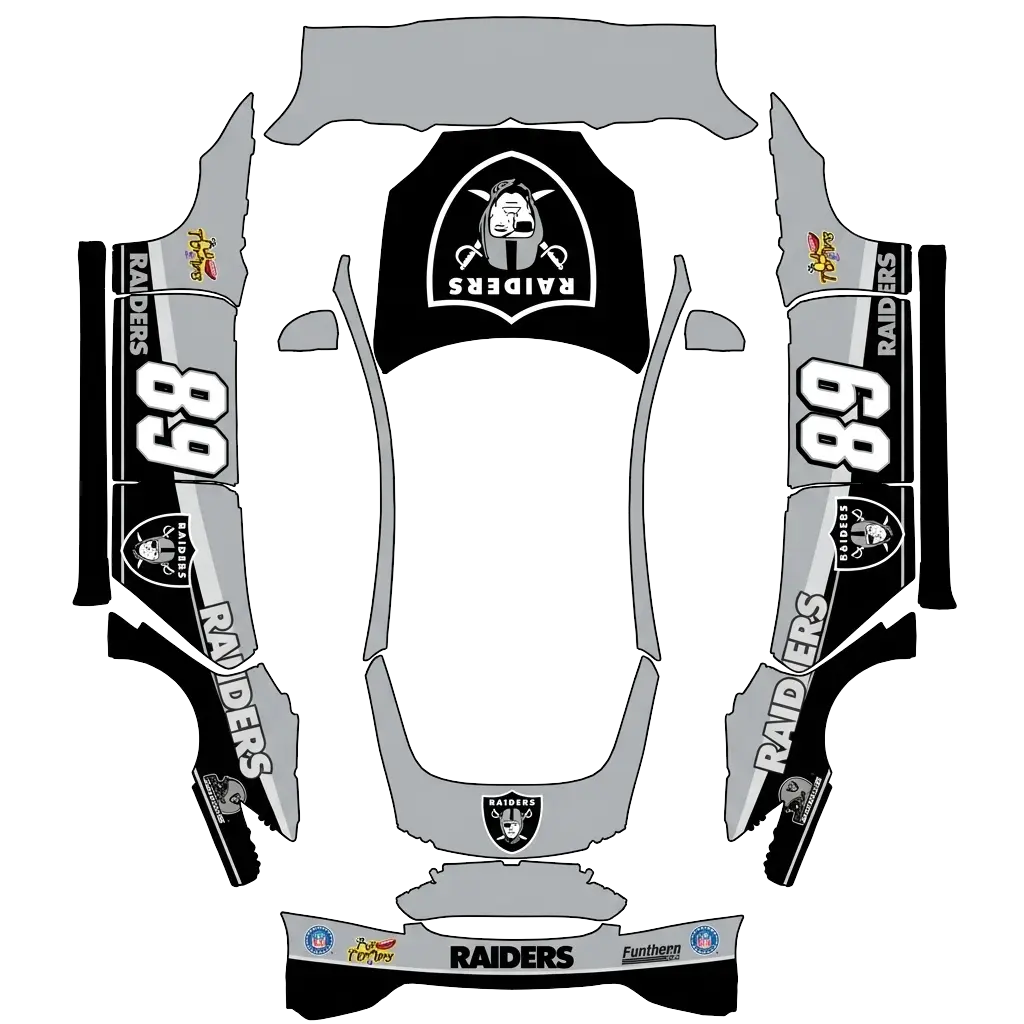
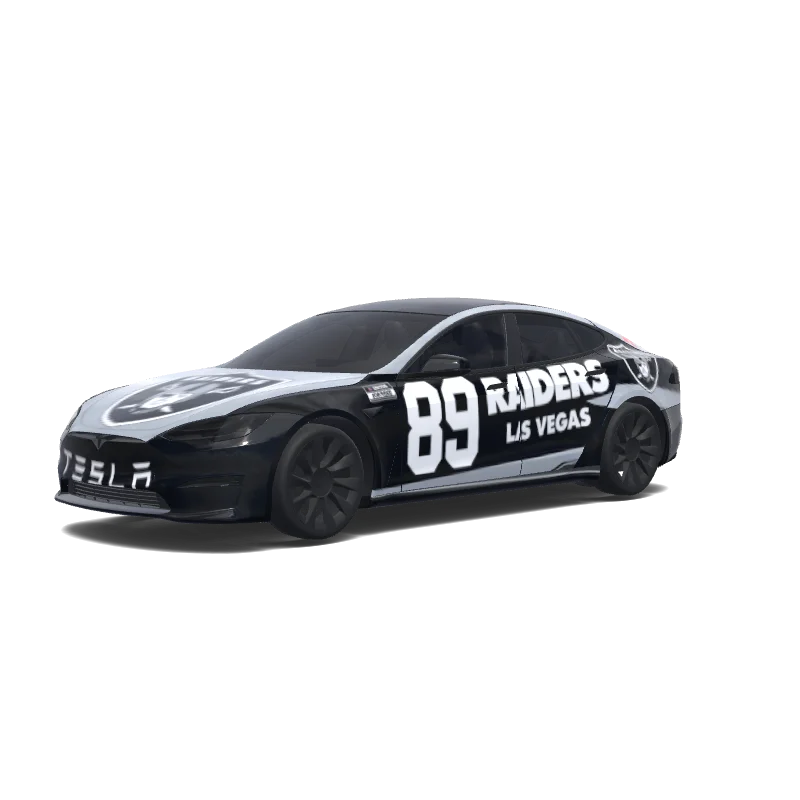
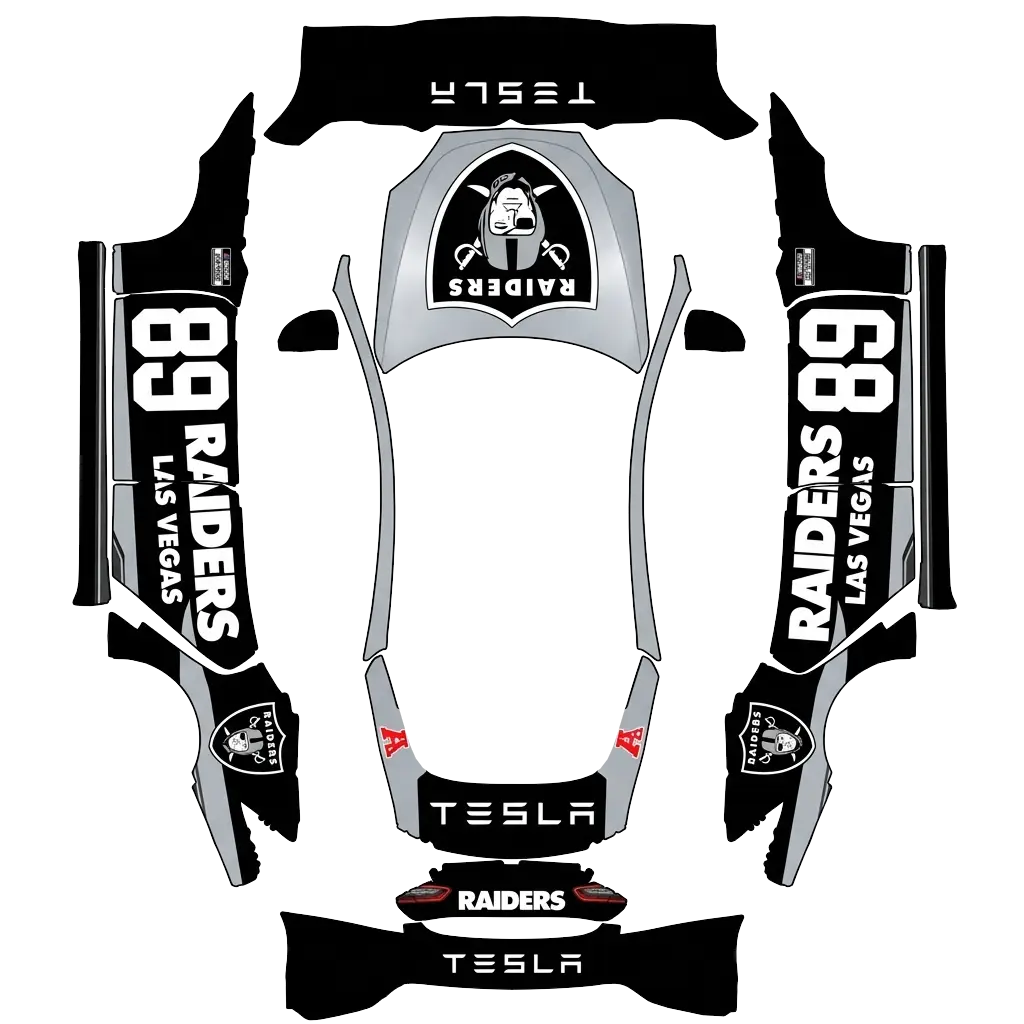
Use the uploaded photo as a strong visual reference. Extract its colors, textures, pattern language, and overall aesthetic. Generate a Tesla Paint Shop vehicle wrap for the selected model. Fill the UV template areas cleanly, preserve transparent and non-template areas, and output a complete wrap PNG suitable for 3D preview and download.
AI
14
by Louis
Model S
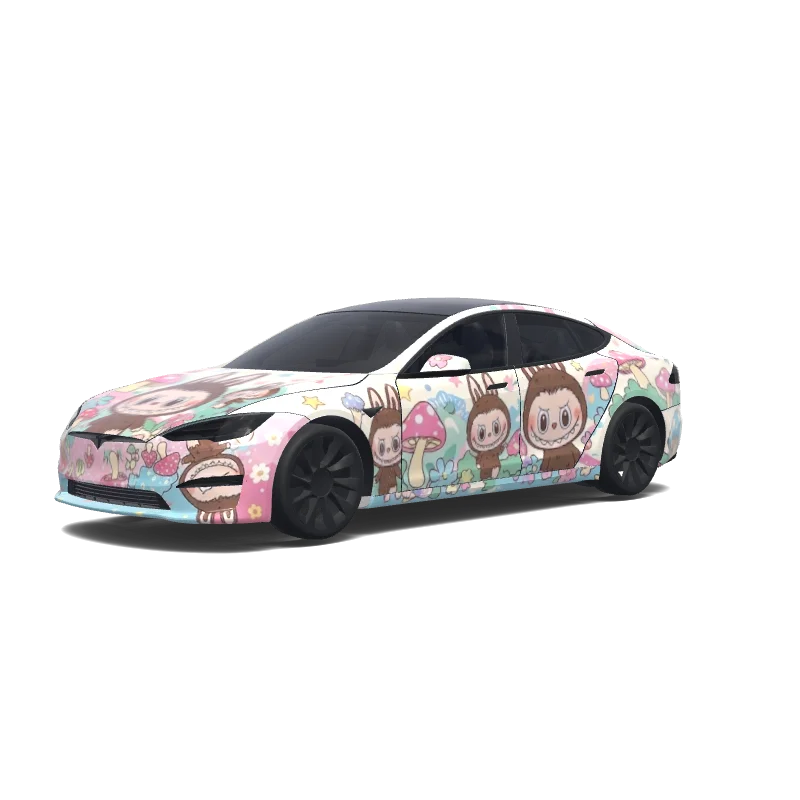
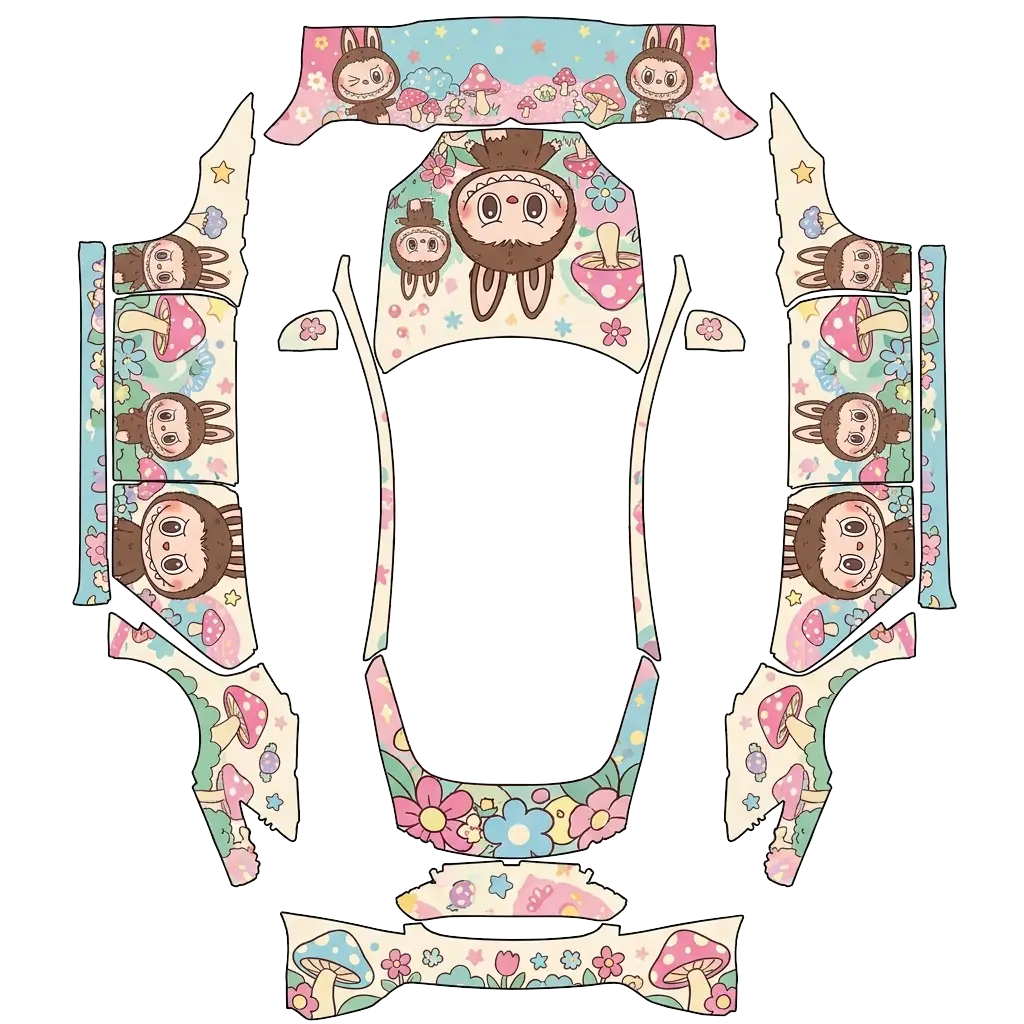
Labubu.
Model S
Labubu.
AI
8
by wildkatt95128
Model S
Use the uploaded photo as a strong visual reference. Extract its colors, textures, pattern language, and overall aesthetic. Generate a Tesla Paint Shop vehicle wrap for the selected model. Fill the UV template areas cleanly, preserve transparent and non-template areas, and output a complete wrap PNG suitable for 3D preview and download.
Model S
Use the uploaded photo as a strong visual reference. Extract its colors, textures, pattern language, and overall aesthetic. Generate a Tesla Paint Shop vehicle wrap for the selected model. Fill the UV template areas cleanly, preserve transparent and non-template areas, and output a complete wrap PNG suitable for 3D preview and download.
AI
7
by wildkatt95128
Model S
Use the uploaded photo as a strong visual reference. Extract its colors, textures, pattern language, and overall aesthetic. Generate a Tesla Paint Shop vehicle wrap for the selected model. Fill the UV template areas cleanly, preserve transparent and non-template areas, and output a complete wrap PNG suitable for 3D preview and download.
Model S
Use the uploaded photo as a strong visual reference. Extract its colors, textures, pattern language, and overall aesthetic. Generate a Tesla Paint Shop vehicle wrap for the selected model. Fill the UV template areas cleanly, preserve transparent and non-template areas, and output a complete wrap PNG suitable for 3D preview and download.
AI
7
by wildkatt95128
Model S
Use the uploaded photo as a strong visual reference. Extract its colors, textures, pattern language, and overall aesthetic. Generate a Tesla Paint Shop vehicle wrap for the selected model. Fill the UV template areas cleanly, preserve transparent and non-template areas, and output a complete wrap PNG suitable for 3D preview and download.
Model S
Use the uploaded photo as a strong visual reference. Extract its colors, textures, pattern language, and overall aesthetic. Generate a Tesla Paint Shop vehicle wrap for the selected model. Fill the UV template areas cleanly, preserve transparent and non-template areas, and output a complete wrap PNG suitable for 3D preview and download.
AI
7
by Rahat Salwan
Model S
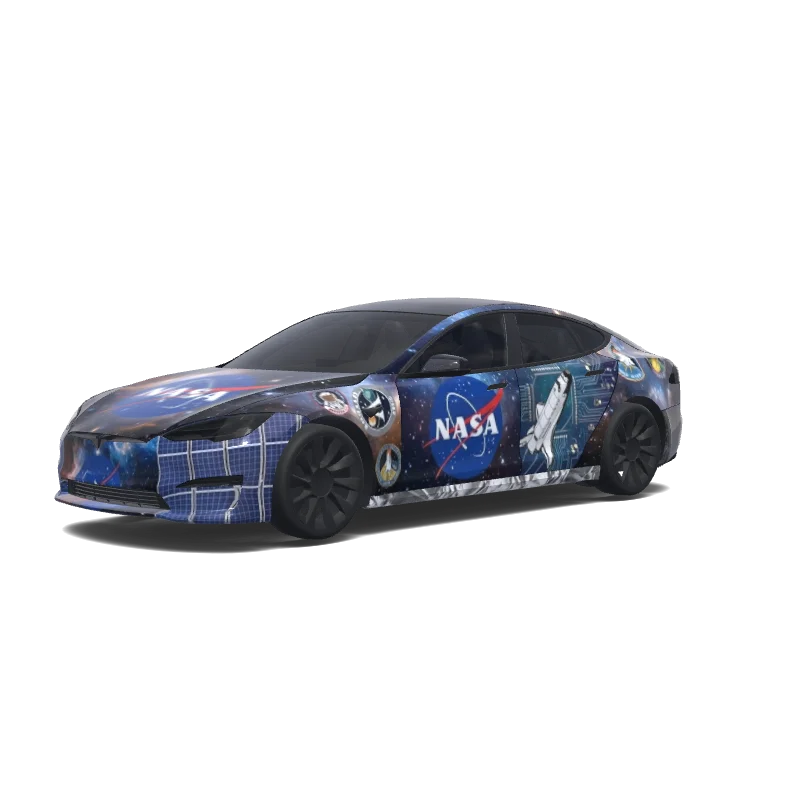
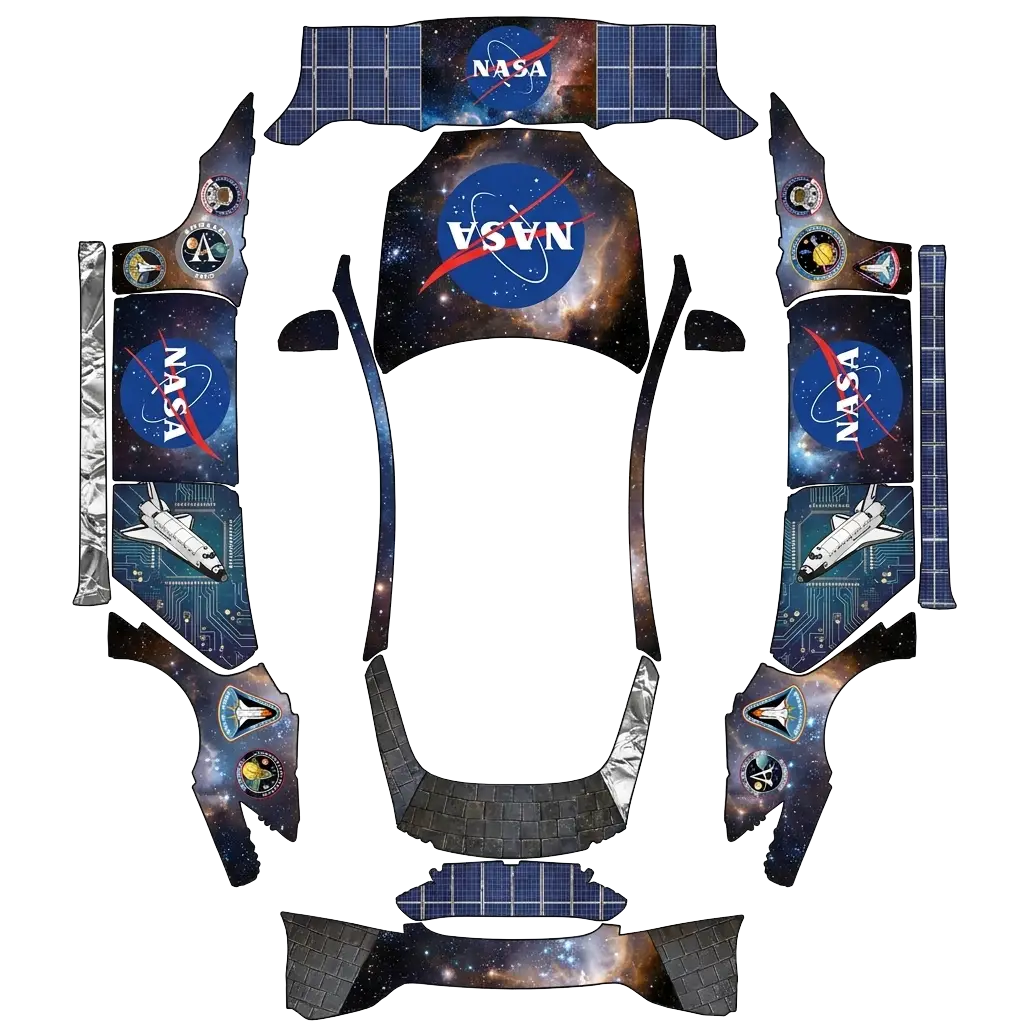
Make me a NASA logo wrap.
Model S
Make me a NASA logo wrap.
AI
6
by wildkatt95128
Model S
Use the uploaded photo as a strong visual reference. Extract its colors, textures, pattern language, and overall aesthetic. Generate a Tesla Paint Shop vehicle wrap for the selected model. Fill the UV template areas cleanly, preserve transparent and non-template areas, and output a complete wrap PNG suitable for 3D preview and download.
Model S
Use the uploaded photo as a strong visual reference. Extract its colors, textures, pattern language, and overall aesthetic. Generate a Tesla Paint Shop vehicle wrap for the selected model. Fill the UV template areas cleanly, preserve transparent and non-template areas, and output a complete wrap PNG suitable for 3D preview and download.
AI
4
by wildkatt95128
Model S
Use the uploaded photo as a strong visual reference. Extract its colors, textures, pattern language, and overall aesthetic. Generate a Tesla Paint Shop vehicle wrap for the selected model. Fill the UV template areas cleanly, preserve transparent and non-template areas, and output a complete wrap PNG suitable for 3D preview and download.
Model S
Use the uploaded photo as a strong visual reference. Extract its colors, textures, pattern language, and overall aesthetic. Generate a Tesla Paint Shop vehicle wrap for the selected model. Fill the UV template areas cleanly, preserve transparent and non-template areas, and output a complete wrap PNG suitable for 3D preview and download.
AI
4
by wildkatt95128
Model S
Use the uploaded photo as a strong visual reference. Extract its colors, textures, pattern language, and overall aesthetic. Generate a Tesla Paint Shop vehicle wrap for the selected model. Fill the UV template areas cleanly, preserve transparent and non-template areas, and output a complete wrap PNG suitable for 3D preview and download.
Model S
Use the uploaded photo as a strong visual reference. Extract its colors, textures, pattern language, and overall aesthetic. Generate a Tesla Paint Shop vehicle wrap for the selected model. Fill the UV template areas cleanly, preserve transparent and non-template areas, and output a complete wrap PNG suitable for 3D preview and download.
AI
4
by wildkatt95128
Model S
Use the uploaded photo as a strong visual reference. Extract its colors, textures, pattern language, and overall aesthetic. Generate a Tesla Paint Shop vehicle wrap for the selected model. Fill the UV template areas cleanly, preserve transparent and non-template areas, and output a complete wrap PNG suitable for 3D preview and download.
Model S
Use the uploaded photo as a strong visual reference. Extract its colors, textures, pattern language, and overall aesthetic. Generate a Tesla Paint Shop vehicle wrap for the selected model. Fill the UV template areas cleanly, preserve transparent and non-template areas, and output a complete wrap PNG suitable for 3D preview and download.
AI
3
by wildkatt95128
Model S
Use the uploaded photo as a strong visual reference. Extract its colors, textures, pattern language, and overall aesthetic. Generate a Tesla Paint Shop vehicle wrap for the selected model. Fill the UV template areas cleanly, preserve transparent and non-template areas, and output a complete wrap PNG suitable for 3D preview and download.
Model S
Use the uploaded photo as a strong visual reference. Extract its colors, textures, pattern language, and overall aesthetic. Generate a Tesla Paint Shop vehicle wrap for the selected model. Fill the UV template areas cleanly, preserve transparent and non-template areas, and output a complete wrap PNG suitable for 3D preview and download.
AI
3
by wildkatt95128
Model S
Use the uploaded photo as a strong visual reference. Extract its colors, textures, pattern language, and overall aesthetic. Generate a Tesla Paint Shop vehicle wrap for the selected model. Fill the UV template areas cleanly, preserve transparent and non-template areas, and output a complete wrap PNG suitable for 3D preview and download.
Model S
Use the uploaded photo as a strong visual reference. Extract its colors, textures, pattern language, and overall aesthetic. Generate a Tesla Paint Shop vehicle wrap for the selected model. Fill the UV template areas cleanly, preserve transparent and non-template areas, and output a complete wrap PNG suitable for 3D preview and download.
AI
1
by wildkatt95128
Model S
Use the uploaded photo as a strong visual reference. Extract its colors, textures, pattern language, and overall aesthetic. Generate a Tesla Paint Shop vehicle wrap for the selected model. Fill the UV template areas cleanly, preserve transparent and non-template areas, and output a complete wrap PNG suitable for 3D preview and download.
Model S
Use the uploaded photo as a strong visual reference. Extract its colors, textures, pattern language, and overall aesthetic. Generate a Tesla Paint Shop vehicle wrap for the selected model. Fill the UV template areas cleanly, preserve transparent and non-template areas, and output a complete wrap PNG suitable for 3D preview and download.
AI
1
by wildkatt95128
Model S
Use the uploaded photo as a strong visual reference. Extract its colors, textures, pattern language, and overall aesthetic. Generate a Tesla Paint Shop vehicle wrap for the selected model. Fill the UV template areas cleanly, preserve transparent and non-template areas, and output a complete wrap PNG suitable for 3D preview and download.
Model S
Use the uploaded photo as a strong visual reference. Extract its colors, textures, pattern language, and overall aesthetic. Generate a Tesla Paint Shop vehicle wrap for the selected model. Fill the UV template areas cleanly, preserve transparent and non-template areas, and output a complete wrap PNG suitable for 3D preview and download.
AI
1
by wildkatt95128
Model S
Use the uploaded photo as a strong visual reference. Extract its colors, textures, pattern language, and overall aesthetic. Generate a Tesla Paint Shop vehicle wrap for the selected model. Fill the UV template areas cleanly, preserve transparent and non-template areas, and output a complete wrap PNG suitable for 3D preview and download.
Model S
Use the uploaded photo as a strong visual reference. Extract its colors, textures, pattern language, and overall aesthetic. Generate a Tesla Paint Shop vehicle wrap for the selected model. Fill the UV template areas cleanly, preserve transparent and non-template areas, and output a complete wrap PNG suitable for 3D preview and download.
Use the uploaded photo as a strong visual reference. Extract its colors, textures, pattern language, and overall aesthetic. Generate a Tesla Paint Shop vehicle wrap for the selected model. Fill the UV template areas cleanly, preserve transparent and non-template areas, and output a complete wrap PNG suitable for 3D preview and download.
Model S
Use the uploaded photo as a strong visual reference. Extract its colors, textures, pattern language, and overall aesthetic. Generate a Tesla Paint Shop vehicle wrap for the selected model. Fill the UV template areas cleanly, preserve transparent and non-template areas, and output a complete wrap PNG suitable for 3D preview and download.
Häufig gestellte Fragen
Wie installiere ich eine Folierung für meinen Model S 2021+?
Lade eine PNG-Datei für die genaue Vorlage deines Model S 2021+ herunter. Übertrage sie in der Tesla-App über Creations → Wrap → Upload oder über den USB-Ordner Wraps. Wähle sie unter Spielkiste → Paint Shop → Wraps für die Fahrzeugdarstellung auf dem Bildschirm aus.
Sind Folierungen für Model S 2021+ kostenlos?
Viele Designs für Model S 2021+ sind kostenlos. Kostenpflichtige Designs sind gekennzeichnet; für den Download der PNG-Datei ohne Wasserzeichen benötigst du Guthaben.
Welches Dateiformat benötigen Folierungen für Model S 2021+?
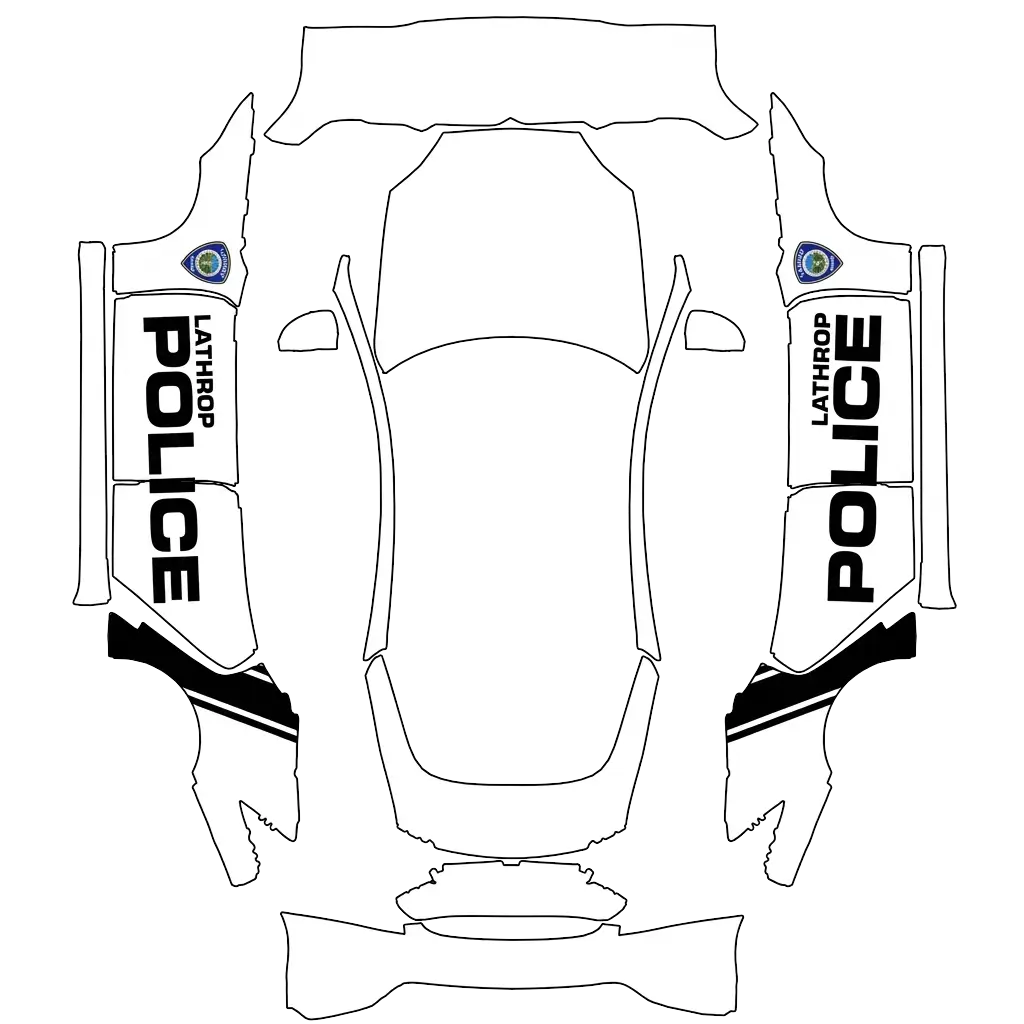
Verwende eine PNG-Datei in der Originalgröße der offiziellen Model S 2021+-Vorlage, innerhalb der unterstützten Abmessungen von 512–1024 Pixeln und höchstens 1 MB groß. Wähle die genaue Fahrzeugvariante, damit das Motiv auf die Karosserieteile passt.
Kann ich meine eigene Folierung für Model S 2021+ gestalten?
Ja. Wähle die Model S 2021+-Vorlage im Editor, füge Bilder, Text oder Farben hinzu und prüfe das Ergebnis vor dem PNG-Export in 3D. Die KI-Generierung ist ebenfalls verfügbar und verbraucht Guthaben.